Aristotto MCP: How to Make Images and Videos in Claude and ChatGPT
 by Aristotto3 min

Aristotto MCP connects your Aristotto account to Claude, ChatGPT, Claude Code, Codex and other MCP clients. You sign in once, then ask for images, videos and audio in the chat and approve each price there. Find it on the MCP tile at the bottom of the left rail, or at /mcp. Runs are paid from your Aristotto credits, personal or team.
Which apps you can use
Claude
ChatGPT
Claude Code
Codex
Other MCP clients
How to connect
Open the MCP tile at the bottom of the left rail, or go to /mcp.
Find your client on the page. For Claude, press Connect to Claude. How to connect is on the same page.
If your client asks for a server address, use https://aristotto.ai/api/mcp.
Your client asks you to sign in to Aristotto. Sign in with your Aristotto account.
Approve what the client may do.
You sign in once. After that, you ask for work in the chat.
What you allow the client to do
When you connect, the client asks you to approve what it may do:
See the catalog and prices.
Make images and videos.
Make audio.
Work with Workflows canvases.
View or cancel generations.
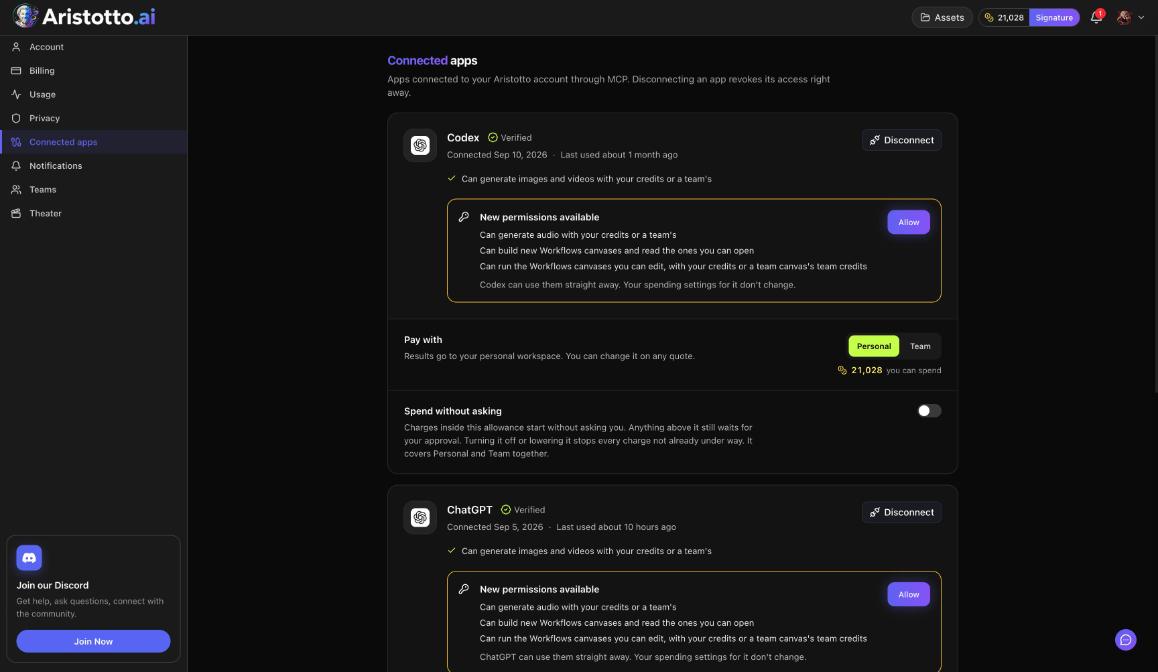
You can review these later in Settings, Connected apps, and allow new ones when New permissions available appears.
What to ask for
The MCP page shows five examples to start from:
Product ad
Make a video
Make images
Design with text
Make a photo talk
Ask for images, videos or audio in plain words in your chat. The price comes back to the chat for you to approve.
How prices are approved
You approve each price in the chat. A price raised from Claude or another client can also be reviewed at aristotto.ai, where you approve or reject it.
If you want small runs to start without a question each time, set Spend without asking in Settings, Connected apps. Charges inside that allowance start without asking you. Anything above it still waits for your approval.
The usual credit rules apply: failed, timed-out and partly failed runs are refunded automatically, and a run can be cancelled only while it is still queued.
Apps that run in Claude
Some Aristotto apps have a Claude option once you are connected:
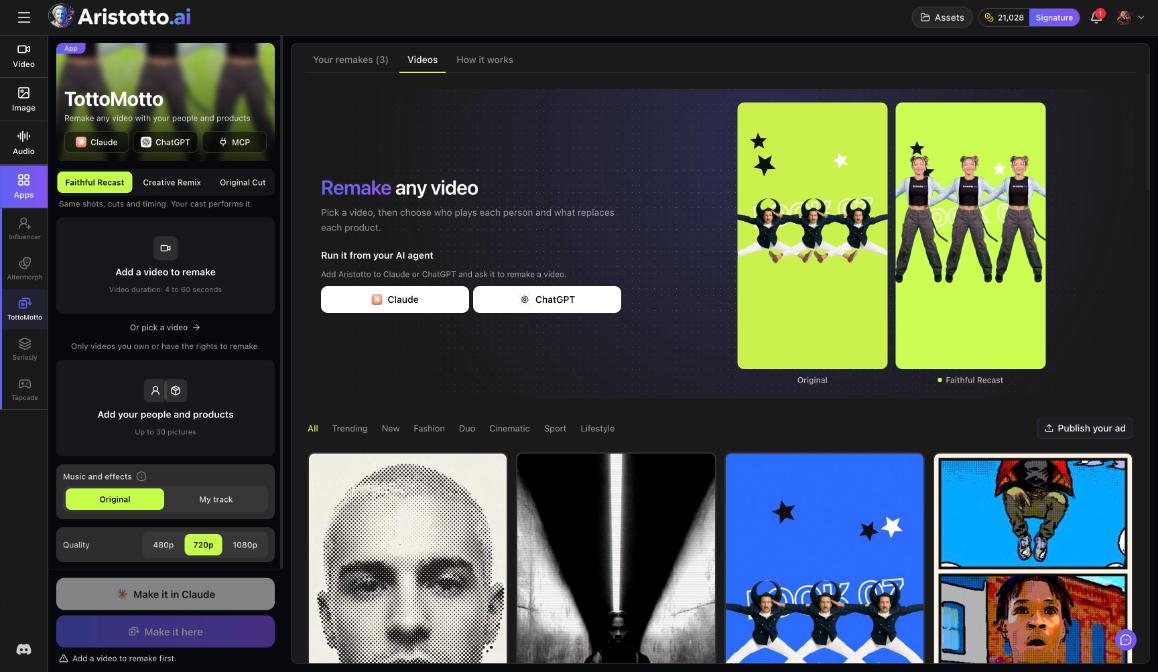
TottoMotto: Make it in Claude. It also runs from ChatGPT or another MCP client.
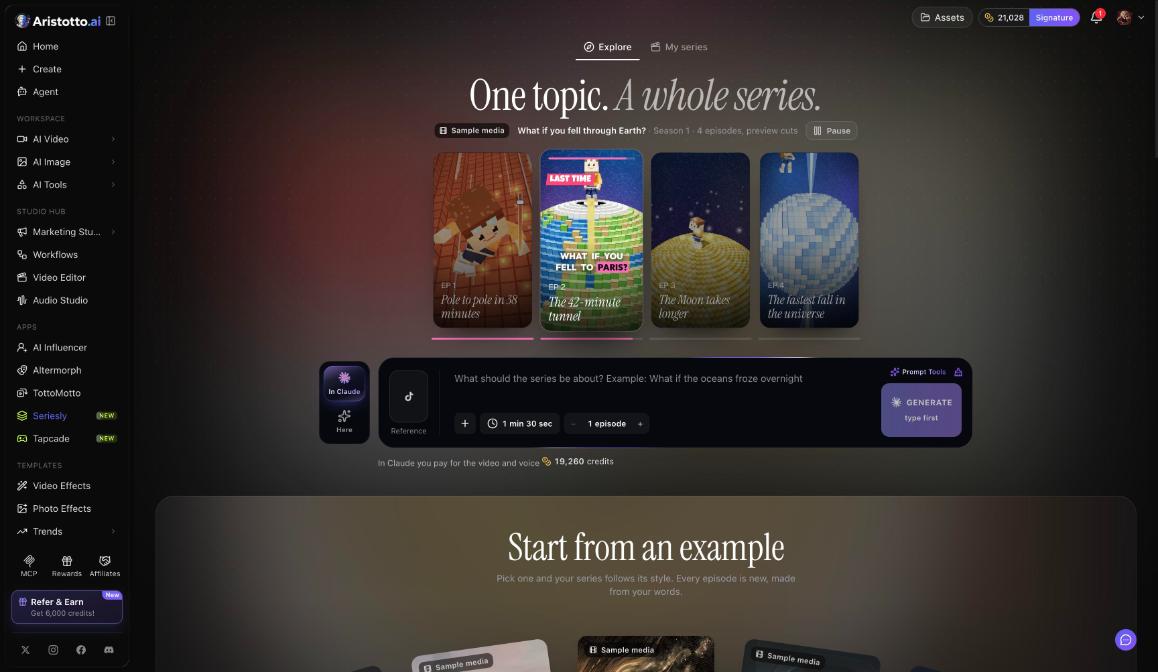
Seriesly: In Claude runs the series in your Claude, connected once through MCP.
Tapcade: In Claude, you pay for the art, sound and 3D models, usually about 11,300 credits.
Disconnect
Open Manage Account in the account menu, then Connected apps. Disconnect revokes access right away.
Questions
Do I need a separate account to use Aristotto in Claude?
No. You sign in once with your Aristotto account, and runs use your Aristotto credits.
Can the client spend my credits without asking?
Only inside the Spend without asking allowance you set in Settings, Connected apps. Anything above it waits for your approval.
What is the server address?
https://aristotto.ai/api/mcp
Can I cancel a run from the chat?
The client can view or cancel generations if you allow it. A run can be cancelled only while it is still queued.
How do I disconnect a client?
Open Settings, Connected apps and press Disconnect. Access is revoked right away.