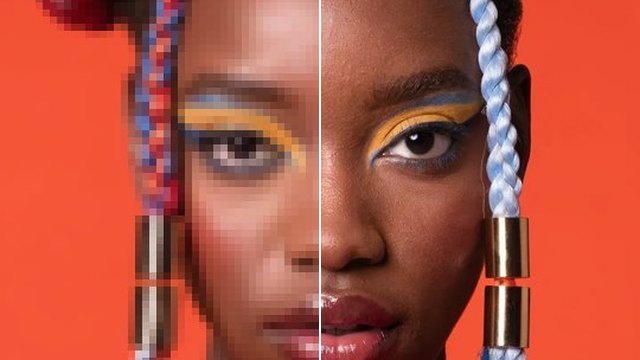
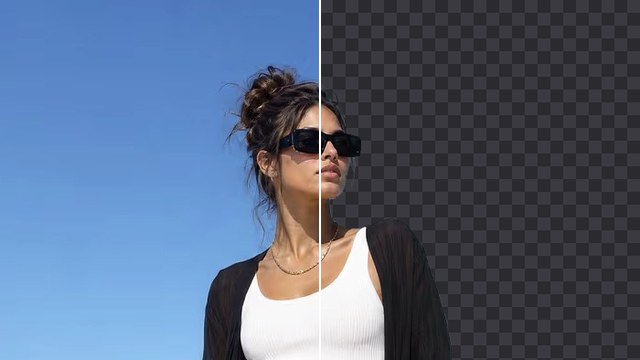
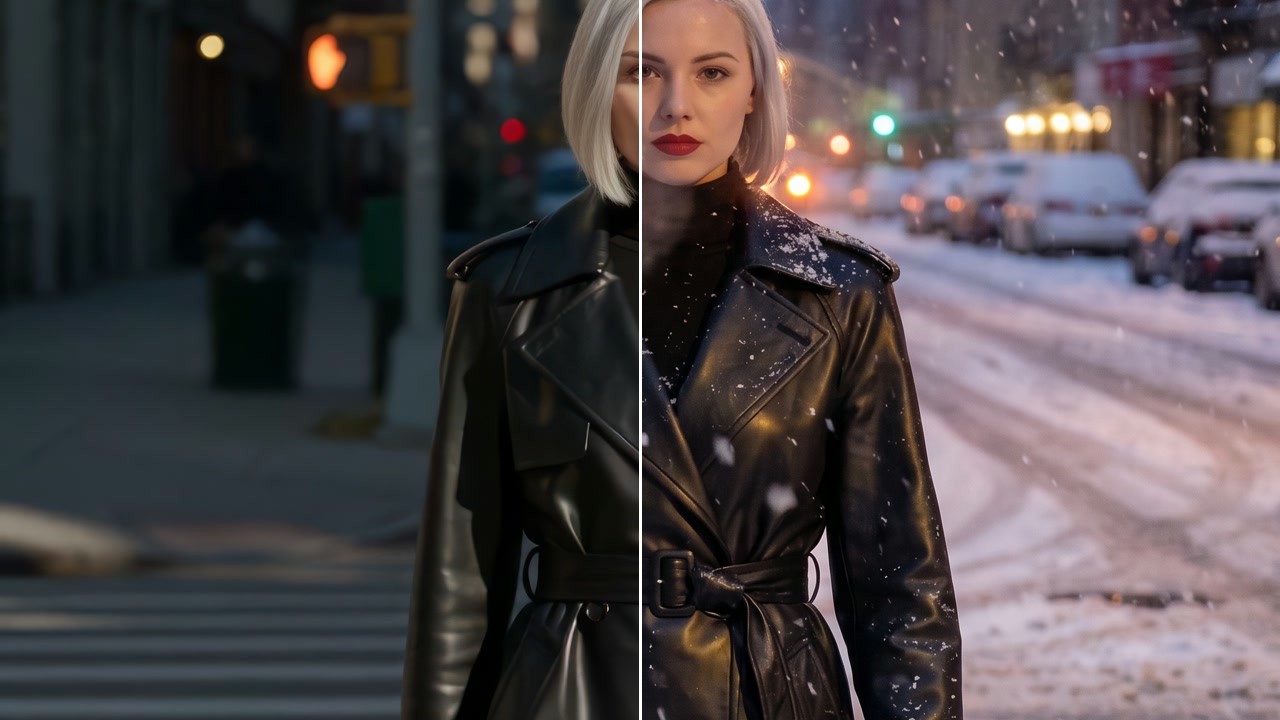
Erase Objects
Paint over anything you don't want, a person in the back, a sign, a stain, and it is gone, with the space filled to match the scene.
How it works
- 01
Add your picture
From your device or your Assets.
- 02
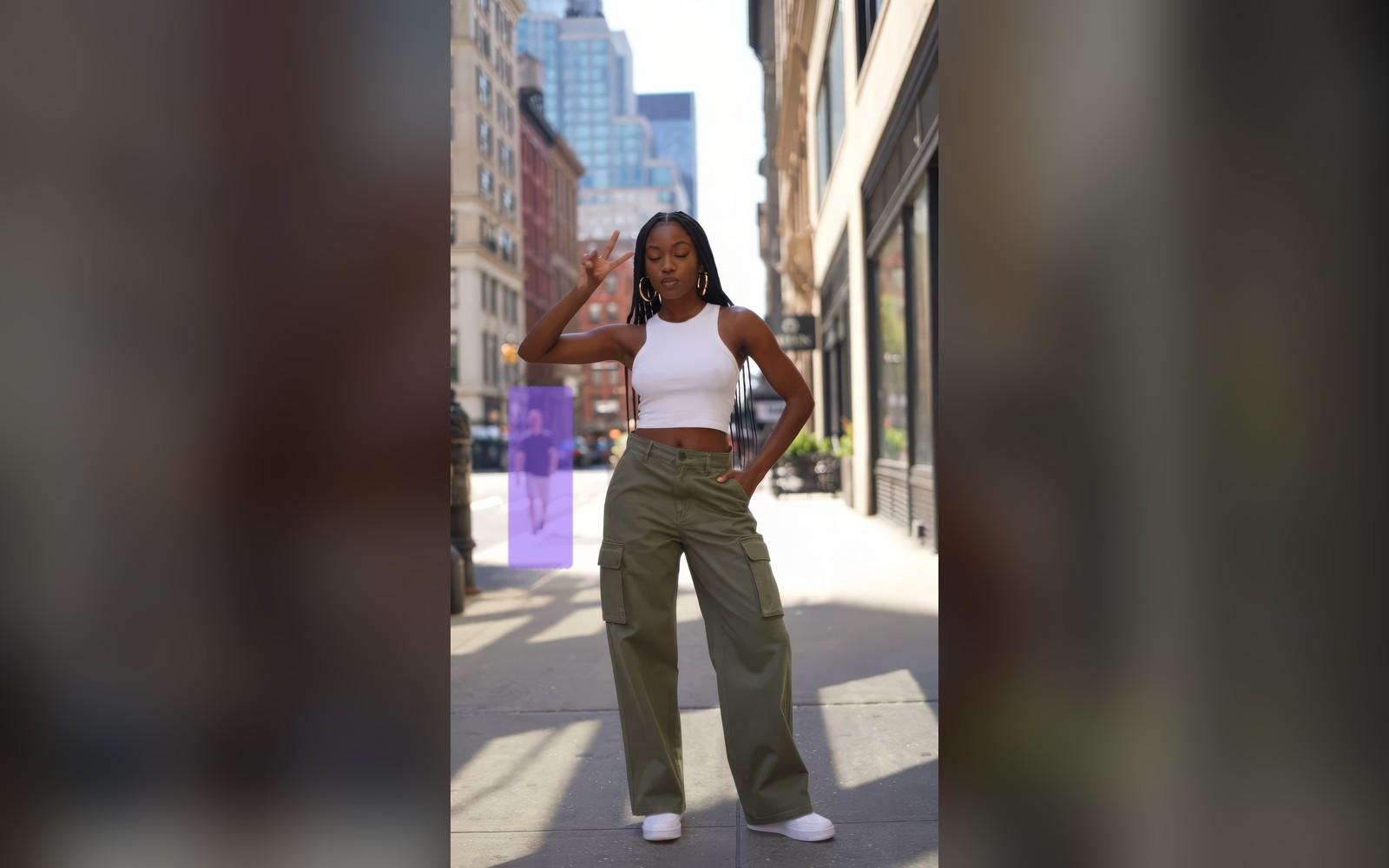
Paint over what to remove
Brush over it right on the picture; undo or clear any time.
- 03
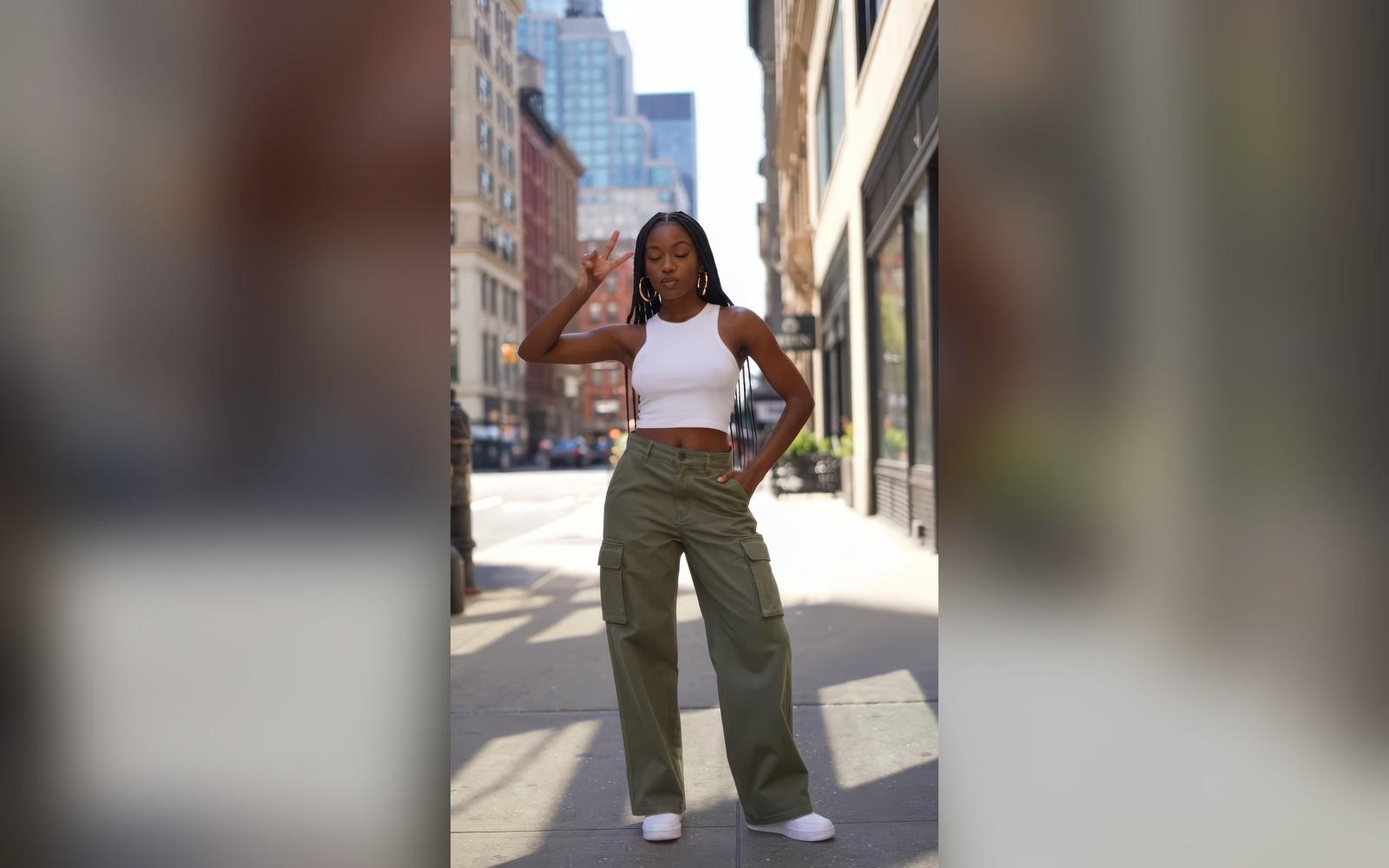
Use it anywhere
Download it, or send it to another tool. It is also in your Assets.
Examples
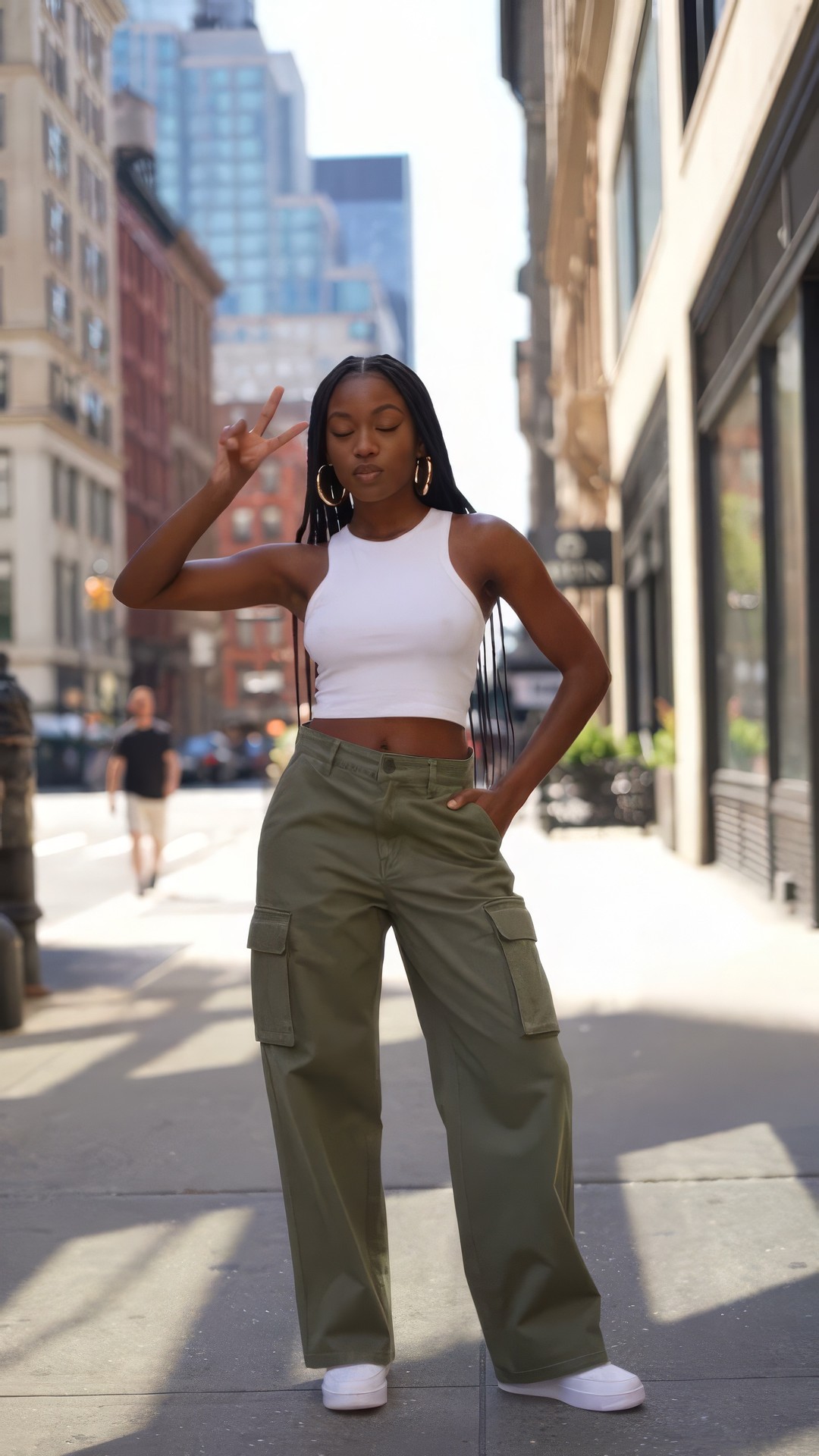 Before
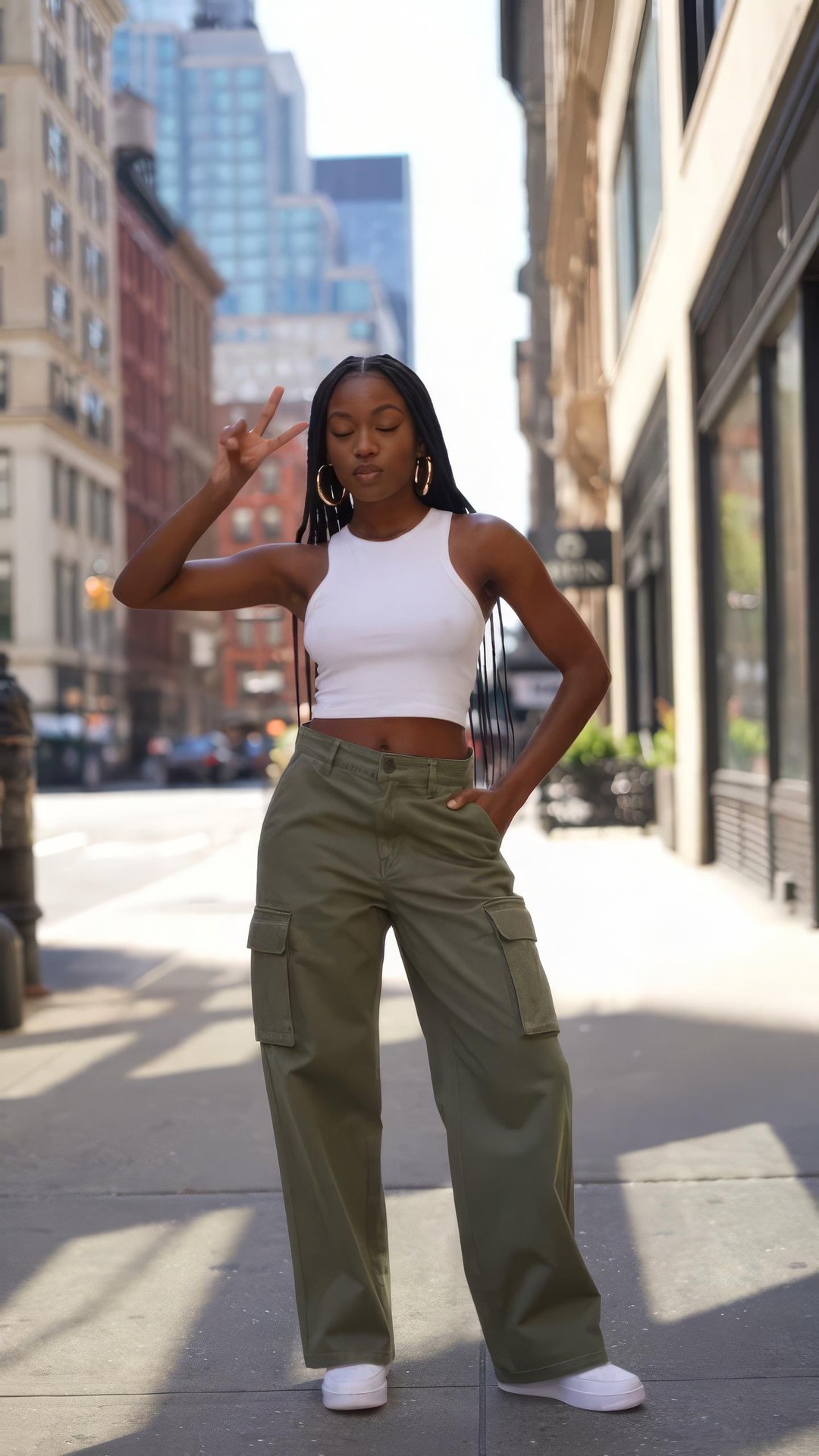 After
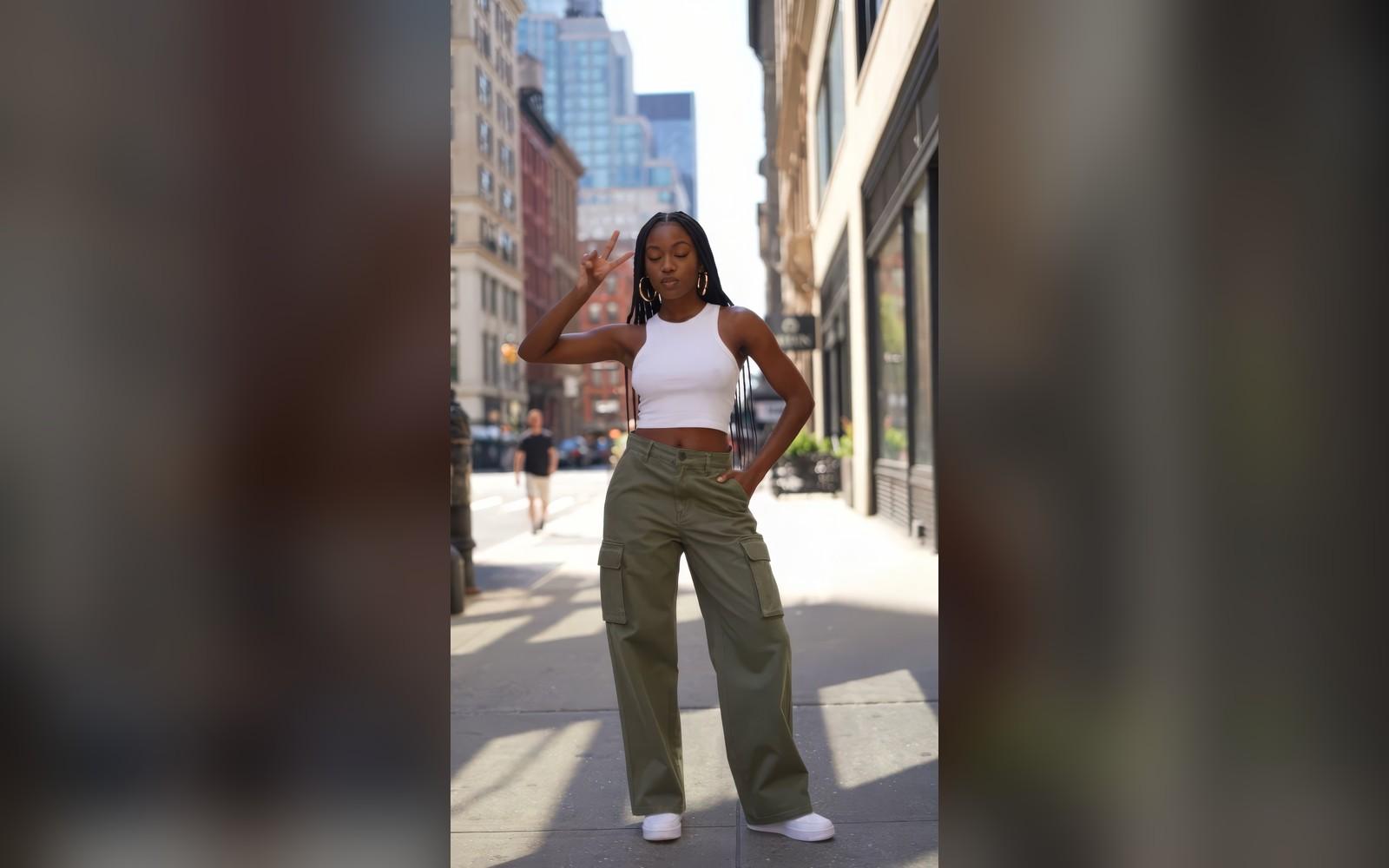
A passer-by gone from the street · Bria Eraser
Good to know
- Rather not paint? Describe what to remove in Edit with Words.
- In Workflows, the Inpaint node does the same job.
PNG, JPG, WebP or HEIC, up to 20 MB. Phone photos in HEIC are turned into JPG on the way in.
It is filled to match what is around it. Nothing else in the picture changes.
70 credits a picture with Bria Eraser. A failed run gives them back; a result the safety filter stops doesn't.