Image Upscaler
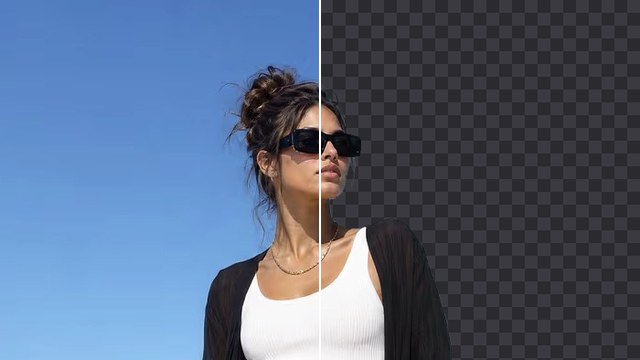
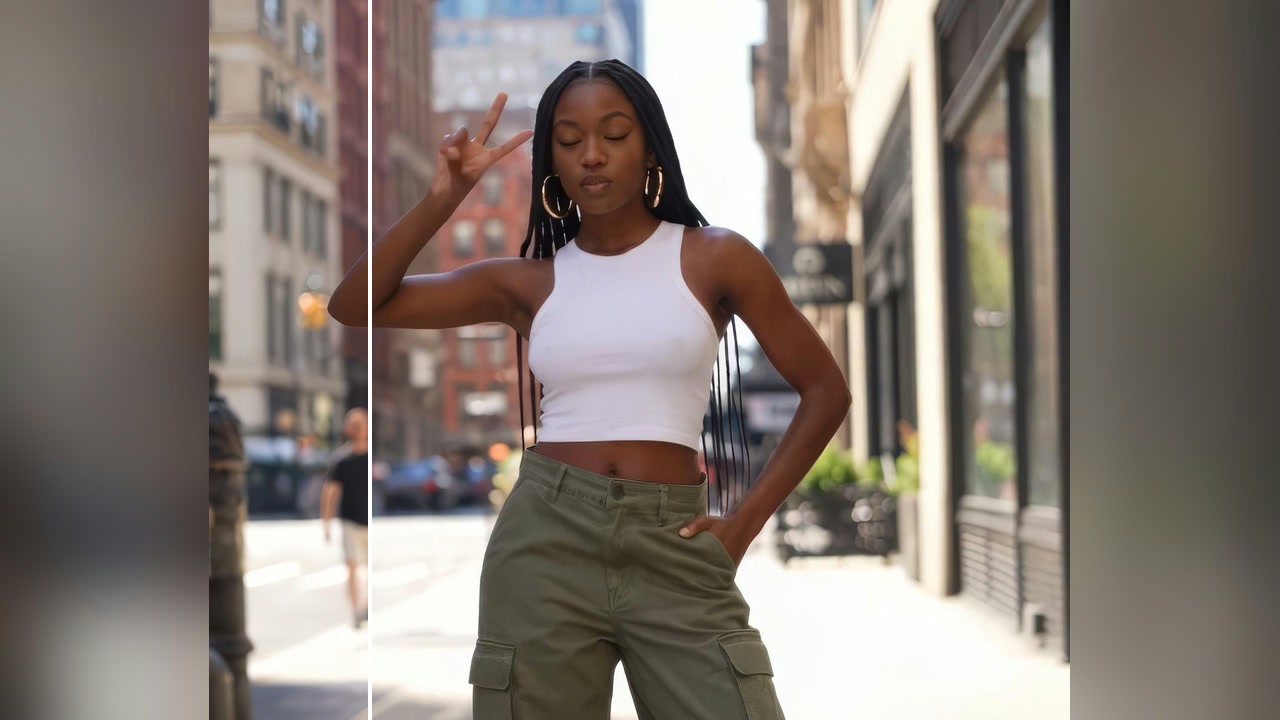
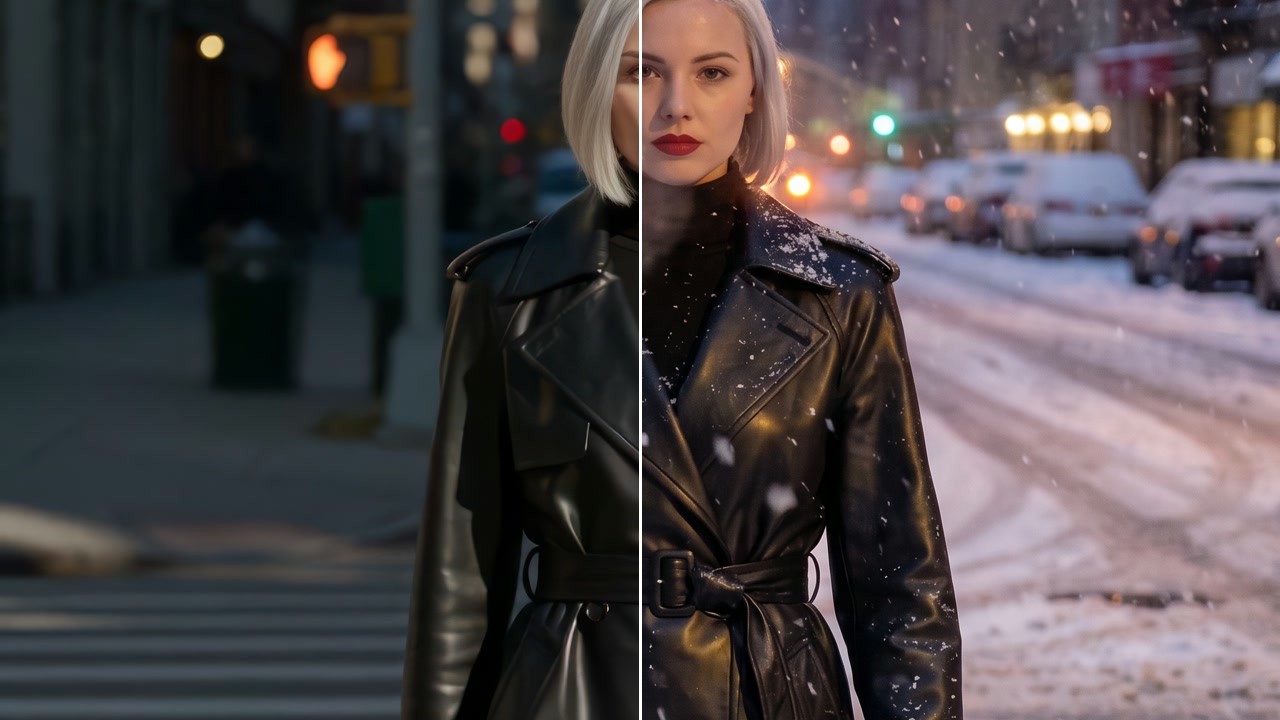
Make any picture sharper and up to four times larger, with faces and fine detail kept. Compare before and after, then download it or send it to another tool.
How it works
- 01

Add your picture
From your device or your Assets.
- 02
Choose how much larger
2× or 4×, and the model that suits the picture.
- 03
Use it anywhere
Download it, or send it to another tool. It is also in your Assets.
Examples
 Before
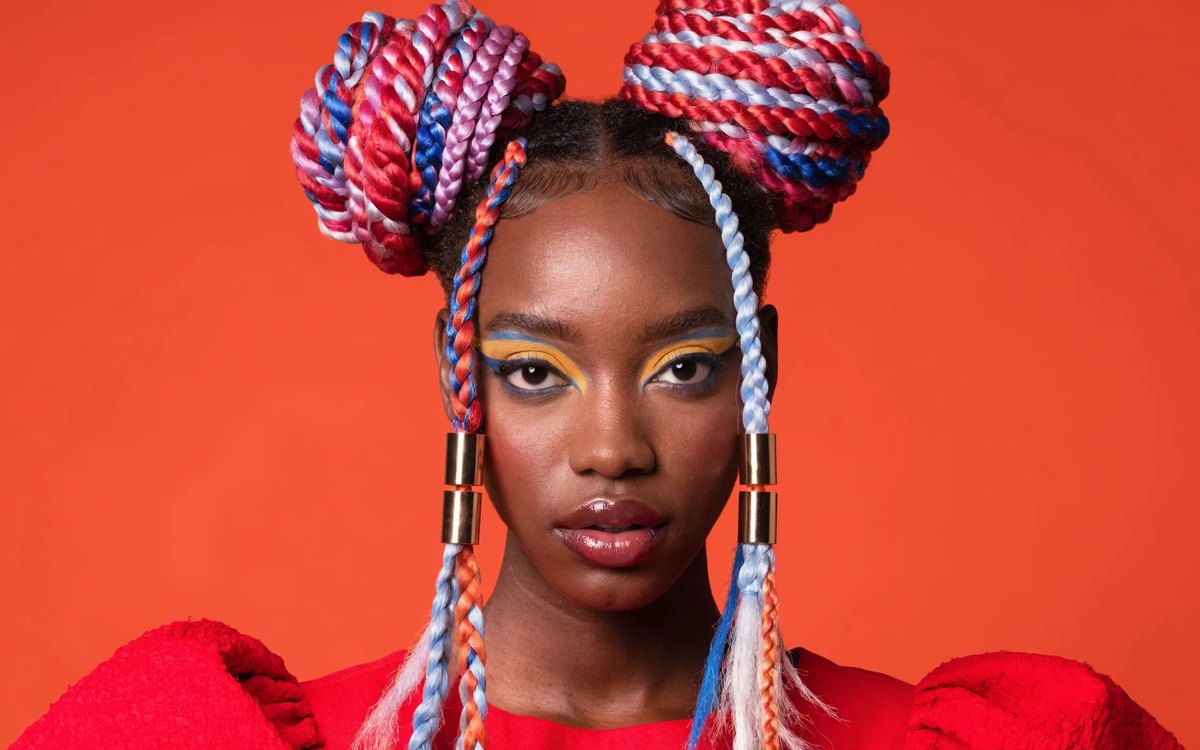 After
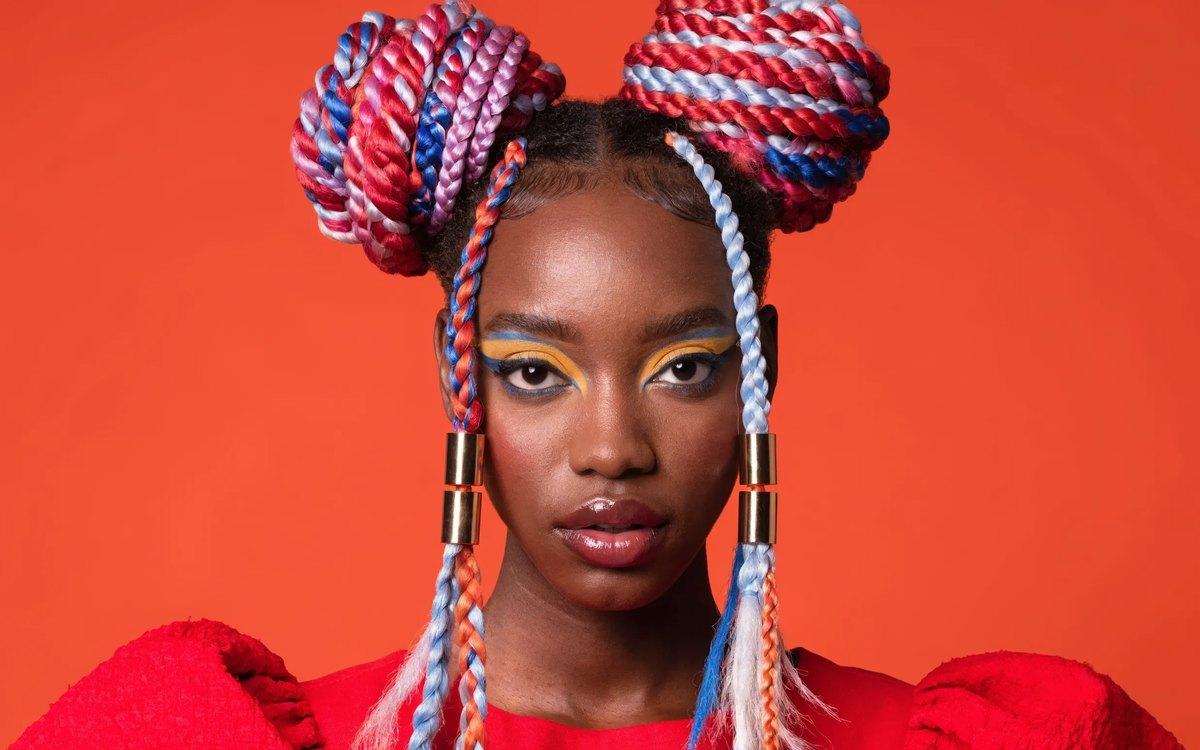
Neon portrait · 4×
Good to know
- In Workflows, the Upscale Image node does the same job.
PNG, JPG, WebP or HEIC, up to 20 MB. Phone photos in HEIC are turned into JPG on the way in.
Up to four times larger on each side, depending on the model you pick.
From 84 credits a picture with Topaz. A failed run gives them back; a result the safety filter stops doesn't.