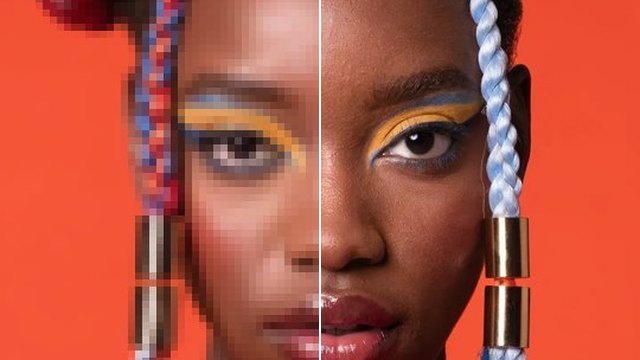
Remove Background
Cut the subject out of any picture in a few seconds. Keep it transparent, put it on white, or send it straight into another tool.
How it works
- 01

Add your picture
From your device or your Assets.
- 02
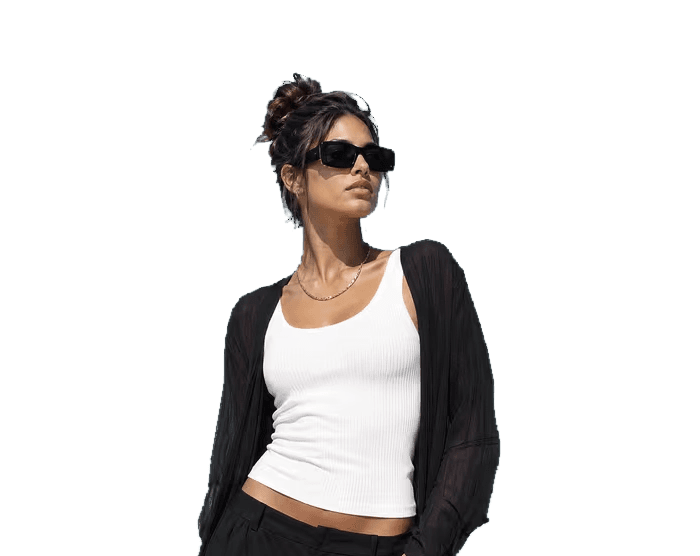
Choose the background
Transparent, white, or a colour you pick.
- 03

Use it anywhere
Download it, or send the cut-out to another tool. It is also in your Assets.
Examples
 Before
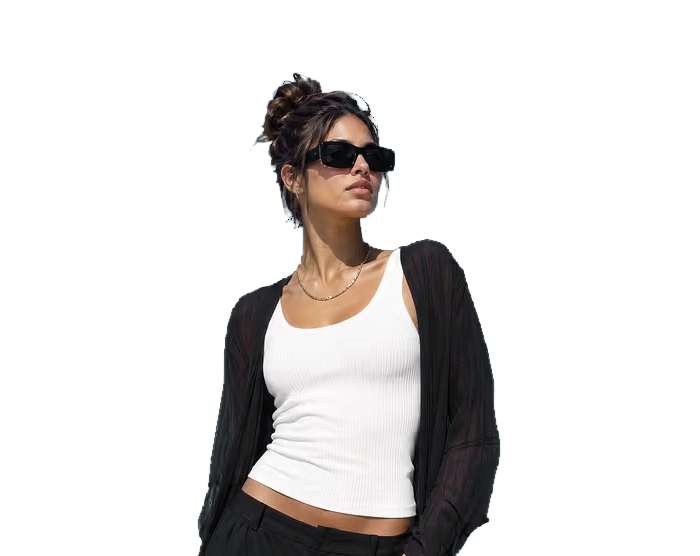 After
Portrait on open sky · Transparent
- Before
 After
Portrait on open sky · White
Good to know
- In Workflows, the Background Remove node does the same job.
PNG, JPG, WebP or HEIC, up to 20 MB. Phone photos in HEIC are turned into JPG on the way in.
A PNG with a transparent background, or the cut-out on white or on a colour you pick. It is also saved in your Assets.
About 10 credits a picture with BiRefNet v2. A failed run gives them back; a result the safety filter stops doesn't.