Altermorph: How to Recast Any Scene With Your Characters
 by Aristotto3 min
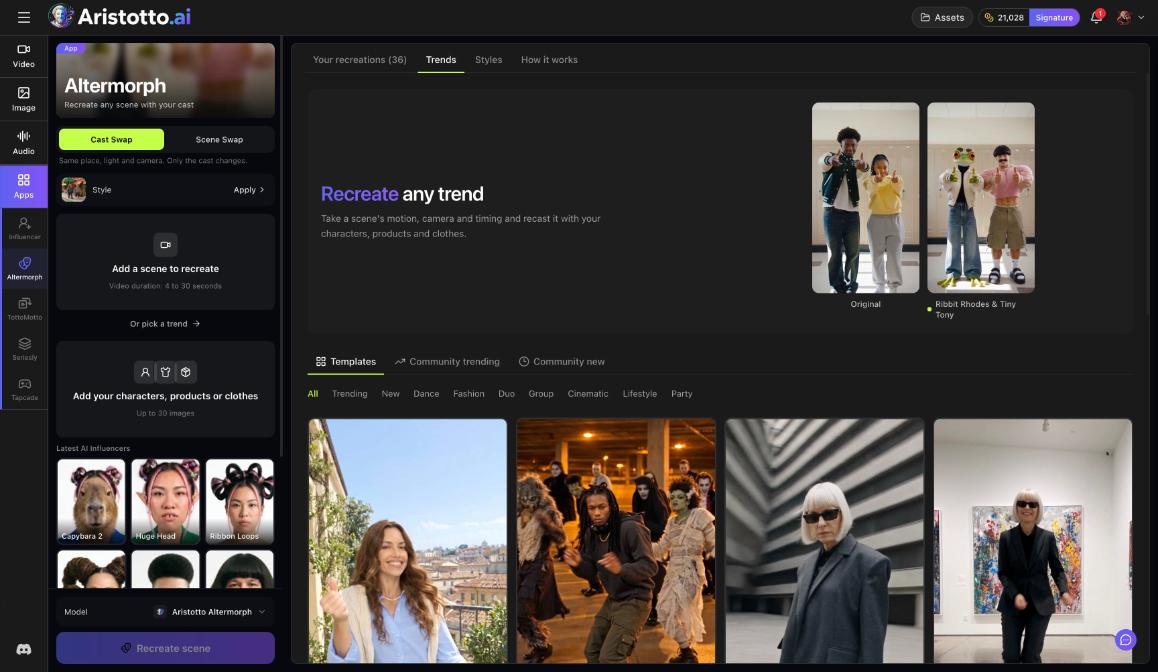
Altermorph recreates a scene with your cast. You bring a video 4 to 30 seconds long, or pick a trend, then add images of your characters, products or clothes, and Altermorph makes a new version of the scene with them in it. Find it under Apps in the left rail, or go to /app/altermorph. Each recreation is paid in credits from your balance.
Cast Swap or Scene Swap
Altermorph has two ways to recreate a scene: Cast Swap and Scene Swap.
Cast Swap keeps the same place, the same light and the same camera. Only the cast changes.
Pick Cast Swap when you want the original place, light and camera, with your people, products or clothes in place of the originals.
How to recreate a scene
Open Altermorph from Apps in the left rail.
Choose Cast Swap or Scene Swap.
Under Add a scene to recreate, upload a video 4 to 30 seconds long, or pick a trend.
Under Add your characters, products or clothes, add up to 30 images. Your latest AI Influencers appear here to pick from.
Optional: under Style, choose Apply a style.
Choose the model: Aristotto Altermorph, or one of the plain reference models.
Press Recreate scene.
The page has four tabs: Your recreations, Trends, Styles and How it works. Your recreations holds the scenes you have made.
Use an AI Influencer as your cast
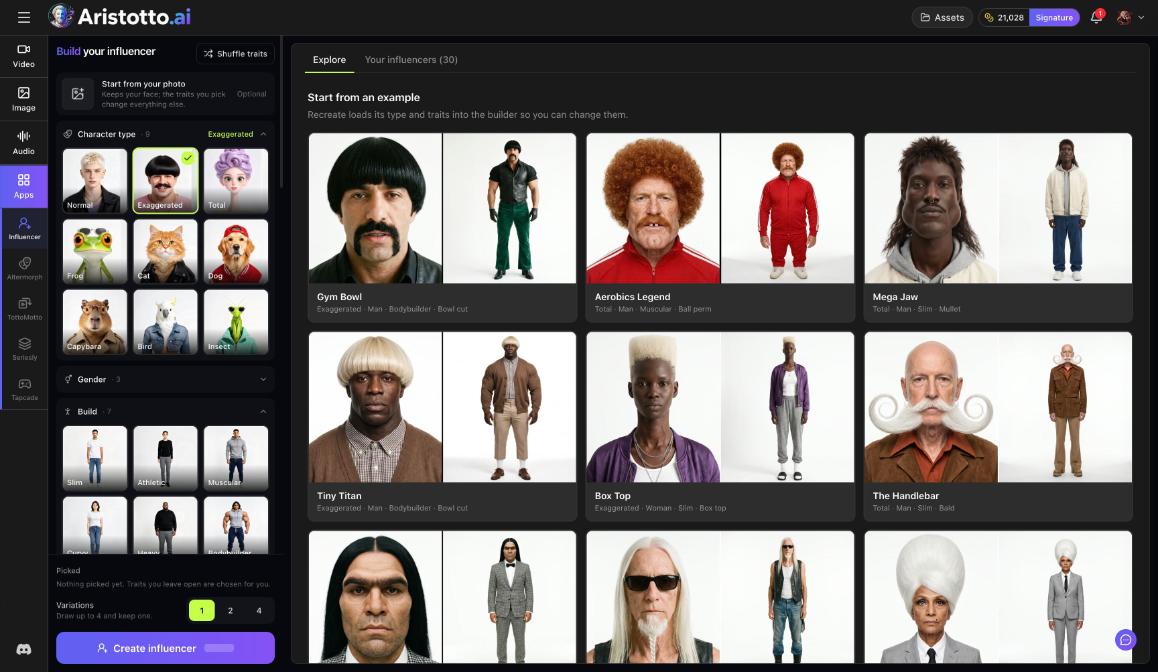
An AI Influencer is a two-panel character sheet you build in the AI Influencer app, also under Apps. Altermorph casts it in trending clips. Your latest AI Influencers show up in the cast step, so you can pick one there and add product or clothing images next to it.
Read the result
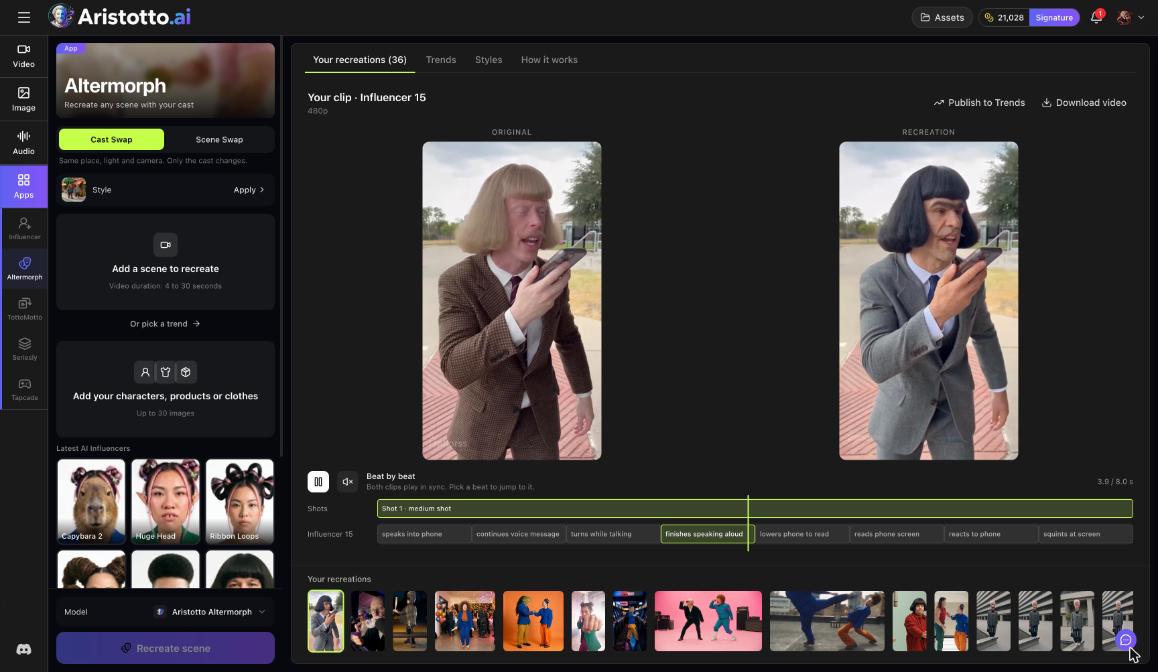
A finished recreation opens with these parts:
ORIGINAL and RECREATION, side by side.
Beat by beat: both videos play in sync. Pick a beat to jump to it.
Shots: the shots of the recreation.
Download video: save the recreation.
Publish to Trends: share it in the Trends feed.
Outputs on Aristotto are private by default. A recreation goes to Trends only when you press Publish to Trends. If you publish from a team workspace, a second tick asks I have the team's permission, and the team's owners and admins can take it down.
Start from a trend
You do not need your own video. The Trends tab in Altermorph has three feeds: Templates, Community trending and Community new. Filter them by these categories:
Trending, New
Dance, Fashion, Cinematic, Lifestyle, Party
Duo, Group
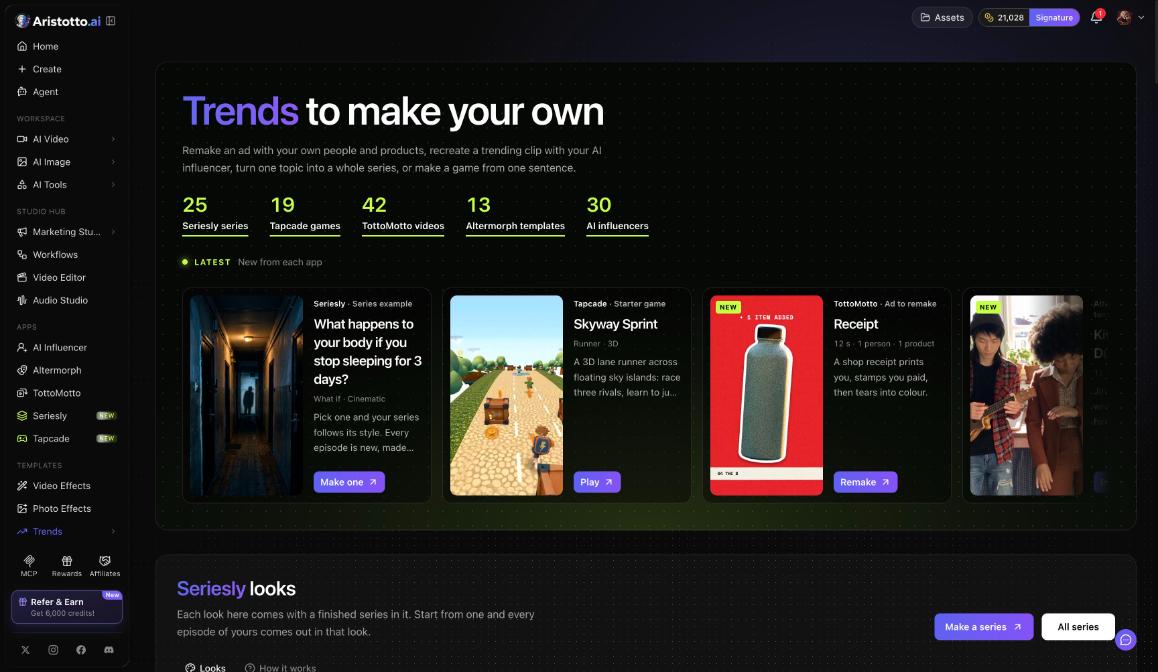
The same feed is at /trends/feed, with Recreate a trend and Learn more. The Trends hub under Templates in the left rail lists 13 Altermorph templates today.
If a recreation fails, times out or partly fails, the credits are refunded automatically. You can cancel a run only while it is still queued.
Questions
How long can my scene be?
Between 4 and 30 seconds. You can also skip the upload and pick a trend.
How many images can I add for my cast?
Up to 30 images of characters, products or clothes. Your latest AI Influencers also appear in that step to pick from.
What does Cast Swap keep from the original?
The place, the light and the camera. Only the cast changes.
Is my recreation public?
No. Outputs are private by default. It goes to the Trends feed only when you press Publish to Trends.
What happens if a recreation fails?
Failed, timed-out and partly failed runs are refunded automatically. You can cancel a run only while it is still queued.