How to Buy Credits and Use Model Offers and Promo Codes
 by Aristotto3 min
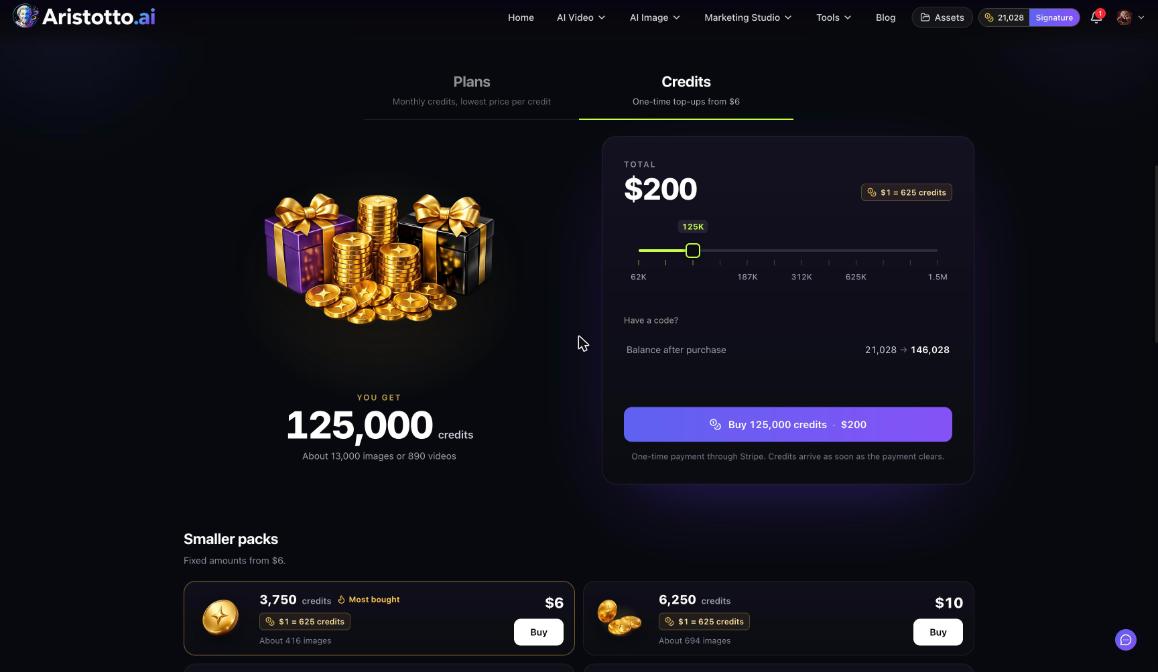
You buy credits under Pricing, on the Credits tab, as a one-time payment through Stripe. Top-ups start at $6 for 3,750 credits, and credits you buy never expire. Subscribers also get model offers that apply at Generate with no code, and any promo code goes in Have a code?.
How to buy credits
Open Pricing from the account menu. You can also press Buy Credits in Settings, Billing.
Choose the Credits tab (One-time top-ups from $6).
Pick a pack, or use the slider for a large amount.
If you have a promo code, enter it in Have a code?.
Check Balance after purchase.
Press Buy and pay through Stripe.
The credits arrive as soon as the payment clears. You can buy credit packs on any plan, including the free Base plan.
Credit packs and prices
| Credits | Price |
|---|---|
| 3,750 | $6 (most bought) |
| 6,250 | $10 |
| 12,500 | $20 |
| 21,875 | $35 |
| 31,250 | $50 |
| 46,875 | $75 |
For larger amounts, the slider shows 62K up to 1.5M credits. For example, 125,000 credits cost $200. On a Signature account the page shows $1 = 625 credits.
How purchased credits are spent
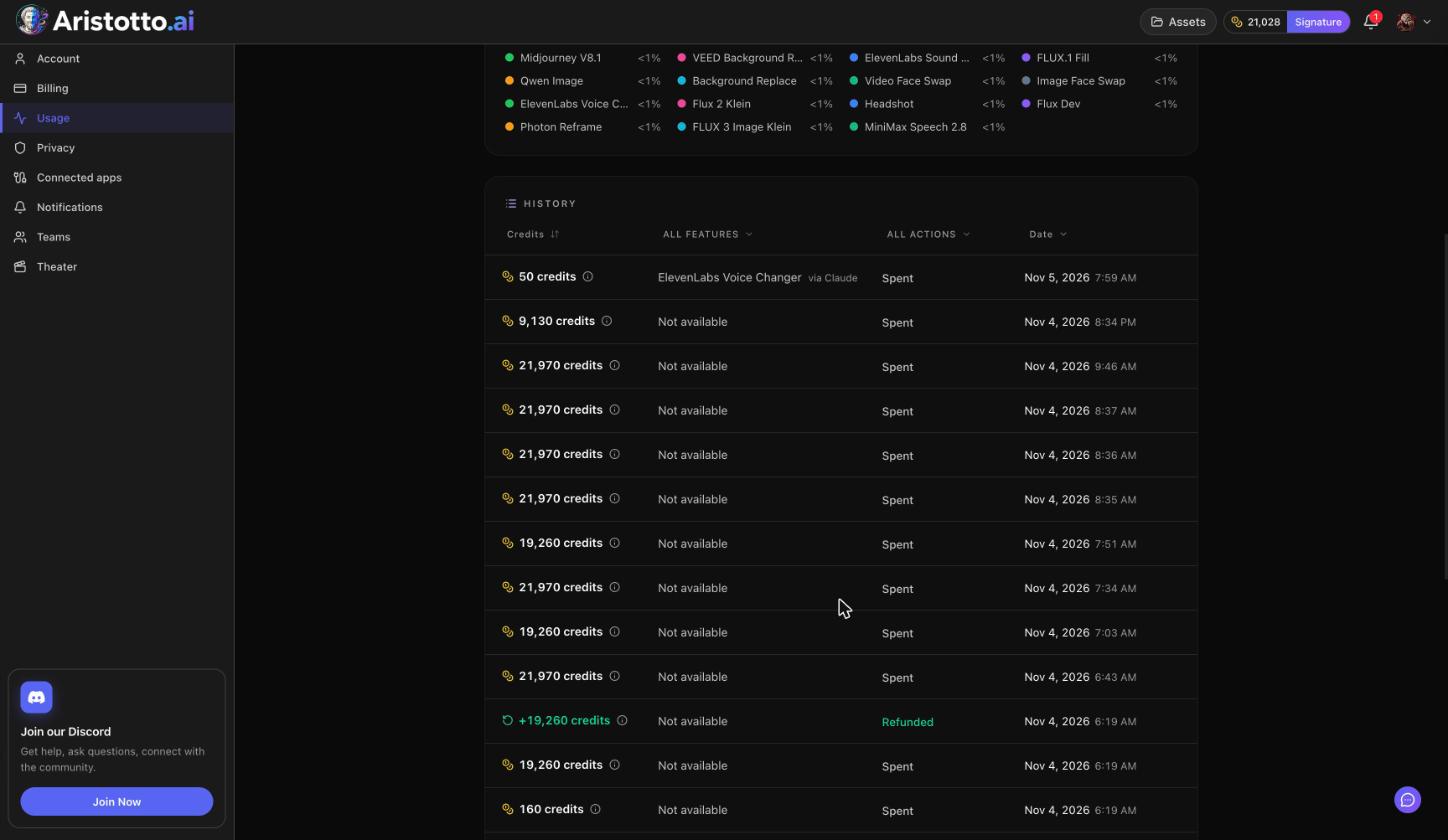
Plan credits are used first. After that, purchased credits are used, oldest first. Purchased credits never expire, including after you cancel a plan, so you can keep a top-up for later.
Model offers
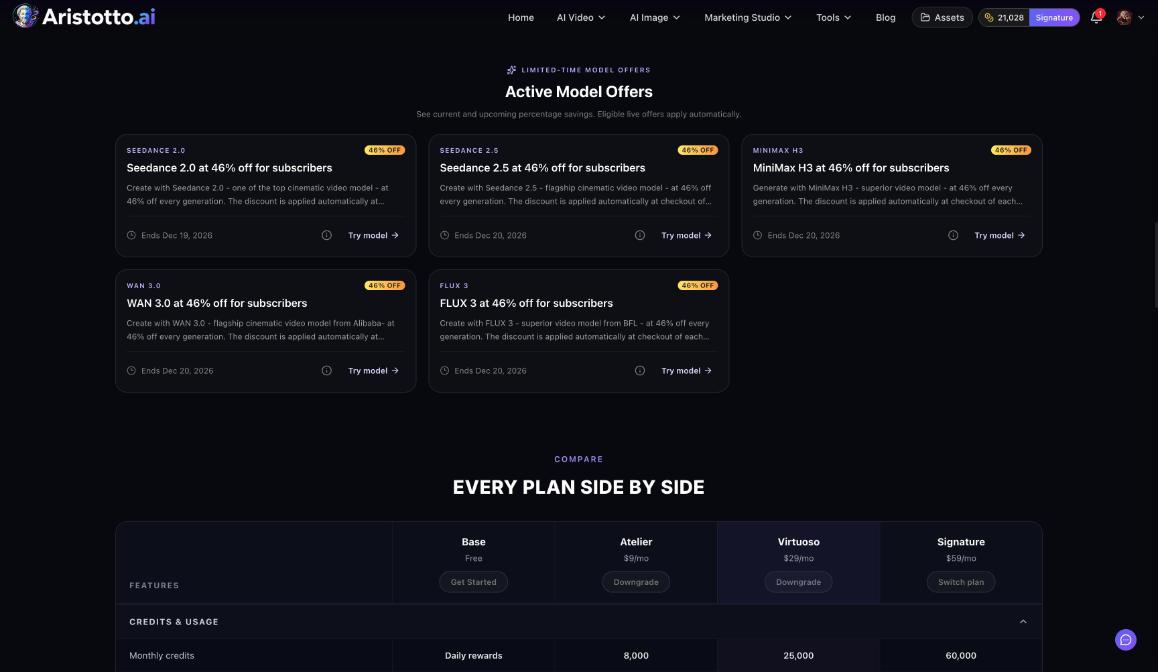
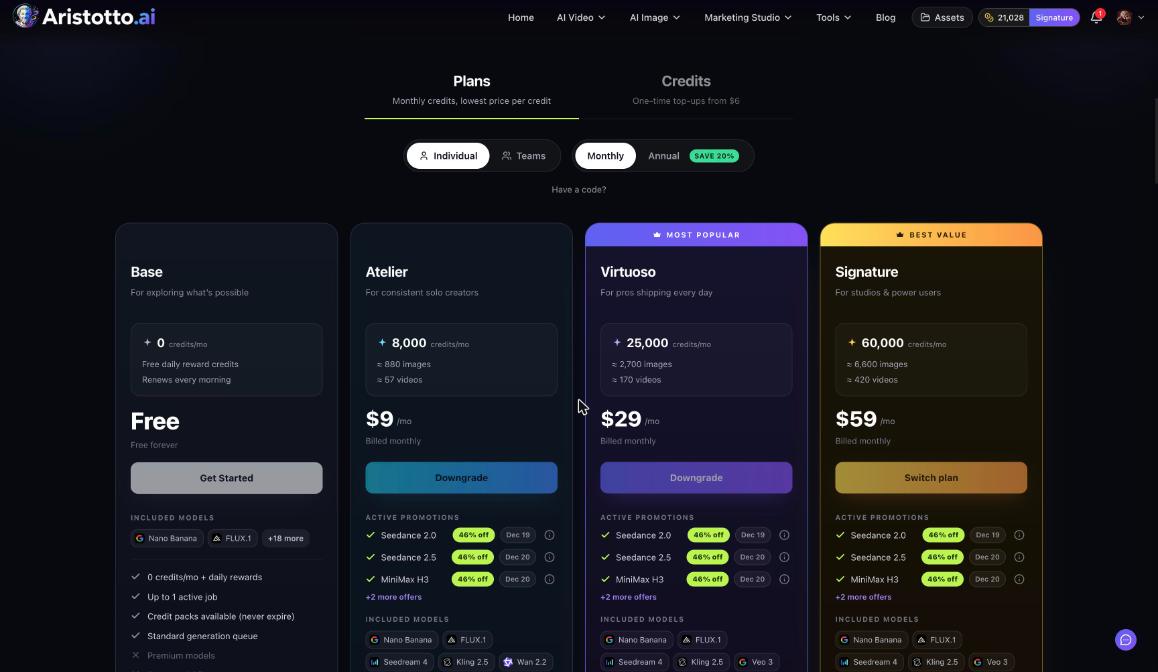
Model offers are discounts on specific models for subscribers. They apply automatically at Generate, and you do not need a code. The pricing page lists them under Active Model Offers.
At the time of writing, these models are 46% off:
| Model | Offer ends |
|---|---|
| Seedance 2.0 | Dec 19, 2026 |
| Seedance 2.5 | Dec 20, 2026 |
| MiniMax H3 | Dec 20, 2026 |
| WAN 3.0 | Dec 20, 2026 |
| FLUX 3 | Dec 20, 2026 |
Offers can change, so check Active Model Offers before a big run.
Promo codes
Promo codes on Aristotto are Stripe promotion codes. You enter them in Have a code?, which appears in three places:
Plans, when you choose a plan.
Credits, when you buy a top-up.
The create-team flow, when you choose a team plan.
Each checkout takes one discount. If a promo is already running on that checkout, your code replaces it.
Buying credits for a team
Team owners and admins buy credits for the shared team pool in Team settings. On the team's Credits tab, Buy extra credits adds credits for the whole team. They never expire and are used once the plan credits run out.
Questions
Do purchased credits expire?
No. Credits you buy never expire, including after you cancel a plan.
Do I need a plan to buy credits?
No. You can buy credit packs on the free Base plan too.
Do I need a code for a model offer?
No. Model offers apply automatically at Generate for subscribers. The pricing page lists the current ones under Active Model Offers.
When do bought credits reach my balance?
As soon as the Stripe payment clears.
Can I use two promo codes on one checkout?
No. Each checkout takes one discount, so a code replaces any promo already running on it.