How to Choose an AI Model on Aristotto: Model Pages Explained
 by Aristotto4 min
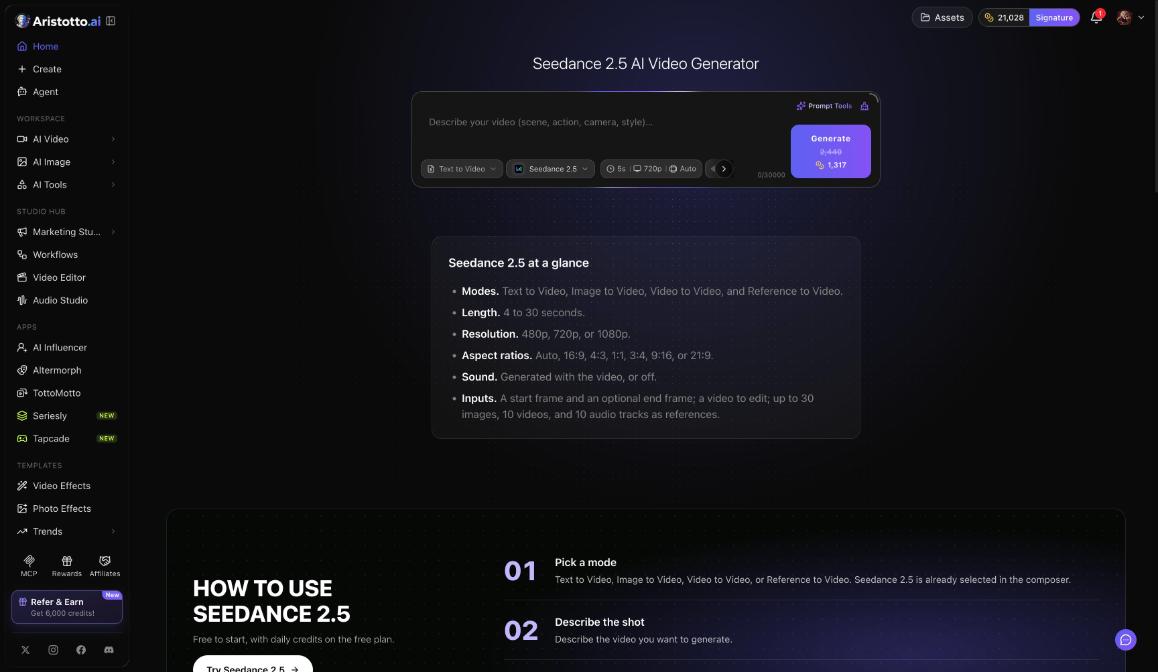
Aristotto has 67 video models, 48 image models and 11 audio models today, all paid from one shared pool of credits. Each model has its own page (aristotto.ai/models/ followed by the model name) with an at-a-glance list of what it can do and a composer already set to that model. In the workspace, the top card shows the model you are using, and Swap changes it.
What a model page shows
A model page has two parts:
An at-a-glance list: the modes, lengths, resolutions, ratios, sound and inputs the model takes.
A composer: already set to that model, so you can write a prompt and press Generate on the same page.
This is the list on the Seedance 2.5 page:
| Option | Seedance 2.5 |
|---|---|
| Modes | Text to Video, Image to Video, Video to Video, Reference to Video |
| Length | 4 to 30 seconds |
| Resolution | 480p, 720p or 1080p |
| Ratios | Auto, 16:9, 4:3, 1:1, 3:4, 9:16, 21:9 |
| Sound | Generated with the video, or off |
| Inputs | A start frame and an optional end frame, a video to edit, up to 30 images, 10 videos and 10 audio tracks as references |
How to choose a model
Work through these questions with the model page open:
What do you start from? Text, a picture, a video or a set of references. Check that the model lists the mode you need, such as Image to Video or Reference to Video.
How long and how sharp? Check the length and resolution. Seedance 2.5, for example, runs 4 to 30 seconds at up to 1080p.
What shape? Check the ratios the model lists, such as 16:9 or 9:16.
Do you need sound? Check whether the model generates sound with the video.
What does it cost? Set your options and read the price on the Generate button. Then swap to another model with the same options and compare.
The price depends on the model, length, resolution, quality and how many results. Subscribers also get live model offers, applied automatically at Generate. The pricing page lists them under Active Model Offers.
Which models your plan includes
Atelier lists premium models (Veo, Sora, Kling).
Signature lists all premium models.
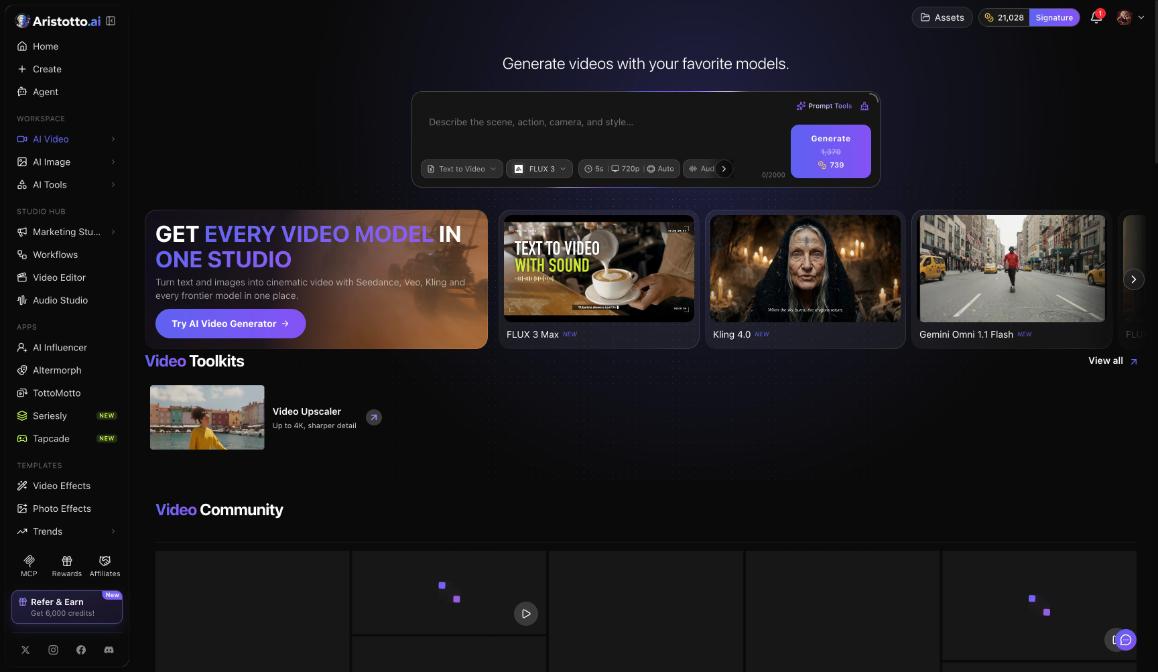
Featured on AI Video today: FLUX 3 Max, Kling 4.0 and Gemini Omni 1.1 Flash.
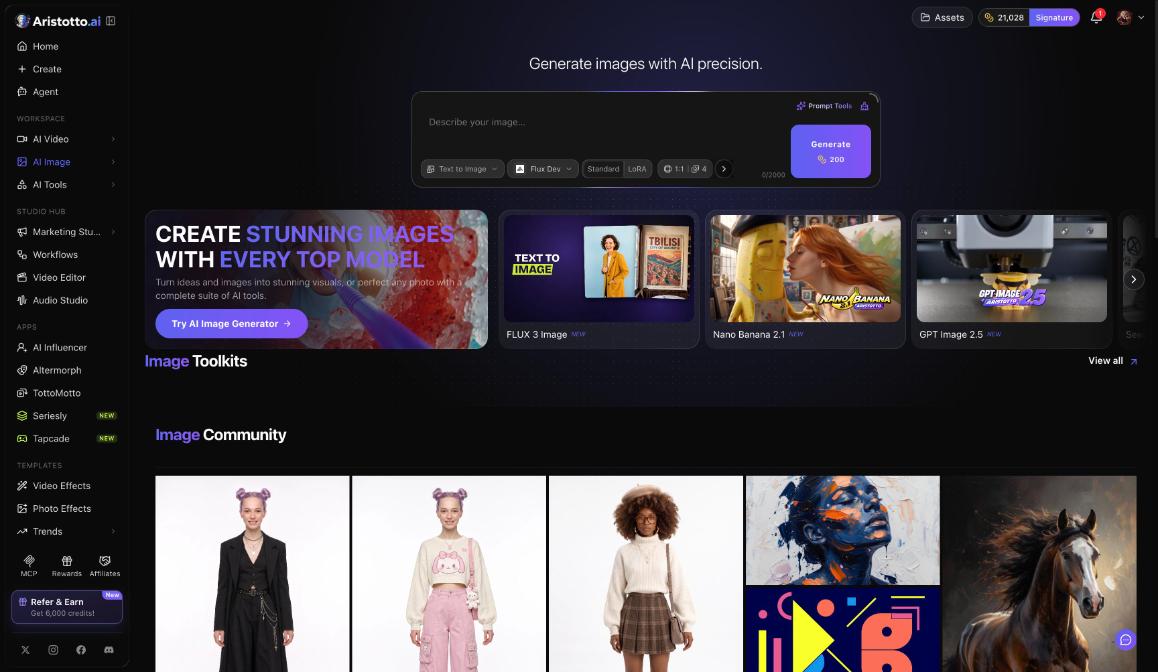
Featured on AI Image today: FLUX 3 Image, Nano Banana 2.1 and GPT Image 2.5.
Learn from what others made
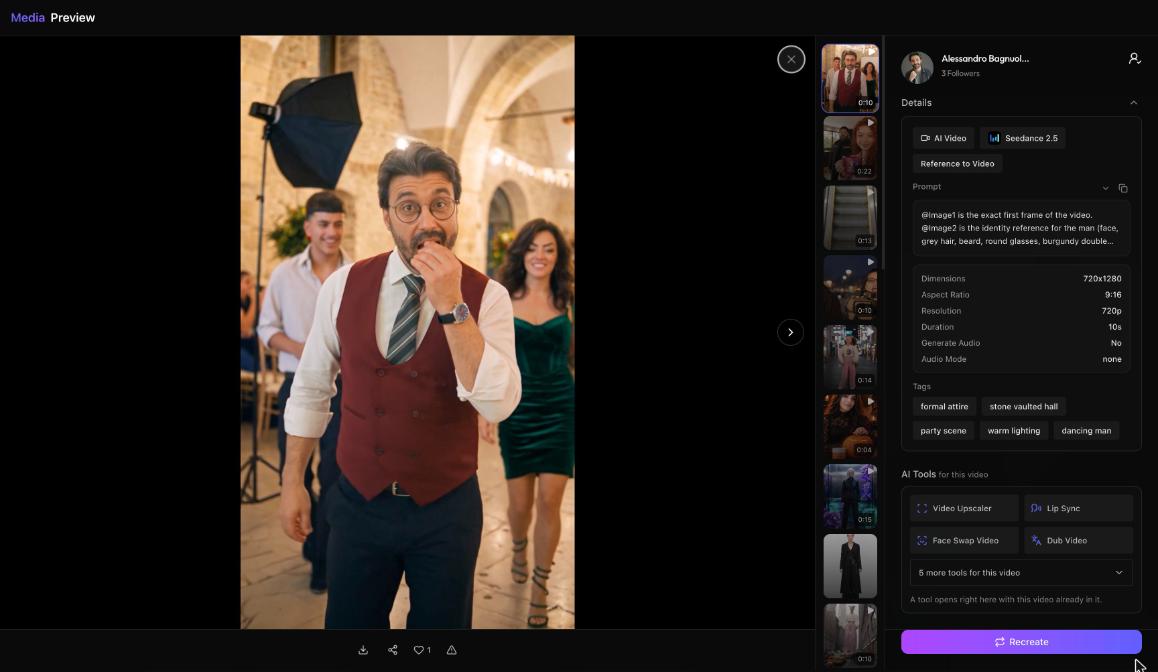
Open Community in the left rail and click a creation you like. Its preview shows Details: the task (such as AI Video), the model (such as Seedance 2.5), the mode (such as Reference to Video), the prompt with a copy button, the ratio, resolution, duration and audio. Press Recreate to start from it.
How to switch models
Workspace: press Swap on the top card.
AI Video and AI Image: use the model chip in the composer.
A model page: the composer is already set to that model.
AI Tools: each tool page has a model card with Swap. Lip Sync, for example, runs on Sync-3.
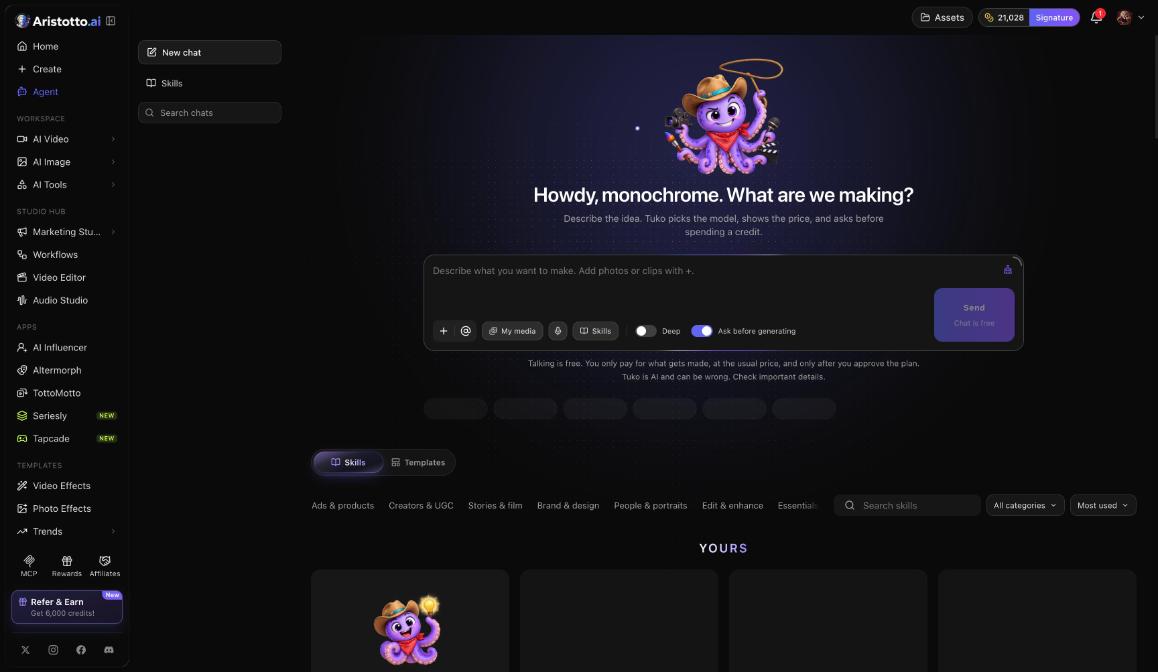
Agent: describe your idea and Tuko picks the model, shows the price and asks before spending a credit.
Questions
How many models can I use?
Aristotto has 67 video, 48 image and 11 audio models today. Atelier lists premium models such as Veo, Sora and Kling, and Signature lists all premium models.
Do different models cost different amounts?
Yes. The price depends on the model as well as length, resolution, quality and how many results. The Generate button shows it before you press it.
How do I find out which model made a video I like?
Open its preview in Community. Details shows the model, the mode and the prompt, which you can copy.
Can Aristotto choose the model for me?
Yes. Open Agent in the left rail and describe your idea. Tuko picks the model, shows the price and asks before spending a credit.
Where is the model page for a model?
At aristotto.ai/models/ followed by the model's name. It opens with a composer already set to that model.