AI Video on Aristotto: Text to Video and Image to Video, Step by Step
 by Aristotto4 min
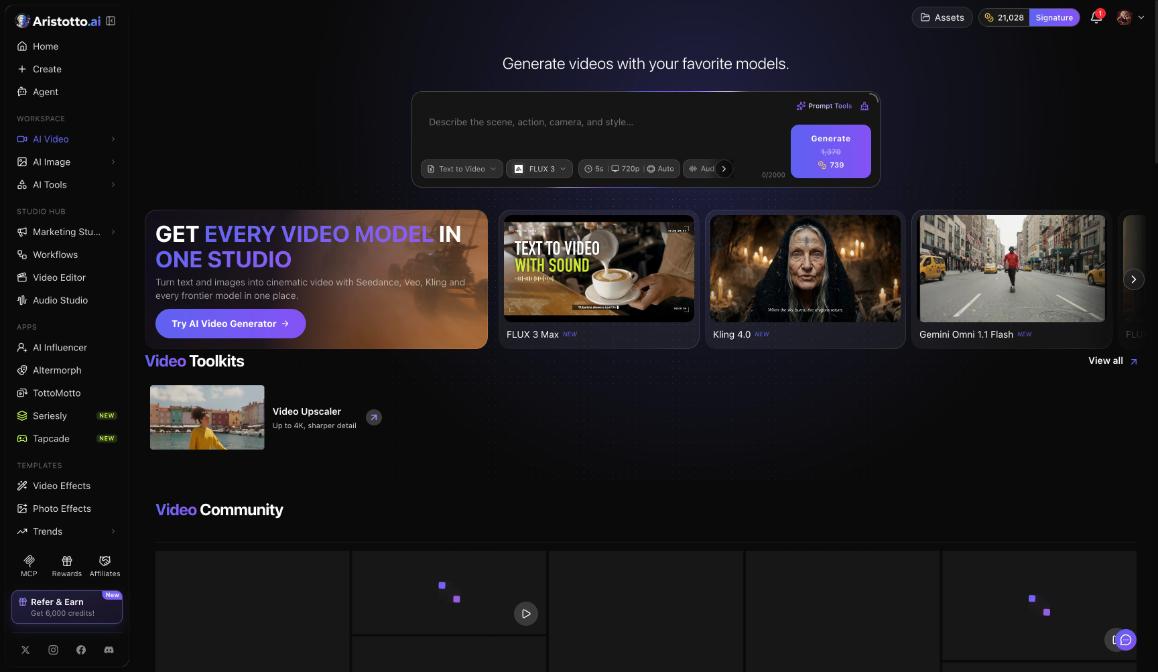
The AI Video page turns a prompt or a picture into a video. Open it with AI Video in the left rail, under Workspace. You choose a mode such as Text to Video or Image to Video, a model, the length, the resolution and sound, and the Generate button shows the price in credits before you run it.
The composer
The composer has five chips:
Mode: Text to Video, Image to Video and more.
Model: featured models include FLUX 3 Max, Kling 4.0 and Gemini Omni 1.1 Flash.
Length: how long the clip runs.
Resolution: how sharp the clip is.
Sound: whether the clip has audio.
The page also has Video Toolkits, with the Video Upscaler (up to 4K), and Video Community.
How to make a video from text
Open AI Video in the left rail.
Set the mode chip to Text to Video.
Pick a model on the model chip.
Set the length, resolution and sound chips.
Write your prompt.
Read the price on the Generate button, then press Generate.
How to make a video from an image
Open AI Video and set the mode chip to Image to Video.
Add the picture you want the video to start from.
Pick a model, then set the length, resolution and sound.
Write a prompt for what should happen in the clip.
Read the price on Generate and press it.
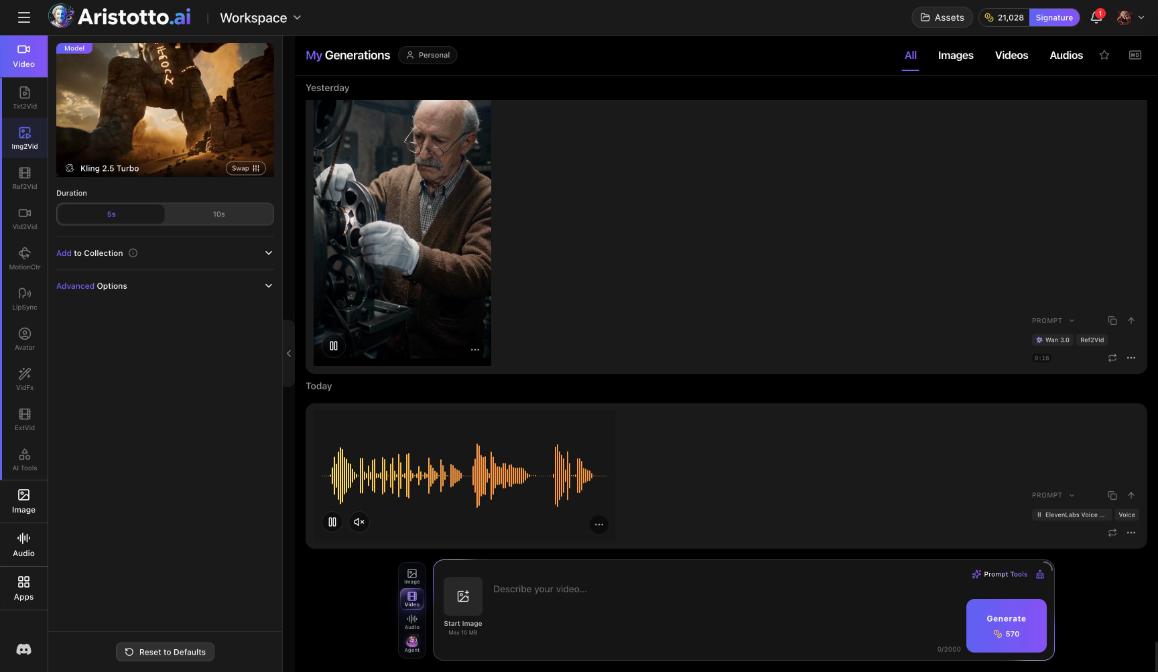
The workspace offers the same two as tasks: Txt2Vid for text and Img2Vid for a start image. Press Create in the left rail to use them there.
What one model offers: Seedance 2.5
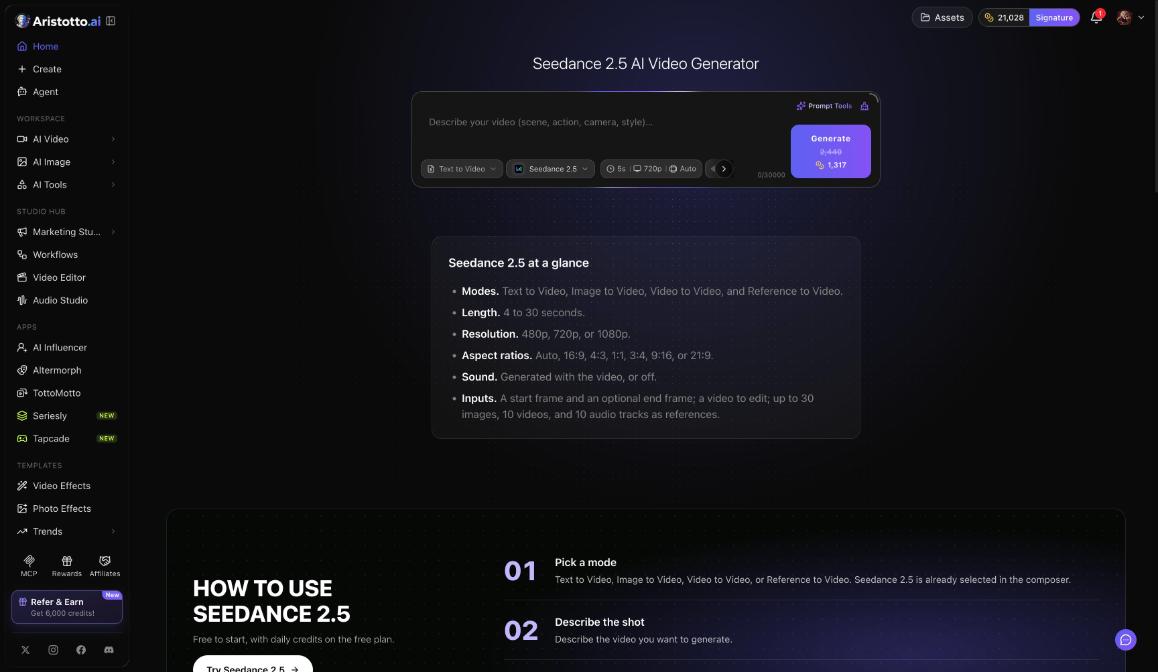
Each model has its own page, with an at-a-glance list of its options and a composer already set to that model. This is what the Seedance 2.5 page lists:
| Option | Seedance 2.5 |
|---|---|
| Modes | Text to Video, Image to Video, Video to Video, Reference to Video |
| Length | 4 to 30 seconds |
| Resolution | 480p, 720p or 1080p |
| Ratios | Auto, 16:9, 4:3, 1:1, 3:4, 9:16, 21:9 |
| Sound | Generated with the video, or off |
| Inputs | A start frame and an optional end frame, a video to edit, up to 30 images, 10 videos and 10 audio tracks as references |
Other models list their own options, so check the model's page or its chips before you write a long prompt.
What a video costs
The price depends on the model, length, resolution, quality and how many results you ask for. The Generate button always shows it first.
Atelier's 8,000 credits a month make about 57 videos. Virtuoso's 25,000 make about 170, and Signature's 60,000 make about 420.
Atelier lists premium models such as Veo, Sora and Kling. Signature lists all premium models.
At the time of writing, subscribers get 46% off Seedance 2.0 (until Dec 19, 2026) and Seedance 2.5, MiniMax H3, WAN 3.0 and FLUX 3 (until Dec 20, 2026). The offer applies automatically at Generate.
Failed, timed-out and partly failed runs are refunded automatically. You can cancel a run only while it is still queued.
After your video is made
It lands in My Generations and in Assets, and it is private until you make it public.
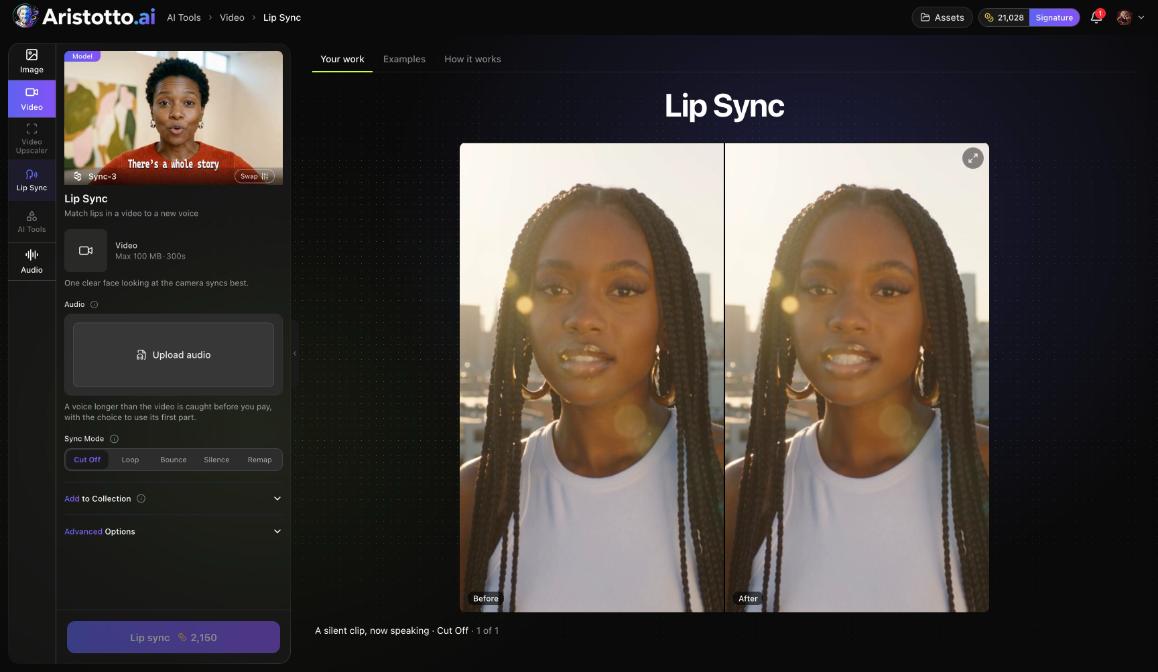
Its preview lists AI Tools for this video, such as Video Upscaler, Lip Sync, Face Swap Video and Dub Video. They open in place.
The Video Upscaler takes a clip up to 4K.
Questions
How long can my video be?
It depends on the model. Seedance 2.5, for example, makes clips of 4 to 30 seconds. Check the model's page for the lengths it offers.
Can the video have sound?
Yes, on models that support it. Use the sound chip. On Seedance 2.5, sound is generated with the video, or you turn it off.
Can I choose the last frame as well as the first?
On Seedance 2.5, yes. It takes a start frame and an optional end frame.
Can I make my video sharper afterwards?
Yes. The Video Upscaler takes it up to 4K. You find it under Video Toolkits and in the AI Tools for this video list on the preview.
Who can see my video?
Only you, until you make it public. Outputs are private by default.