Kling 4.0 Flash on Aristotto: Fast 720p Video With Sound, Up to 20 Seconds
 by Aristotto6 min
Kling 4.0 Flash is live on Aristotto. It is the fast, lower-cost tier of Kuaishou’s Kling 4.0: the same kinds of jobs with fewer controls, made for quick takes. Kuaishou first opened it in early access on September 28, 2026.
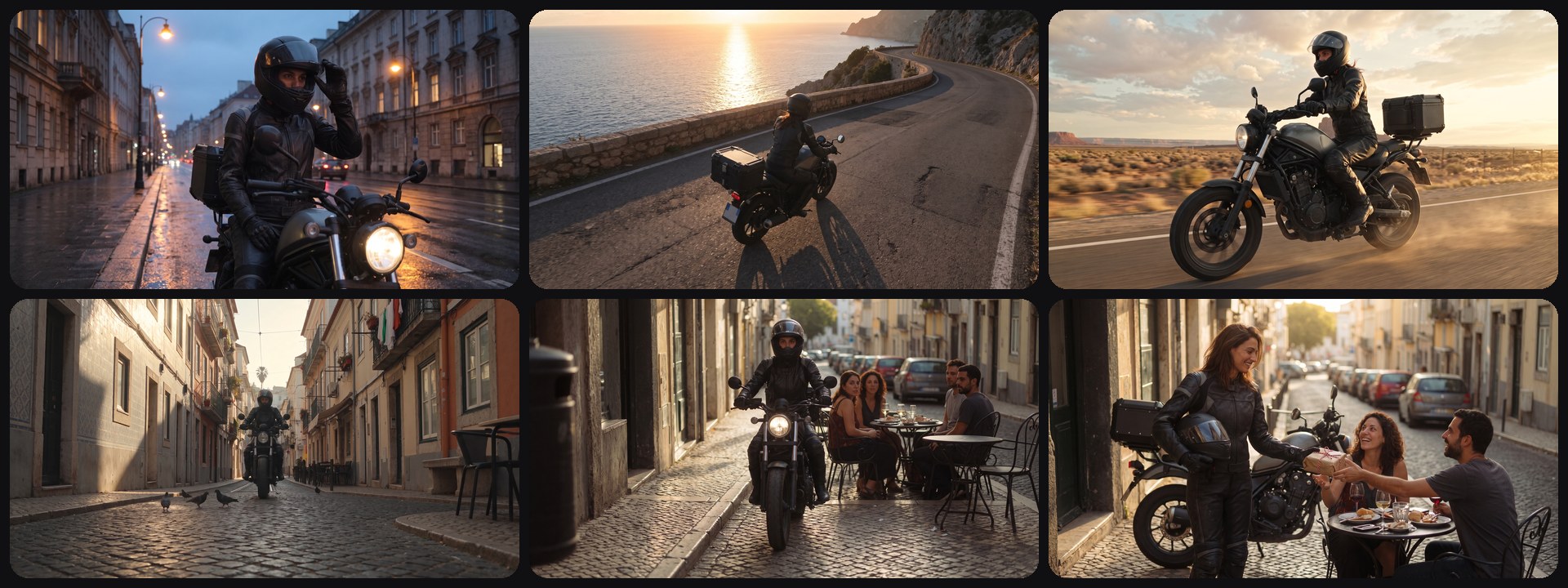
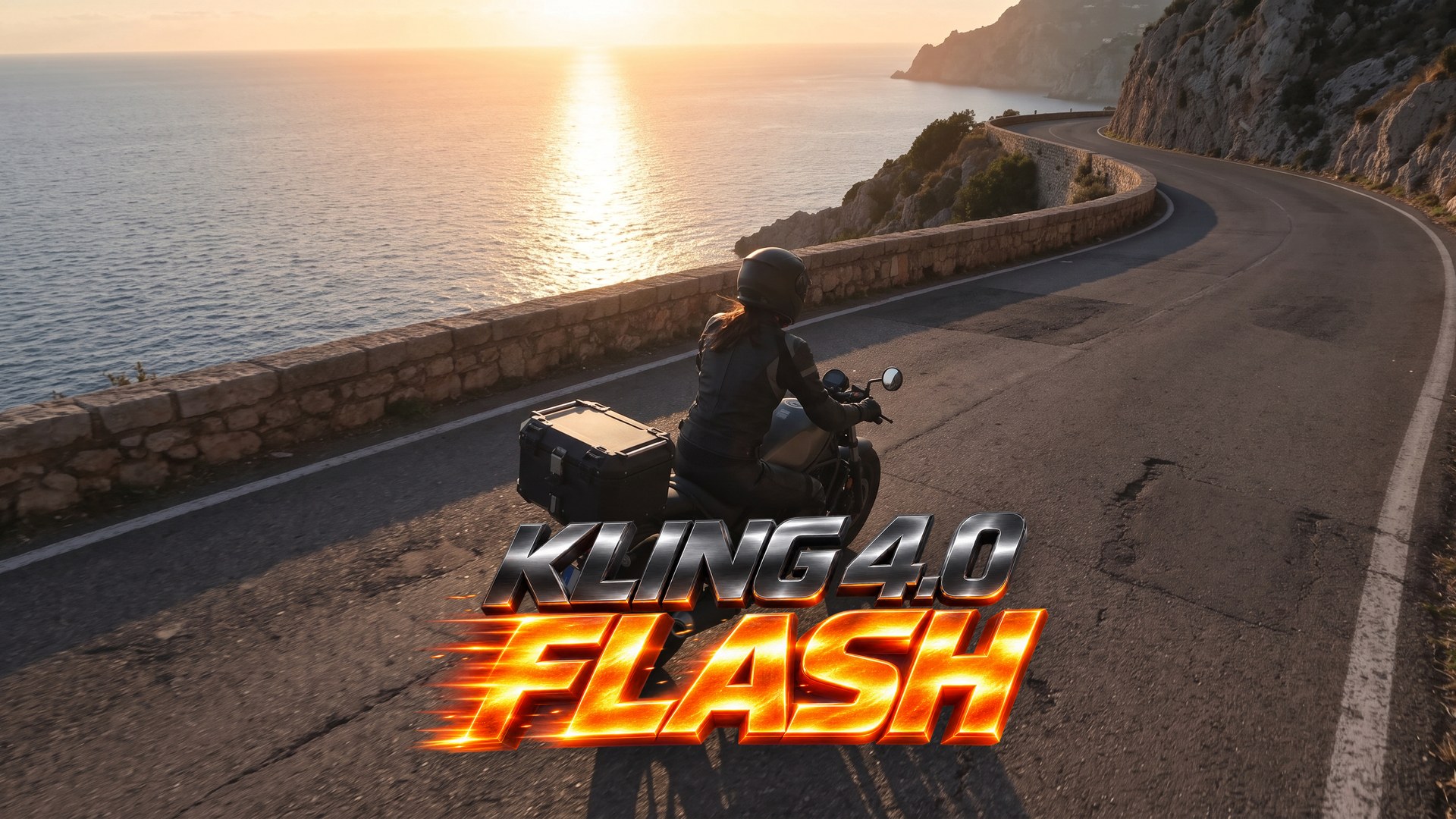
Our launch film follows one courier and one parcel: away from the kerb of a city avenue at blue hour, along a cliff road at sunrise, down a desert highway and through the narrow streets of Lisbon’s Alfama, to a street café where her friends are waiting. Every shot is Kling 4.0 Flash at 720p with its own engine, wind and street sound, and the same rider and motorcycle in every shot.
Kling 4.0 Flash and Kling 4.0
Both are on Aristotto. Use Flash to explore and move fast, and Kling 4.0 for finals that need more:
| Feature | Kling 4.0 Flash | Kling 4.0 |
|---|---|---|
| Resolution | 720p | 720p or 1080p |
| Clip length | 3 to 20 s | 3 to 30 s |
| Image to video | Start frame | Start and end frame |
| Multi-shot prompts | No | Yes |
| References | 10 pictures, 5 clips (20 s in total) | 10 pictures, 5 clips (30 s in total), 7 saved elements |
| Video editing | Yes | Yes |
| 5 seconds at 720p | 690 credits | About 1,270 credits |
Everything it does on Aristotto
Text to video: 3 to 20 seconds at 720p, in 16:9, 9:16, 1:1 or 21:9, with sound.
Image to video: animate a start frame for 3 to 20 seconds.
Reference to video: up to 10 pictures and up to 5 clips (20 seconds in total) for your cast, product or motion, plus an optional start frame. Mention them in the prompt as @Image1, @Image2 and so on. Auto keeps the shape of your references.
Video to video: edit a clip you bring, with up to 10 reference pictures.
Where Flash fits
Social posts and ads: try several hooks for the same idea and keep the one that works.
Storyboards: block out every shot of a story at 720p before you spend on the finals.
Product motion: turn a product picture into a short moving shot with sound.
Your own cast: keep the same person or mascot across shots with reference pictures.
A reference prompt in practice, with a picture of a person as @Image1 and a picture of a jacket as @Image2:
@Image1 wears the jacket from @Image2 and walks out of a train station into the rain, then turns to the camera and smiles. Handheld camera following behind her. Sound: rain on the pavement, a train pulling away behind her.
How to make your first clip
Open the workspace, choose Video, and pick Kling 4.0 Flash in the model list.
Choose Text to video, Image to video, Reference to video or Video to video.
Set the length (3 to 20 seconds) and, for text and references, the shape.
Write the prompt: who, what happens, how the camera moves and what we hear. In Reference to video, tag your references (@Image1) where they belong in the sentence.
Press Generate. The clip lands in My Generations with its sound.
How we made the courier film
Everything started as reference pictures, not words. We made a photo kit with Seedream 5.5: the courier from the front and three-quarters plus a close portrait, the motorcycle from the side and three-quarters, the parcel, and each place: the avenue, the coast road, the desert highway, Alfama and the café street. Nano Banana 2.1 put the kit together into the first frame of every shot.
Each shot is then one Kling 4.0 Flash Reference to video run of 5 or 10 seconds at 720p: the first frame as the start frame, with the courier and motorcycle pictures as references, so her face, suit, helmet and bike stay the same everywhere. Two of the prompts:
She rides toward the camera and passes it on the left; the pigeons lift off the stones as she passes. Static low camera. The motorcycle only moves forward, toward and past the camera. Engine echoing in the narrow street, wings flapping.
She rides up to the kerb in front of the cafe and stops beside the tables, puts her left boot down on the cobbles and switches the engine off; the friends wave at her. The camera holds low at the kerb. Engine slowing and stopping, tyres on cobbles, the friends calling out.
Two lines went into every prompt. “The motorcycle only ever moves forward, in the direction its front wheel points” kept the bike from sliding sideways or backwards, and “Real-time motion at natural speed, no slow motion” kept the pace up. The close-ups between the riding shots (the throttle, her eyes behind the visor, the parcel coming out of the top box) are 5-second shots made the same way.
Prompt tips
Describe the camera. “Tracking low and fast beside her” or “a drone chases it from above and behind” gives Flash a clear move to follow.
Name the sounds. Engines, wind, crowds and impacts come out better when the prompt asks for them.
Start from a strong frame. In Image to video the first frame sets the look; make it the moment just before the action.
Keep one action per shot. Short, clear actions read best; cut longer stories into several shots.
Finish on Kling 4.0 when you need 1080p. Find the shot on Flash, then make the final on Kling 4.0.
What it costs
Kling 4.0 Flash is priced by the second at 720p, and the workspace shows the credits before you generate:
3 seconds: 420 credits.
5 seconds: 690 credits.
20 seconds: 2,760 credits.
Video to video costs a little more, because the clip you bring is part of the price.
Good to know
Flash makes 720p only. For 1080p, use Kling 4.0.
Image to video takes a start frame; there is no end frame on Flash.
Every clip comes with sound.
Kling 4.0 Flash: questions
How long can a Kling 4.0 Flash clip be?
From 3 to 20 seconds in one generation, at 720p.
Does it make sound?
Yes. Every clip comes with sound: engines, wind, crowds, voices. Name the sounds you want in the prompt.
How do I keep the same character in every shot?
Use Reference to video with pictures of your character and mention them as @Image1, @Image2 in the prompt. For a tighter match, also give each shot a start frame with the same character in it, as we did for the courier: Reference to video takes both.
When should I use Kling 4.0 instead?
When you need 1080p, clips longer than 20 seconds, an end frame, multi-shot prompts or saved elements.
Can I edit a video with it?
Yes. Video to video takes your clip and up to 10 reference pictures, and the price includes the clip you bring.