How to Sign Up and Log In to Aristotto
 by Aristotto4 min
You sign up for Aristotto at aristotto.ai by pressing Start for Free. You choose a username, add your email and a password, pass a short security check, then verify your email from the link we send. A new account starts on Base, the free plan, and you can also log in, or create an account, with Google, Discord or Microsoft.
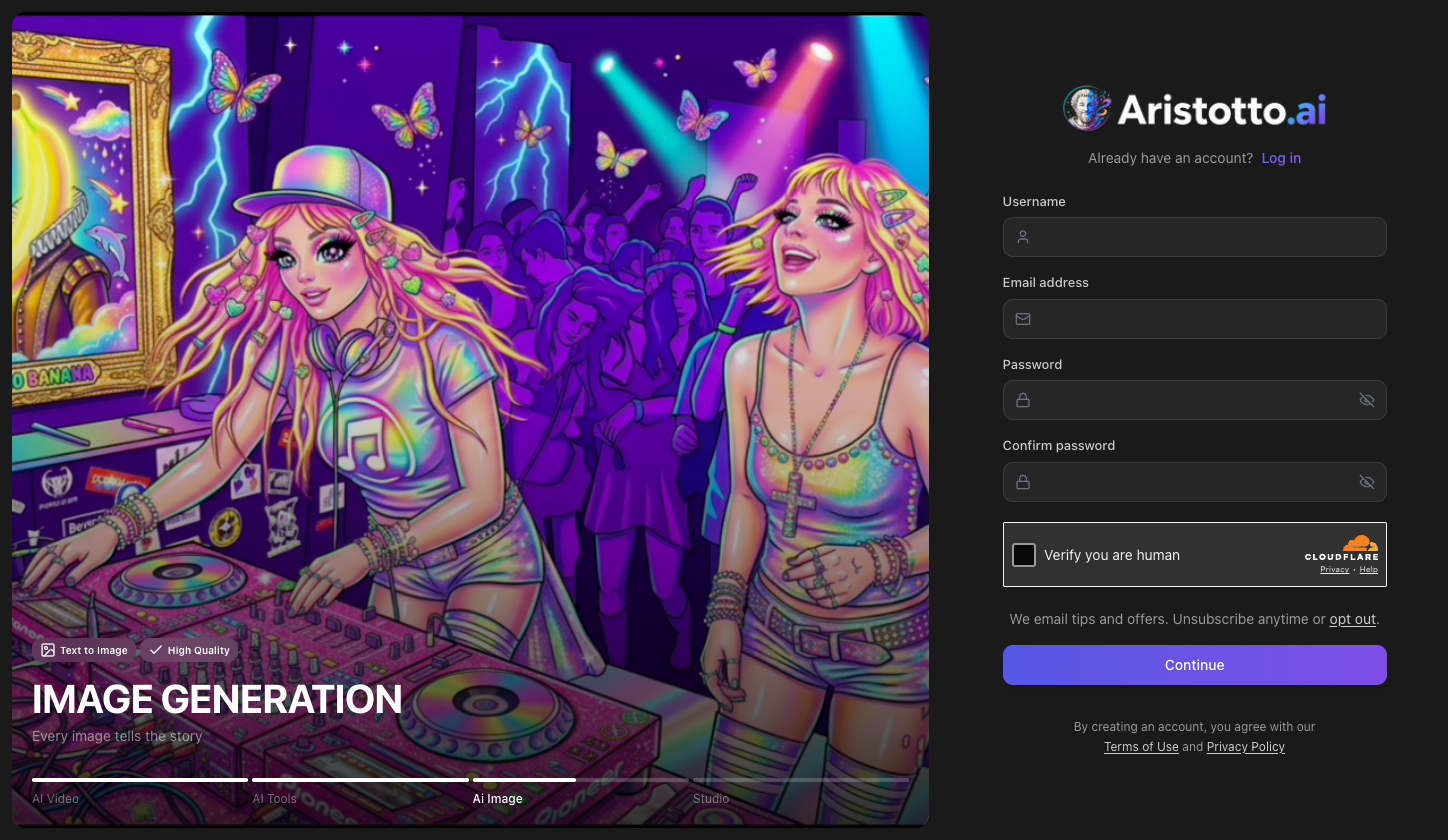
How to sign up with your email
Go to aristotto.ai and press Start for Free.
Type a username, your email address, a password, and the same password again in confirm password.
Complete the security check, Verify you are human.
Choose whether we email you tips and offers. In most countries this is a line you can opt out of. In some countries it is a box that starts unticked.
Press Continue.
A Check your email screen shows the address you used. Open the link in that email to verify your account.
If the email does not arrive, press Resend on the Check your email screen. The screen names the address, so you can check it is the right one.
How to log in
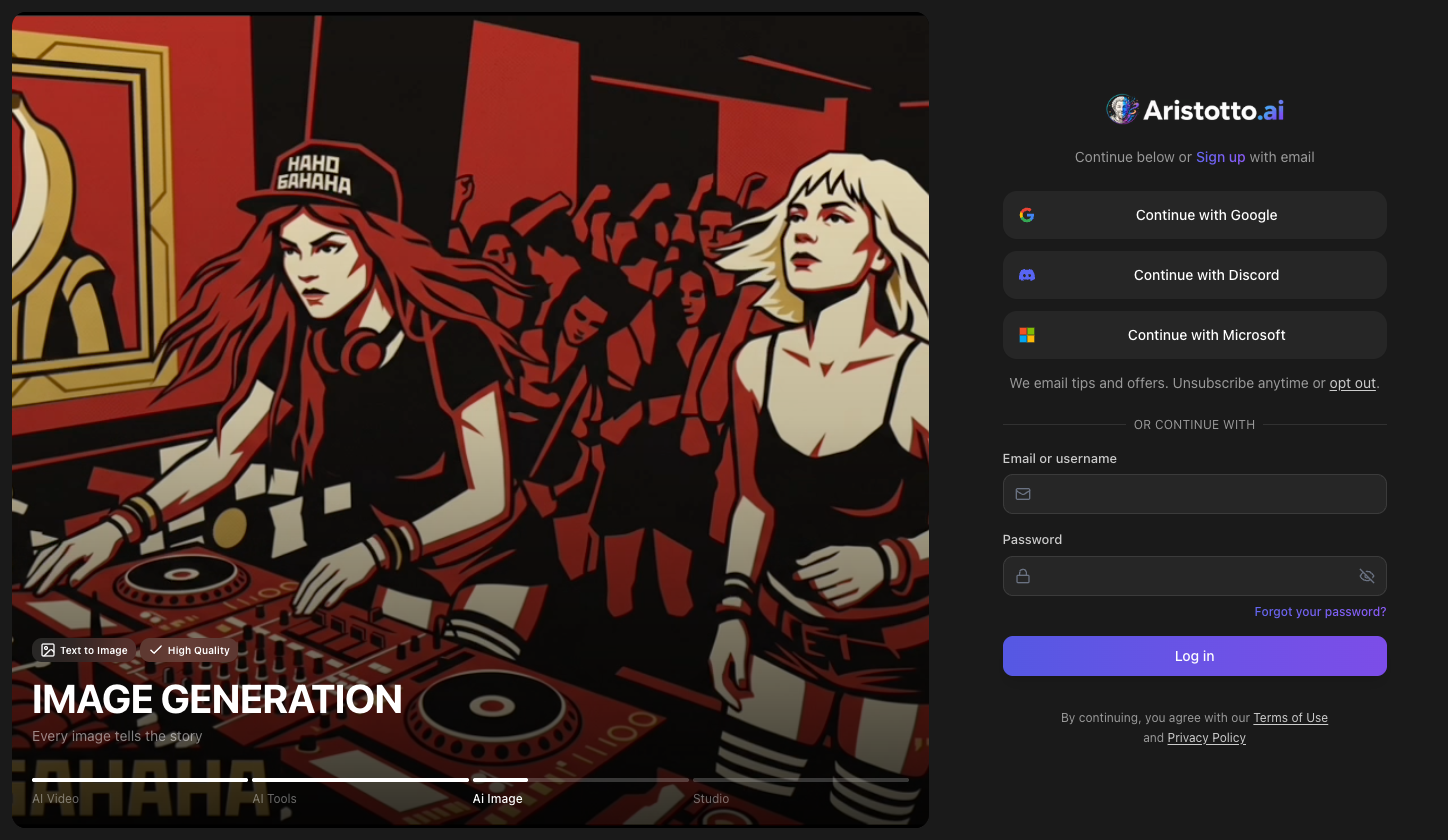
The log in screen gives you four ways in:
Your email or your username, with your password.
Continue with Google.
Continue with Discord.
Continue with Microsoft.
The Google, Discord and Microsoft buttons also create a new account if you do not have one yet. You can skip the sign-up form and start with one of them.
If you forget your password
Press Forgot your password? on the log in screen to reset it.
You can also manage how you sign in once you are logged in. Open Manage Account in the account menu, then Privacy. Sign-in Methods lists the ways you sign in (for example Google). The same page has Set Password or Change Password, and Sign Out Everywhere.
If your sign-up is held or your account is blocked
A fraud check can hold a new sign-up for review. The message you see points you to support, and you can reach support at support@aristotto.ai.
A suspended or banned account sees a blocking screen. You can appeal at aristotto.ai/appeal:
Go to aristotto.ai/appeal.
Fill in Why are you appealing?.
Add a contact email if you want one. This field is optional.
Press Submit appeal. You then see Appeal received.
You can send one appeal per enforcement action.
What you get after you sign up
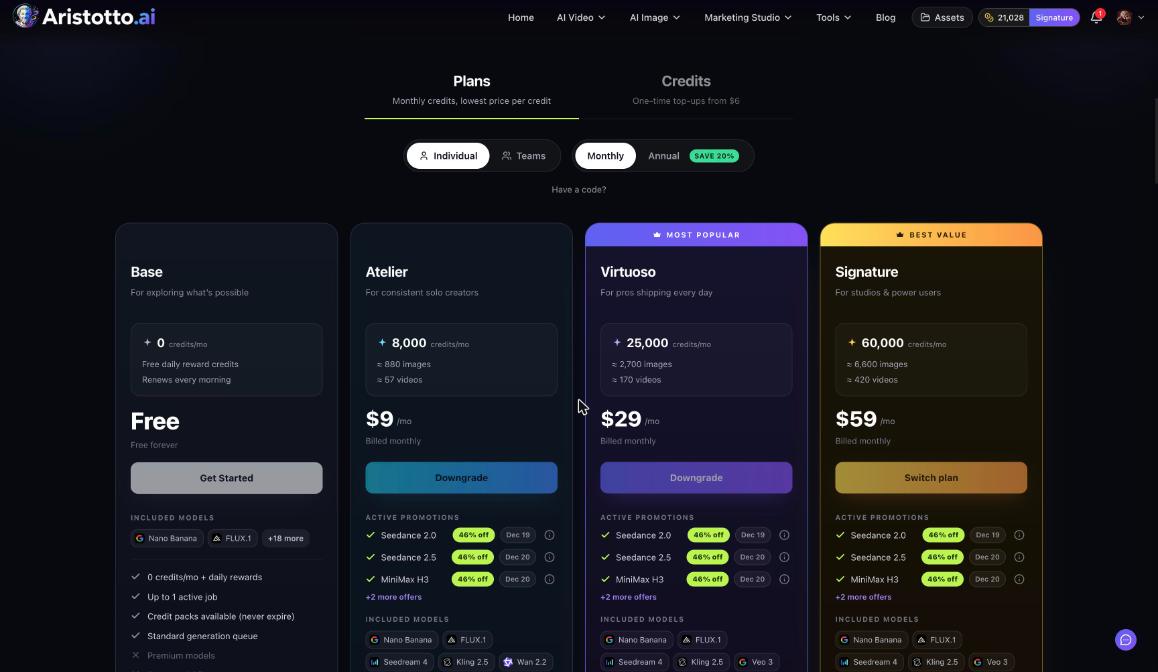
A new account is on Base. Base has 0 credits a month plus free daily reward credits that renew every morning, and you can buy credit packs if you need more.
A few things to do first:
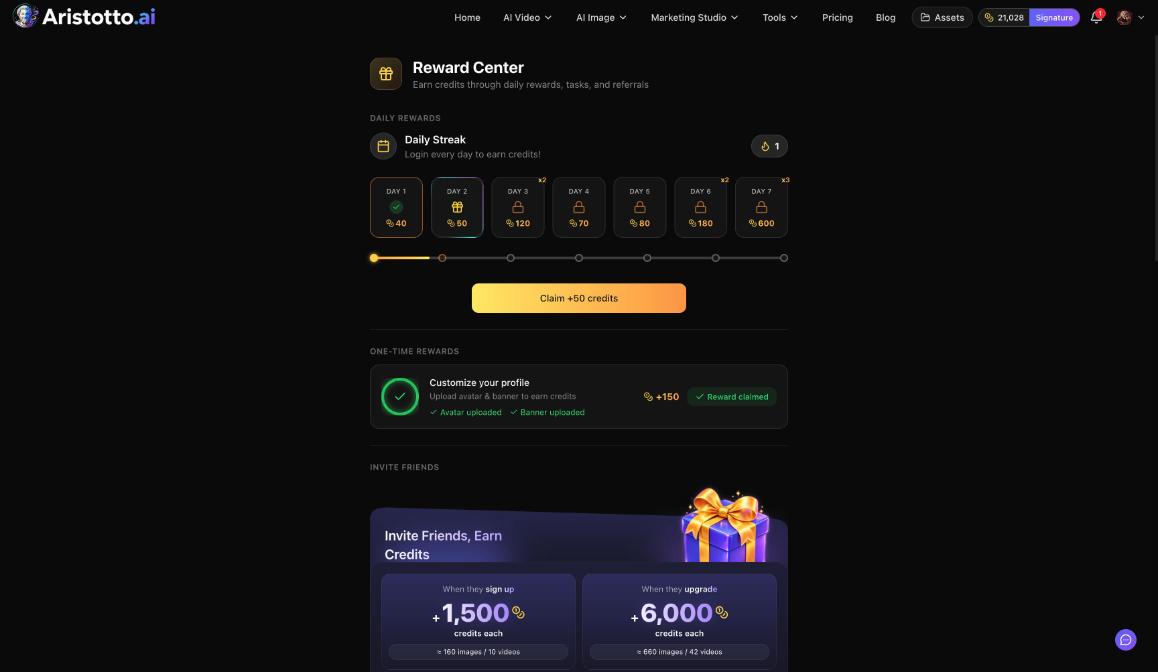
Open Rewards in the left rail and claim your Daily Streak. Day 1 pays 40 credits.
Upload an avatar and a banner to your profile for a one-time reward of 150 credits.
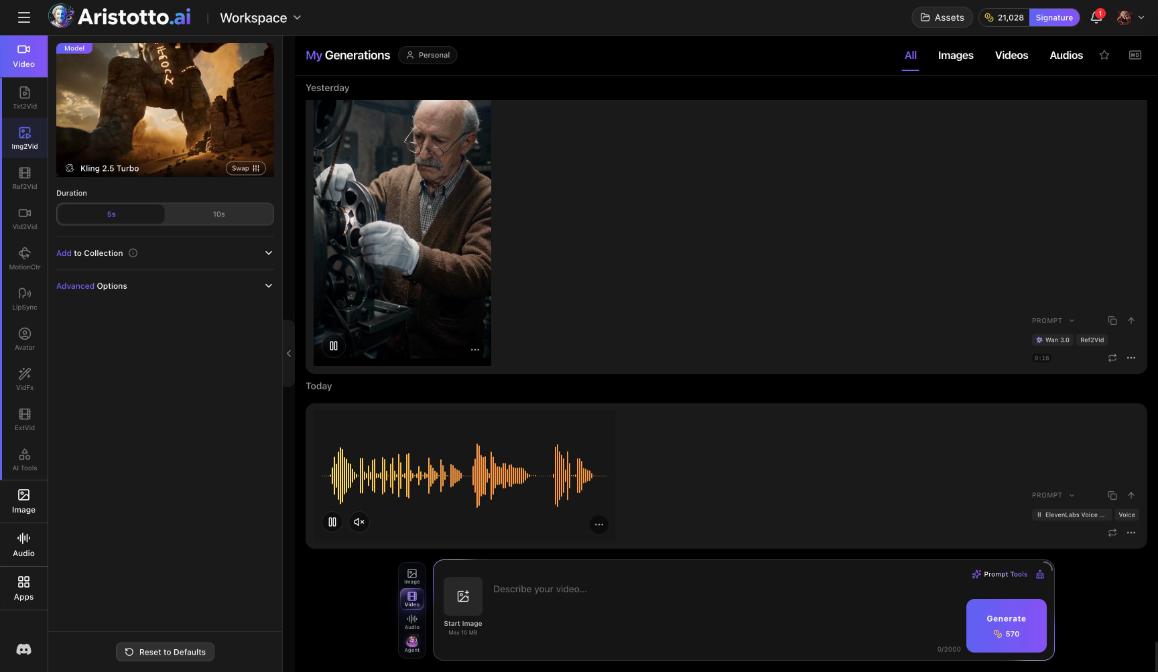
Press Create in the left rail to open the workspace. The price of each run shows on the Generate button before you press it.
The left rail starts with Home, Create and Agent. Your avatar in the header opens the account menu, with Manage Account, Pricing, Reward Center and Logout.
Questions
Is it free to sign up for Aristotto?
Yes. A new account is on Base, the free plan, with free daily reward credits that renew every morning. You pay only if you choose a paid plan or buy credits.
Can I sign up with Google instead of a password?
Yes. Continue with Google, Continue with Discord and Continue with Microsoft each create a new account if you do not have one.
I did not get the verification email. What do I do?
Press Resend on the Check your email screen. Check that the address it shows is the one you meant to use.
Can I log in with my username?
Yes. The log in screen takes your email or your username, with your password.
My sign-up is held for review. What now?
A fraud check is reviewing it. Follow the message on screen, which points you to support, or email support@aristotto.ai.