The Aristotto Workspace: How to Make Your First Image or Video
 by Aristotto3 min
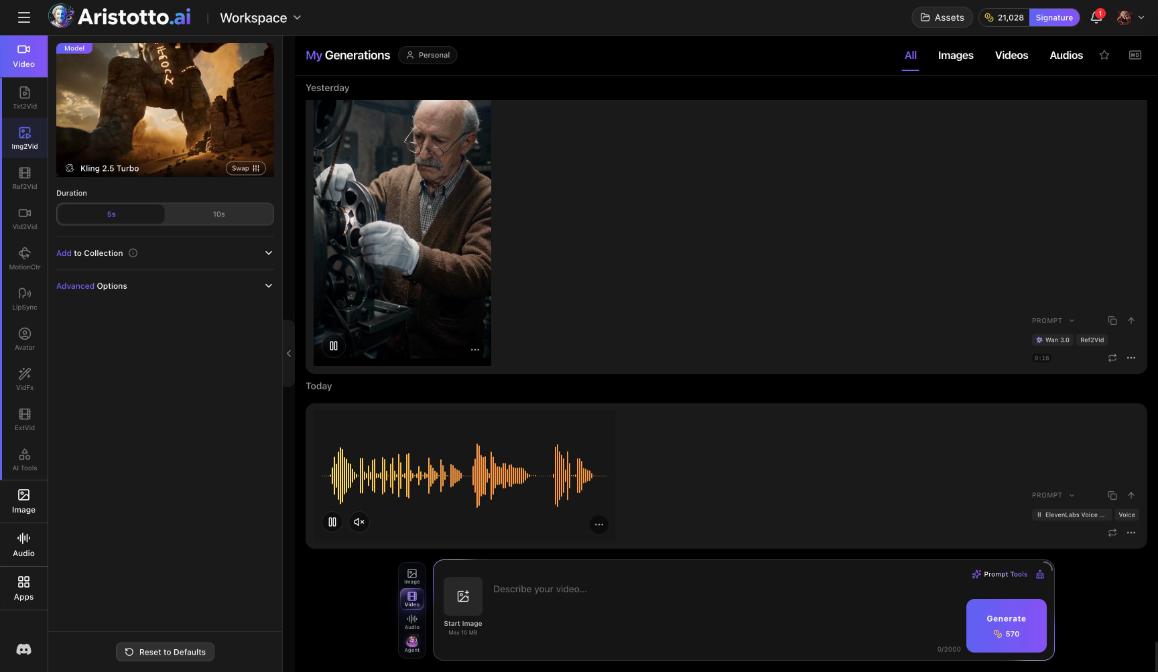
The workspace is where you make images, videos and audio on Aristotto. Press Create in the left rail to open it, pick a tab and a task, write a prompt and press Generate. The price in credits shows on the Generate button before you press it, and your results land in My Generations and in Assets.
The parts of the workspace
Tabs on the far left: Video, Image, Audio and Apps.
Tasks: each tab lists what you can do. Video tasks are Txt2Vid, Img2Vid, Ref2Vid, Vid2Vid, MotionCtr, LipSync, VidFx, ExtVid and AI Tools. Audio tasks are Music, Speech, SFX, LipSync and AI Tools.
The top card: shows the model. Swap changes it.
Settings: below the model card, for example Duration 5s or 10s. Here you also find Add to Collection, Advanced Options and Reset to Defaults.
The bar at the bottom: add a start image, write the prompt, and use Prompt Tools for help with the wording. Generate is at the end, with the price on it.
How to make your first video
Press Create in the left rail.
Choose the Video tab.
Pick a task. Txt2Vid starts from your words. Img2Vid starts from a picture.
Check the model on the top card. Press Swap to choose a different one.
Set the options under the card, for example Duration 5s or 10s.
In the bar at the bottom, add a start image if your task uses one, then write your prompt.
Read the price on the Generate button, then press Generate.
The price depends on the model, length, resolution, quality and how many results you ask for. Change a setting and the button shows the new price.
How to make your first image
Press Create in the left rail and choose the Image tab.
Check the model on the top card, or press Swap.
Write your prompt in the bar at the bottom.
Read the price on the Generate button and press it.
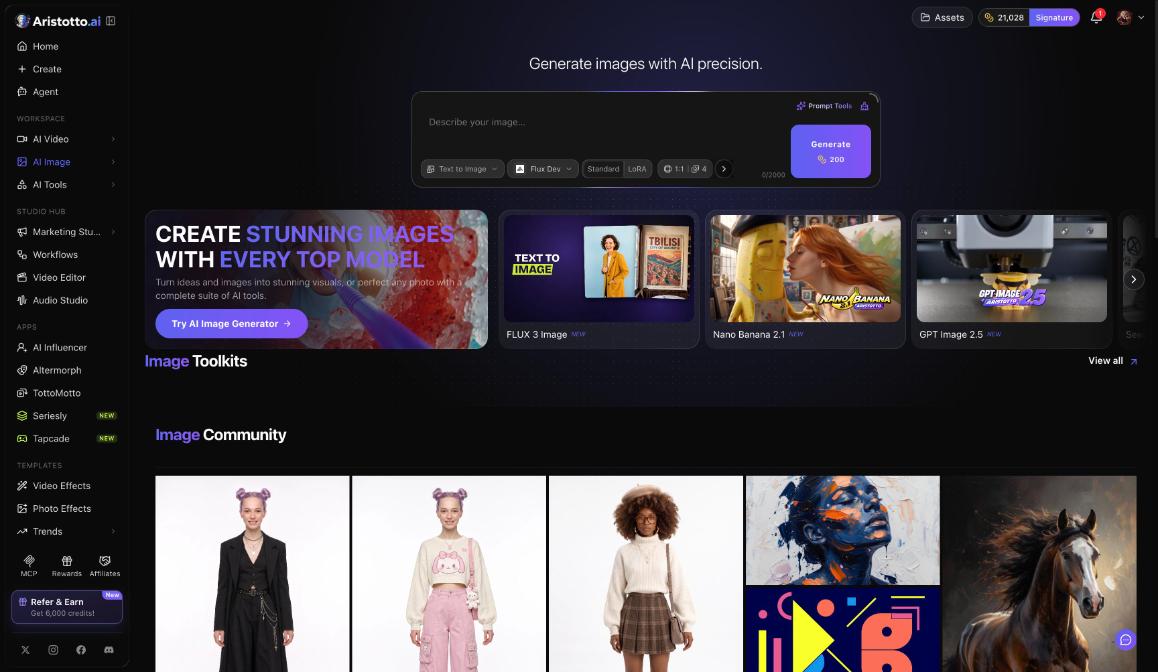
If you prefer a page made only for pictures, AI Image in the left rail has Text to Image and Image to Image, a ratio and the number of images in one composer.
Audio in the workspace
The Audio tab makes music, speech and sound effects with 11 audio models. Music runs on ElevenLabs Music:
Length of 1, 2 or 3 min.
Instrumental Only and Private Mode.
Prompt or Composition.
An output format, for example MP3 44.1 kHz 128 kbps.
Describe the song, including any lyrics, then check the price on Generate.
Where your results go
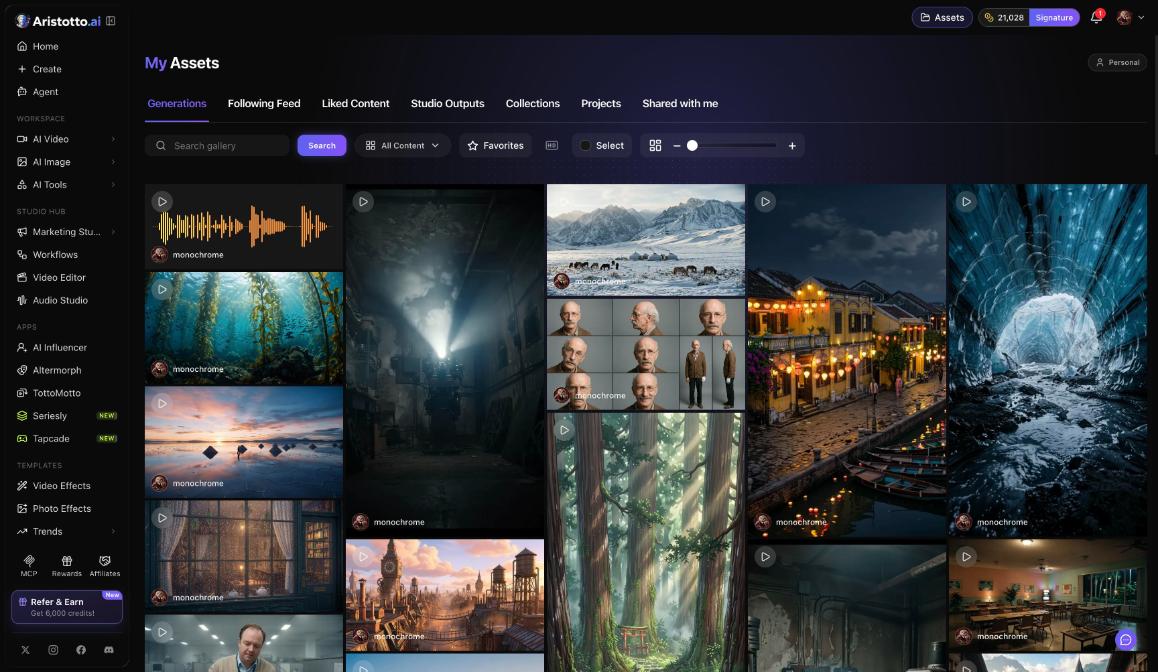
Finished runs land in My Generations, with tabs All, Images, Videos and Audios. They also appear in Assets in the header, under Generations.
Your outputs are private by default. Make one public or private from its preview, from the result row, in Assets (several at once), or from your profile.
If a run fails, times out or partly fails, the credits come back automatically. You can cancel a run only while it is still queued.
Questions
How much does a generation cost?
It depends on the model, length, resolution, quality and how many results. The Generate button shows the exact price in credits before you press it.
Where do I find what I made?
In My Generations (tabs All, Images, Videos, Audios) and in Assets, under Generations.
Can other people see my results?
Not unless you choose. Outputs are private by default, and you make them public from the preview, the result row, Assets or your profile.
Can I change the model after I pick a task?
Yes. Press Swap on the top card and choose another model.
What happens if a run fails?
Failed, timed-out and partly failed runs are refunded automatically.