How to Manage Your Account and Privacy Settings
 by Aristotto4 min
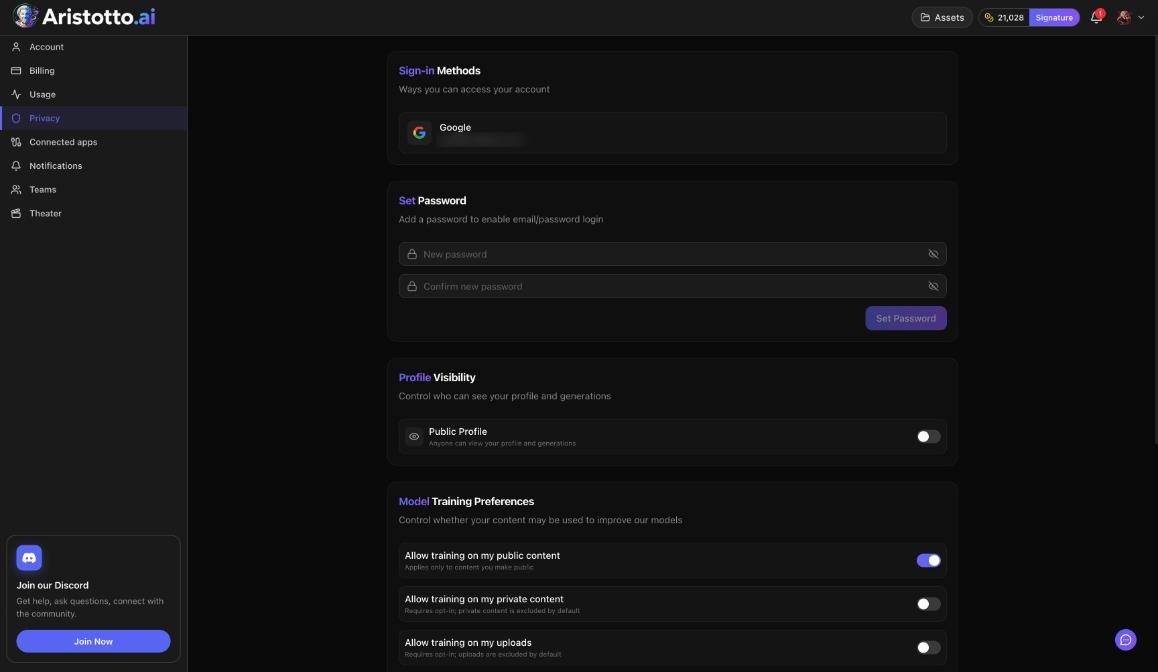
Your account and privacy controls live in Settings. Open your avatar in the header, then Manage Account. The Account page holds your profile and the Danger Zone. The Privacy page holds sign-in methods, your password, profile visibility, model training and blocked users.
This article walks through each Account and Privacy setting, a quick security check after using a shared computer, and what to check when a setting will not change.
What is in the Settings menu?
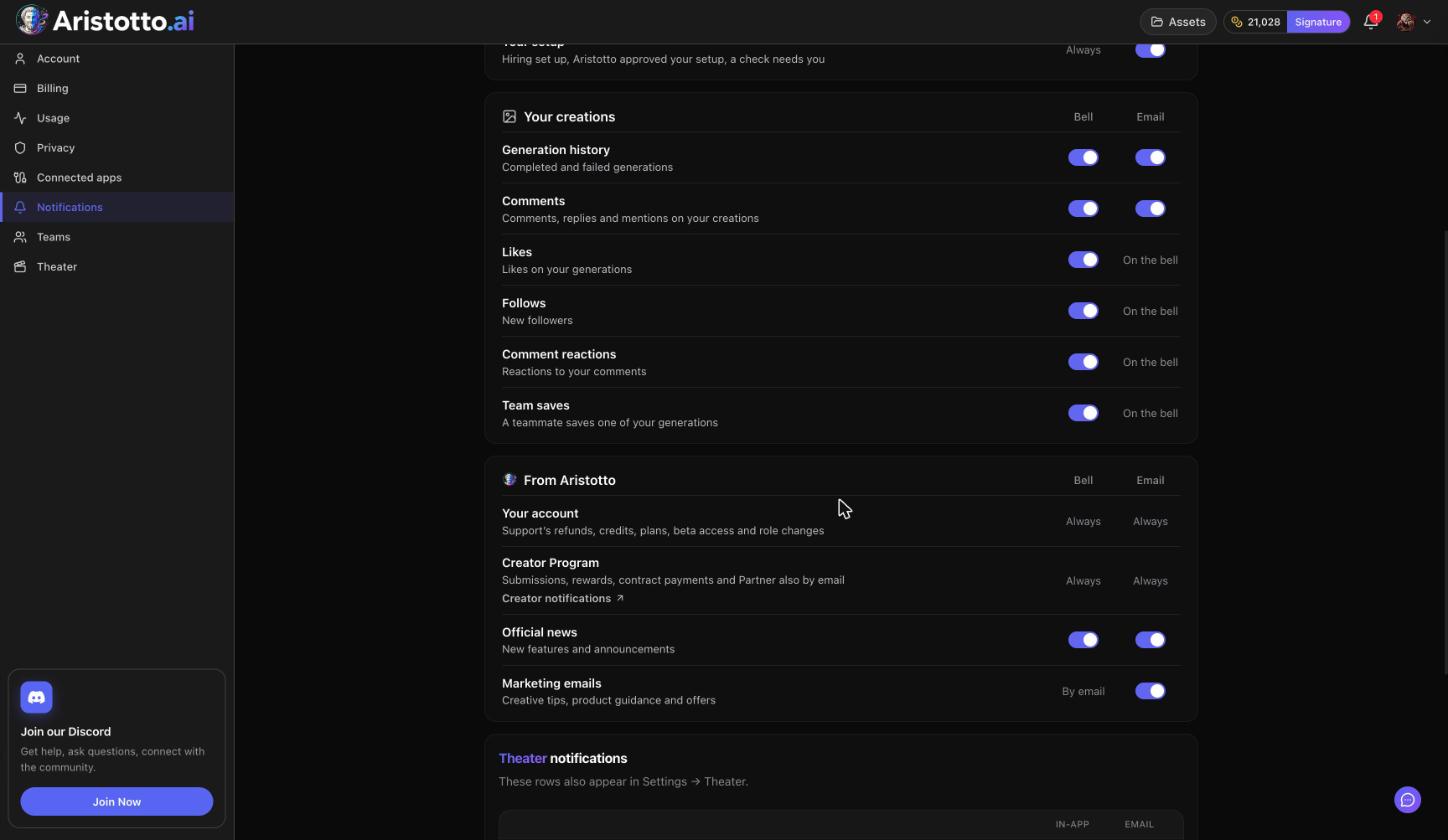
The Settings menu has Account, Billing, Usage, Privacy, Connected apps, Notifications, Teams, and Theater if your account is invited to Theater.
How do you edit your profile and account details?
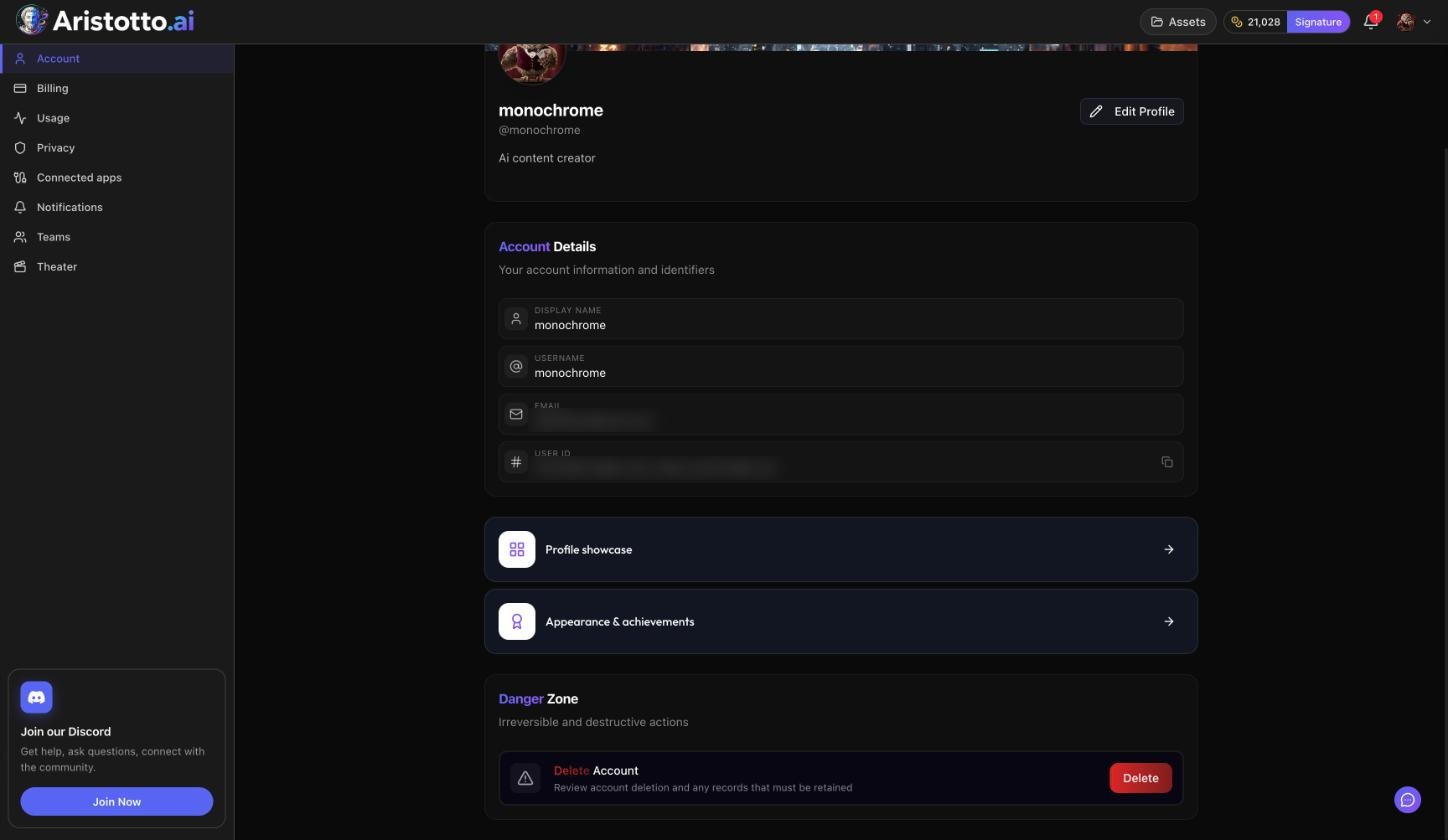
Open Manage Account, then Account.
Edit Profile is where you change your display name, username, bio, avatar and banner.
Account Details shows your display name, username, email and user ID.
Profile showcase is on the same page.
Appearance and achievements is where you pick a frame. You earn frames through generation and portfolio achievements.
Uploading an avatar and a banner also earns a one-time reward of 150 credits in the Reward Center.
How do you set or change your password?
Open Manage Account, then Privacy.
Sign-in Methods shows how you sign in, for example Google.
Press Set Password if your account has none yet, or Change Password if it does.
If you are signed out and cannot remember it, press Forgot your password? on the login page.
How do you make your profile private?
Open Privacy and find Profile Visibility. Turn off the Public Profile switch. This option needs a paid plan.
Your outputs are separate from your profile. They are private by default, and you make each one public or private from its preview, its result row, Assets (in bulk) or your profile.
How do you choose what is used for model training?
Open Privacy and find Model Training Preferences.
| Switch | Starts |
|---|---|
| Allow training on my public content | On by default |
| Allow training on my private content | Off by default |
| Allow training on my uploads | Off by default |
How do you block someone?
Go to the person's profile, open its menu and choose Block. To see or undo blocks, open Privacy, then Blocked users.
How do you delete your account?
Open Manage Account, then Account.
In the Danger Zone, press Delete Account.
Type your username to confirm.
Your data is removed right away. Delete Account is blocked while you have:
an active paid plan
a team you own that still has members
runs, exports or credit holds in progress
Example: How do you secure your account after using a shared computer?
On your own device, open Manage Account, then Privacy.
Press Change Password and set a new one.
Press Sign Out Everywhere.
Look at Sign-in Methods and make sure you recognize each one.
Open Connected apps. Check each app's Last used date and press Disconnect on any you do not recognize. Disconnect revokes access right away.
Sign in again with your new password.
What should you check when a setting will not change?
Public Profile will not turn off. A private profile needs a paid plan.
Delete Account is blocked. Cancel your paid plan first (Billing, Manage Billing, Cancel Subscription). Remove the members of any team you own; you can close a team only once the other members are removed. Wait for runs, exports and credit holds to finish.
No Theater page. Settings, Theater appears only for invited accounts.
An app still acts for you. Open Connected apps and press Disconnect.
Locked out. Use Forgot your password? on the login page. If your account was suspended or banned, send an appeal at aristotto.ai/appeal.
Questions
Are my creations public by default?
No. Your outputs are private by default until you make them public.
Is my private work used to train models?
Only if you switch it on. Allow training on my private content and Allow training on my uploads both start off. Allow training on my public content starts on, and you can switch it off in Privacy.
Can I get my account back after deleting it?
Delete Account removes your data right away, so save anything you want to keep before you press it.
How do I sign out of every device at once?
Open Privacy and press Sign Out Everywhere.