How to Publish, Share and Manage Your Profile in Community
 by Aristotto4 min
Everything you make on Aristotto stays private until you make it public. Public images and videos appear in Community, can be shared by link, and show on your profile. You switch each output between public and private yourself.
This article covers making work public, sharing it, what visitors can do, likes and follows, and how to edit, hide or protect your profile. Community is in the left rail.
How do you make a creation public?
Use any of these:
the creation's preview
its result row
Assets, for many at once (Select many)
your profile
Use the same places to make it private again.
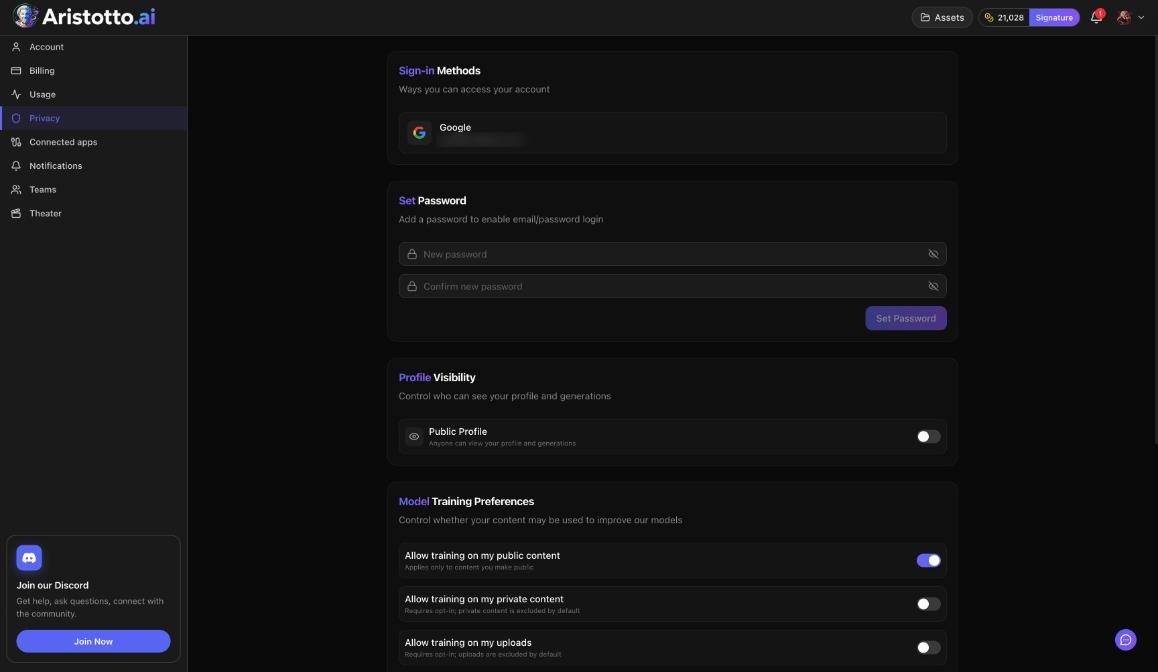
Training on your public content is on by default. You can turn it off in Settings, Privacy, under Model Training Preferences.
What do people see in Community?
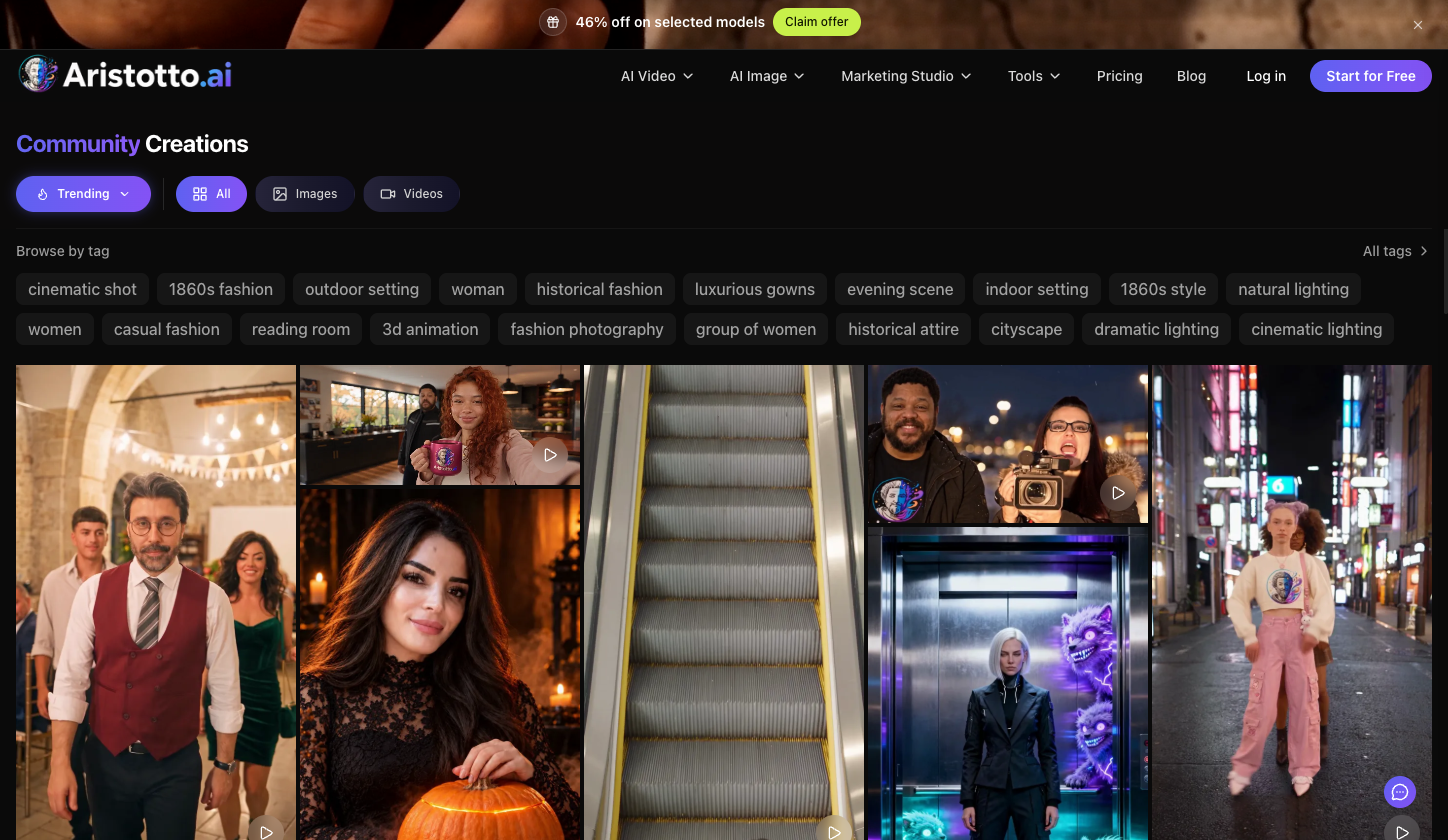
The Community Creations page lists public images and videos only. Visitors sort by Trending or New, filter All, Images or Videos, search work or styles, and Browse by tag.
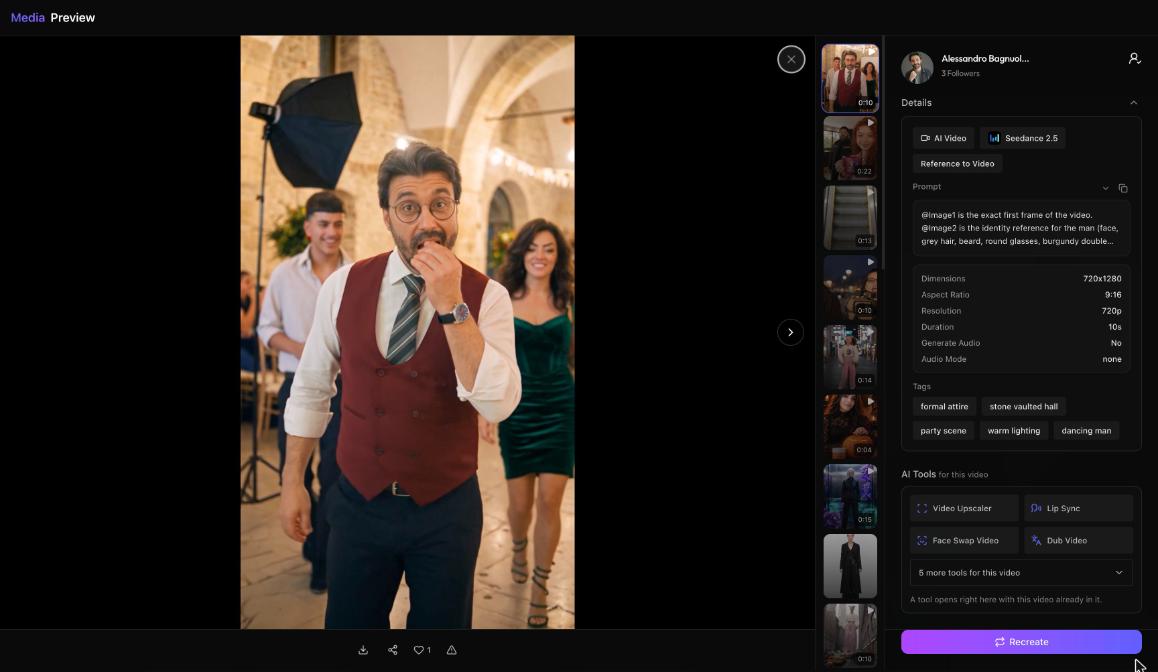
Opening a creation shows its preview:
the author and Follow
Details: the task (such as AI Video), the model, the mode, the prompt with a copy button, dimensions, ratio, resolution, duration and audio
tags
AI Tools for this video, which open in place
Recreate
a bar with download, share, like and report
Your prompt is part of Details, so anyone who opens a public creation can read and copy it.
How do you share a creation by link?
Each public output has a share page at aristotto.ai/media/<id>. It has Like, Share (Facebook, X, Reddit and Copy link), Download, Report and Follow. When you download your own output, it has no watermark. Signed-out visitors are asked to sign in before any of these actions.
How do likes and follows work?
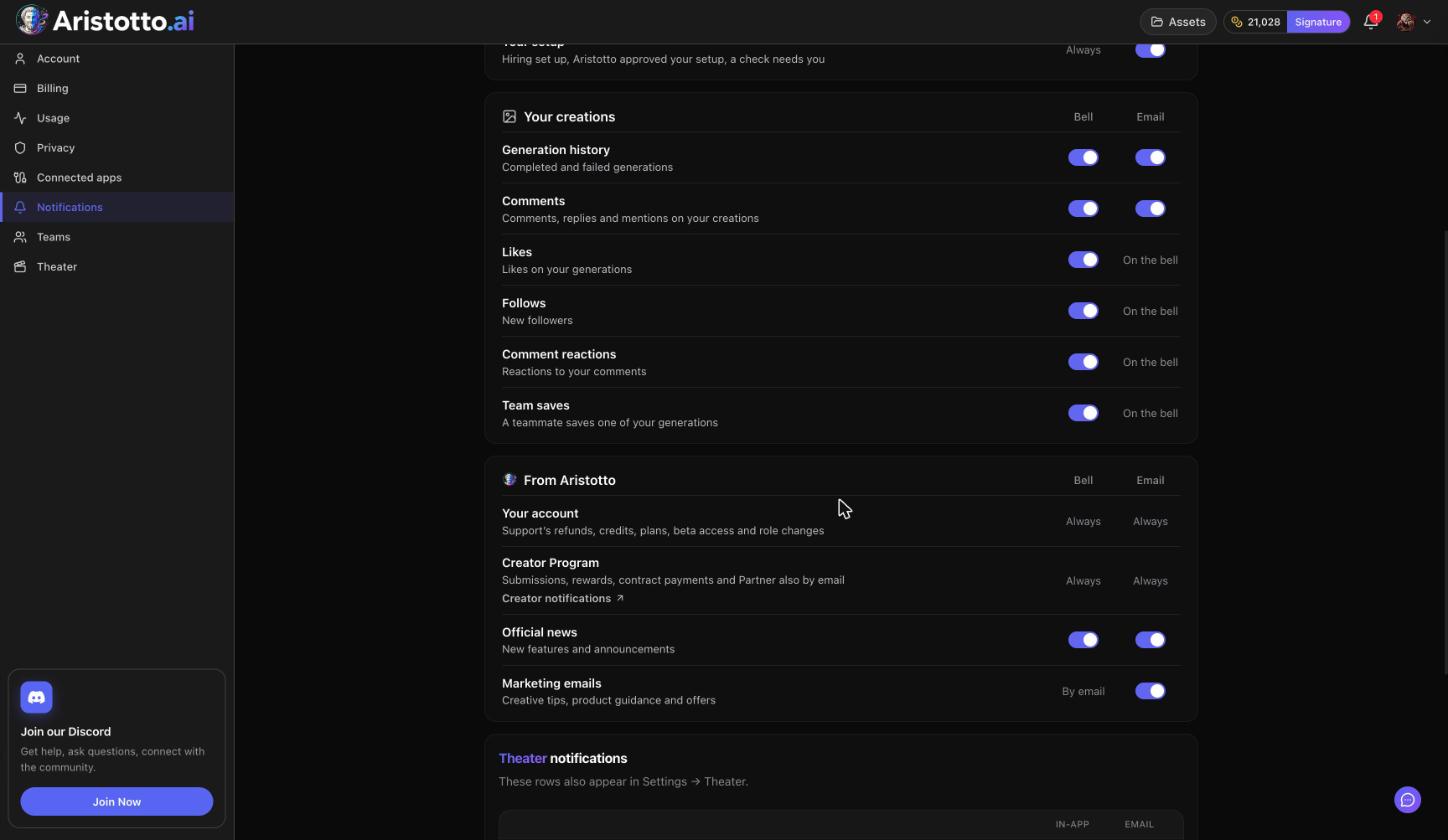
What you like shows in Assets, Liked Content.
Creators you follow fill your Following Feed in Assets.
Likes, comments and follows on your work show in the bell's Interactions tab.
What does your profile show, and how do you edit it?
Your profile is at aristotto.ai/profile/<username>, or press View Profile in the account menu. It shows your avatar, banner, name, bio, followers and following, counts of videos, images, effects and likes, a Follow button, and your creations filtered All, Images or Videos. Creator Program members also show a Creator mark.
To edit it, open Manage Account, then Account, then Edit Profile: display name, username, bio, avatar and banner. Profile showcase is on the same page.
How do you make your profile private or block someone?
Private profile: Settings, Privacy, Profile Visibility, then turn off Public Profile. This needs a paid plan.
Block or report: open the person's profile, open the profile menu and press Block or Report. The same menu has Share.
Undo a block: Settings, Privacy, Blocked users.
Example: How do you publish a video and send its link to a friend?
Open Assets in the header and stay on Generations.
Open the video's preview and make it public.
Press share in the bar and pick Copy link.
Send the link. Your friend opens the share page and can watch it.
If they want to like it, download it or follow you, they sign in first.
Open Community, sort by New, and check that your video is there.
What should you check when sharing does not work?
No Share options. Share works for public outputs only. Make the output public first.
Visitors asked to sign in. Like, Download, Report and Follow need a signed-in visitor.
Nobody can comment. Community has no public comments.
Public Profile will not turn off. Hiding your profile is a paid-plan feature.
Unwanted attention. Block or Report from the profile menu.
Publishing from a team. Publishing a Trends or TottoMotto remake from a team workspace asks for a second tick, I have the team's permission. Owners and admins of that team can remove it later.
Questions
Is my prompt visible when I make something public?
Yes. A public creation's Details show the prompt with a copy button.
Do my downloads have a watermark?
Not when you download your own output. The owner gets no watermark.
Can people comment on my public work?
No. Comments live on a generation's preview and are open to its owner and team members only.
Can I hide my profile on the free plan?
No. Making your profile private needs a paid plan.