How to Join the Creator Partner Program and Submit a Post
 by Aristotto4 min
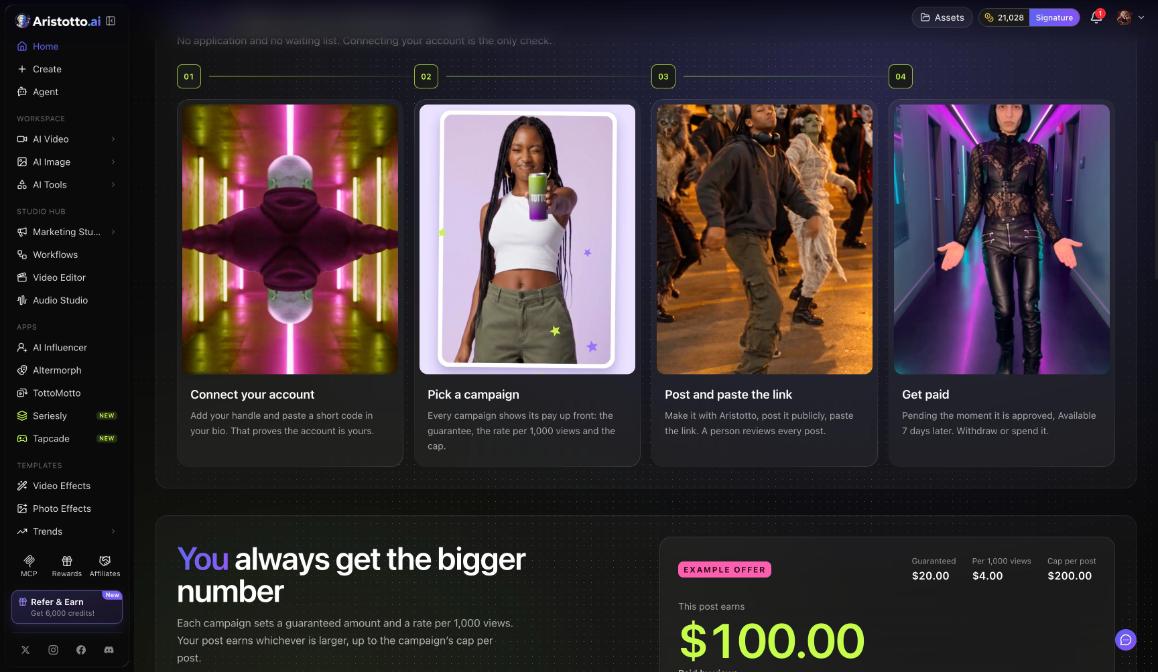
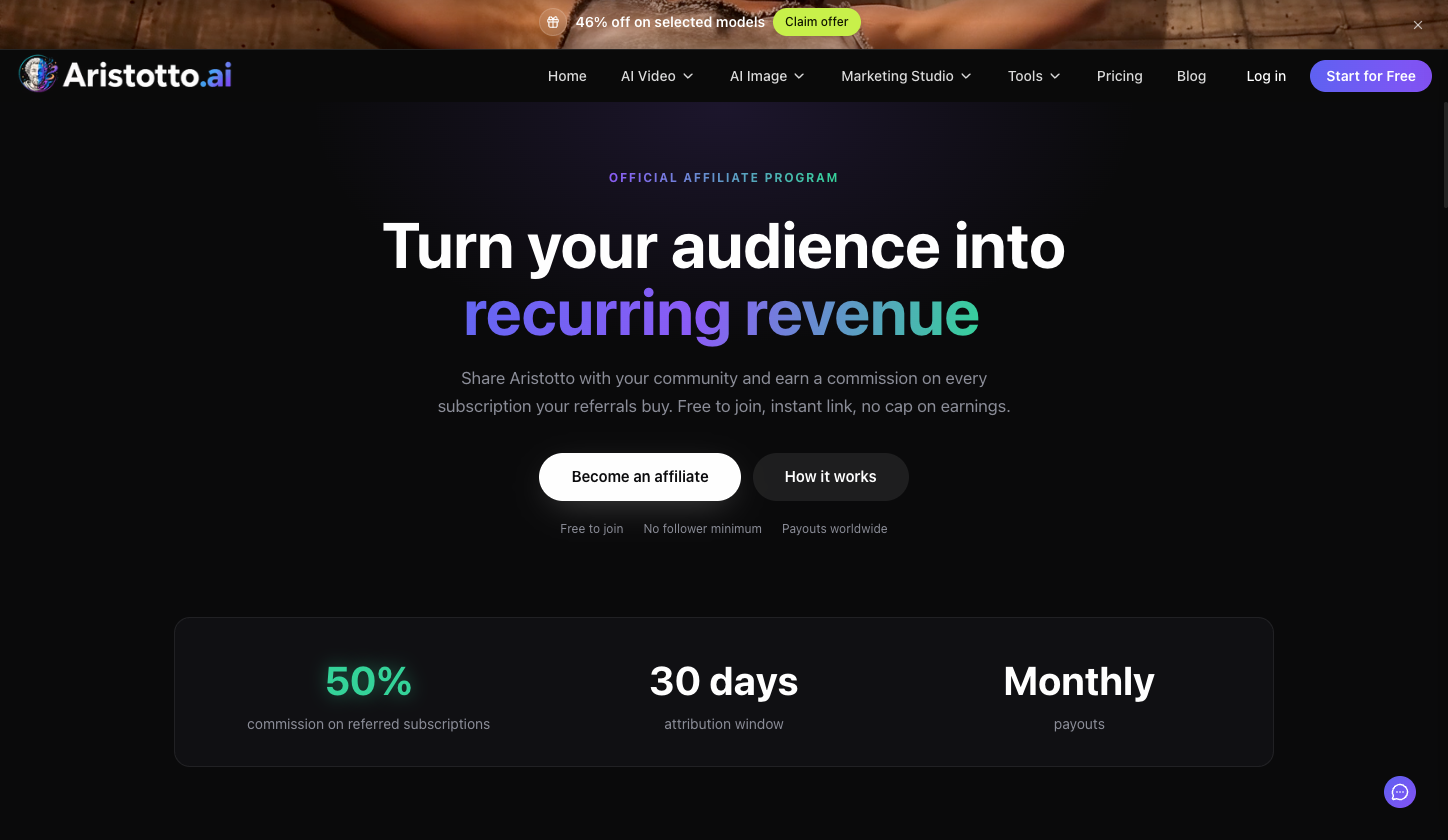
The Creator Partner Program pays you for posts made with Aristotto. It costs $0 to join and needs no plan. You connect your Instagram, YouTube or X account in the Creator app, an Aristotto admin approves you, and then you submit post links to campaigns.
This article covers joining, reading a campaign brief, submitting a post and tracking it. The Creator app is at creator.aristotto.ai, and the public program page is aristotto.ai/creator-program.
How do you join?
Open creator.aristotto.ai and sign in with your Aristotto account. A sign-in on aristotto.ai does not carry over, so sign in here too.
Go to Connect your account. Pick the platform (Instagram, YouTube or X), enter your handle and, the first time, your country.
Tick I'm 18+ and agree to the terms.
Press Get my code.
Paste the code in your bio. On YouTube, paste it in your channel description. The code is valid for 48 hours.
Press Check my channel.
Your request goes to an Aristotto admin, who approves new members. Watch the bell for Approved or Not approved.
How do you find a campaign?
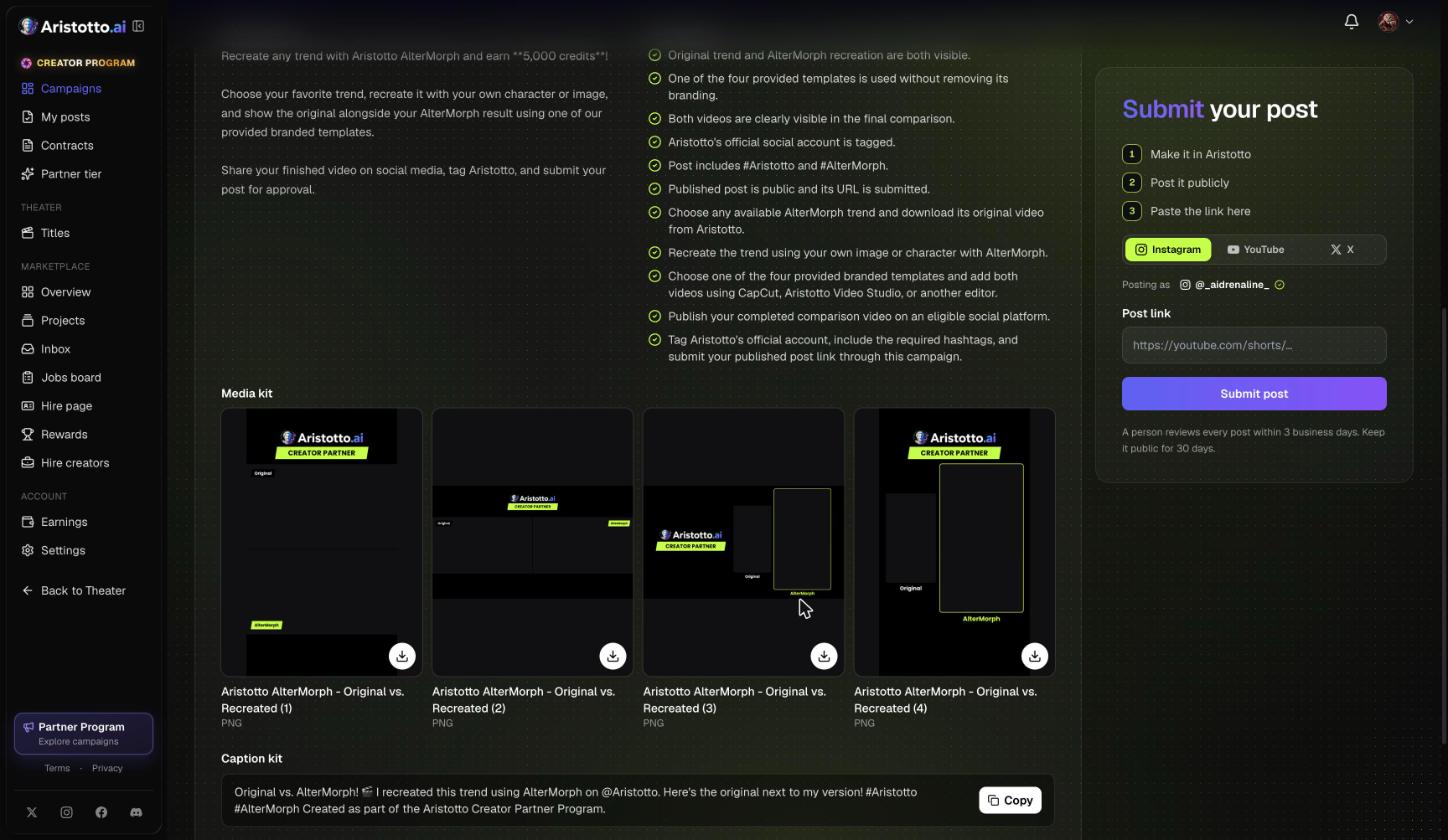
Open Campaigns in the sidebar. The tabs are Open, Ended and How it works. Each campaign card shows:
the platforms it accepts
the guaranteed amount per post, up to the max
credits left and the end date
View brief
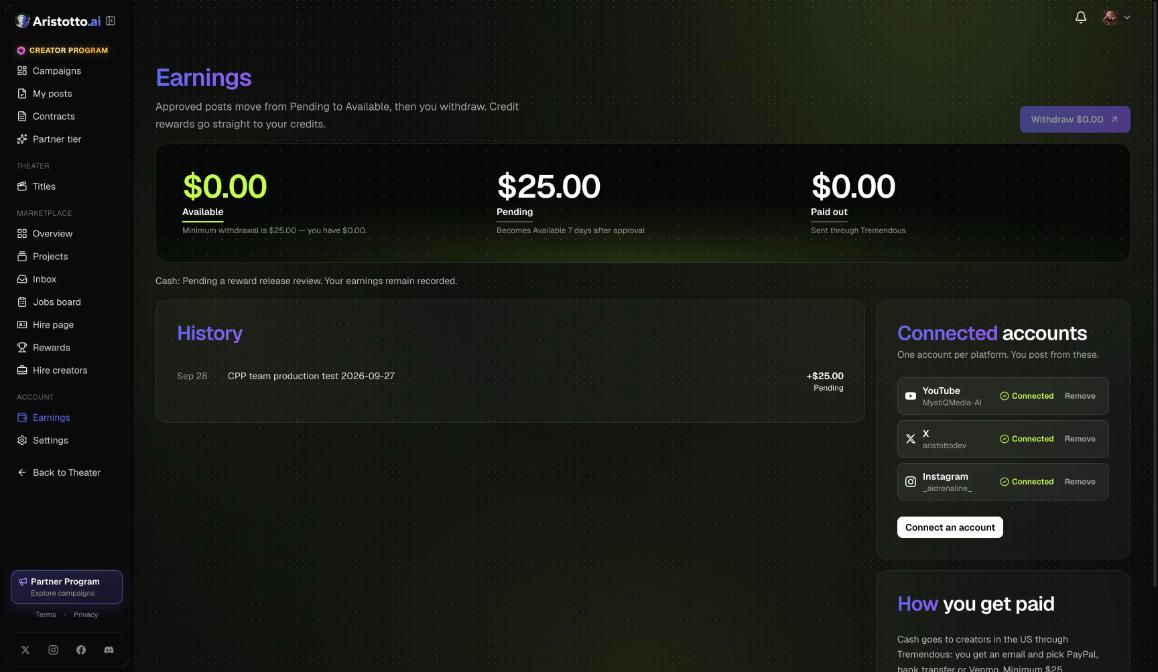
Your balances sit at the top: Available, Pending and Paid out.
What is in a campaign brief?
Press View brief. The brief has five parts:
| Section | What you find there |
|---|---|
| What to make | The idea the campaign wants |
| Must-haves | What the post has to include |
| Media kit | Files to download, for example branded templates |
| Caption kit | Caption text with a Copy button |
| How it pays | The guaranteed amount and how views add to it |
How do you submit a post?
Three numbered steps run down the submit panel: 1 Make it in Aristotto, 2 Post it publicly, 3 Paste the link here.
Make the video in Aristotto.
Post it publicly from your connected account. The panel shows Posting as your verified handle.
Pick Instagram, YouTube or X.
Paste the Post link.
If you like, add the Made on Aristotto generation link.
Press Submit post.
How do you track a post after you submit it?
Open My posts and filter by All, In review, Approved, Needs changes or Rejected. For every post you see the view count, the amount earned so far and where it stands. If a reviewer leaves a note, read it, fix the post and resubmit. If you are asked for proof of views, upload it there.
Example: How do you enter the AlterMorph campaign?
At the time of writing, the open campaign is Aristotto AlterMorph, Original vs. Recreated. It pays 5,000 credits guaranteed per post, with a max of 5,000, and takes 1 post per creator.
In Campaigns, find the AlterMorph card and press View brief.
Download the media kit and copy the caption from the Caption kit.
On aristotto.ai, open Apps, Altermorph. Add a scene (a video 4 to 30 seconds long, or a trend) and your characters, then press Recreate scene.
The result shows ORIGINAL and RECREATION side by side. Press Download video.
Post the video publicly from your connected account.
Back in the brief, pick the platform, paste the Post link, add the generation link and press Submit post.
Open My posts. The post shows In review until a person reviews it, within 3 business days.
What should you check when joining or submitting does not work?
Asked to sign in again. The Creator app has its own sign-in. Sign in there with your Aristotto account.
Check my channel fails. Make sure the code is in your bio, or your YouTube channel description, and that you press Check my channel within 48 hours.
Not approved. A declined request stays declined unless an admin reopens it.
Cannot submit. A campaign can refuse a post when you reached its post count per creator, its credits are used up, it is for Partners only, or it is not open yet.
Needs changes. Read the reviewer's note in My posts, fix the post and resubmit.
Wrong account connected. You can connect one account per platform. Under Connected accounts, Remove the old one, then Connect an account.
Questions
Do I need a paid plan to join?
No. Joining costs $0 and no plan is needed.
Does the video have to be made with Aristotto?
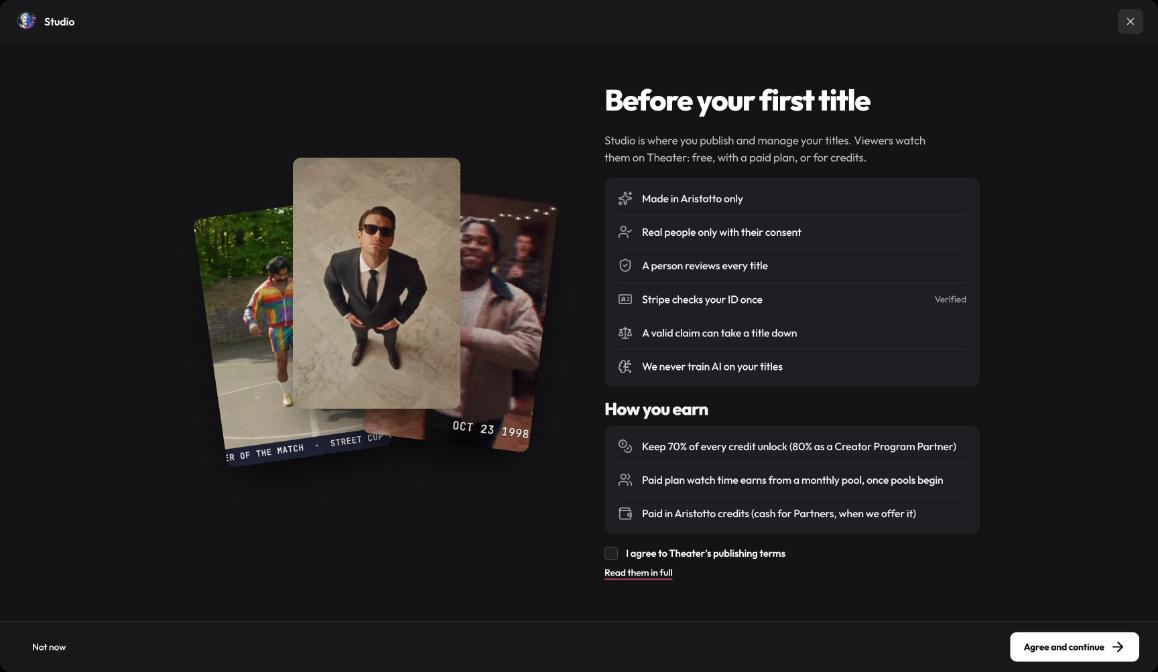
Yes. The first submit step is Make it in Aristotto, and you can add the Made on Aristotto generation link with your post.
How soon is my post reviewed?
Within 3 business days, and a person does the review.
Can I delete my post after it is approved?
Not straight away. The post needs to stay public for 30 days.
When can I use what a post earns?
Earnings are Pending the moment the post is approved and become Available 7 days later.