Camera Angle
See the same shot from another angle: turn the camera around the subject, raise it, lower it, zoom.
How it works
- 01
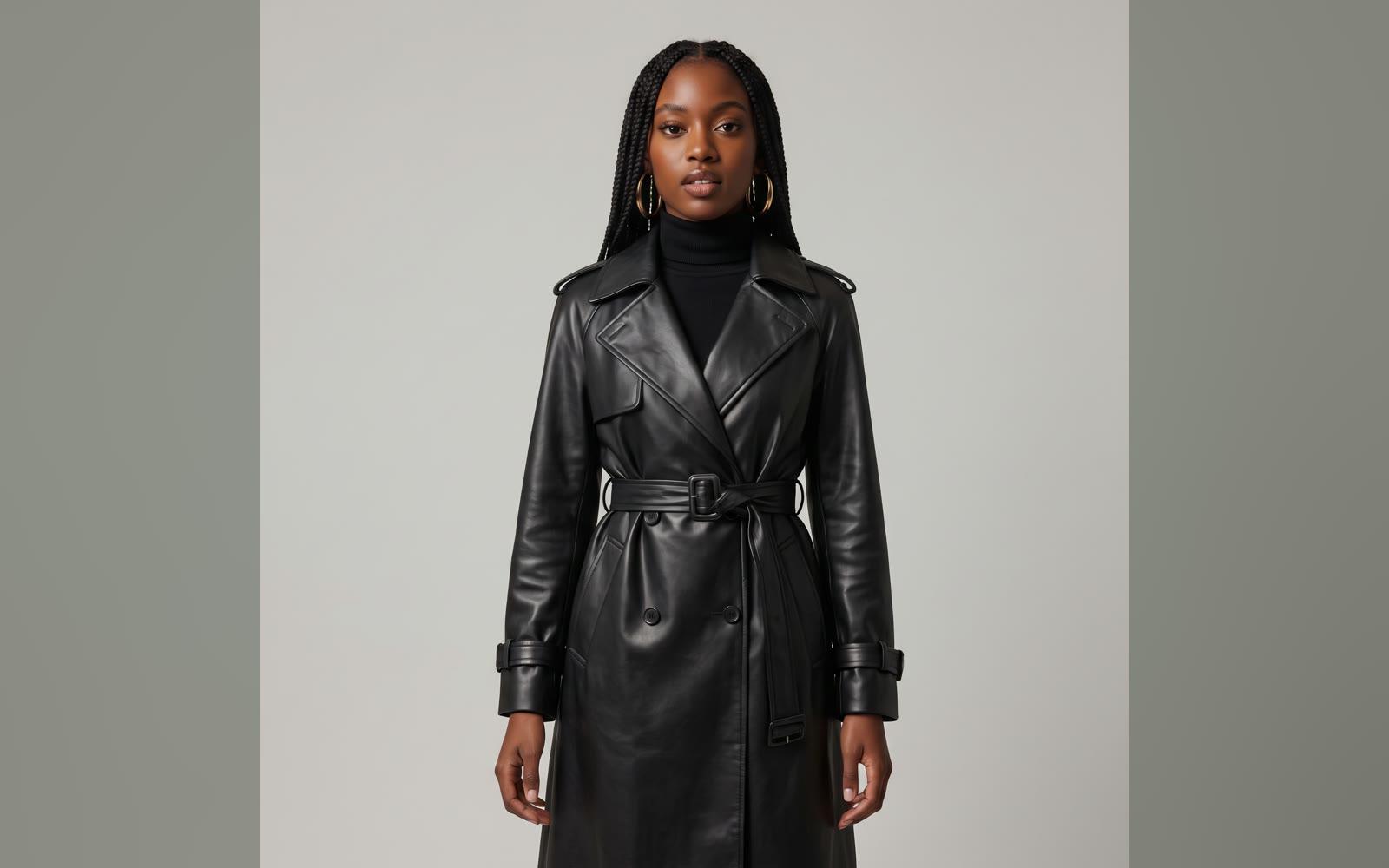
Add your picture
From your device or your Assets.
- 02
Move the camera
Turn it around the subject, raise or lower it, and zoom.
- 03
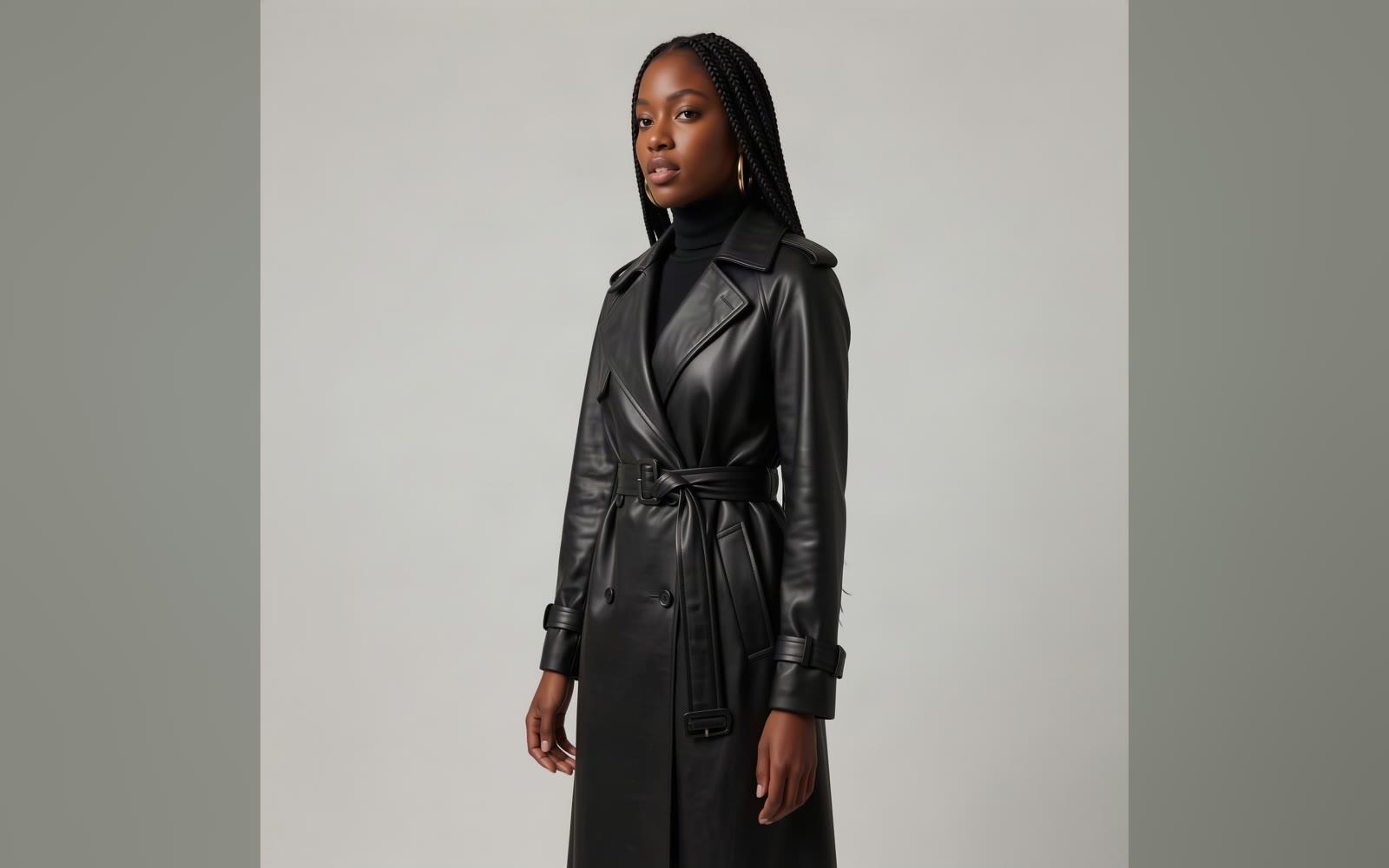
Use it anywhere
Download it, or send it to another tool. It is also in your Assets.
Examples
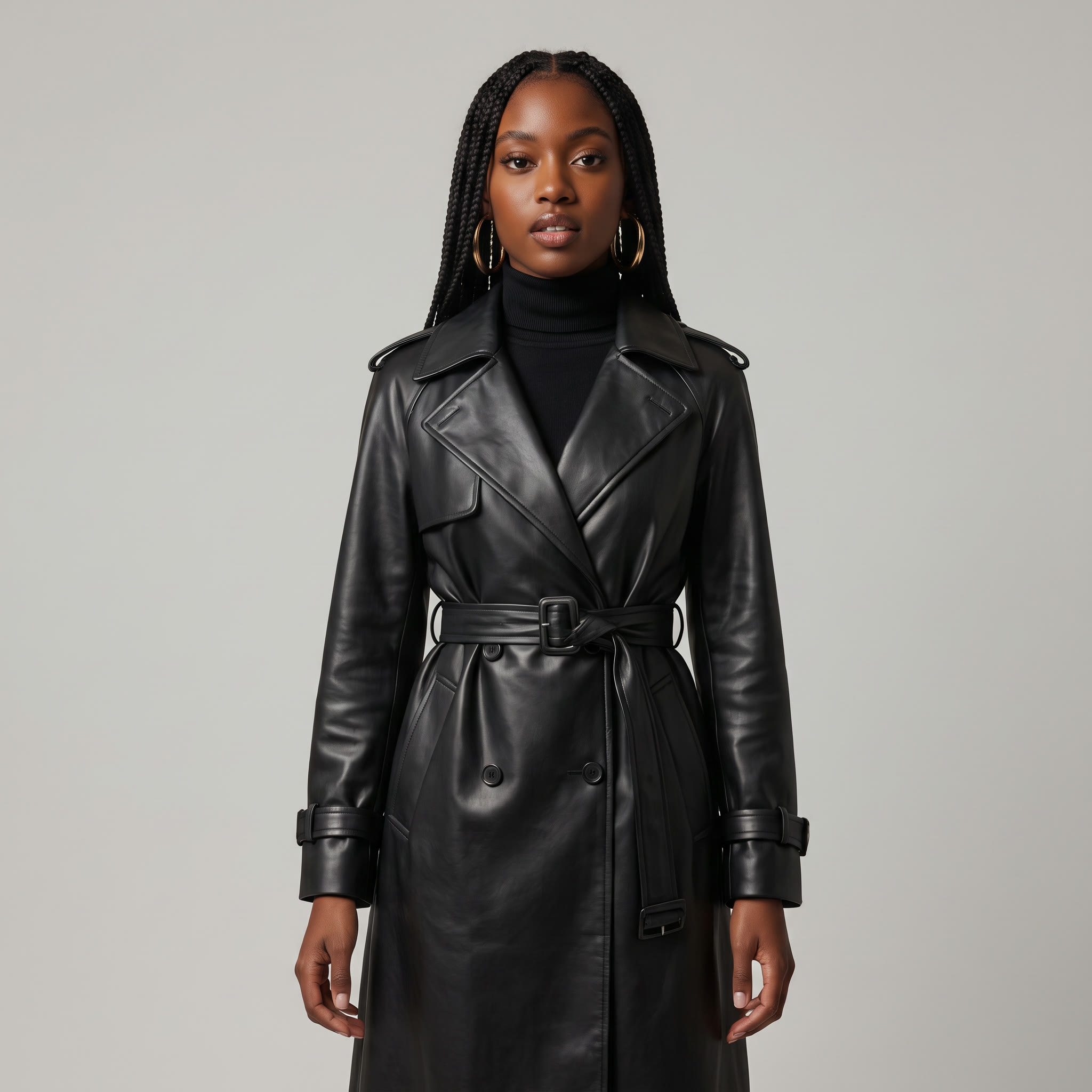 Before
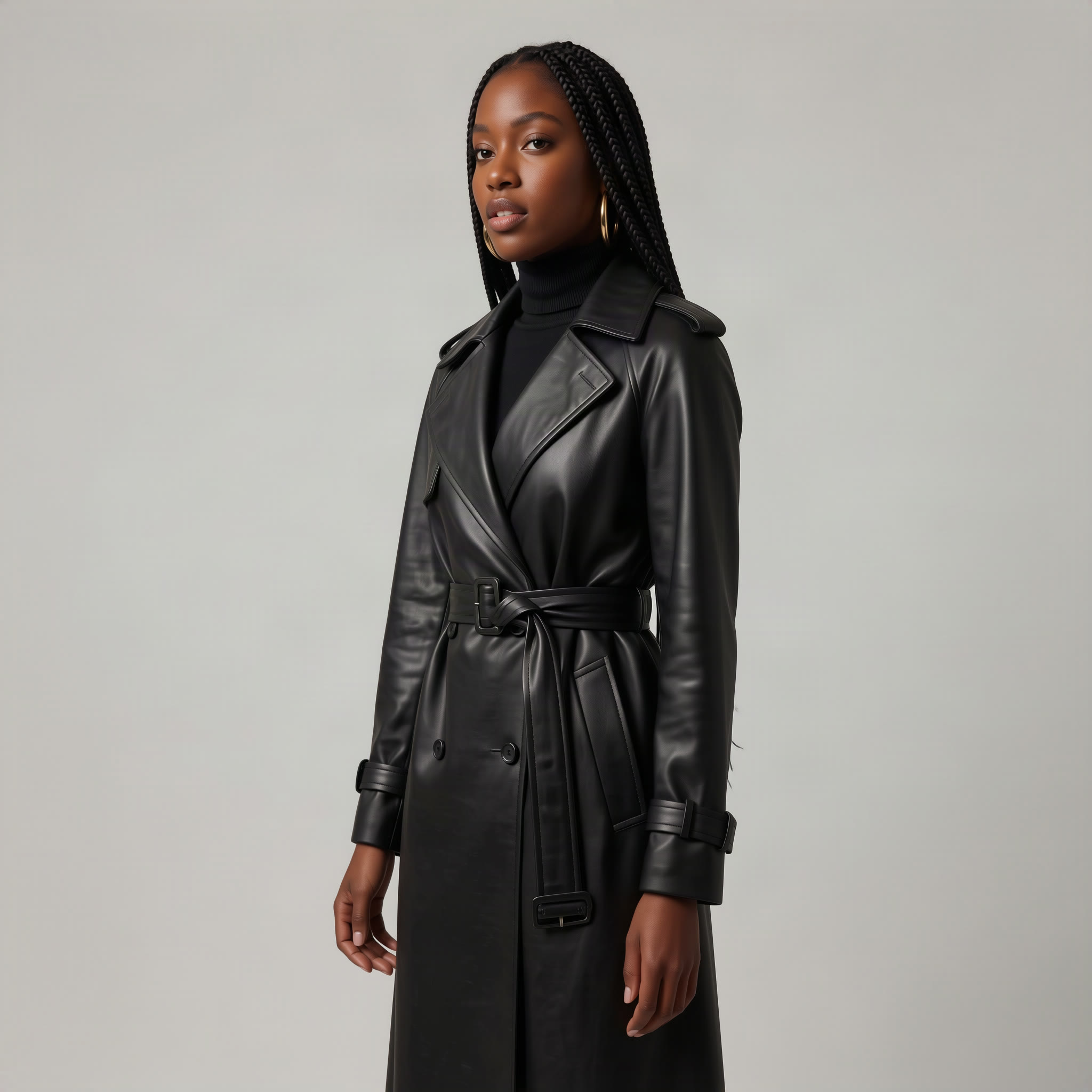 After
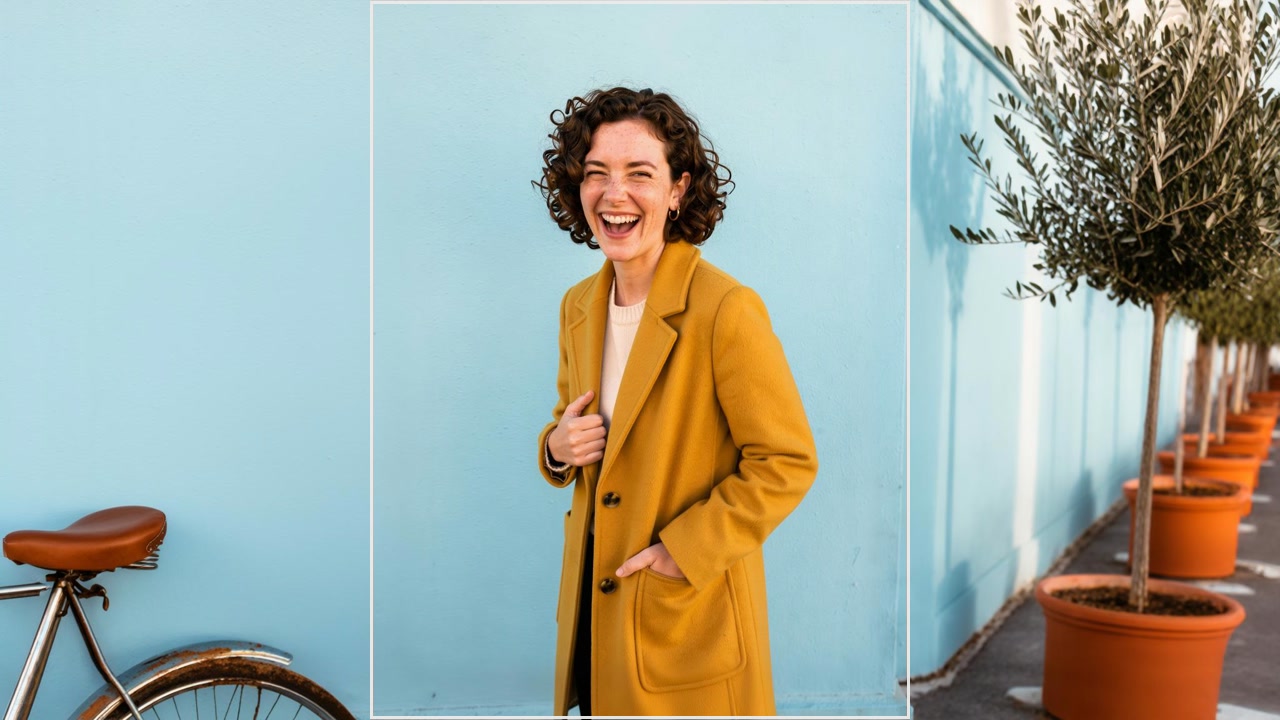
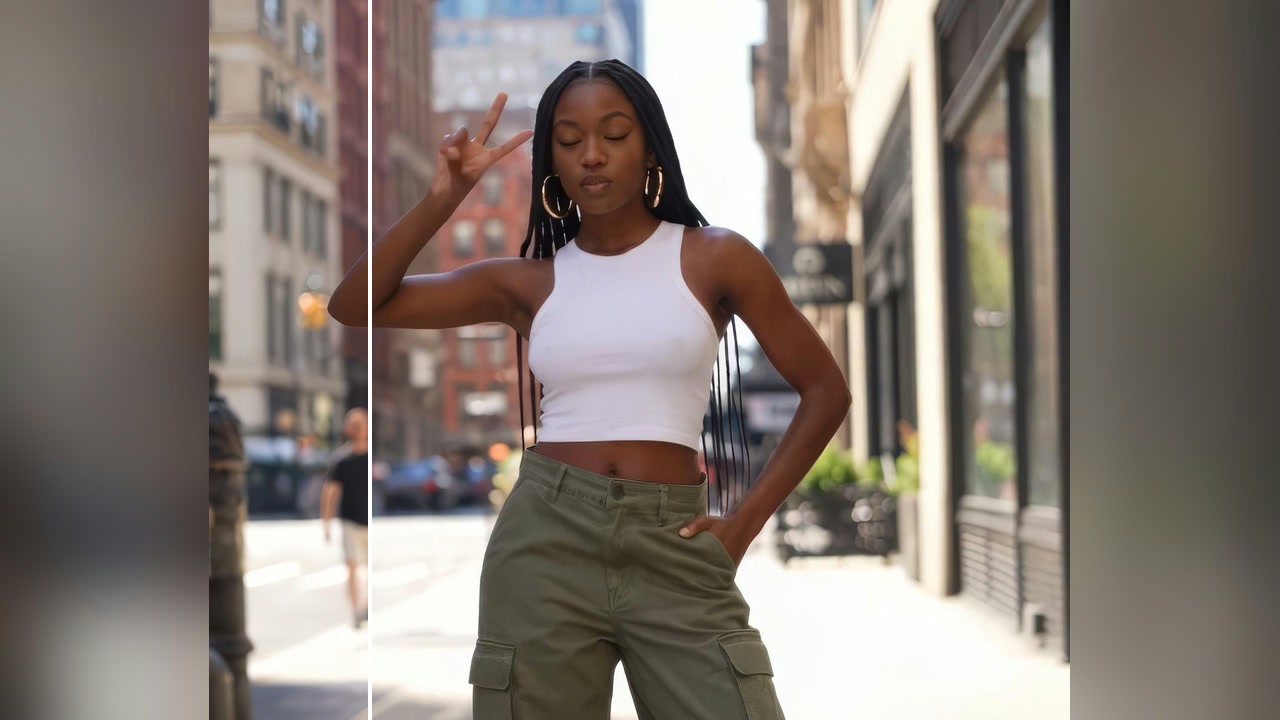
The same look from three quarters · 45°
Good to know
- Front is where the camera is now; their left and right are the subject's.
- Pick Shot grid to get several angles at once.
- 4 shots are 4 runs: the price is one shot's price times the shots you tick.
PNG, JPG, WebP or HEIC, up to 10 MB. Phone photos in HEIC are turned into JPG on the way in.
No. The same subject and scene, seen from where you moved the camera.
60 credits a picture with Qwen Image. A failed run gives them back; a result the safety filter stops doesn't.