Extract Layers
Split a picture into separate layers: the subject, the background and what sits between.
How it works
- 01

Add the picture
A picture with a clear subject and background.
- 02
Pick how many layers
From 2 to 8. You pay for each layer.
- 03
Use it anywhere
Download it, or send it to another tool. It is also in your Assets.
Examples
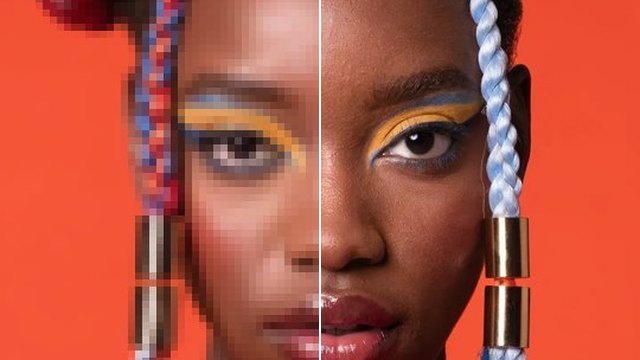
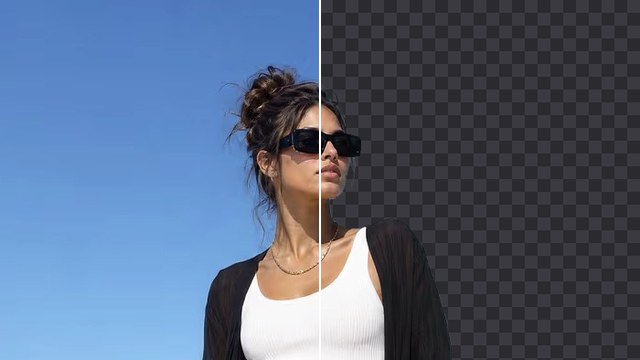
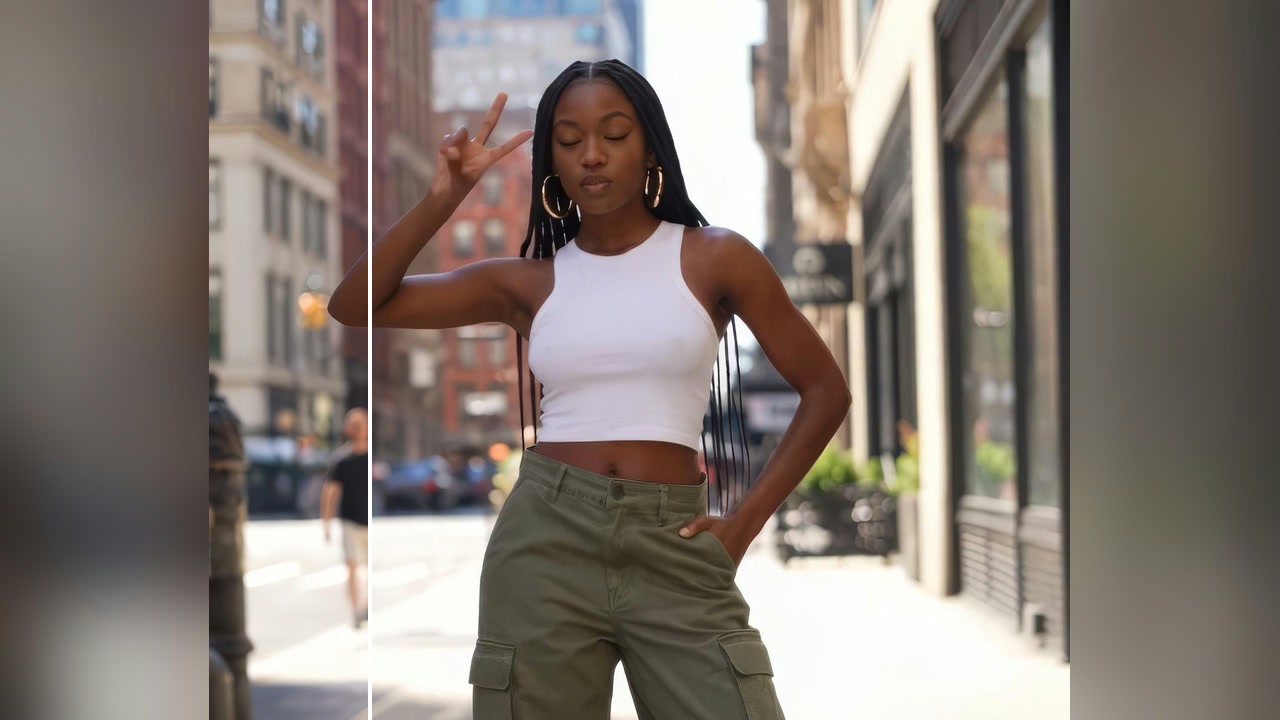
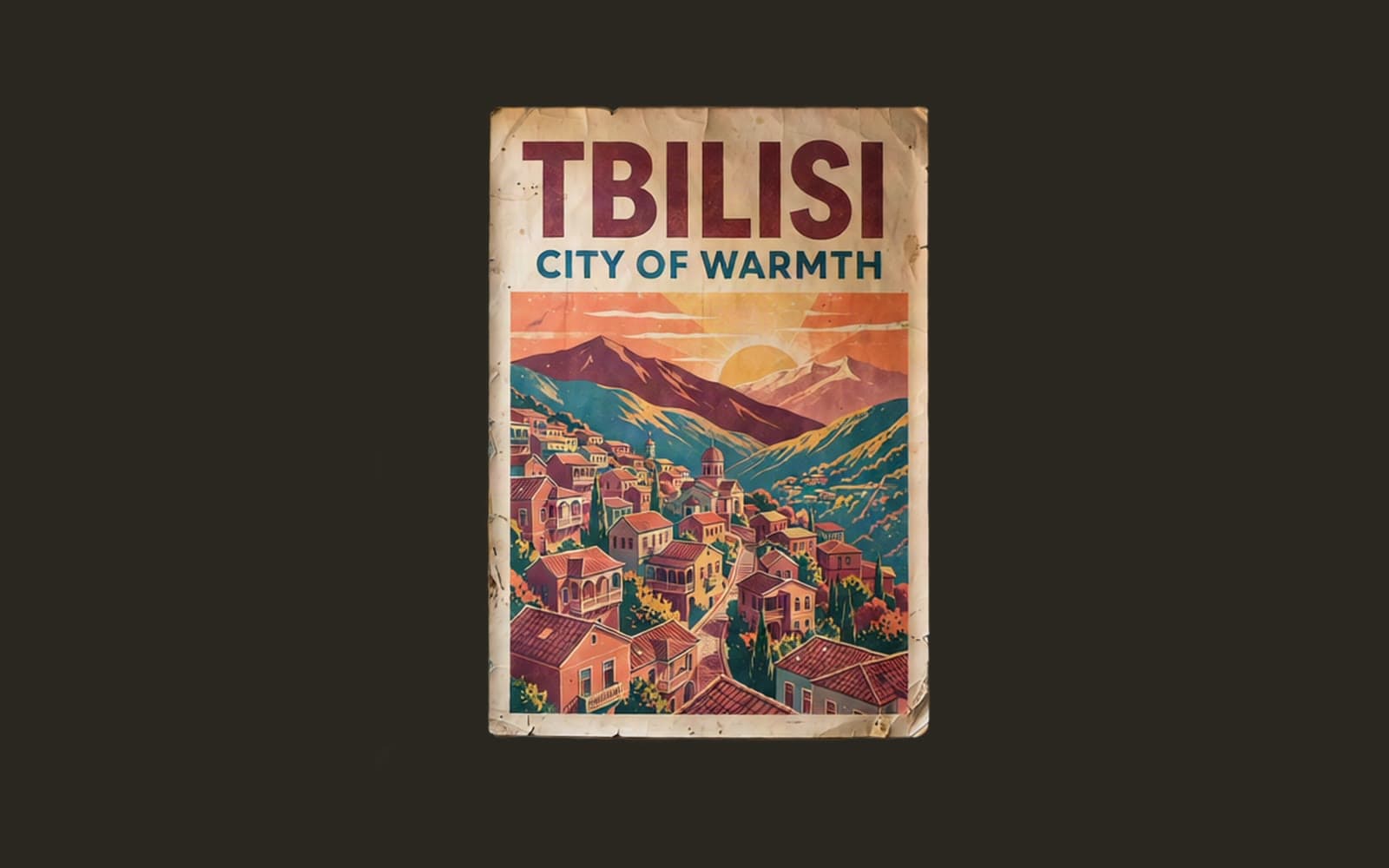
 Before
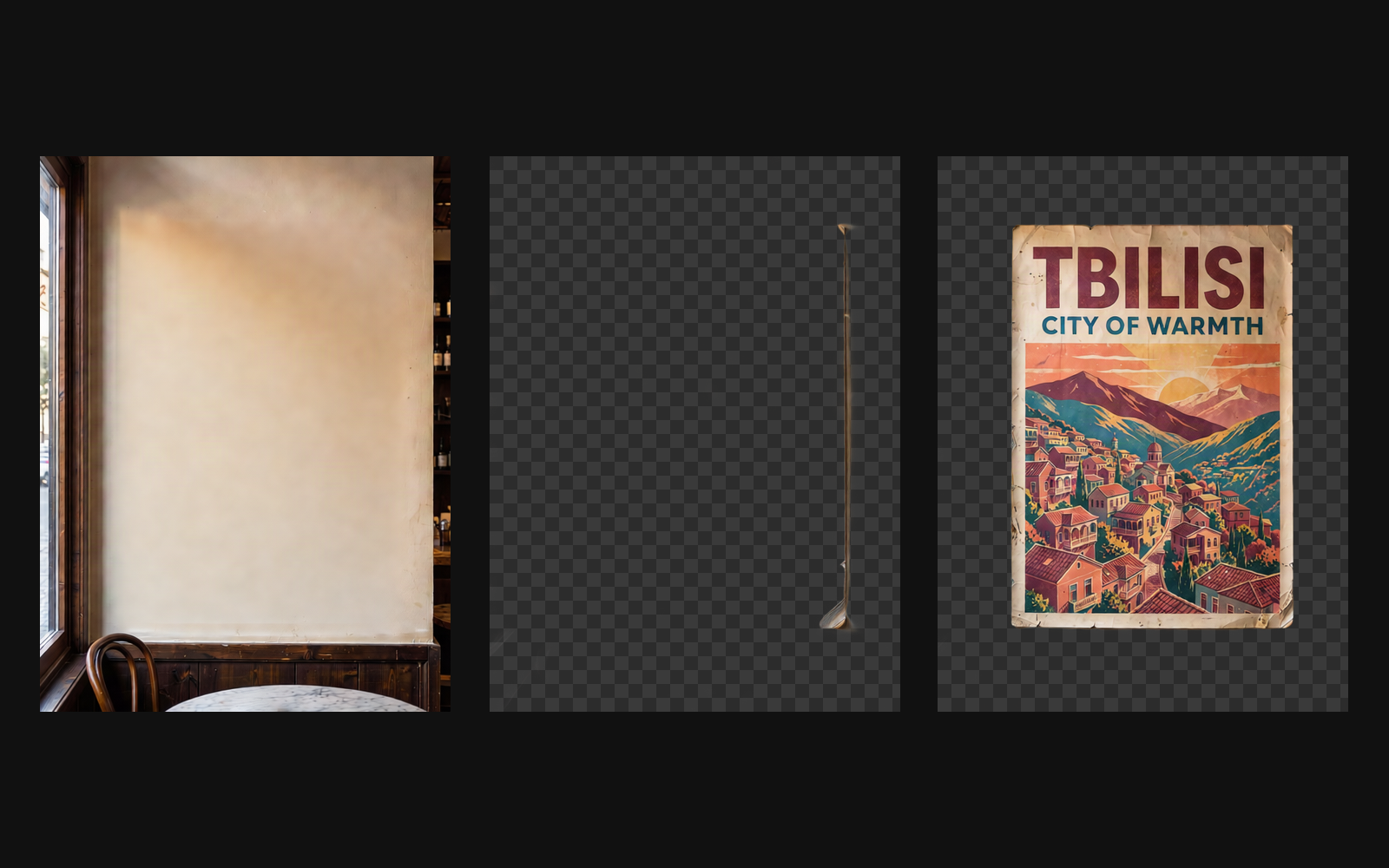 After
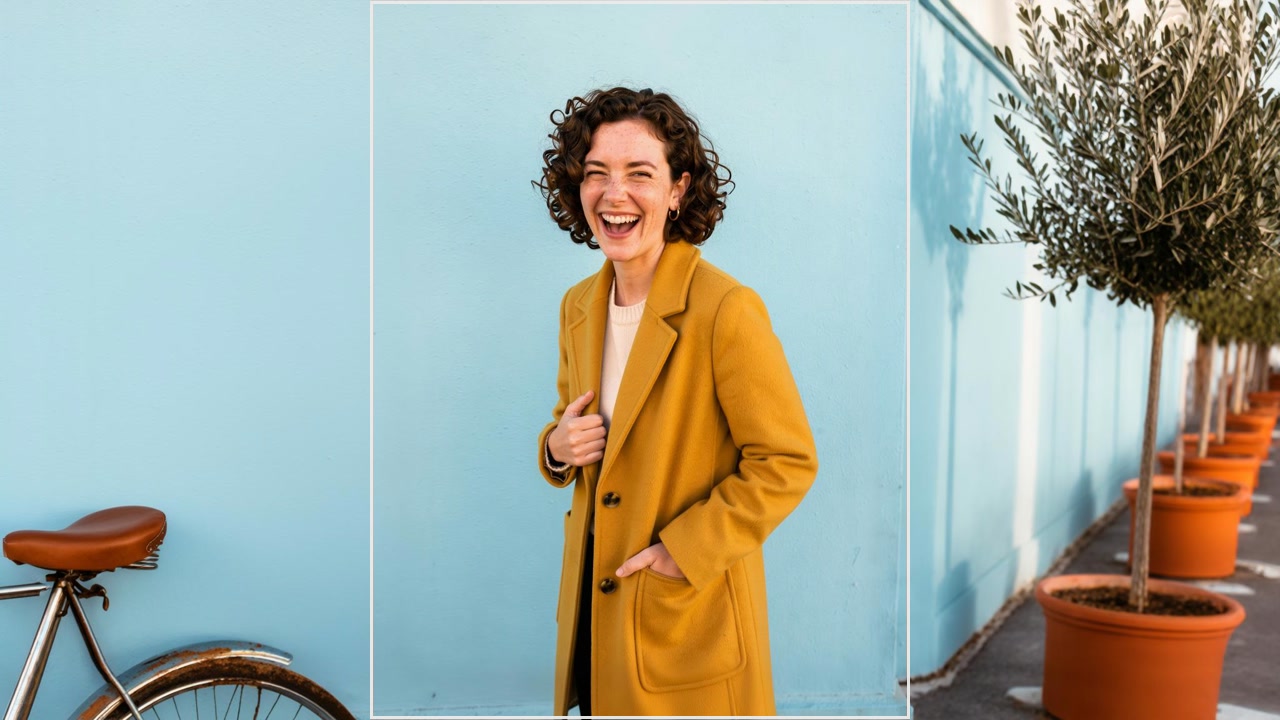
The wall, the frame edge and the poster, each on its own · 4 layers
Good to know
- Pictures with a clear subject and background split most cleanly.
- Ask for fewer layers on a simple picture, more on a busy one.
- Each layer comes back as its own picture with see-through parts.
PNG, JPG, WebP or HEIC, up to 10 MB. Phone photos in HEIC are turned into JPG on the way in.
One picture per layer, with see-through parts, ready to stack in any editor.
From 170 credits a picture with Qwen Image Layered. A failed run gives them back; a result the safety filter stops doesn't.