Face Swap
Put a face onto another photo, matched to its light and angle. Tick the consent line, pick the face, swap.
How it works
- 01
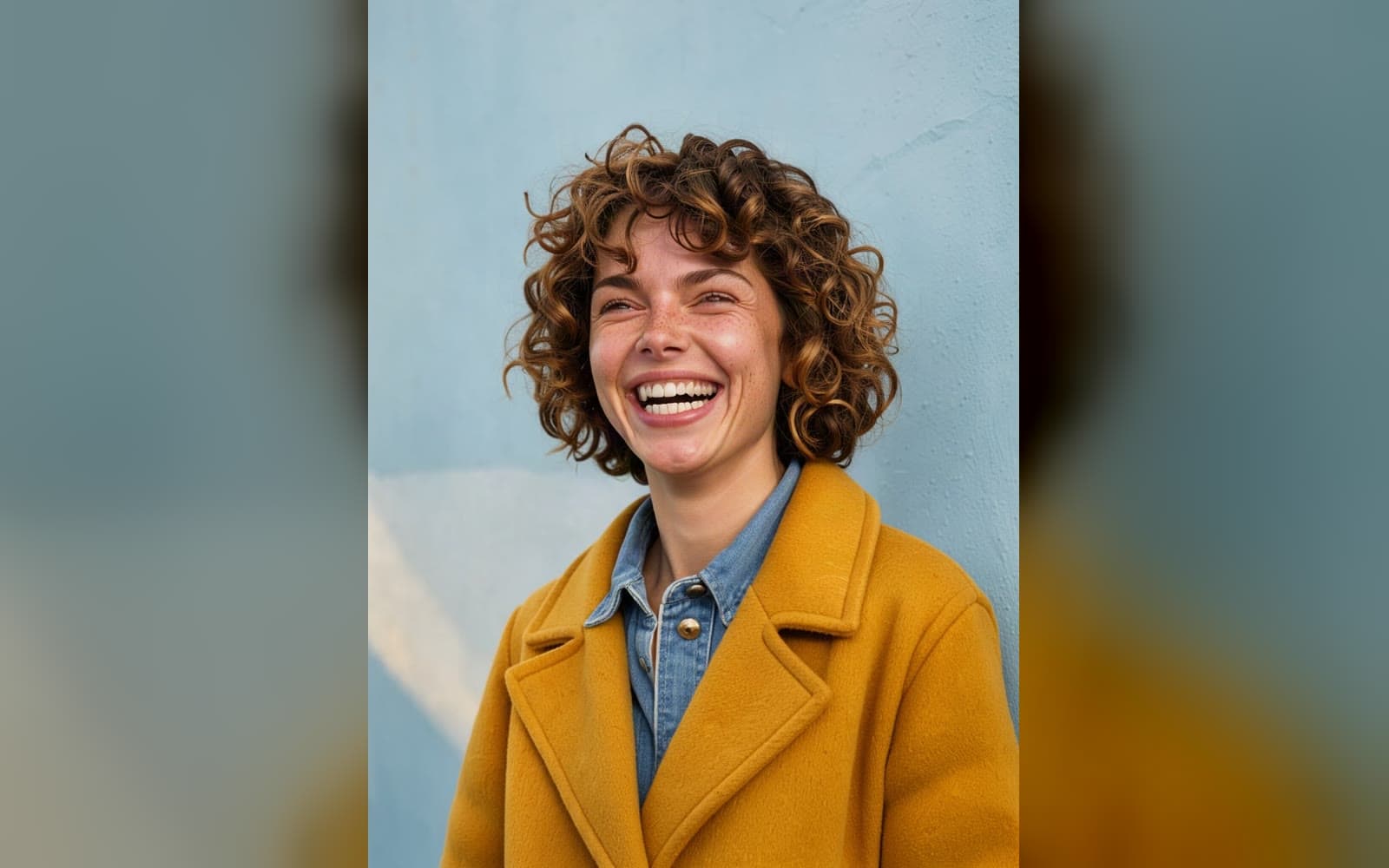
Add the face
One clear face, looking at the camera, in even light.
- 02
Add the photo it goes into
If it shows several people, pick the face to change.
- 03
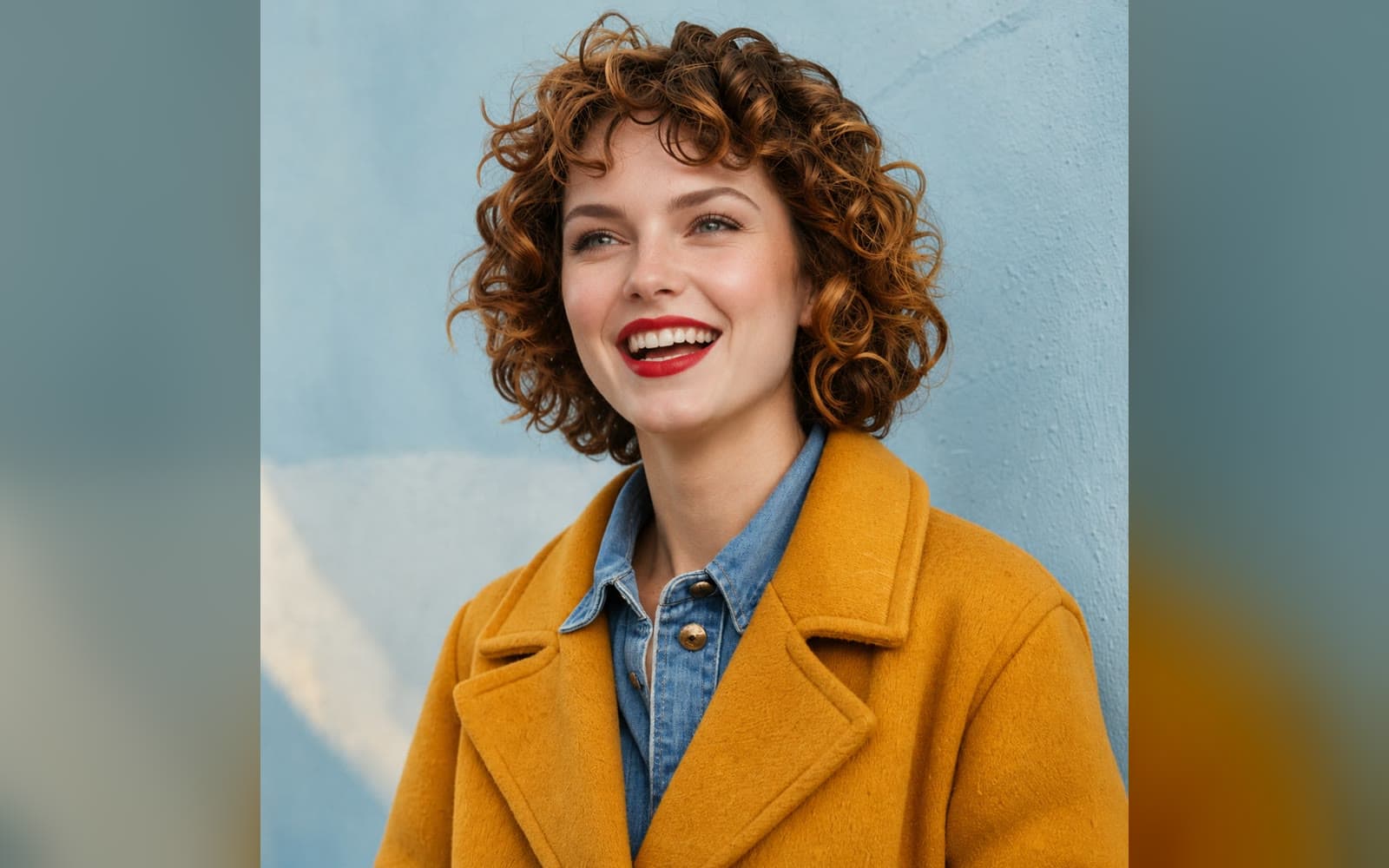
Use it anywhere
Download it, or send it to another tool. It is also in your Assets.
Examples
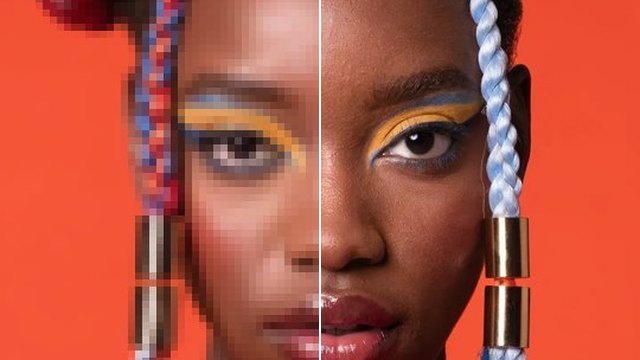
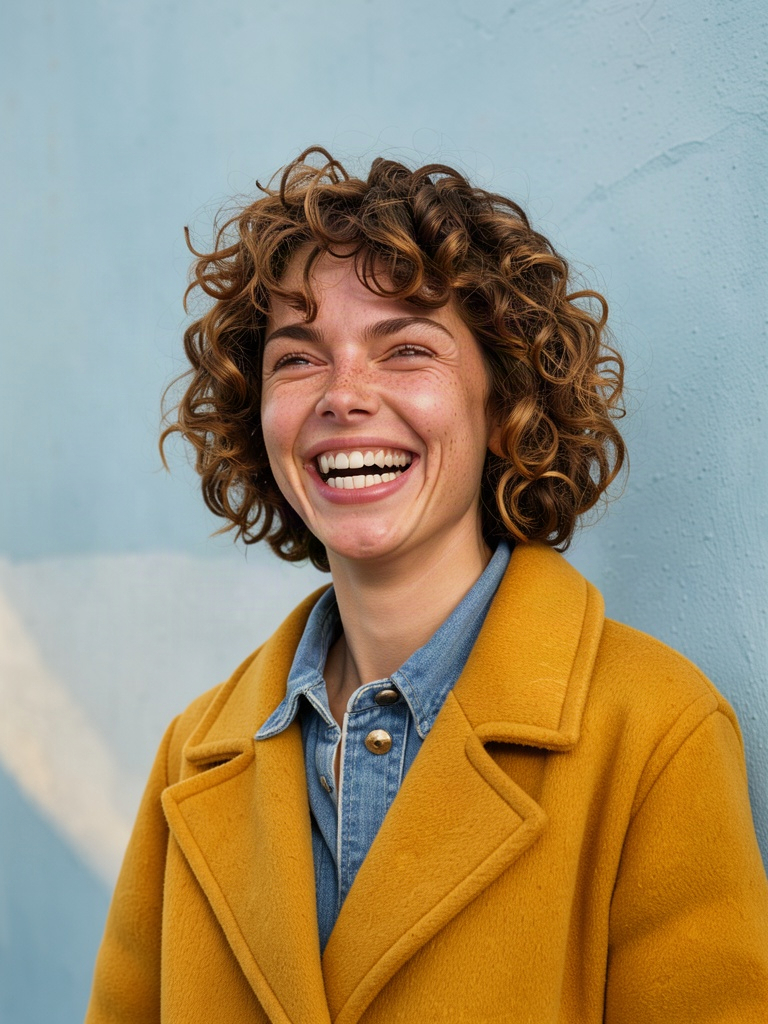 Before
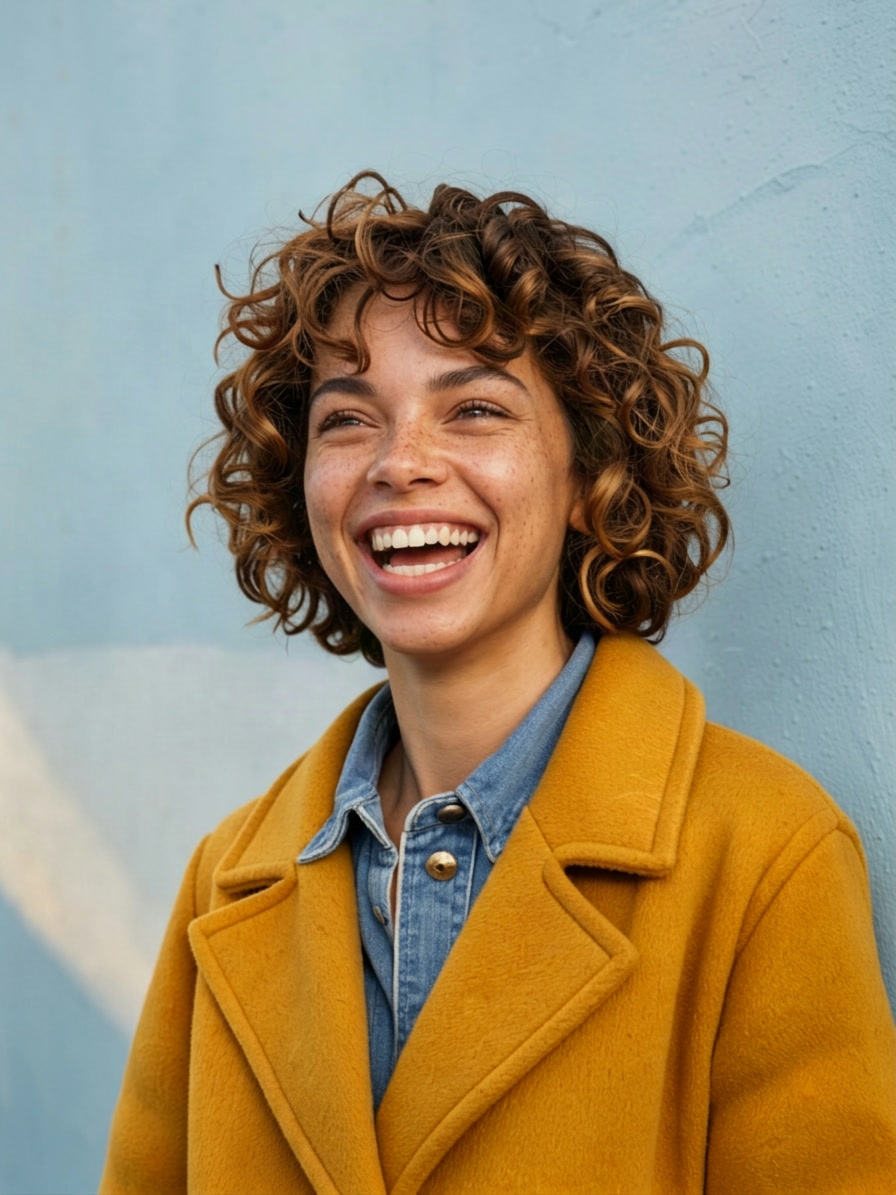 After
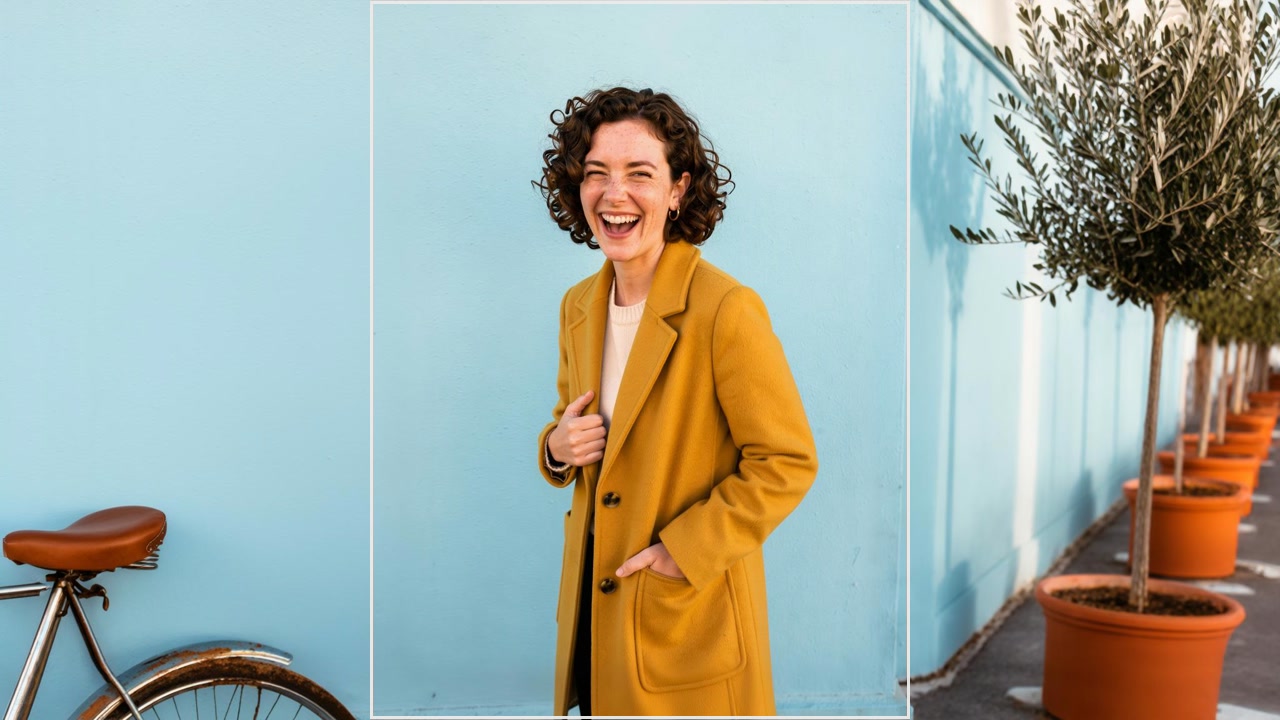
One face onto another photo · Largest face
Good to know
- Only swap faces you have the right to use. Swaps of real people need their permission.
- You pay for each picture. A failed run gives the credits back; a result the safety filter stops doesn't.
PNG, JPG, WebP or HEIC, up to 10 MB. Phone photos in HEIC are turned into JPG on the way in.
Adults only. A photo where someone may be under 18 is refused, and nothing is charged.
From 50 credits a picture with Nano Banana 2.1. A failed run gives them back; a result the safety filter stops doesn't.