Headshots
Turn any photo of yourself into a professional headshot, with the background you choose.
How it works
- 01
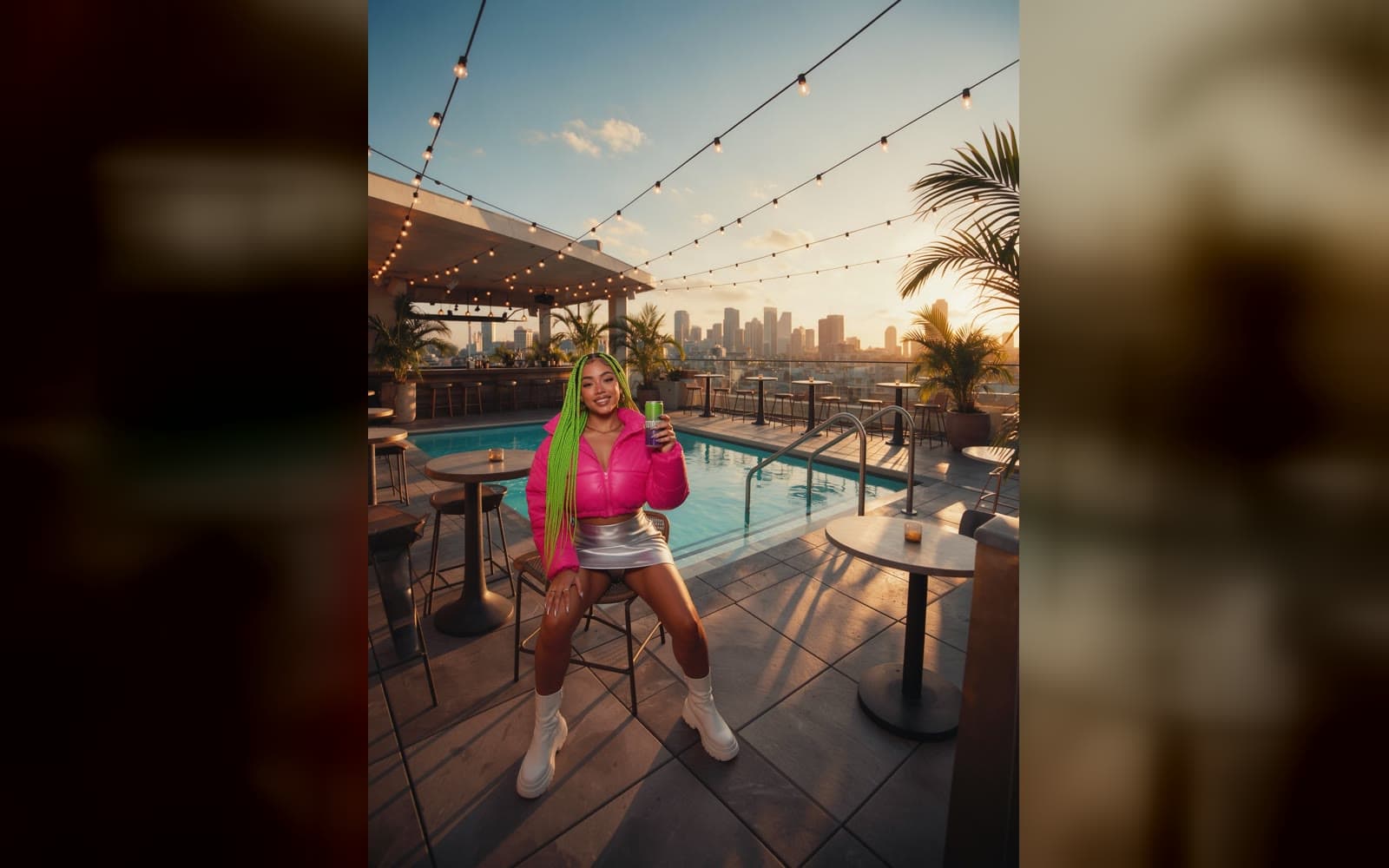
Add the photo
One person, the face clearly in view.
- 02
Pick a background
Professional, corporate, clean or a soft gradient.
- 03
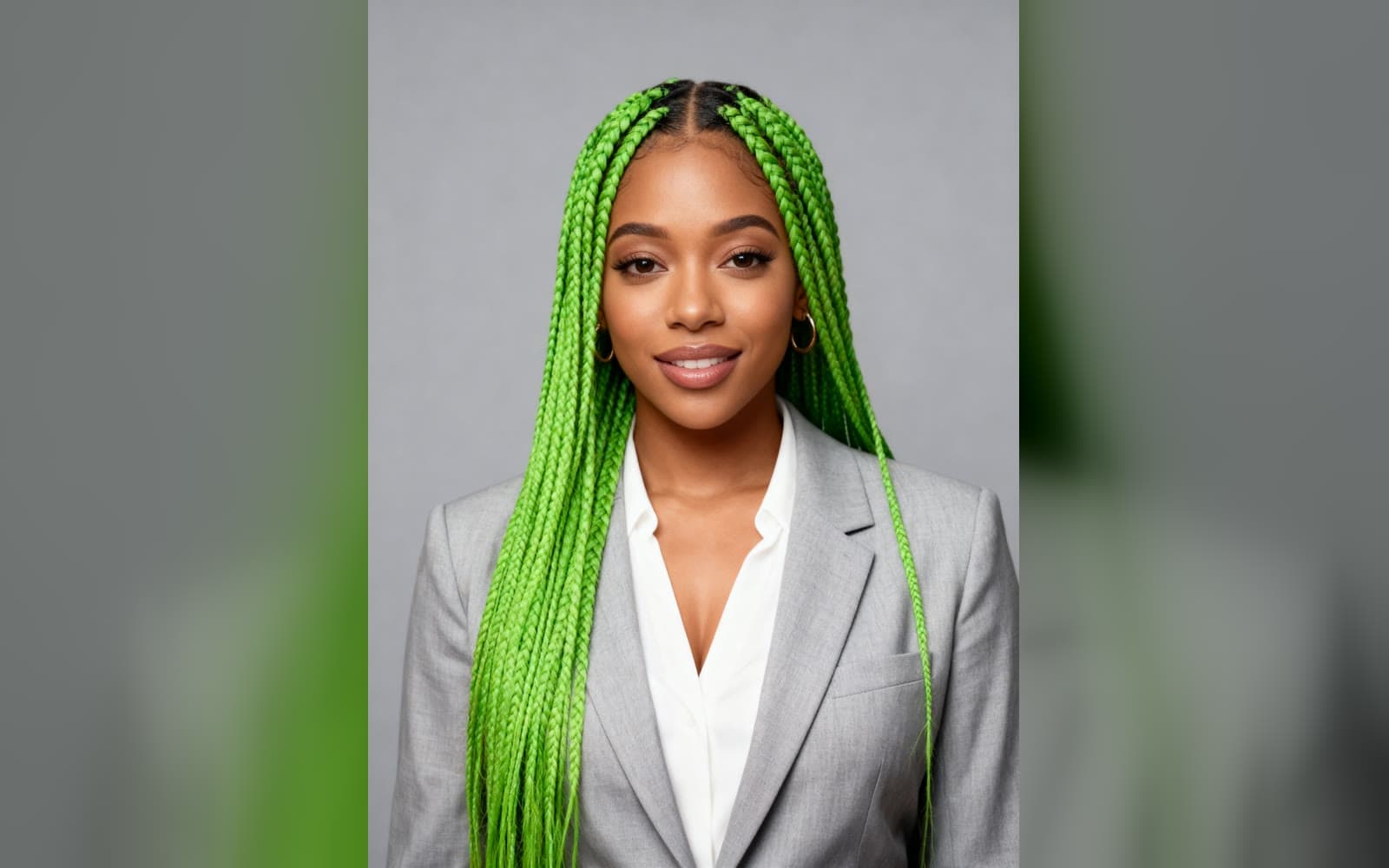
Use it anywhere
Download it, or send it to another tool. It is also in your Assets.
Examples
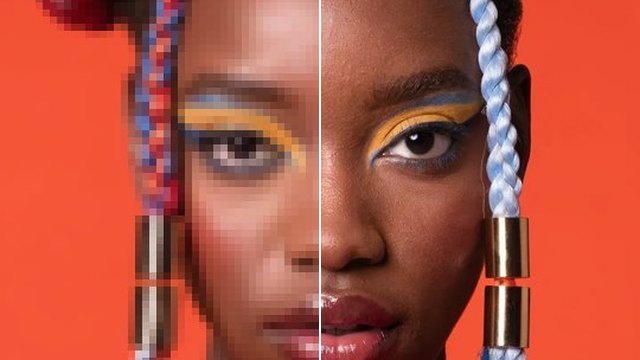
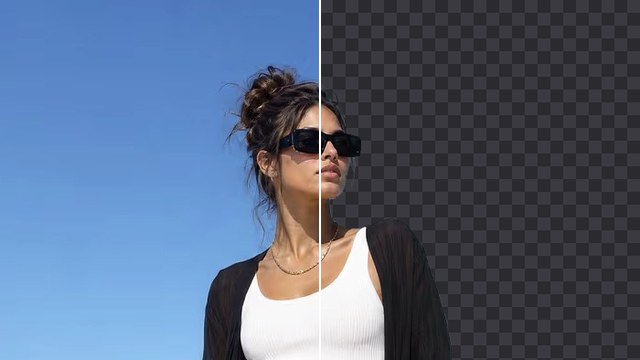
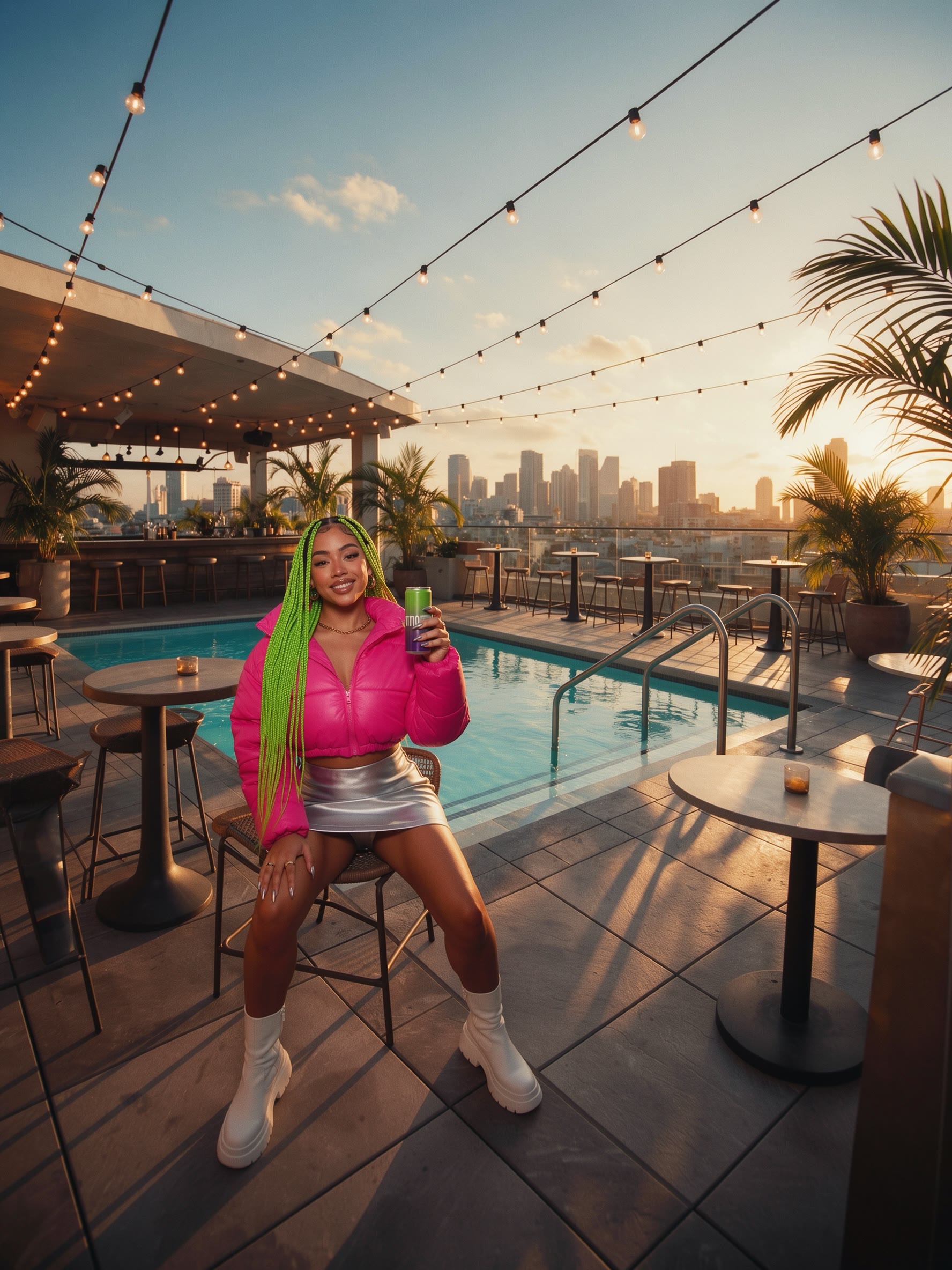 Before
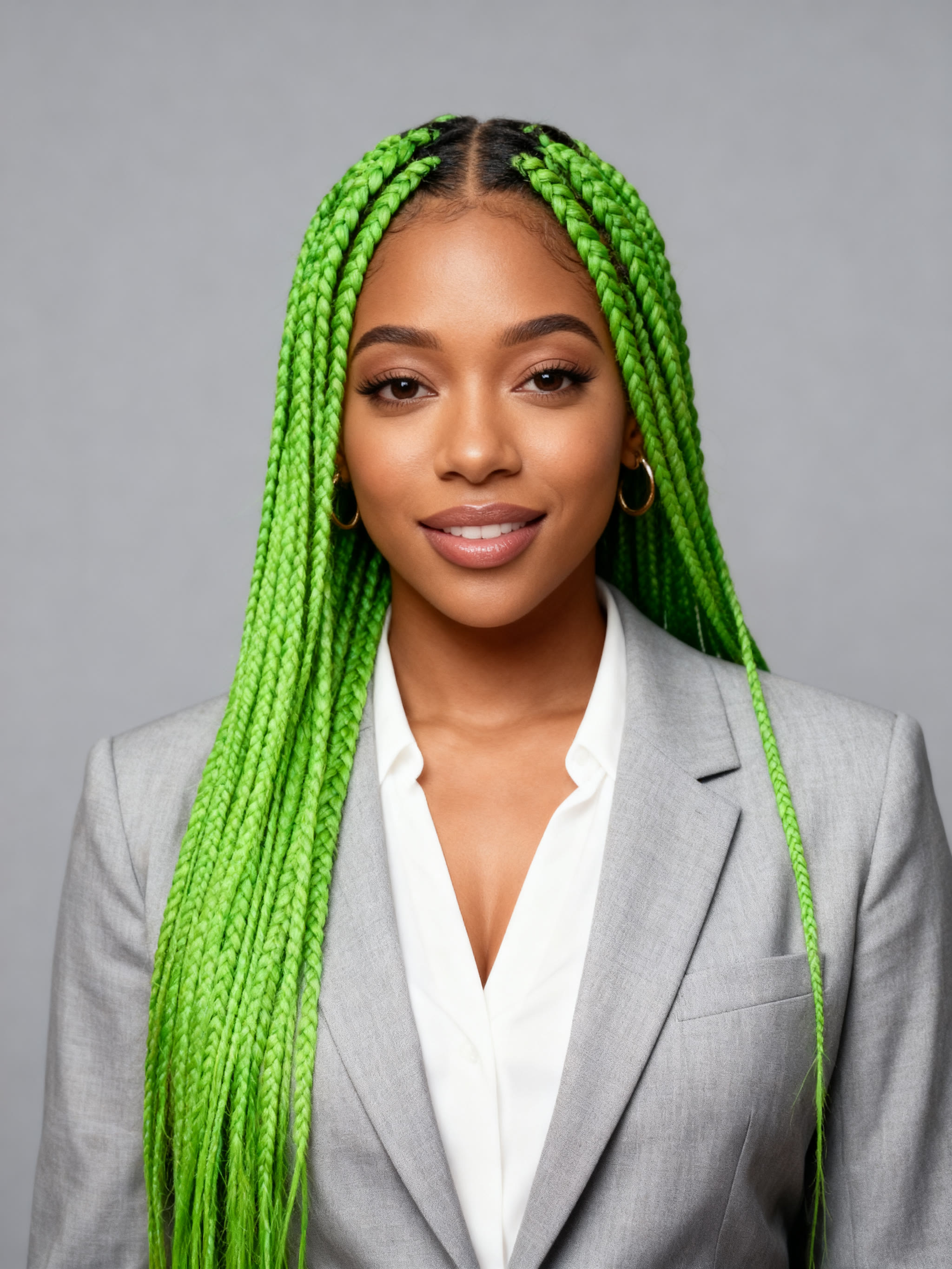 After
From a rooftop photo to a studio headshot · Professional
Good to know
- A front-facing photo in soft light gives the best headshot.
- Pick Studio Portrait for a classic studio look.
- Only change people you have the right to use. Real people need to agree to it.
PNG, JPG, WebP or HEIC, up to 10 MB. Phone photos in HEIC are turned into JPG on the way in.
Adults only. A photo where someone may be under 18 is refused, and nothing is charged.
70 credits a picture with Headshot. A failed run gives them back; a result the safety filter stops doesn't.