Outfit Swap
See a garment on a person before you buy it or shoot it: add a photo of them and up to three pieces.
How it works
- 01
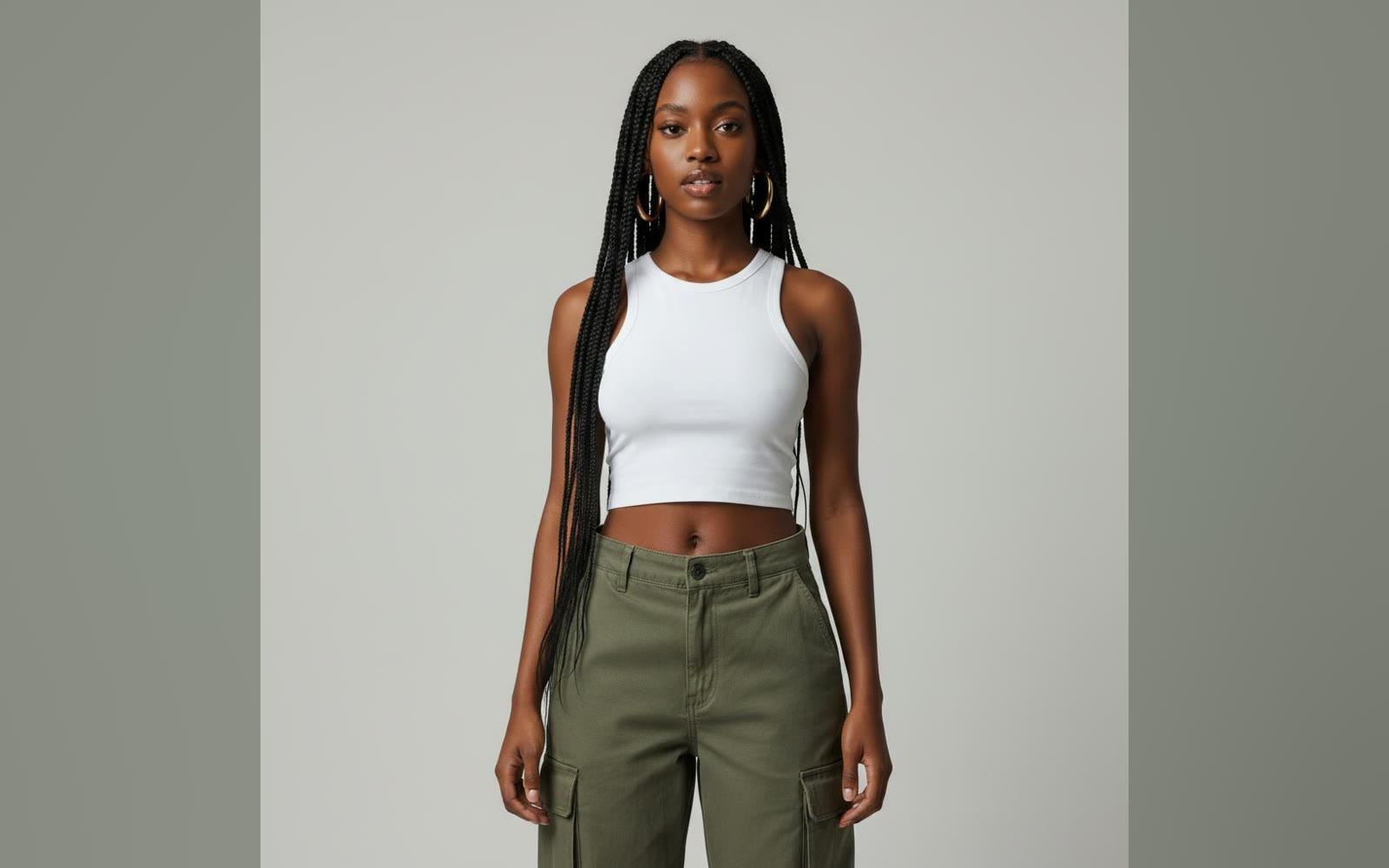
Add the person
One person, standing, the whole outfit in view.
- 02
Add the garments
Up to three pieces: clothes, shoes or swimwear.
- 03
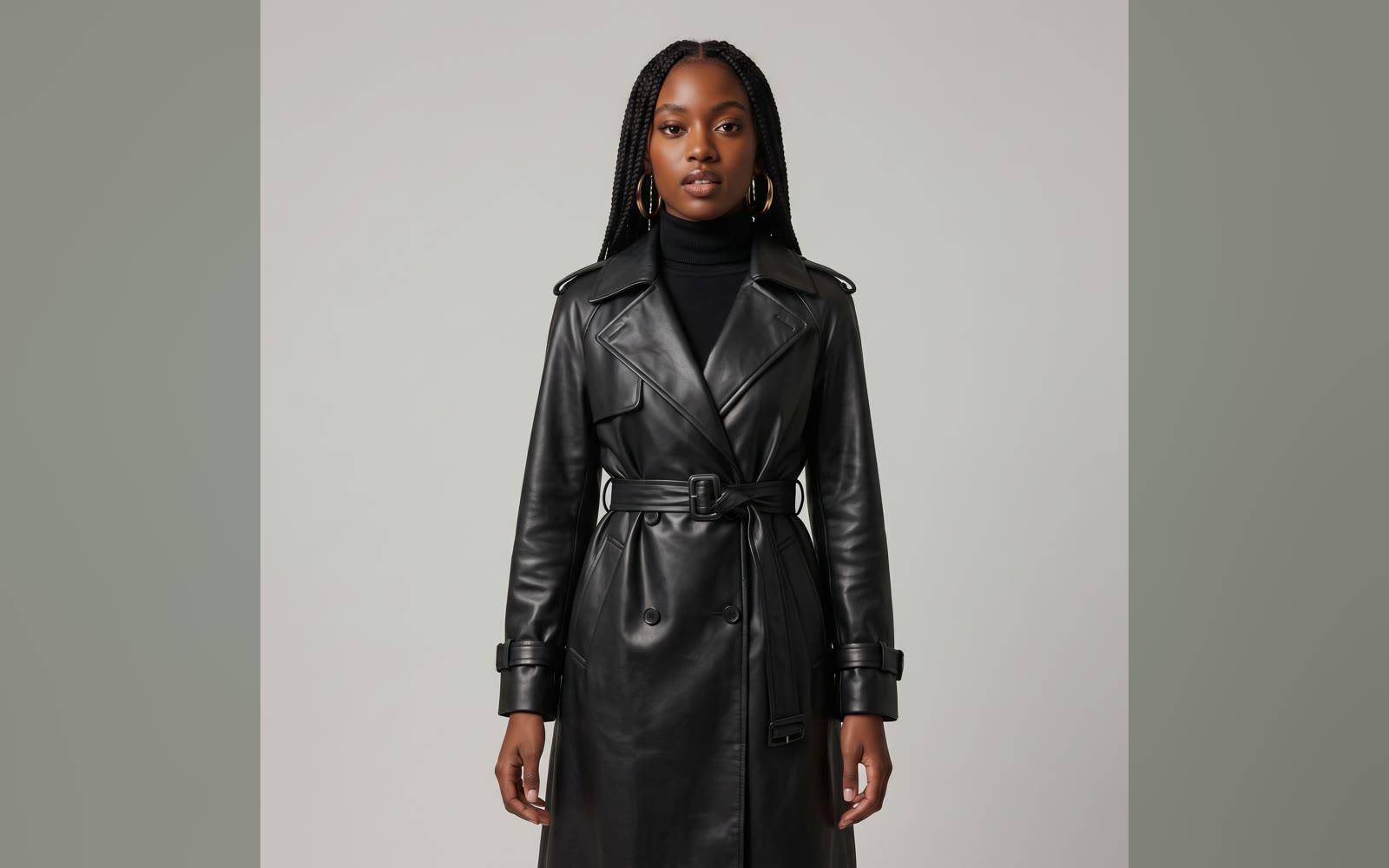
Use it anywhere
Download it, or send it to another tool. It is also in your Assets.
Examples
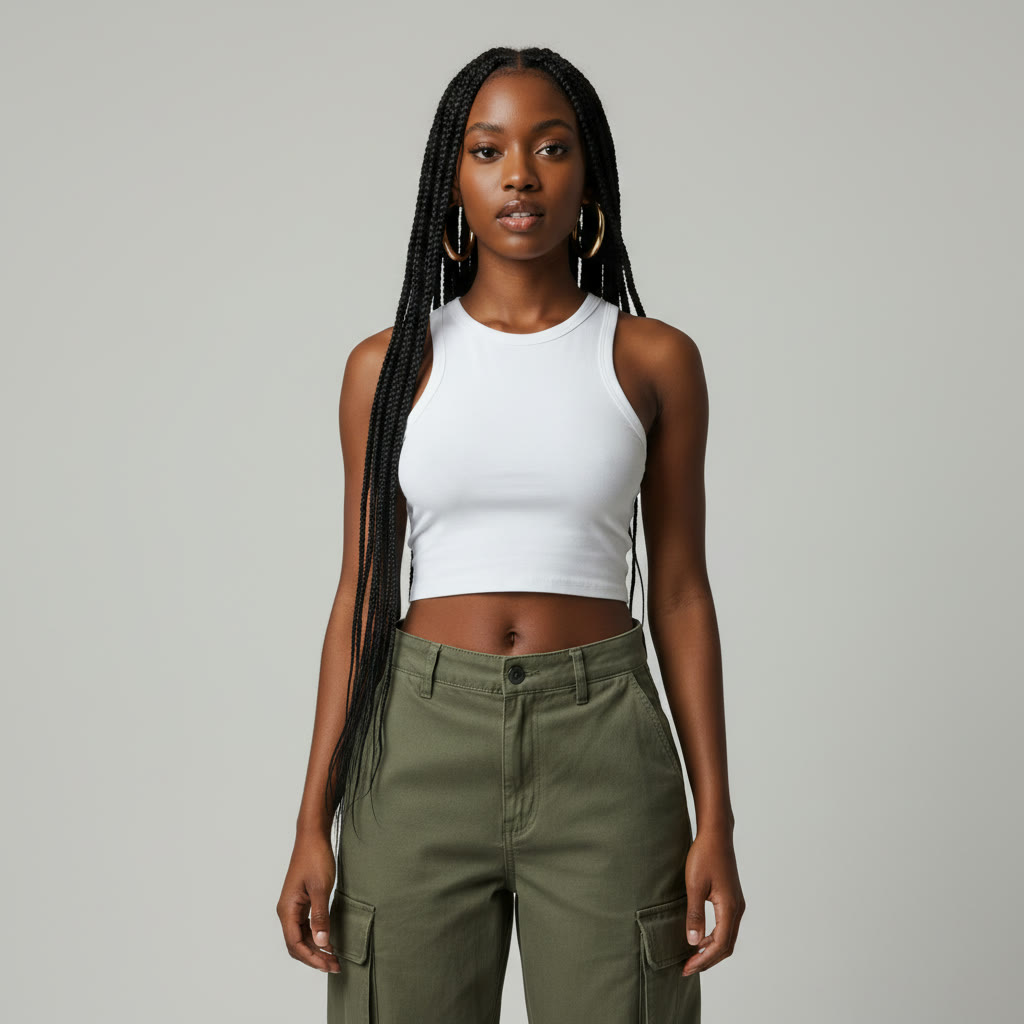 Before
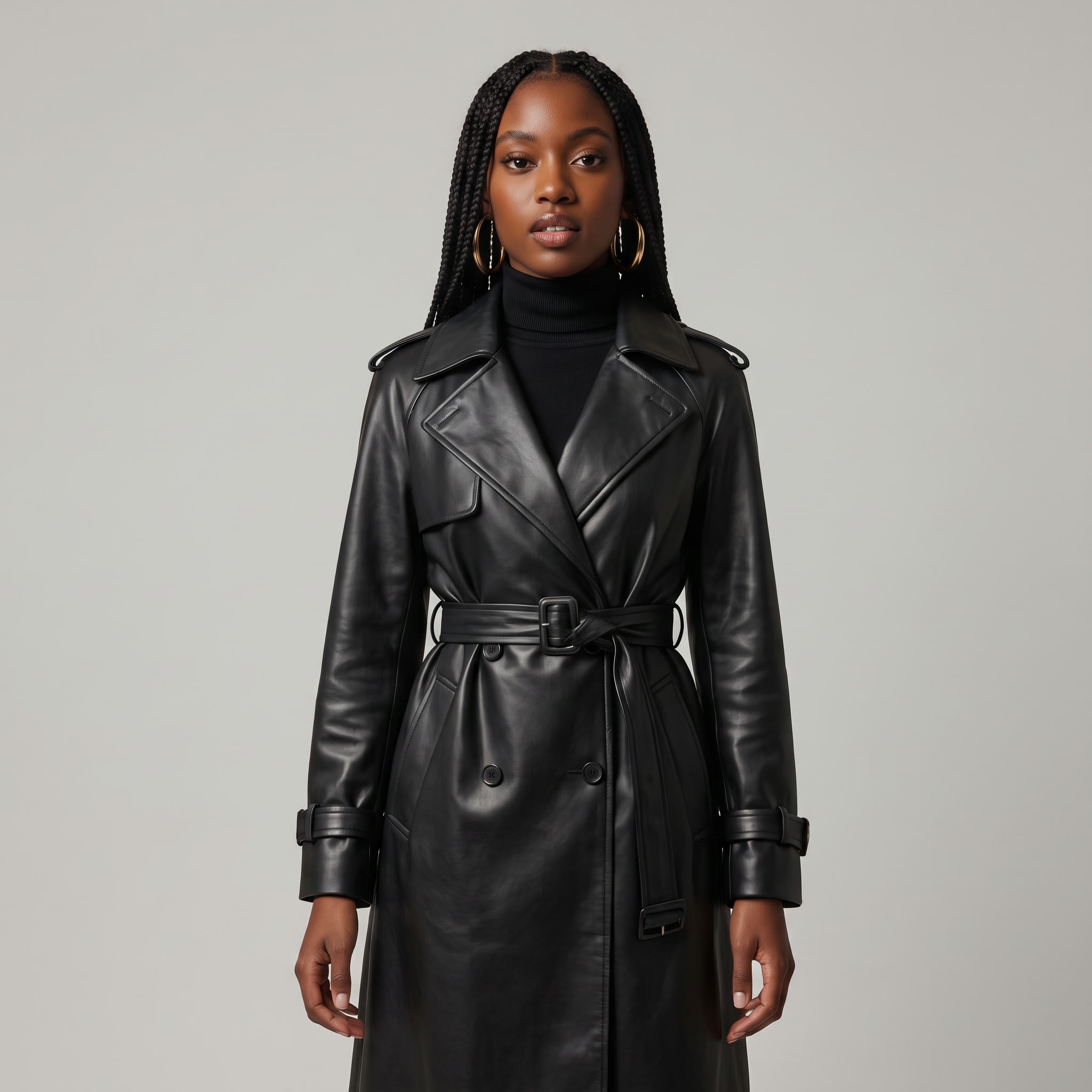 After
A leather trench, tried on · 1 garment
Good to know
- Video makes a short clip of the person wearing it, at the video price.
PNG, JPG, WebP or HEIC, up to 10 MB. Phone photos in HEIC are turned into JPG on the way in.
Yes. Pick Video to get a new clip of the person wearing the garments.
From 50 credits a picture with Nano Banana 2.1. A failed run gives them back; a result the safety filter stops doesn't.