Living Pages on Aristotto: Turn Any Book or Story Into an Illustrated, Narrated Book
 by Aristotto11 min
Living Pages is live on Aristotto. Give it a whole book, or tell it a story: it draws every chapter, casts a voice for every character and reads it to you, lighting each word as it is spoken. You can make the pages move, give each chapter a film scene with the characters speaking, read it in more than 70 languages, and download it as a picture-book PDF or a video.
Our launch film shows it with a shelf of original books: a queen who draws a sword beneath her throne while a red dragon circles her city, a starship captain jumping to lightspeed, a dance on a rooftop above a harbour, a ronin in neon rain. This guide covers what Living Pages makes, how to start a book, the 11 looks, the voices, the reader, moving pages and film scenes, languages, downloads and sharing.
What is Living Pages?
Living Pages turns writing into an illustrated book that reads itself. It plans the book first, writes a script for each volume, draws the cast and the pages, records the narrator and the characters, and puts it all together in a reader where the words light up as they are read. Here it is at a glance:
Start from: a book you upload (PDF, DOCX or TXT), or a story you describe in your own words.
Looks: 11, from storybook watercolor to cinematic.
Voices: a narrator, plus a voice for each character.
Reader: the word being read is lit as it is spoken, and you set the size, colour and speed.
Four ways: Picture book, Narrated, Animated and Film scene.
Languages: more than 70.
Downloads: a picture-book PDF, and an MP4 video in 16:9, 9:16 or 1:1, both free with your plan.
How to make your first Living Page
Open Living Pages and stay on Explore.
Add a book (a PDF, DOCX or TXT), or type the story you want, for example: a lighthouse keeper’s daughter finds a map in a bottle.
Pick a look and a narrator, then choose what you get: Picture book, Narrated, Animated or Film scene.
For a story you typed, set its length in minutes. A book you upload keeps its own chapters.
Press Generate. Before anything is drawn, Living Pages shows you the script and the cast so you can change them.
Reading the book and its plan are free. Each volume is priced by its pages, voices and motion, and you pay when you make it: the Generate button shows the volume’s price in credits before you start. You can leave while it works; the book waits for you in My books.
What can you start from?
A book you upload
PDF, DOCX or TXT, up to 50 MB and 600,000 words, with at least 50 words of text.
Scanned PDFs (pictures of pages) can’t be read; use a file with real text.
The book keeps its own chapters. A file with no parts is grouped into volumes of six chapters.
When you upload, you say whose book it is: “Mine or out of copyright”, or “Just for me”, which keeps it private: no link, no Community and no download.
A story you type
Describe the story you want in up to 10,000 characters.
Pick its length: 1, 2, 3, 5, 10, 20, 30 or 60 minutes, or set your own, up to 600. A chapter runs up to 10 minutes, and a volume holds six chapters.
Choose a genre: Adventure, Fantasy, Kids, Mystery, Sci-fi, Drama, Romance, Horror or Realistic.
When a volume is done, write the next chapter or finish the book.
The classics on Explore are read-aloud samples, four pages each, so you can hear and see what Living Pages makes. To make a book of your own from a classic, upload its file.
Pick your look
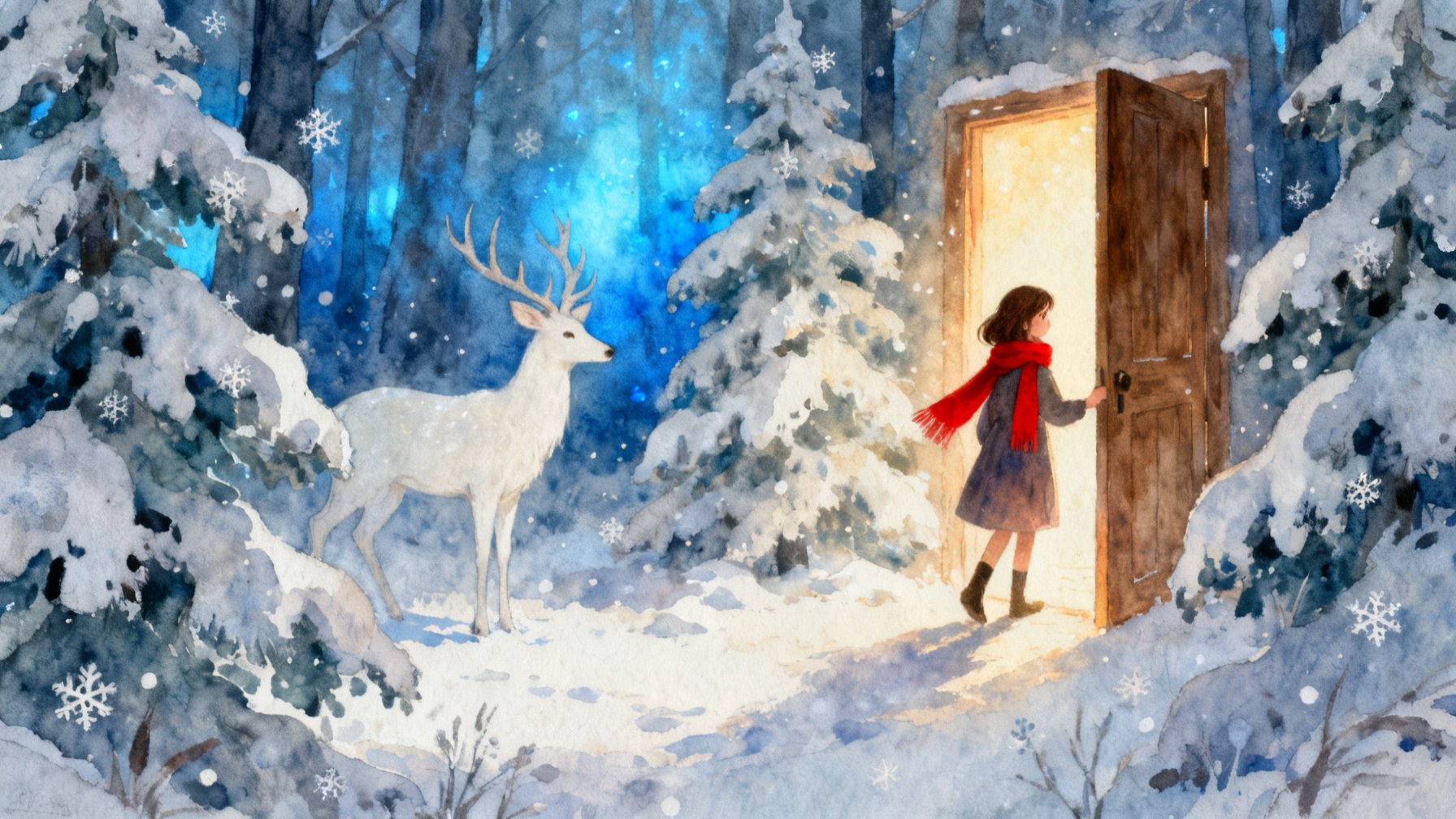
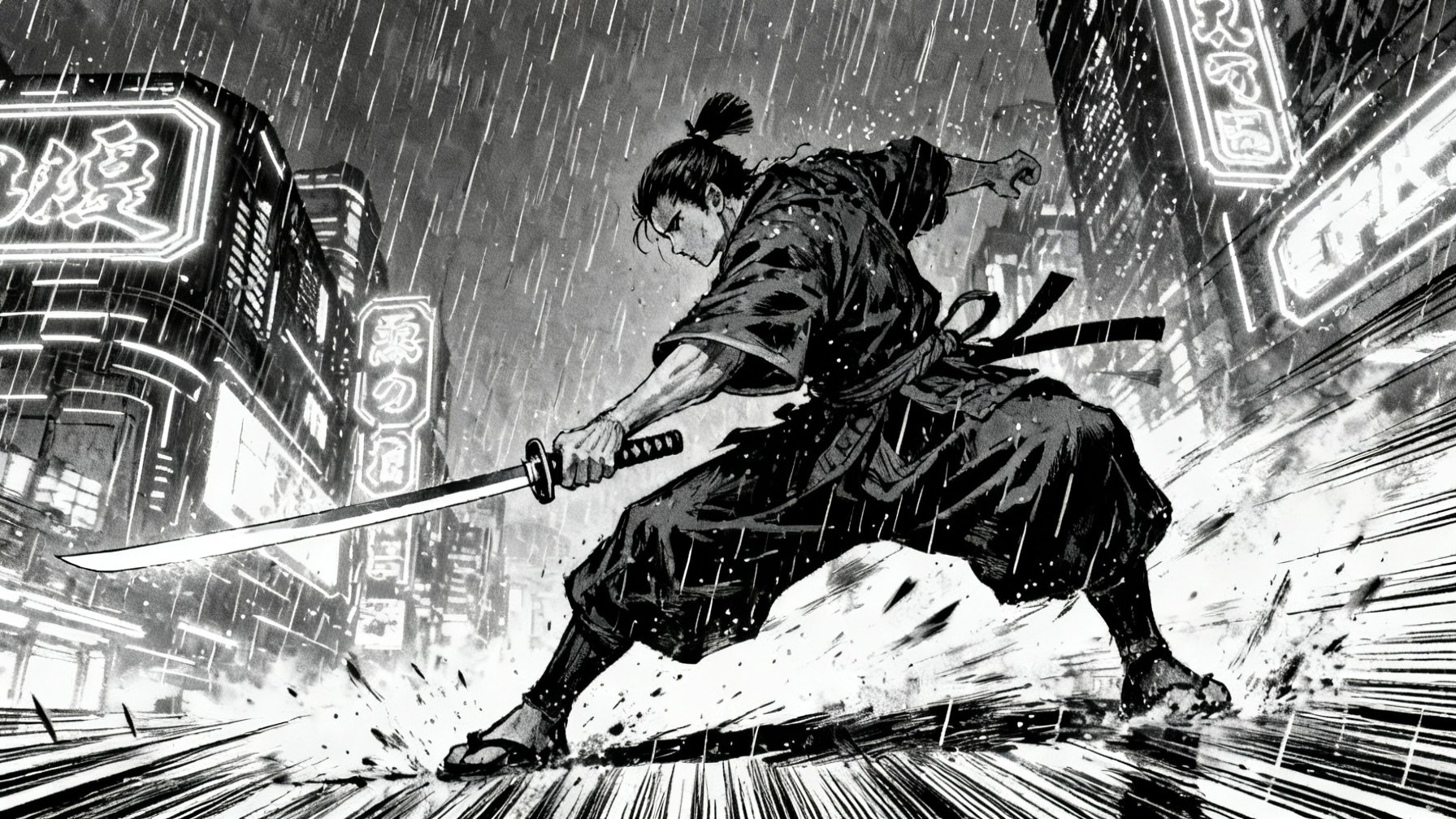
Every book is drawn in one of 11 looks:
Storybook watercolor (the default)
Picture book
Paper story
Anime
Manga
Comic
3D animated
Claymation
Painterly
Engraving
Cinematic
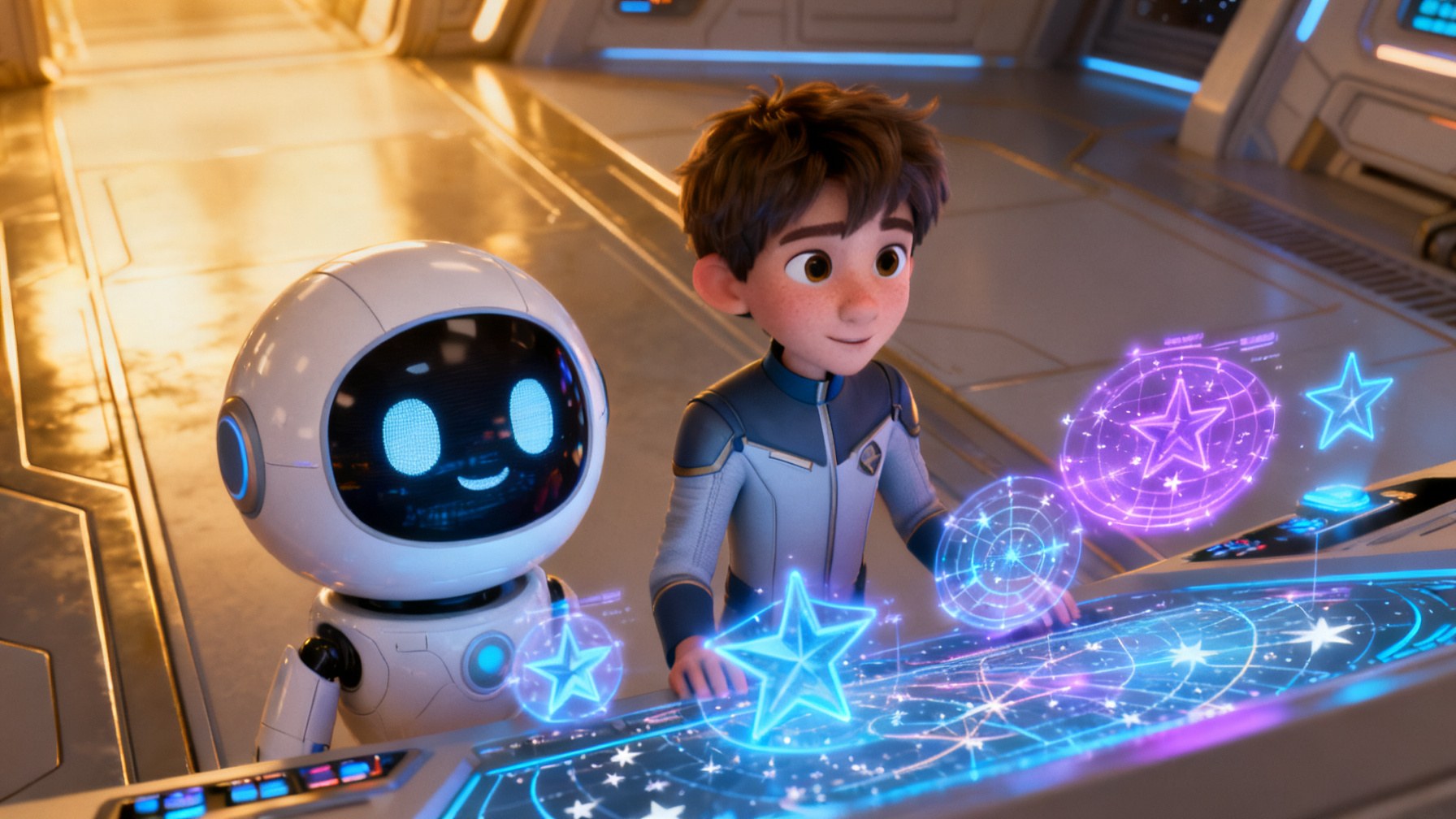
You also choose how the page looks around the picture:
Page shape: Landscape 16:9, Portrait 3:4 or Square 1:1.
Words on the page: captions or speech balloons. Balloons are the default for Comic and Manga.
Caption style: Storybook, Bold or Highlight.
A new picture: every 30 seconds (the default), every minute or every 2 minutes.
Every character gets their own voice
A narrator reads the book, and with “Narrator and cast” (the default) every character gets a voice of their own when the volume’s script is written. You can let Living Pages choose the voices, or set them yourself.
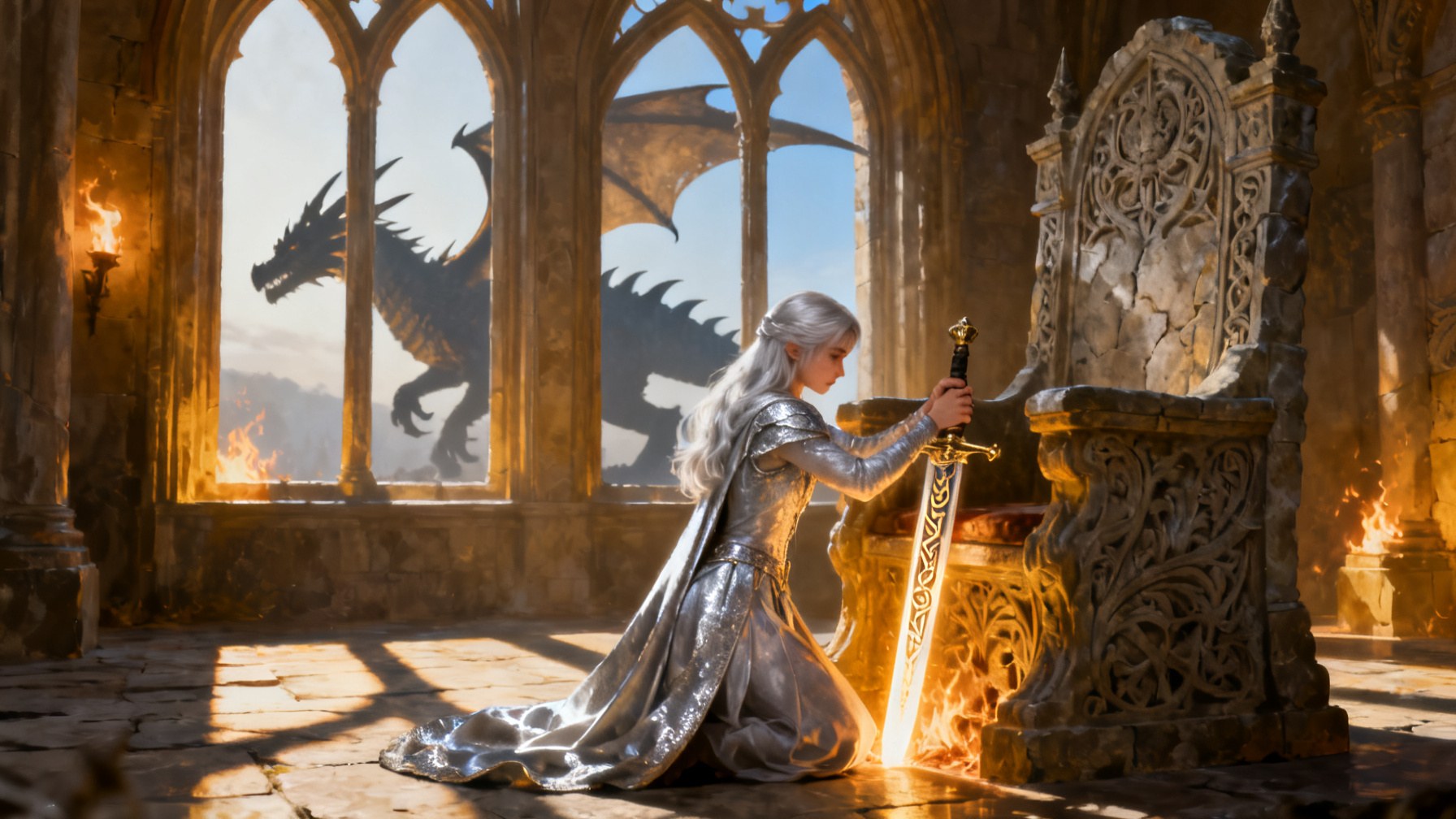
Pick the narrator in the composer or in the plan. The default narrator is Eldrin.
At the cast review, Change sets any character’s voice. Changes there are free, before anything is recorded.
Choose from the built-in voices, your own voices, or make a voice by describing it.
After recording, Fix words in the reader voices a line again, or Use my audio puts in your own recording.
Music can be made for the book, made by you, uploaded (MP3 or WAV), picked from the royalty-free Audio Library (the default), or left out. It goes quiet whenever someone speaks.
Read along, word by word
In the reader, the word being read is lit as it is spoken, so the voice and the lit word move together. Open Words to set how it reads:
Text size from 80% to 175%.
The colour of the word being read: blue, yellow, green, orange, pink or purple, and its size: same, bigger or biggest.
How many lines sit over the picture (2, 3, 4 or all), and whether they sit at the top or the bottom.
Playback speed from 0.25× to 2×, captions on or off, pages that turn with the voice, and full screen.
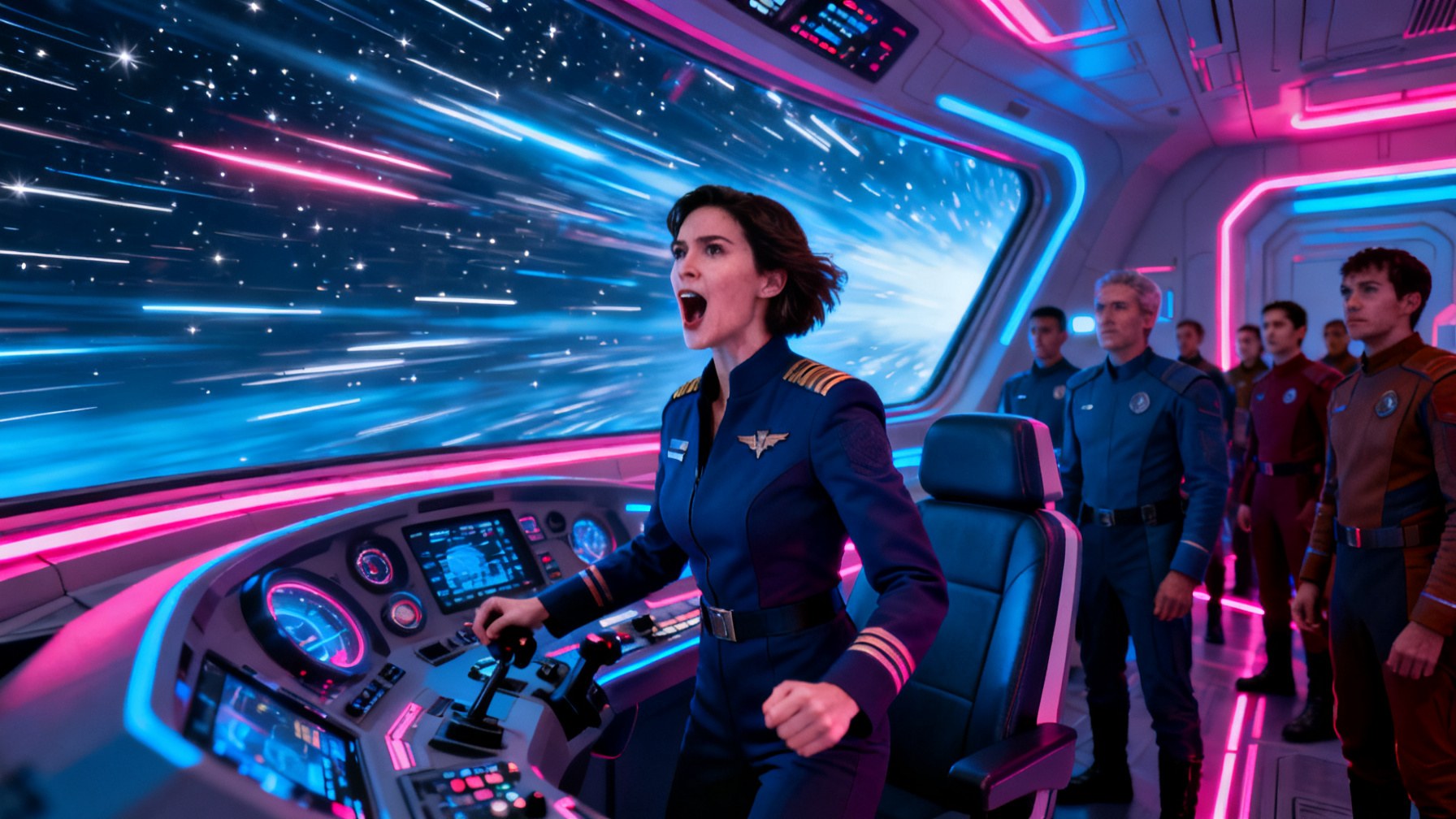
Four ways: picture book, narrated, animated, film scene
You choose what you get for each book. Each way includes the ones before it:
Picture book: a picture for every page, with the words over it.
Narrated: a narrator and a voice for each character. This is the default.
Animated: narrated, and every page moves as the voice reads it.
Film scene: animated, plus a scene each chapter with the characters speaking.
With Animated, you choose how pages move: gentle camera moves (included, with no clips made), a living picture, characters that move, or paper layers. Moving pages run 4, 5, 6 or 8 seconds, on every page or on key pages (one page in three).
Film scenes run 15, 30, 45 or 60 seconds. The characters can speak in their own voices, with their lips moving to the lines, or the narrator can tell the scene. You choose every chapter or only the chapters you pick.

Each way costs more than the one before it, and each needs a plan: Picture book from Atelier, Narrated from Virtuoso, and Animated and Film scene from Signature.
Read it in more than 70 languages
Pick the language a book is read in from more than 70. The book is translated chapter by chapter, then read, and the captions follow the voice.
Once a volume is made, Make it in another language puts a new book on your shelf: the same pictures, moving pages and scenes, with its words in the new language, read again by the voice you choose. The translated words are free; only its voices are made again, at the price its voices had. A picture book is free to make in another language.
Download and share
A picture-book PDF
Download the whole book, one volume or one chapter.
Pick Picture book or Slides, and Portrait or Landscape. The paper is A4 or US Letter, depending on where you are.
Print it in the book’s own words, or translated for that PDF, free.
The PDF is free with your plan, and it ends with a Living Pages page and the book’s link.
A video
Make a video of a chapter, a whole volume, or a trailer of about 45 seconds.
Choose Landscape 16:9 for YouTube, Upright 9:16 for TikTok, Reels and Shorts, or Square 1:1 for Instagram and Facebook.
Captions on or off, music on or off. It’s an MP4 at 1080p, free with your plan.
Each film scene can also be downloaded on its own.
A link, a page and Community
Share a book with only you, with anyone who has the link (no sign-in needed), or with Community.
Each shared book has a public page, and you can embed it on a website: a blog, a Substack post or your own site.
A well-known book that is still in copyright stays only for you, and can’t be shared or downloaded.
Change what you don’t like
The script: each volume waits for you to review its script. Ask for changes; a rewrite is free.
The cast: each character, place and object is drawn once before the pages. Redraw one, use your own picture (free), or change its voice.
A page: Draw again for the price of one picture, or use your own picture. A page that already moves can’t be changed.
A line: Fix words voices a line again, or use your own recording.
If a page can’t be drawn, or a voice or a moving page fails, its credits come back.
Questions
What is Living Pages?
An Aristotto studio that turns a book or a story into an illustrated book that reads itself to you: it draws every chapter, casts a voice for every character and lights each word as it is read.
What can I upload?
A PDF, DOCX or TXT file of up to 50 MB and 600,000 words, with at least 50 words of text. Scanned PDFs can’t be read. You can also type the story you want instead of uploading a file.
How many looks are there?
Eleven: Storybook watercolor, Picture book, Paper story, Anime, Manga, Comic, 3D animated, Claymation, Painterly, Engraving and Cinematic.
Does every character get their own voice?
Yes. With Narrator and cast, the default, each character gets a voice when the volume’s script is written. You can change any voice at the cast review for free, before anything is recorded.
How many languages does it read in?
More than 70. Once a volume is made, you can also make a copy of the book in another language: the same pictures and scenes, with the words translated for free and read again.
Can the pages move?
Yes. With Animated, every page (or every third page) moves as the voice reads it. With Film scene, each chapter also gets a scene of 15 to 60 seconds with the characters speaking.
Can I download my book?
Yes. Download a picture-book PDF of the whole book, a volume or a chapter, or an MP4 video at 1080p in 16:9, 9:16 or 1:1. Both are free with your plan.
How much does it cost?
Reading the book and its plan are free. Each volume is priced by its pages, voices and motion, and you see the price in credits on the Generate button before you make it. Picture book needs the Atelier plan, Narrated needs Virtuoso, and Animated and Film scene need Signature.
Can I make a book from one of the classics on Explore?
The classics on Explore are four-page read-aloud samples. To make a full book from a classic, upload its file.
Can I use my own pictures or my own voice recording?
Yes. Use my picture is free at the cast review and on any page, and Use my audio puts your own recording in place of a line.