Aristotto Theater: How Watching and Unlocking Works (By Invite)
 by Aristotto3 min
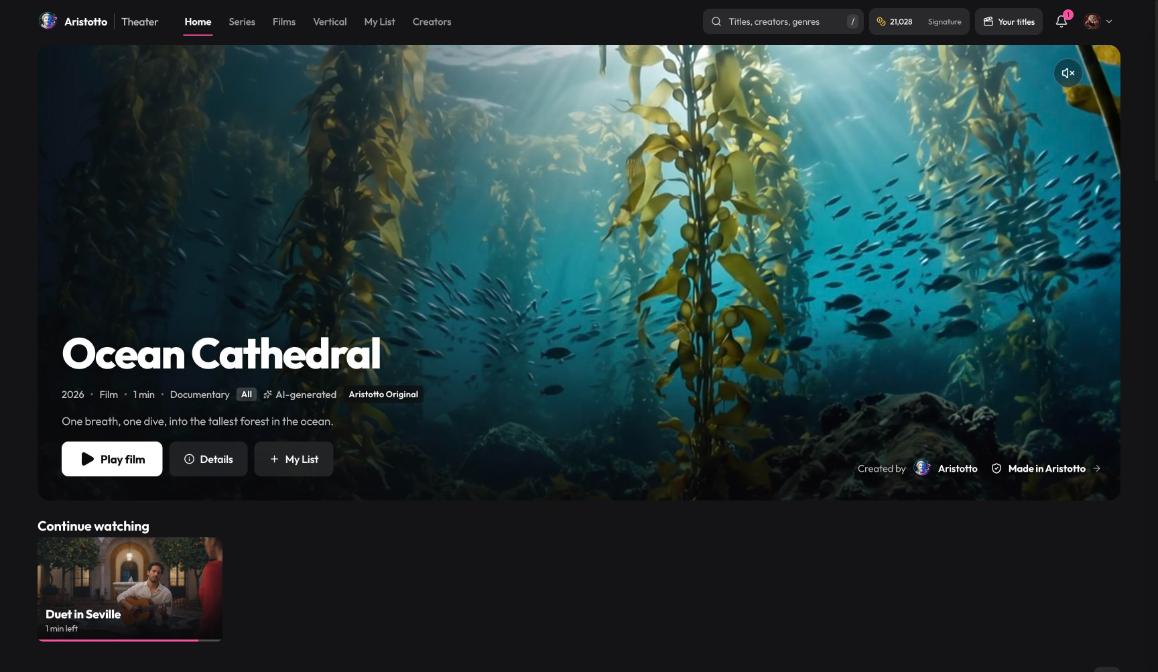
Aristotto Theater is where you watch films and series made in Aristotto. It is open by invite only today, so only invited accounts can use it. Titles are Free, Premium (included with paid plans) or priced in credits per episode, and your plan decides which ones you watch without unlocking. Theater lives at aristotto.ai/theater.
How to find something to watch
Theater has its own menu:
Home: the Theater front page.
Series, Films and Vertical: browse by format.
My List: titles you added with My List.
Creators: browse the creators on Theater.
Search: find Titles, creators and genres.
Theater also shows your credit balance and your plan. Your titles is where creators publish; it is separate from watching.
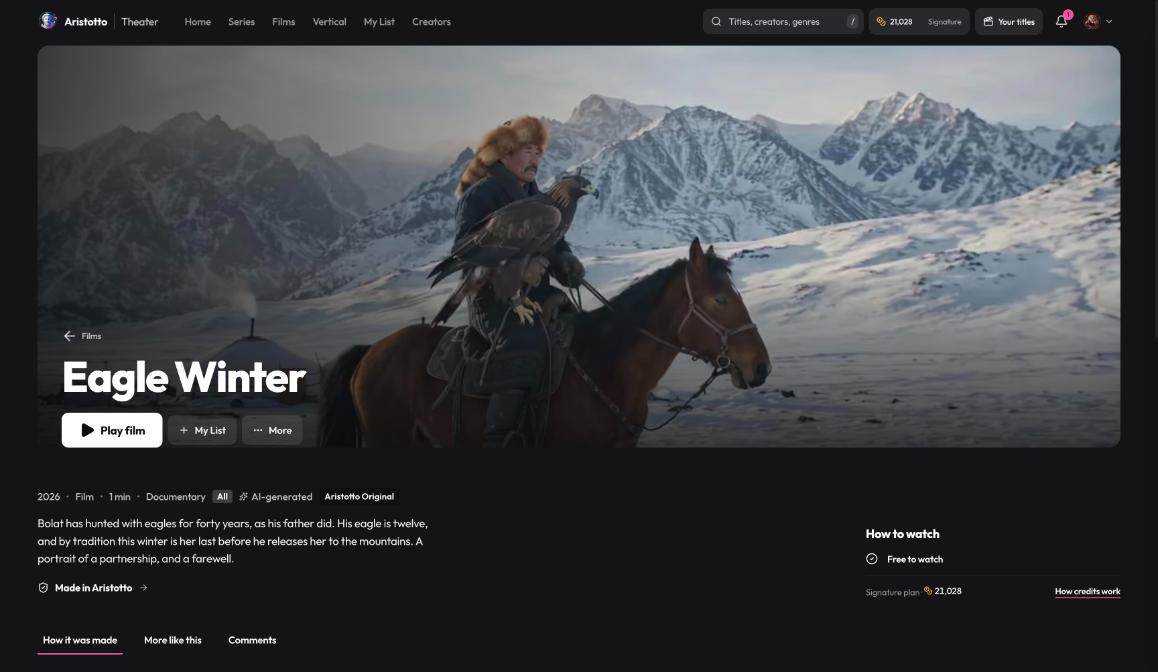
What a title page shows
Open any title to see:
The year, Film or Series, the length, the genre and the rating.
An AI-generated label and a Made in Aristotto check.
Play film, Details, My List and More.
Three tabs: How it was made, More like this and Comments.
How to watch, which tells you whether the title is Free to watch, included with your plan or paid.
Check How to watch first. It tells you whether you need to spend credits before you press play.
What your plan includes
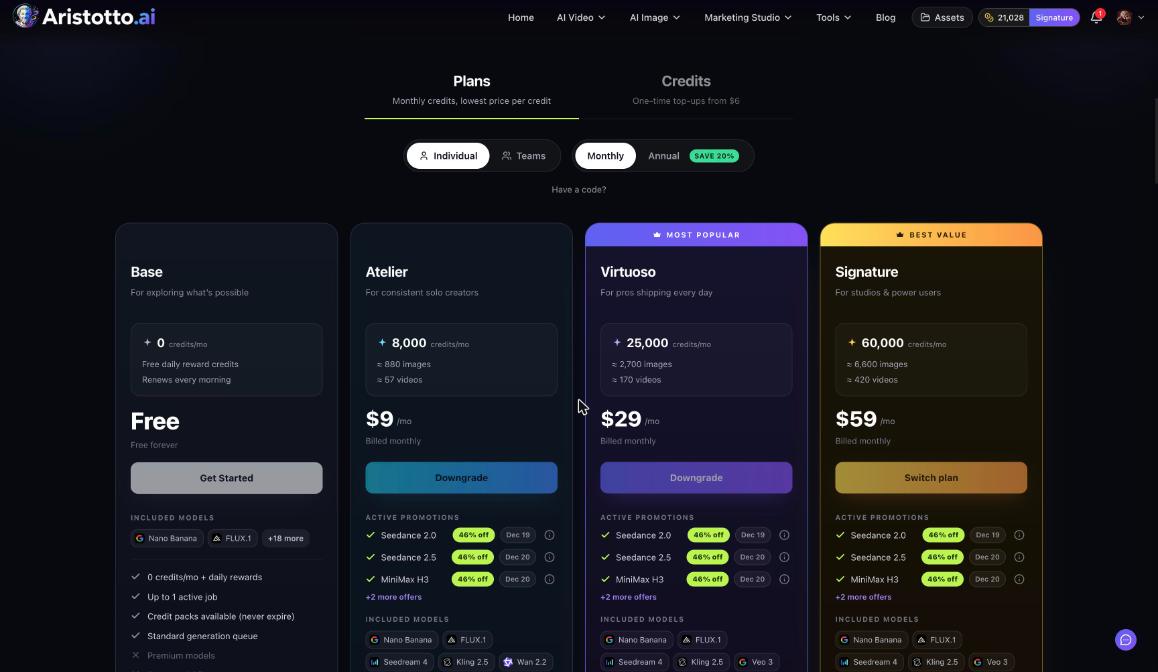
| Plan | Free titles | Premium titles | Per-episode titles |
|---|---|---|---|
| Base | Included | Not included | Unlock with credits |
| Atelier and Virtuoso | Included | Included | Unlock with credits |
| Signature, Team Signature and Enterprise | Included | Included | Included |
Base watches Free titles and unlocks with credits. Atelier and Virtuoso also get Premium. Signature, Team Signature and Enterprise get everything, including per-episode titles.
How to unlock episodes
Open the title and read How to watch.
Unlock the episode with credits, or buy a rest-of-season pass for the series.
Play the episode.
If you change your mind, you can undo an unlock within 10 minutes, as long as you watched less than 10% of the episode.
How auto-unlock works
Auto-unlock is off by default. You turn it on per series, and it has a daily cap of 600 credits. Manage it in Settings, Theater, which holds four groups of settings:
Playback
Auto-unlock spending
Notifications
Privacy
Settings, Theater only appears in the Settings menu for invited accounts.
Questions
Why can't I see Theater?
Theater is open to invited accounts only today. The Theater page in Settings also appears only for invited accounts.
Which titles are included with my plan?
Every plan watches Free titles. Atelier and Virtuoso add Premium titles. Signature, Team Signature and Enterprise include everything, including per-episode titles.
Can I undo an unlock?
Yes, within 10 minutes, if you watched less than 10% of the episode.
Do I have to unlock every episode one at a time?
No. You can buy a rest-of-season pass, or turn on auto-unlock for that series with a daily cap of 600 credits.
Is everything on Theater made with AI?
Each title page shows an AI-generated label and a Made in Aristotto check. Creators can only publish titles made in Aristotto.