Publishing on Aristotto Theater and How Creators Earn (By Invite)
 by Aristotto3 min
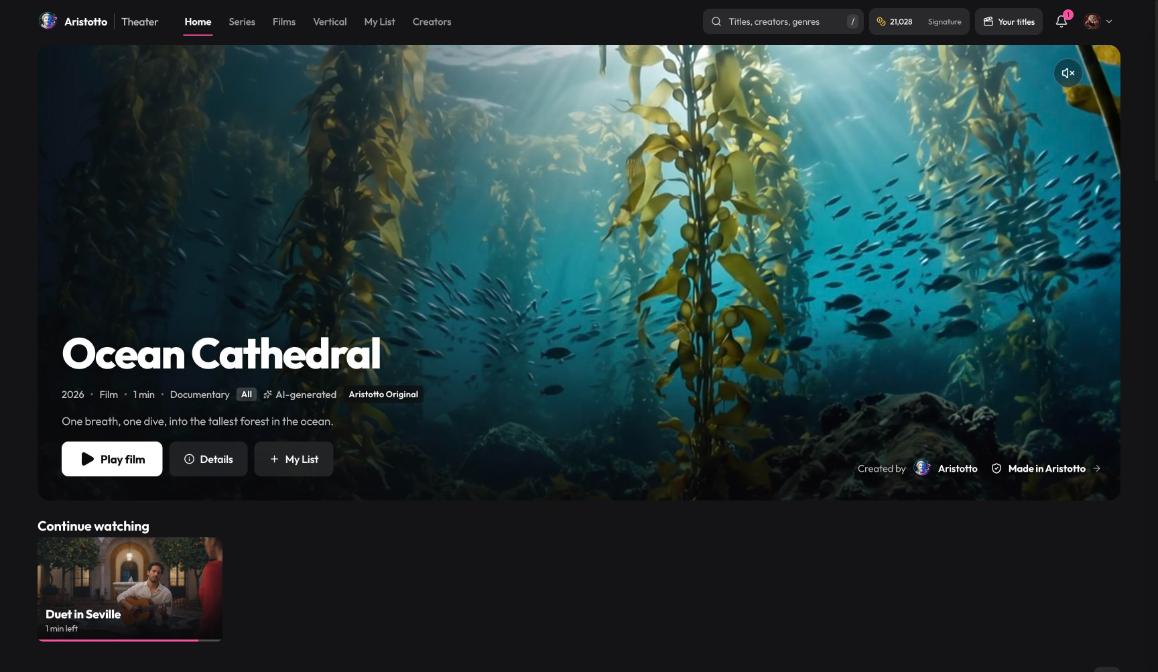
Theater is open by invite only today. If your account is invited and you are on a Virtuoso plan or above, you can publish films and series made in Aristotto, choose how people watch them, and earn credits when viewers unlock episodes. You keep 70% of every credit unlock, or 80% as a Creator Program Partner. A person reviews every title before it goes live.
What you agree to before your first title
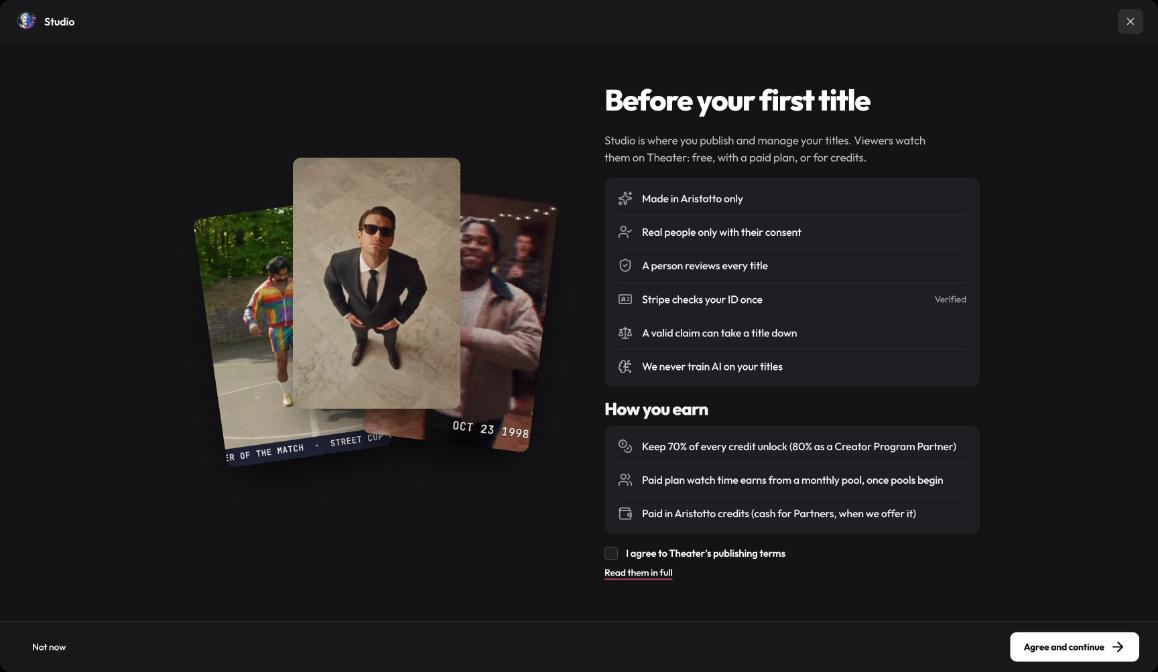
Before you publish for the first time, Theater shows the rules:
Made in Aristotto only.
Real people only with their consent.
A person reviews every title.
Stripe checks your ID once. A Creator Program check, or an earlier check, counts.
A valid claim can take a title down.
Aristotto never trains AI on your titles.
You need a Virtuoso plan or above to publish.
Agree to Theater's publishing terms and press Agree and continue.
Two ways to start a title
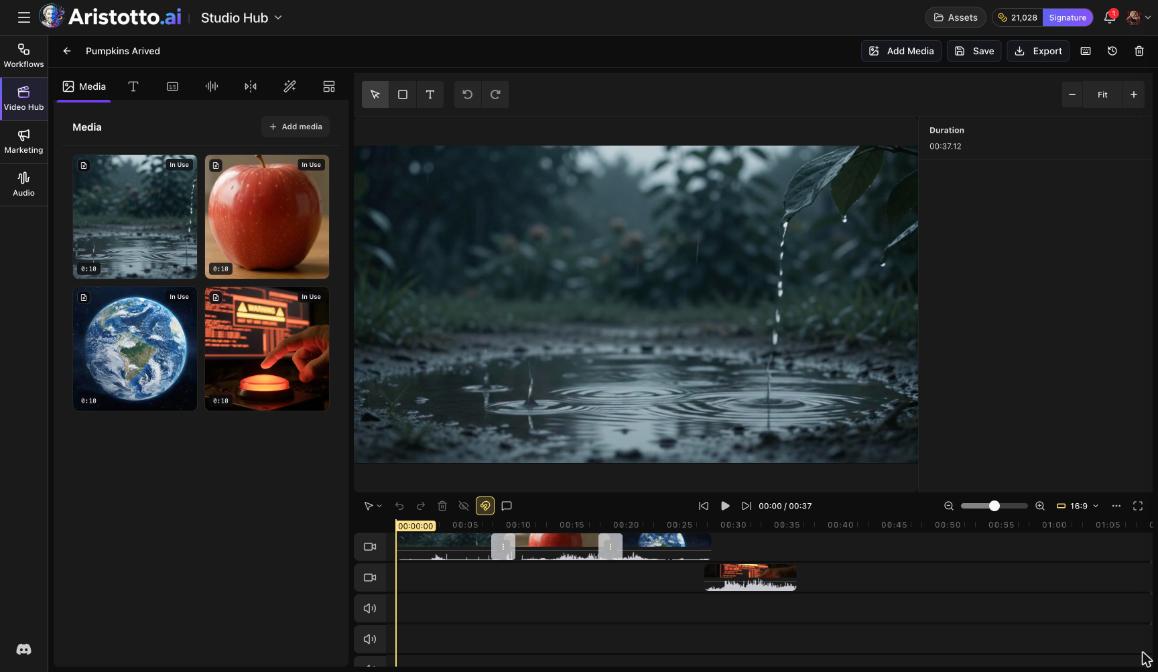
From the Video Editor. Press Export. When Export complete appears, press Publish to Theater. Studio opens with your export as the first episode. Export needs a paid plan.
From Theater. Open Your titles and press Publish a title.
How to publish in Studio
Studio walks you through five steps:
Details: title, logline, synopsis, genre, rating, language and poster.
Episodes, or Video for a film: upload your episodes or your film. You can add an optional trailer of 5 to 90 seconds.
Price: pick Free, Premium, or credits per episode.
Review: look over the title before you submit it.
Submit.
Your price choice sets who watches without paying. Free titles are open to every Theater viewer. Premium titles are included with paid plans. Titles priced in credits per episode are unlocked with credits, and Signature, Team Signature and Enterprise include them.
What happens in review
Every title gets automated checks first, then a person reviews it. There are four outcomes:
| Outcome | What it means for you |
|---|---|
| Changes requested | Notes are pinned to the fields that need changes. |
| Rejected | You can appeal. Appeals are answered within 3 days. |
| Scheduled | The title is scheduled to go live. |
| Live | The title is on Theater. |
How you earn
You keep 70% of every credit unlock on your title.
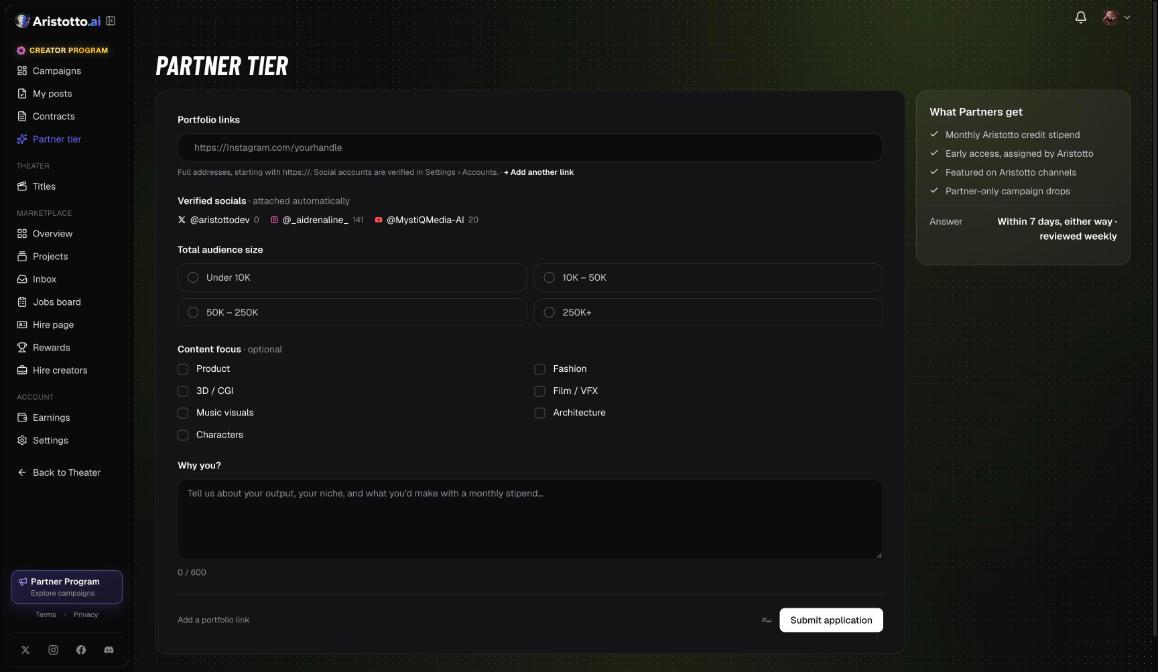
As a Creator Program Partner, you keep 80%.
You are paid in Aristotto credits, not cash.
Earnings land 7 days after each unlock, once the refund window closes.
How to manage your titles
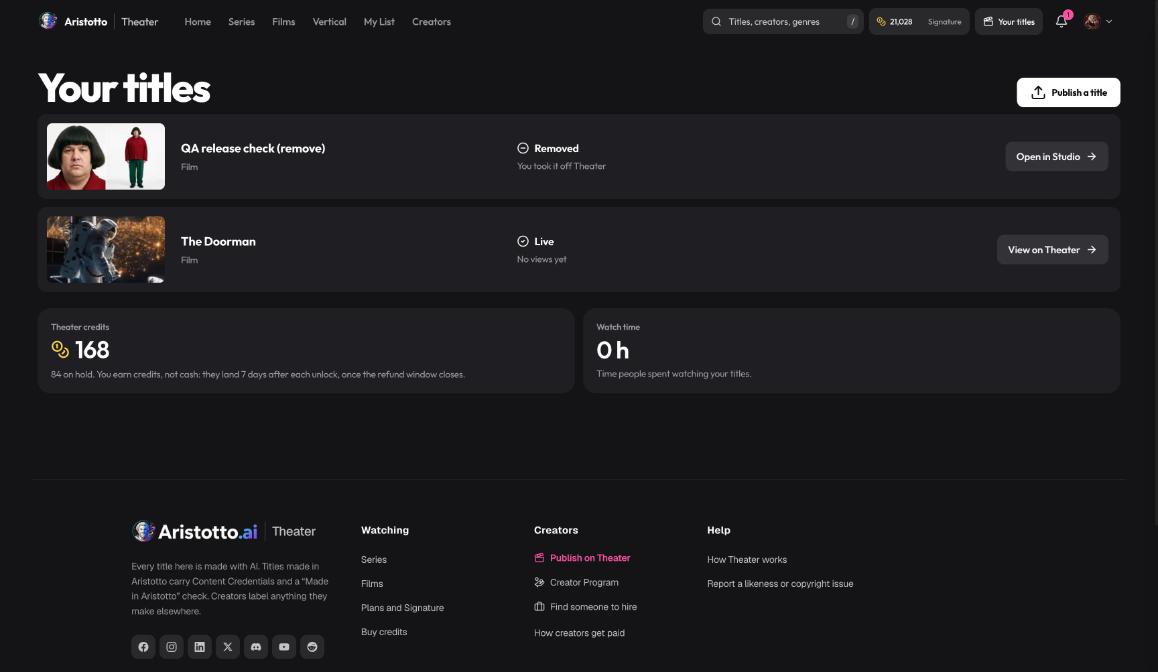
Your titles lists everything you have published:
Each title's status, for example Live or Removed.
Open in Studio to edit, or View on Theater to see it as viewers do.
Theater credits, with the amount on hold.
Watch time.
Live titles stay editable. New or replaced videos and a lowered rating wait for review. A live series can get new episodes.
Questions
Who can publish on Theater?
Invited accounts on a Virtuoso plan or above. Theater is open by invite only today.
Can I publish a film I made with other tools?
No. Theater takes titles made in Aristotto only.
Do I need to verify my identity?
Yes, once. Stripe checks your ID. If you already passed a Creator Program check or an earlier check, it counts.
Am I paid in cash?
No. Theater pays in Aristotto credits. Your share of each unlock lands 7 days after the unlock, once the refund window closes.
Can I change a title after it goes live?
Yes. Live titles stay editable. New or replaced videos and a lowered rating wait for review, and a live series can get new episodes.