How to Share Aristotto Workflows and Edit Them Together
 by Aristotto3 min
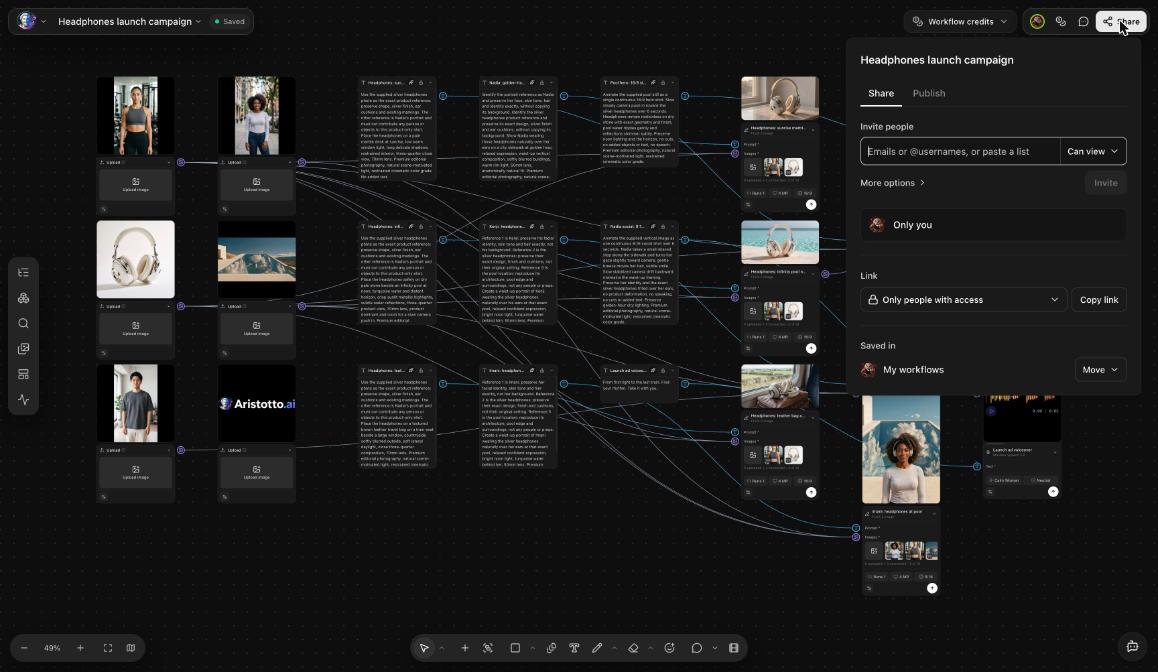
You can share an Aristotto workflow with other people and choose whether they can view it or edit it. Invite them by email or @username, or share a link that anyone can open to view. Teammates can edit the same workflow live, with cursors and presence avatars. Editors who run nodes pay with their own credits.
How to invite people
Open the workflow in Workflows (Studio Hub in the left rail).
Open Share.
Type an email address or an @username. To invite several people at once, paste a list.
Pick Can view or Can edit for the people you invite.
Can view and Can edit
| What they can do | Can view | Can edit |
|---|---|---|
| See the workflow | Yes | Yes |
| Comment | Yes | Yes |
| Download | Yes | Yes |
| Copy | Yes | Yes |
| Edit | No | Yes |
| Run | No | Yes, on their own credits |
Editors pay for their own runs, so sharing with Can edit does not spend your credits. Running needs a paid plan, and each node shows its price before it runs.
How to share with a link
The Share dialog has two link settings:
| Link setting | Who can open it |
|---|---|
| Only people with access | Only the people you invited |
| Anyone with the link | Anyone who has the link, view only |
A link never gives edit rights. To let someone edit, invite them with Can edit.
How to edit together
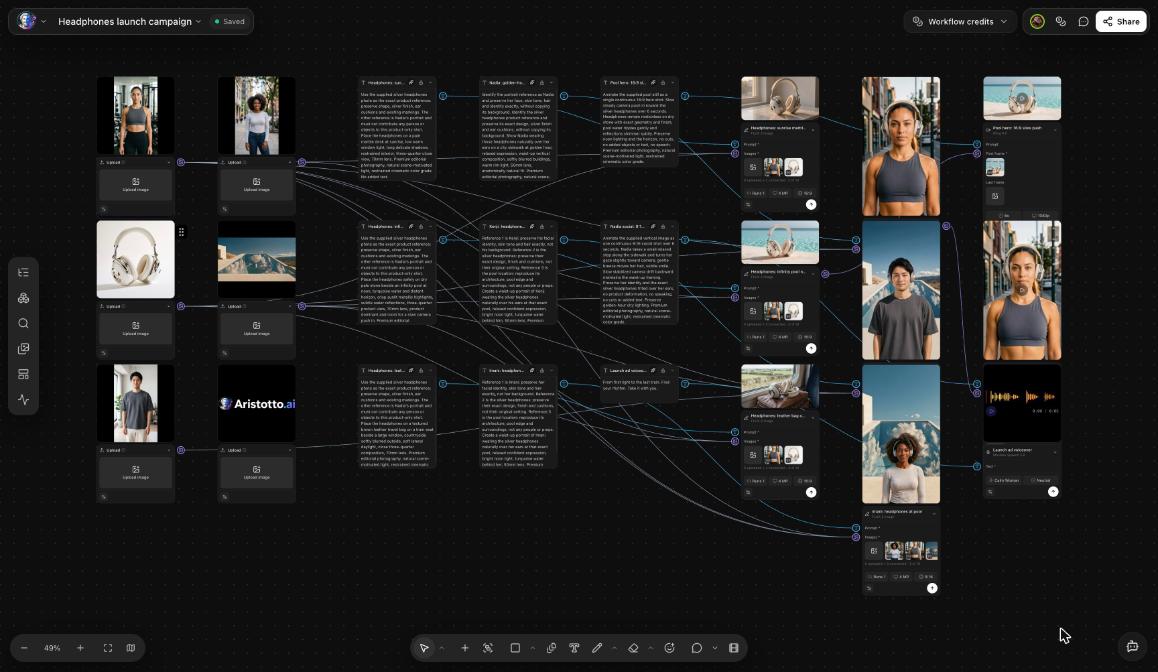
Teammates can edit a workflow together, live. While you work you see:
each person's cursor on the canvas
presence avatars for who is in the workflow
an offline banner
Teams also get team workflow chat.
Where shared workflows show up
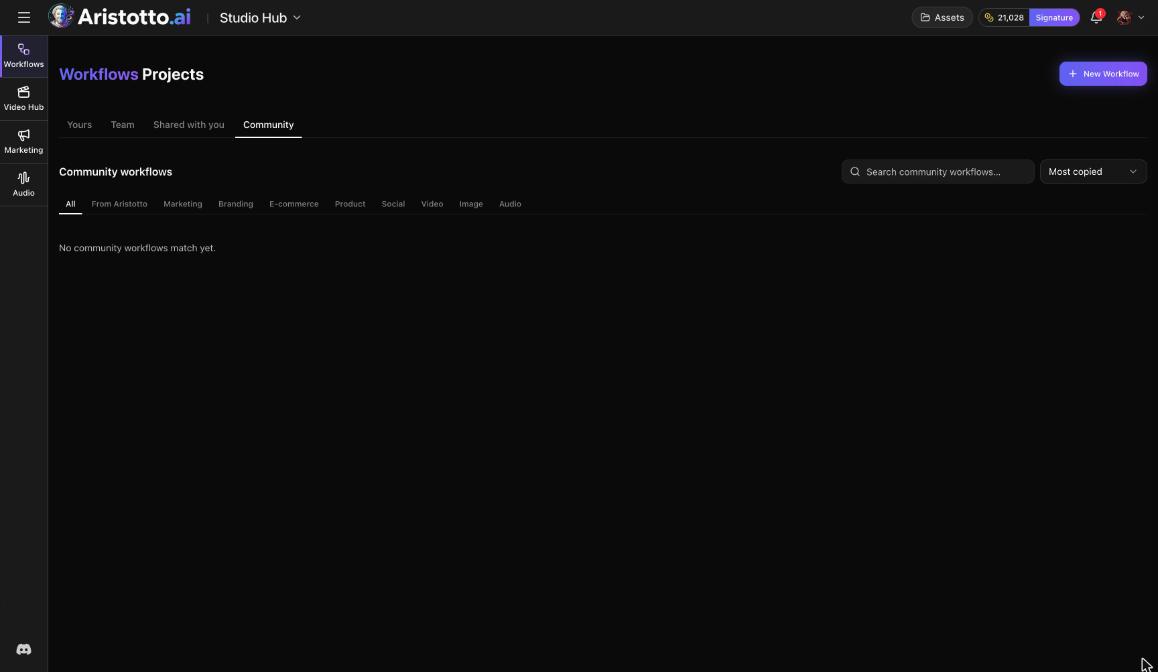
The Workflows dashboard has four tabs:
Yours: workflows you made
Team: your team's workflows
Shared with you: workflows other people shared with you
Community: published workflows from the community
Each workflow shows where it is saved, for example My workflows, with Move next to it. The Share dialog also has a Publish tab. Publishing needs a paid plan.
Working as a team
Team workflow chat comes with a team. Team plans today:
| Plan | Price | Credits |
|---|---|---|
| Team Virtuoso | $29 per seat a month | 25,000 per seat a month, pooled |
| Team Signature | $59 per seat a month | 60,000 per seat a month, pooled |
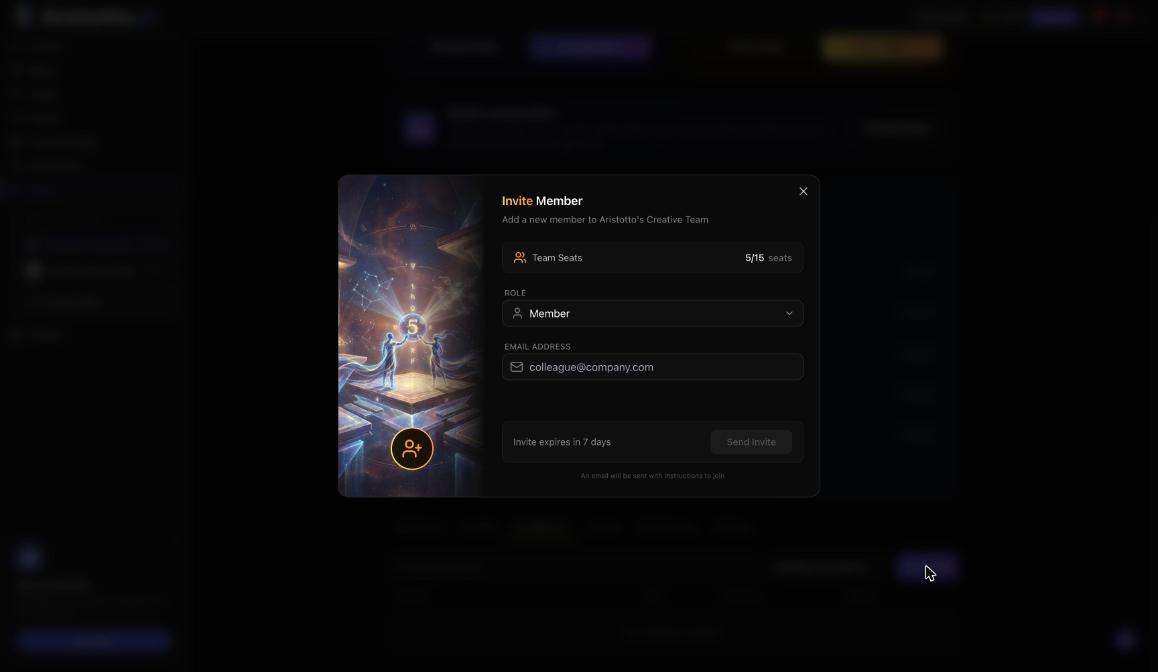
Both take 2 to 15 members. Create a team from the account menu with Create New Team, or from Settings, Teams, Create team.
Questions
Who pays when an editor runs my workflow?
The editor. People with Can edit run nodes on their own credits.
Can viewers change my workflow?
No. Viewers can see, comment, download and copy. Only people with Can edit can edit and run it.
Can I share a workflow with a link?
Yes. Set the link to Anyone with the link. It gives view-only access.
Can I invite many people at once?
Yes. Paste a list of email addresses or usernames in Share.
Is there a chat for workflows?
Yes, for teams. Teams get team workflow chat.