Aristotto Workflows: How to Chain AI Models on a Canvas
 by Aristotto3 min
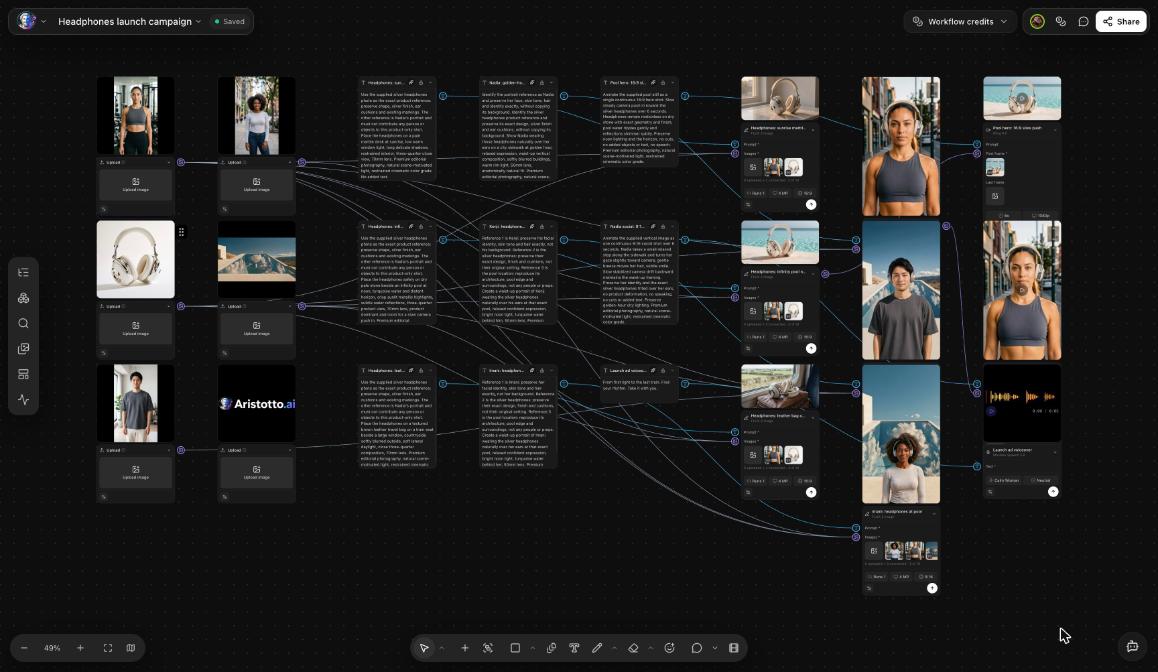
Workflows is Aristotto's canvas for chaining AI models. You place image, video, audio and text nodes on an infinite canvas, connect them, and run the same chain again whenever you need it. Open Workflows under Studio Hub in the left rail. Anyone can build, save and duplicate a workflow. Running, publishing and cloning need a paid plan.
How to build a workflow
Open Workflows under Studio Hub.
Press New Workflow. The canvas opens.
Add the nodes you need.
Connect the output of one node to the input of the next.
Check the price shown on each node.
Run one node to test it, or run the whole workflow.
Node types
Workflows has about 52 node types. They include:
prompt
AI copilot
generate image, video, voice and music
edit
upscale
inpaint
relight
lipsync
compositor
ad maker
router
You connect the outputs of one node to the inputs of another to build the chain.
How to run a workflow
You choose how much to run at a time:
| Run | When to use it |
|---|---|
| One node | You want to test or redo a single step. |
| The whole workflow | The chain is ready and you want the full result. |
Each node shows its price before it runs, so you know the cost of a single step and of the whole chain. The Workflow credits menu sits at the top of the canvas.
What it costs
Running a workflow needs a paid plan. Today Atelier is $9 a month with 8,000 credits a month.
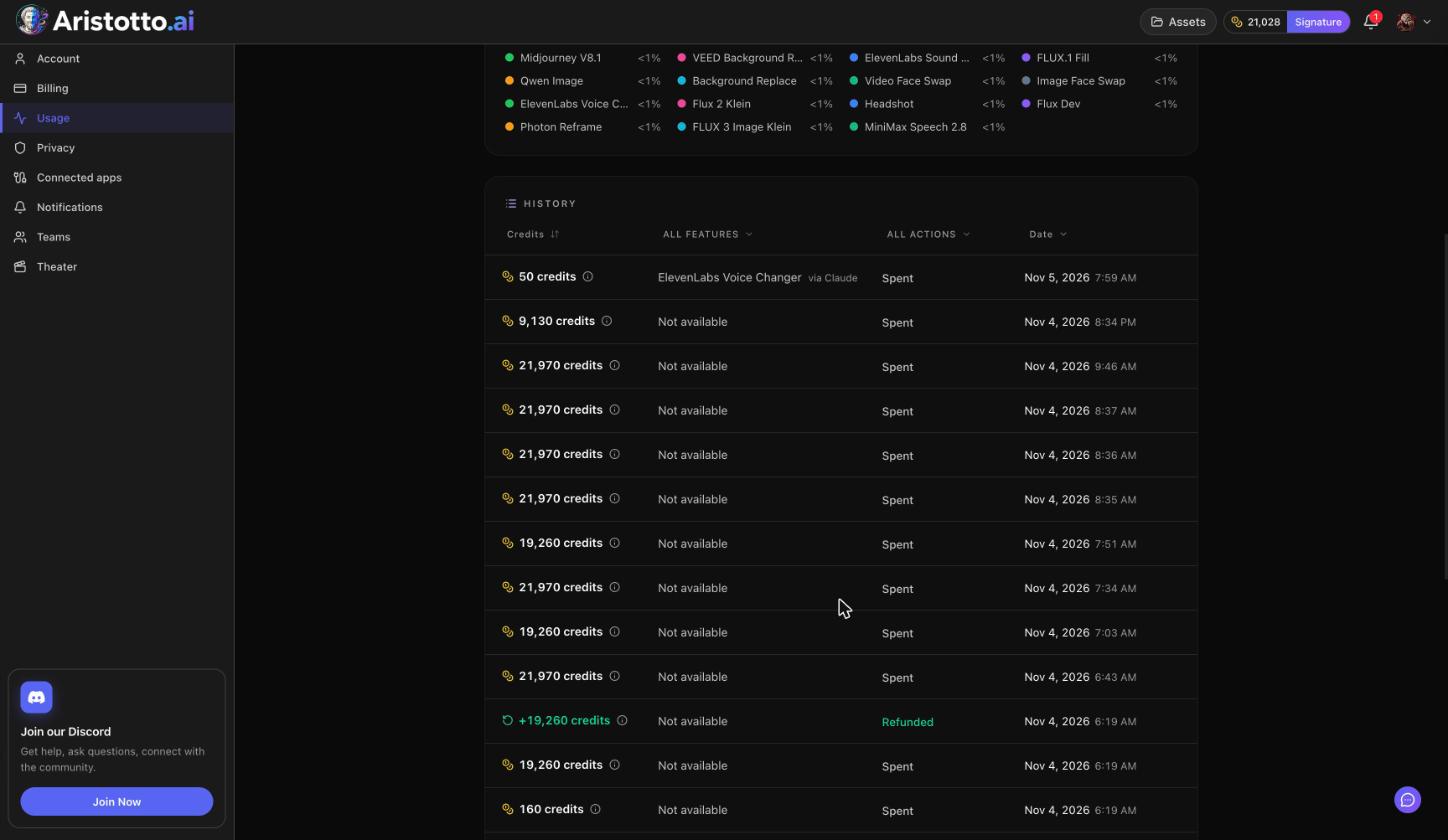
Plan credits are used first, then purchased credits, oldest first.
Failed, timed-out and partly failed runs are refunded automatically.
You can cancel a run only while it is still queued.
Who can do what
| Action | Base (free) | Paid plans |
|---|---|---|
| Build | Yes | Yes |
| Save | Yes | Yes |
| Duplicate | Yes | Yes |
| Run | No | Yes |
| Publish | No | Yes |
| Clone | No | Yes |
Where your workflows live
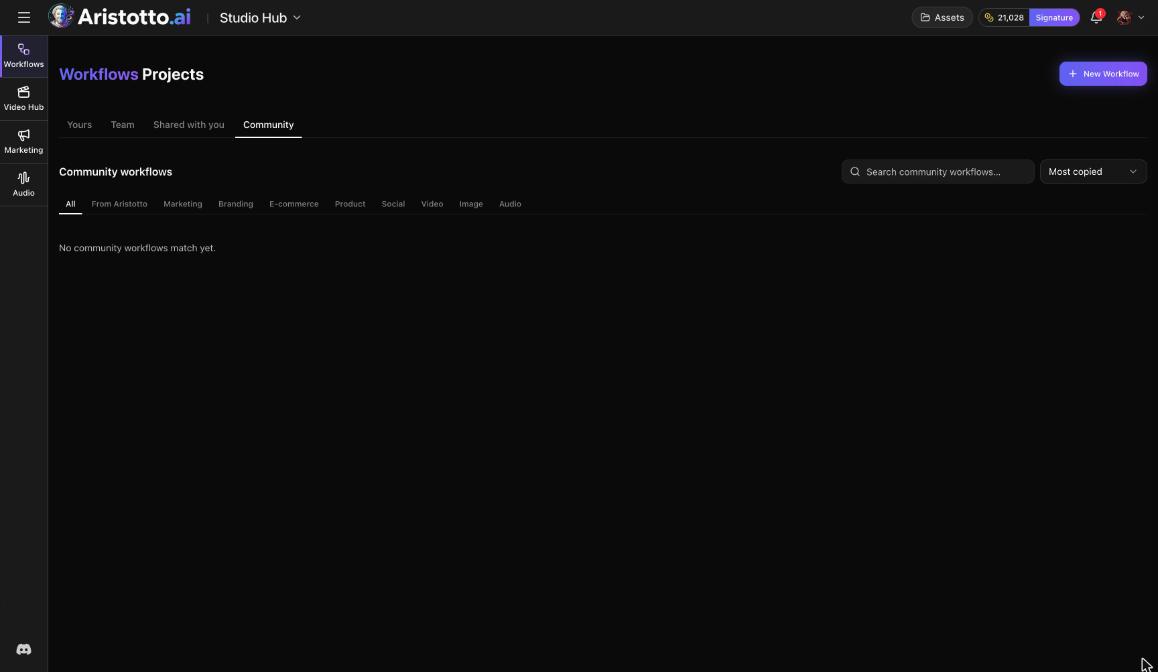
The Workflows dashboard has four tabs: Yours, Team, Shared with you and Community. Each workflow shows where it is saved, for example My workflows, with Move next to it.
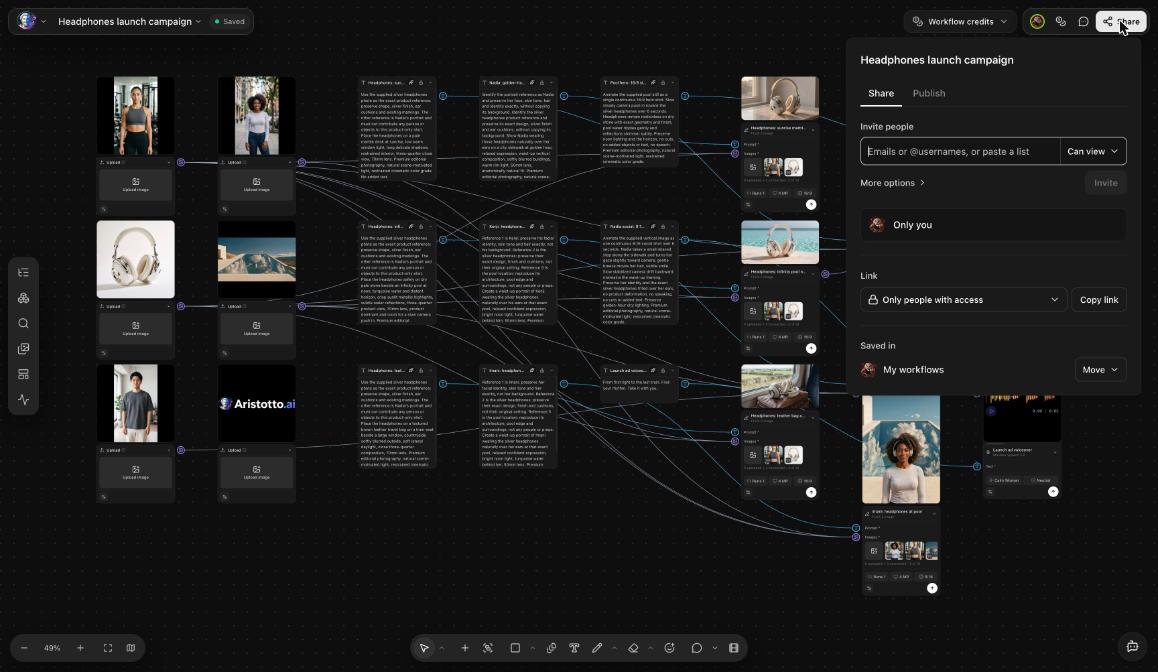
You can share a workflow with other people as Can view or Can edit, and teammates can edit it together live. The Share dialog also has a Publish tab.
Using Workflows from Claude or ChatGPT
Aristotto also works inside MCP clients such as Claude and ChatGPT. When you connect one, it asks you to sign in to Aristotto and approve what it may do, and Workflows canvases are one of those permissions. Open the MCP tile at the bottom of the left rail for the steps.
Questions
Do I need a paid plan to use Workflows?
You can build, save and duplicate workflows on any plan. Running, publishing and cloning need a paid plan.
How do I know what a run will cost?
Each node shows its price before it runs. Check every node in the chain before you run the whole workflow.
Can I test one step without running everything?
Yes. Run one node on its own, then run the whole workflow when the chain is ready.
How many node types are there?
About 52, including prompt, AI copilot, generate image, video, voice and music, upscale, inpaint, relight, lipsync, compositor, ad maker and router.
Can I use my workflows from Claude?
When you connect Claude or another MCP client, you can approve its access to Workflows canvases along with its other permissions.