Community Workflows and Contests: How They Work
 by Aristotto3 min
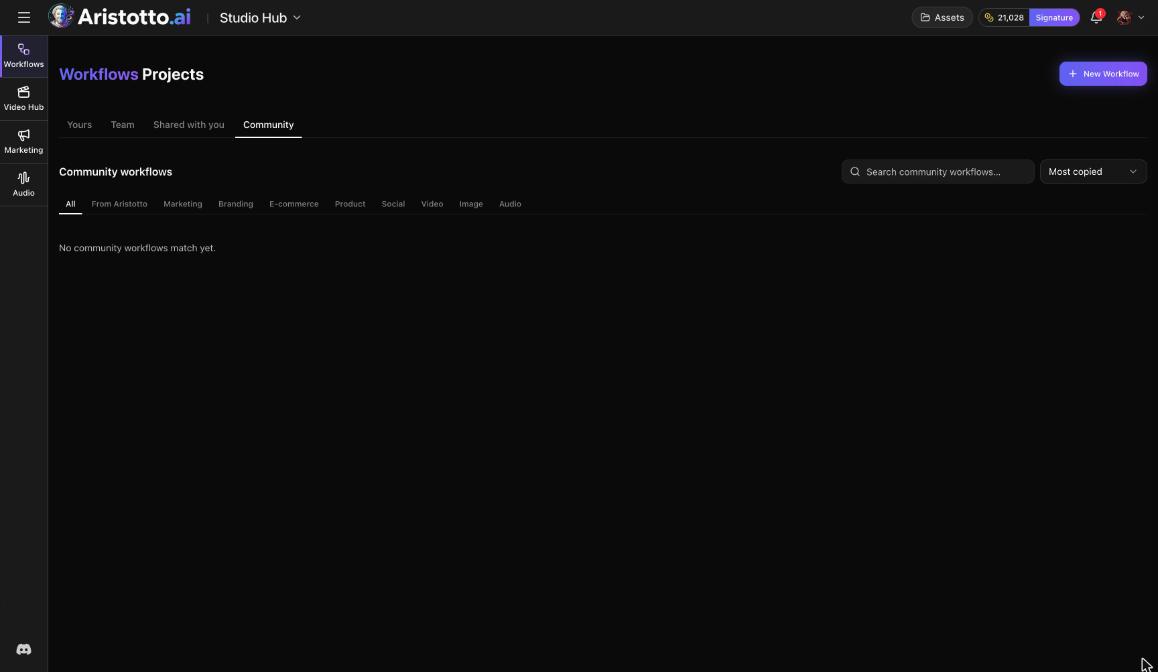
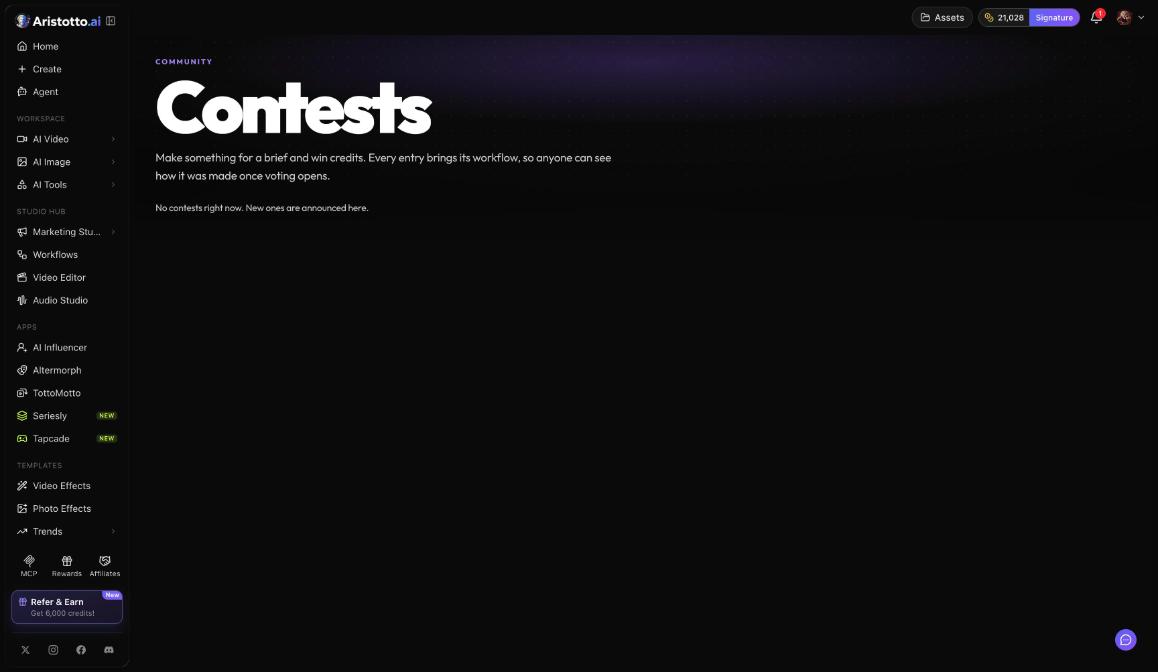
No community workflow is published on Aristotto today, and no contest is open. You can open both pages, but the Community tab has no workflows yet and Contests has no open contest. Community workflows let you copy a workflow someone else published, and contests let you enter a piece with the workflow that made it. Community is a tab in Workflows (Studio Hub), and Contests sits under Community in the left rail.
How community workflows work
The Workflows dashboard has four tabs: Yours, Team, Shared with you and Community. The Community tab is where published workflows will appear. It has:
Search
Sort by Most copied
Categories: From Aristotto, Marketing, Branding, E-commerce, Product, Social, Video, Image and Audio
Use this workflow, which makes your own copy
Unlock for a set number of credits on a paid template, at a price its creator sets
How to use a community workflow
Once workflows are published, these are the steps:
Open Workflows and choose the Community tab.
Search, or pick a category.
Press Use this workflow to get your own copy. A paid template shows Unlock with its price in credits.
Check the price on each node, then run one node or the whole workflow.
Cloning a workflow needs a paid plan, and so does running one.
How publishing works
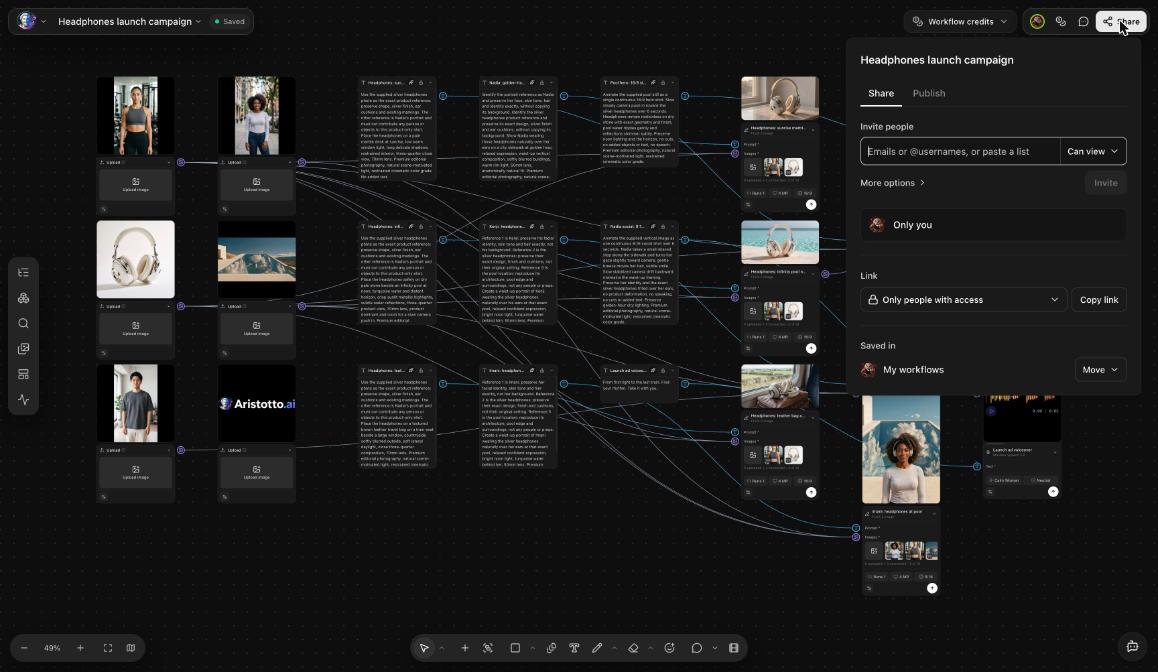
A workflow's Share dialog has a Publish tab. Publishing needs a paid plan. If you publish a paid template, you set the number of credits it costs to unlock.
How contests work
A contest gives you a brief to make something for, and you can win credits. Every entry brings its workflow, so once voting opens anyone can see how each entry was made.
The Contests page has three sections:
| Section | What happens there |
|---|---|
| Open for entries | You can enter a piece for the brief. |
| Voting now | Others vote, and each entry's workflow is visible. |
| Past contests | Contests that have finished. |
How to enter a contest
Once a contest is open, these are the steps:
Open Contests under Community in the left rail.
Pick a contest under Open for entries and read the brief.
Make your piece in one of your own workflows.
At Which workflow made it?, choose that workflow. Only your own workflows are listed.
Add a title.
Agree to the rules.
Press Submit entry.
Other people then vote on the entries. If you change your mind, you can withdraw your entry.
How to get ready now
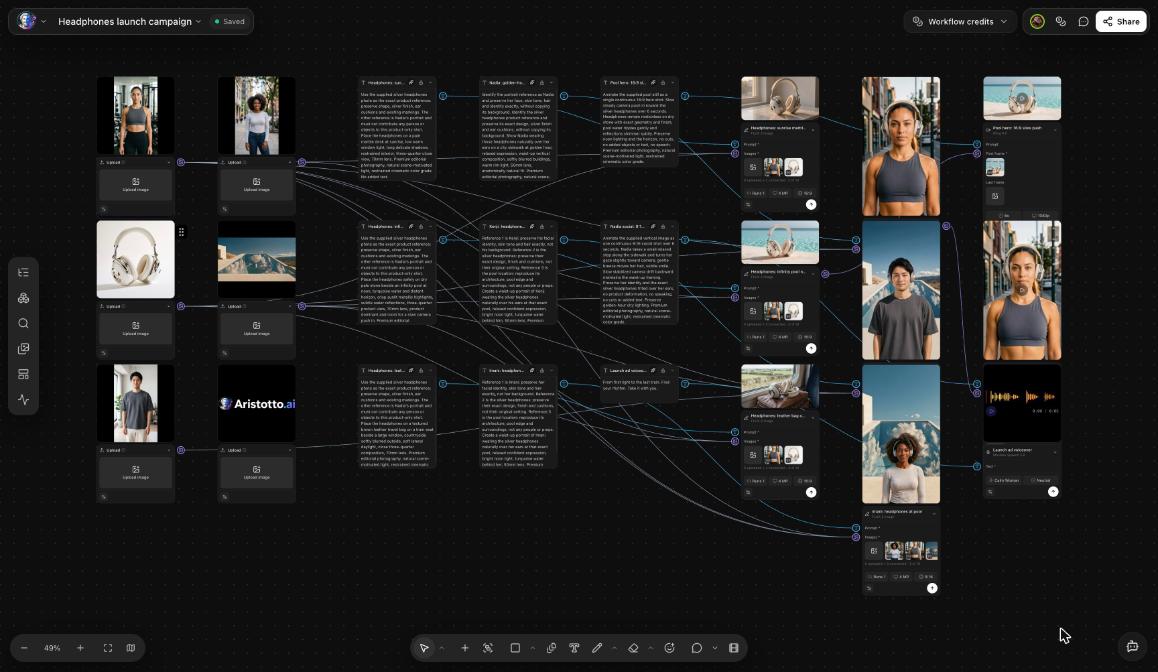
Build in Workflows. Anyone can build, save and duplicate a workflow.
Every contest entry has to name one of your own workflows, so make your pieces inside Workflows.
Running a workflow needs a paid plan. Today the lowest paid plan, Atelier, is $9 a month.
Questions
Are there community workflows I can copy today?
No. None are published yet. When they are, Use this workflow makes your own copy.
Is a contest open right now?
No. No contest is open today. Open contests will show under Open for entries.
Can I enter a contest with a piece I made outside Workflows?
Each entry asks Which workflow made it? and lists only your own workflows. Make your piece in a workflow so you can enter it.
Do community workflows cost credits?
A paid template costs the credits shown on Unlock, set by its creator. Running any workflow costs the price shown on each node.
Can I take my contest entry back?
Yes. You can withdraw your own entry.