How Credits Are Spent: Prices, Spending Order and Expiry
 by Aristotto4 min
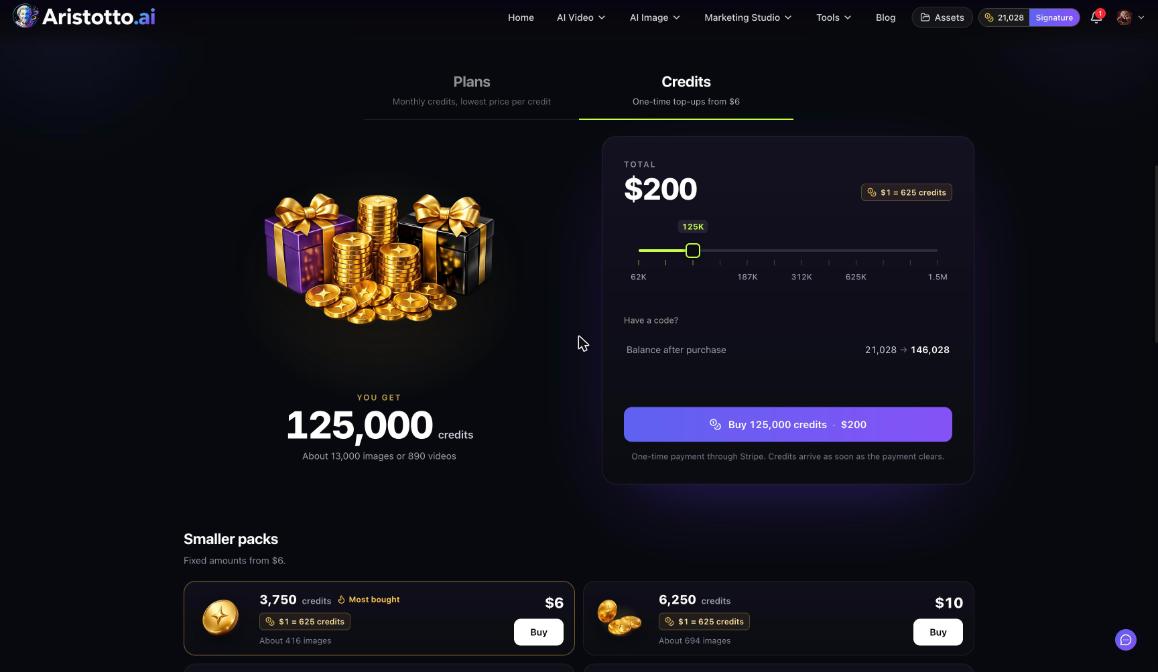
Every run shows its price in credits on the Generate button before you press it. Plan credits are spent first, then credits you bought, oldest first. Plan credits reset each billing month; purchased credits never expire.
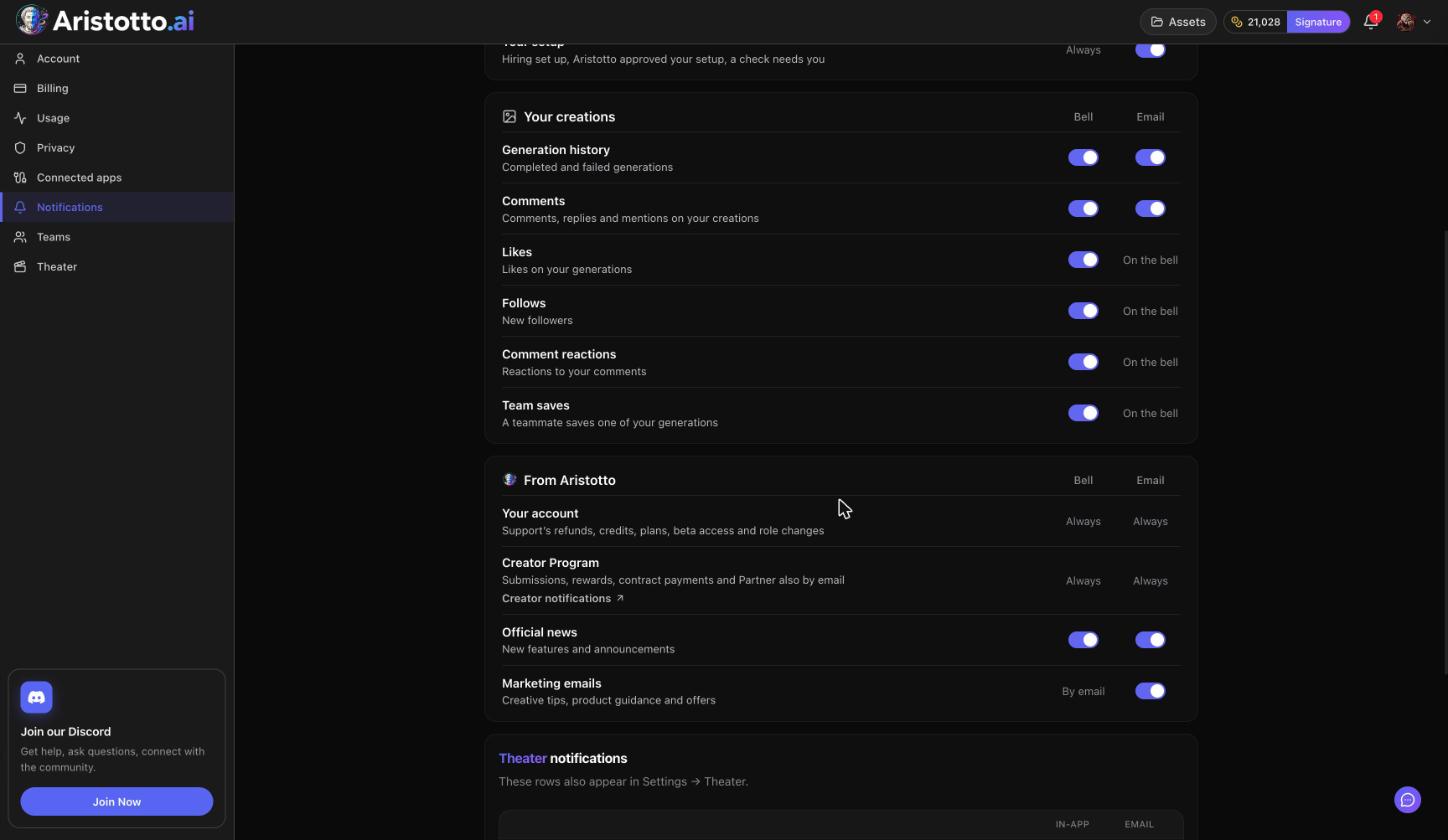
This article explains what changes a price, the spending order, refunds and where to see your history. Your balance sits in the header next to your plan name, and the full ledger is in Settings, Usage.
How do you know what a run will cost?
Look at the Generate button: the price is on it before you press. These change it:
the model
the length
the resolution
the quality
how many results you ask for
Other parts of Aristotto show the price first too:
| Where | How the price shows |
|---|---|
| Workspace, AI Tools and effects | On the Generate or tool button |
| Workflows | Each node shows its price before it runs |
| Agent (Tuko) | Chat is free; you pay the usual price for what gets made, only after you approve the plan |
| TottoMotto | One take per filmed shot, shown before you start |
| AI Influencer | The image price times the number of variations, on the button |
| Claude, ChatGPT and other MCP clients | You approve prices in the chat, or set a Spend without asking allowance |
If you subscribe, Active Model Offers are applied automatically at Generate, with no code.
Which credits are spent first?
Plan credits from your monthly allowance.
Purchased credits, oldest first.
When you work in a team, you create with the team's credits instead: the team's plan credits first, then its extra credits once the plan credits run out. The account menu shows whether you are in Personal or a team.
Do credits expire?
| Credit type | What happens |
|---|---|
| Plan credits | Reset every billing month; unused ones do not roll over |
| Purchased credits | Never expire, including after you cancel a plan |
| Team extra credits | Never expire; used once the team's plan credits run out |
What happens when a run fails or you cancel it?
Failed, timed-out and partly failed runs are refunded automatically. You do not need to ask.
You can cancel a run only while it is still queued; credits come back for the parts that have not started. Once it has started, it runs to the end.
In Seriesly, a run is paid as soon as it starts and there is no undo.
Where can you see what you spent?
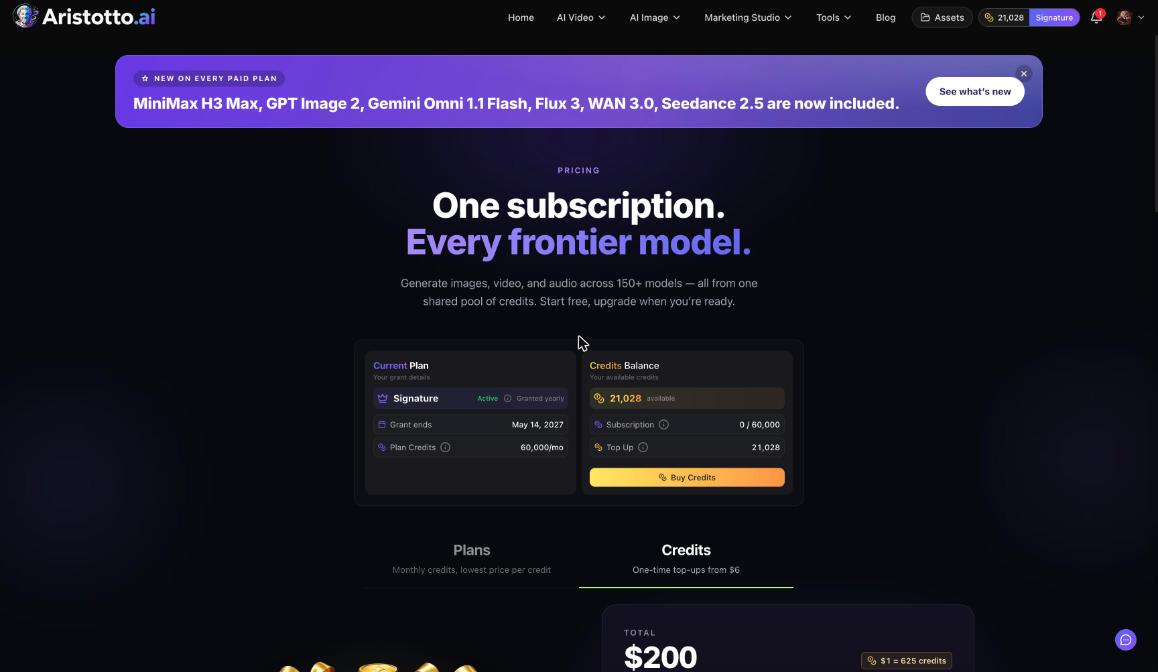
Header: your credits balance with your plan name.
Settings, Billing: Credits Balance with available credits and subscription credits used of the total, plus Buy Credits.
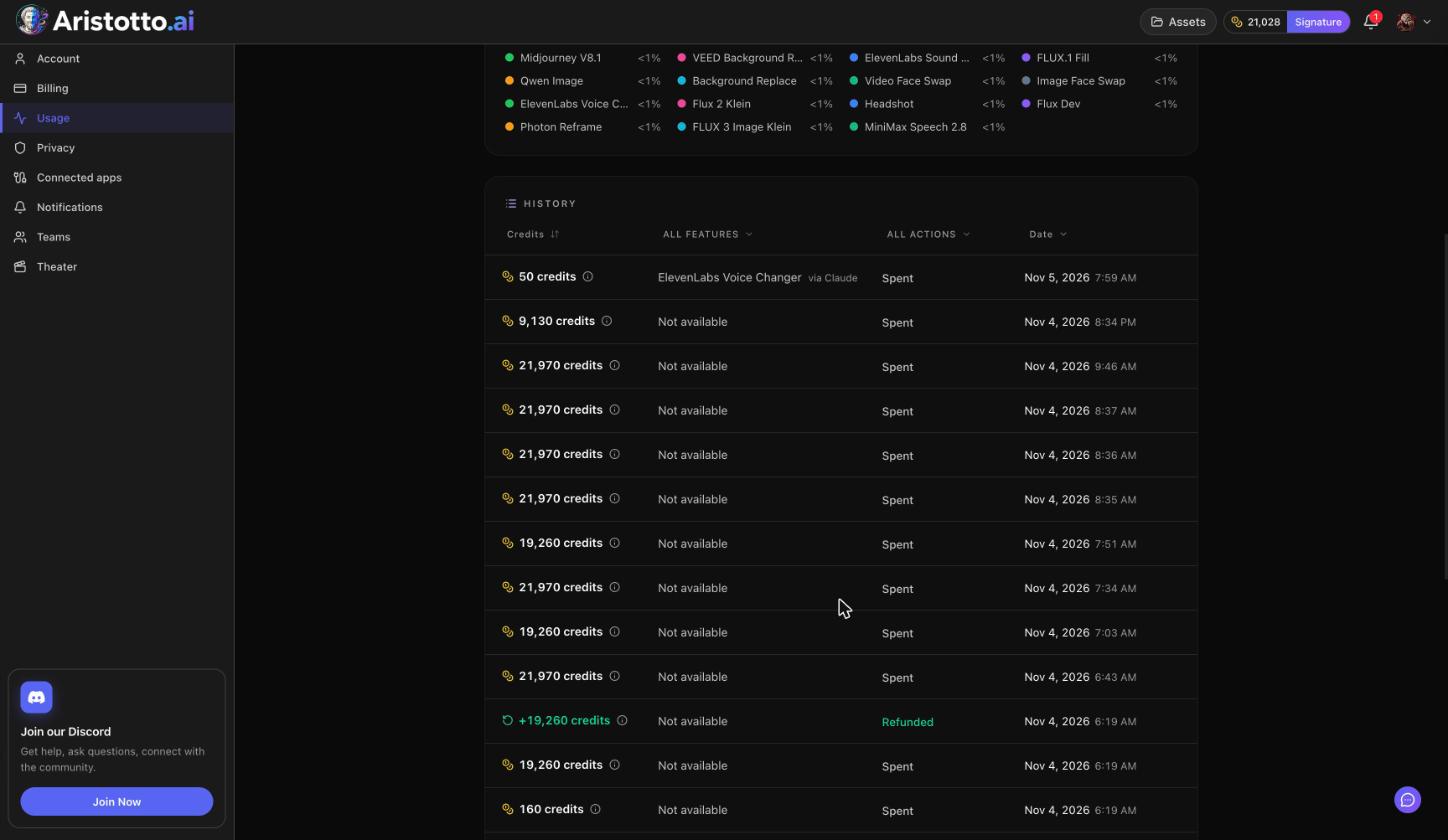
Settings, Usage: Usage history with a spend overview, a feature breakdown and a History ledger. Filter the ledger by feature, by action (Spent or Refunded) and by date.
Teams: owners and admins see Team usage, including Spend by member.
Example: How do you trace one run's price and refund?
In the workspace, set up a video and read the price on Generate.
Press Generate. If you have plan credits left, the price comes out of those first.
Open the bell and the History tab to see the run finish or fail.
Say it failed. Open Settings, Usage.
In the History ledger, set the action filter to Refunded and narrow it by feature or date.
Find the refund row for that run, then check that the balance in the header has gone back up.
What should you check when your balance looks wrong?
A new billing month. Plan credits reset, and unused ones do not carry over.
The workspace you are in. In a team, runs use the team's credits, and the team can set how much each person can use.
Connected apps. In Settings, Connected apps, Spend without asking lets charges inside your allowance start without asking you; anything above it waits for your approval. Pay with shows whether charges go to Personal or Team.
Refunds. Look for Refunded rows in the History ledger before you assume credits were lost.
Still unclear. Open the chat bubble at the bottom right on desktop, choose Send feedback, pick Credits and Billing and attach a screenshot of the ledger.
Questions
Does chatting with Tuko cost credits?
No. Chat is free. You pay only for what gets made, at the usual price, after you approve the plan. Chat messages are limited per plan.
Do Audio Library downloads cost credits?
No. Downloads cost no credits. Downloading tracks needs Virtuoso or above.
Do credits I bought disappear if I cancel my plan?
No. Purchased credits never expire, including after you cancel.
Can I stop a run that has already started?
No. You can cancel a run only while it is still queued. Once it starts, it runs to the end.
Why did a run cost less than usual?
If you subscribe, Active Model Offers are taken off automatically at Generate. The pricing page lists the current ones.