How to Create an AI Influencer: Step-by-Step Guide
 by Aristotto3 min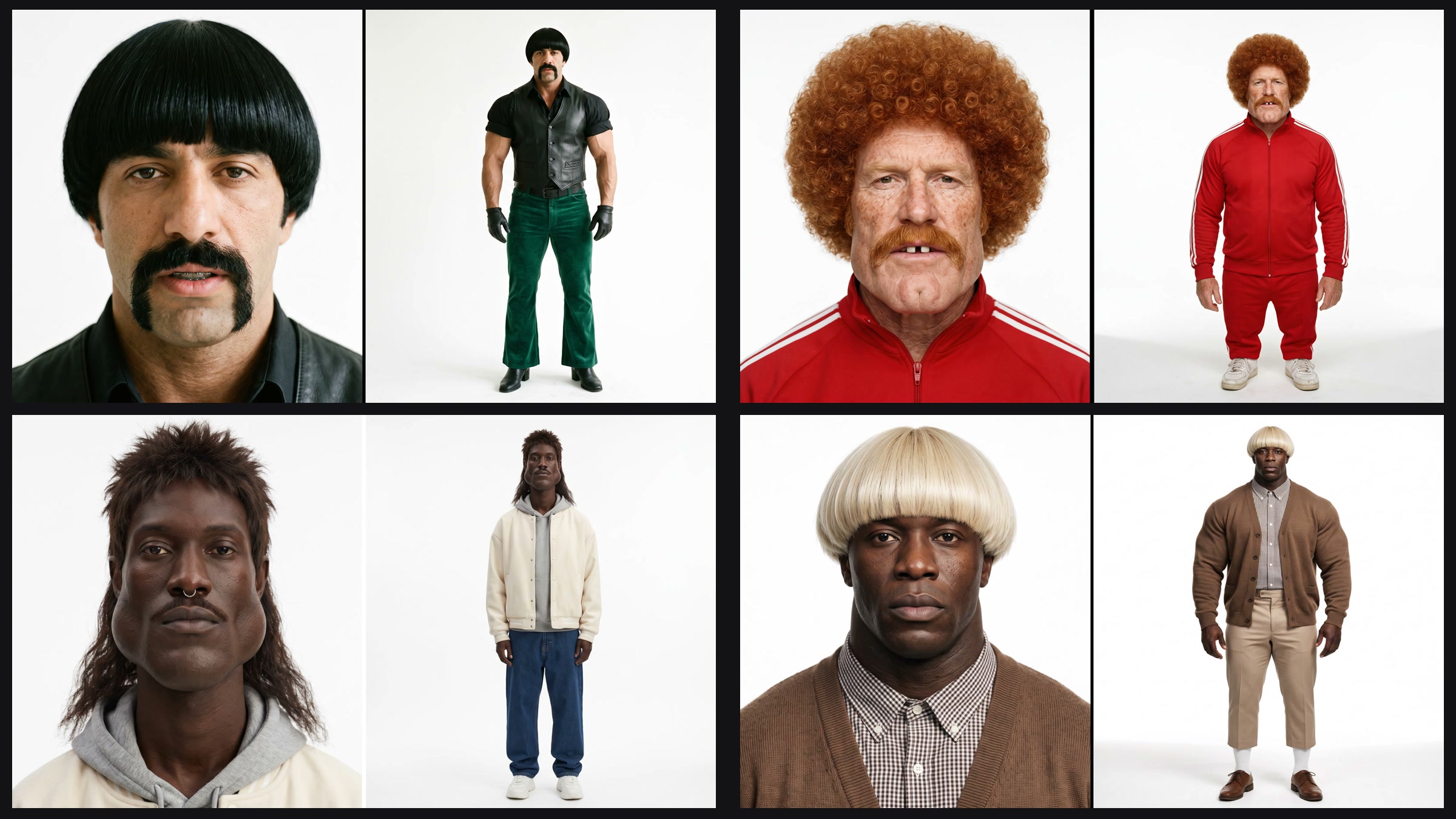
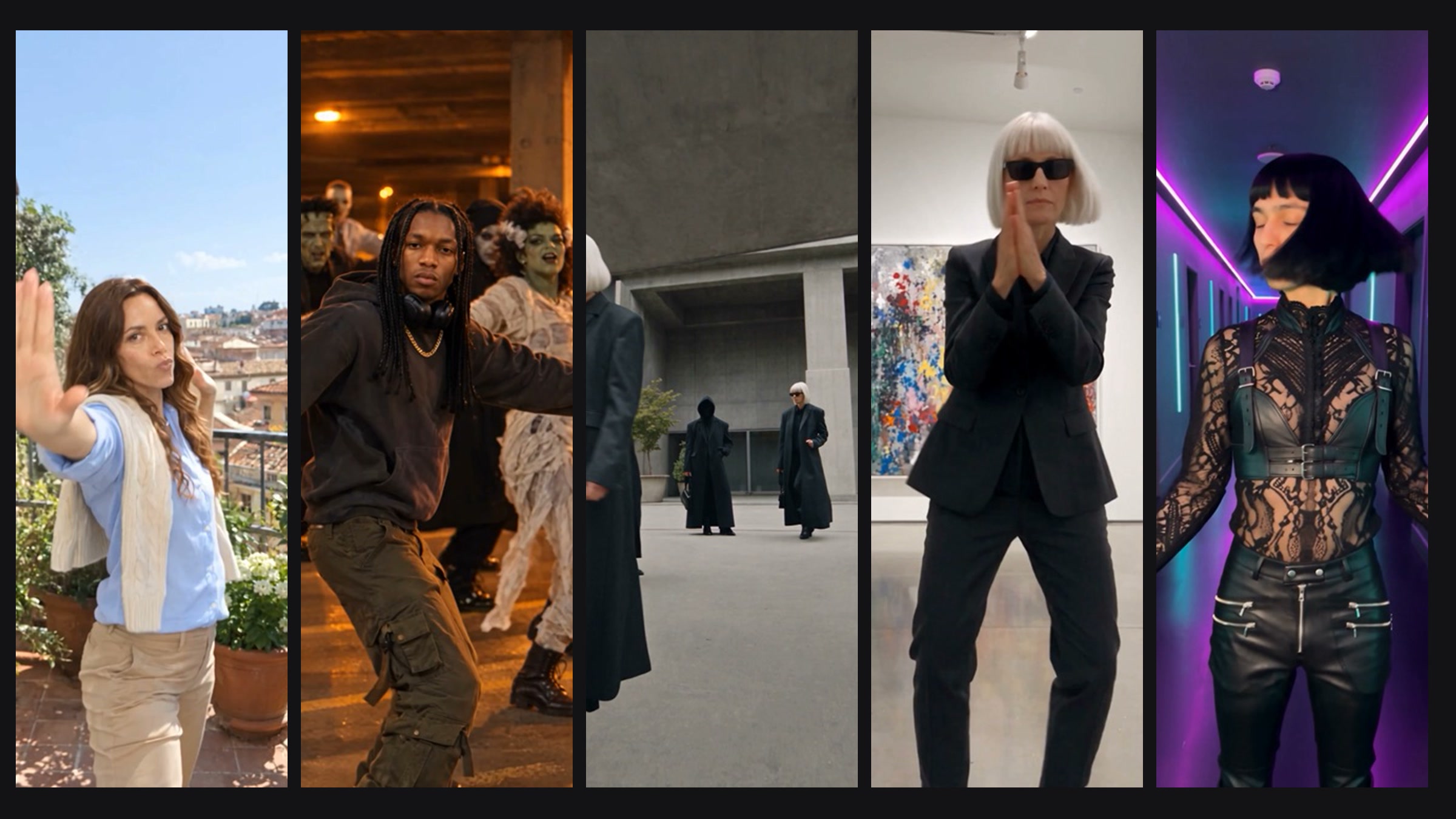
An AI influencer is a character you can cast again and again: in trends, ads and short videos. In Aristotto you build one by picking traits from pictures, and you get a character sheet you can drop into Altermorph straight away.
This guide covers the character types, the traits, starting from your own photo, variations and what each draw costs.
What is AI Influencer?
AI Influencer is a character builder in Aristotto. You choose a type and traits from picture tiles, and it draws a photoreal character sheet on a white studio background. Sheets usually take under a minute.
Which character type should you pick?
| Type | What you get |
|---|---|
| Normal | An everyday person. Bold traits are hidden. |
| Exaggerated | Bold, caricature features. This is the default. |
| Total | Extreme features, including the most unusual hairstyles. |
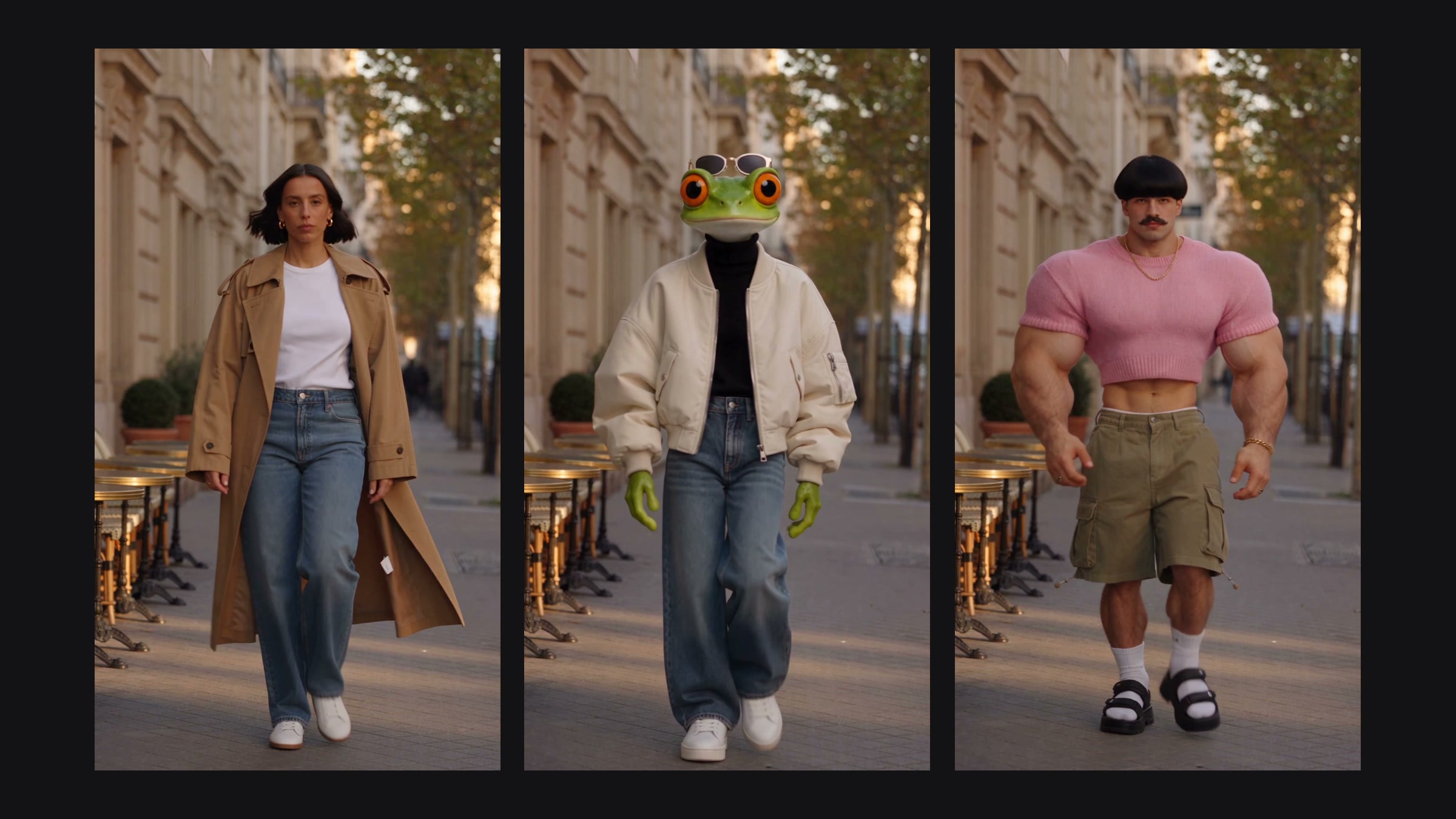
| Frog, Cat, Dog, Capybara, Bird, Insect | An animal head on a human body, with extreme options available. |
Which traits can you choose?
Traits come in groups, each shown as pictures. Most groups take one pick; a few take more:
| Group | Picks |
|---|---|
| Gender, Build, Hairstyle, Hair colour, Style, Height | 1 each |
| Ethnicity, Age, Skin tone, Head shape, Neck, Eye shape, Eye colour (people only) | 1 each |
| Proportions | Up to 2 |
| Facial features (people only) | Up to 4 |
| Facial hair | 1 |
| Distinctive | Up to 2 |
| Accessories | Up to 3 |
Pick only what matters to you. Traits you leave open are chosen for you, which is a quick way to get surprising characters.
Can you start from your own photo?
Yes. Add a photo under "Start from your photo" (JPG, PNG or WebP, under 10 MB). The sheet keeps your face, and the traits you pick change everything else: hair, build, style and more.
How do Shuffle and Explore help?
Shuffle traits fills in a full person plus two to four bold statement traits. Shuffle until something catches your eye, then adjust.
Explore shows ready-made looks. Recreate loads a look's type and traits into the builder so you can change them.
How do variations work, and what do they cost?
Choose 1, 2 or 4 variations. Each variation is one sheet and costs 100 credits, so 4 variations cost 400. You keep one and only the kept sheet is saved. If a draw fails, its credits go back to your balance.
Example: build a character for a dance trend
Pick Exaggerated as the type.
Set Build to Bodybuilder and Hairstyle to Bowl cut. Leave everything else open.
Choose 2 variations and tap Create influencer (200 credits).
Keep the sheet you like and give it a name (up to 60 characters).
Tap Put in a trend. Altermorph opens with your influencer ready to cast.
How do you use your influencer in a video?
Every influencer you keep appears under Your influencers in Altermorph's image picker. Tap one to cast it in a trend or your own clip. If you delete an influencer later, the videos you already made with it stay.
Got any questions left?
How much does one influencer cost?
100 credits per variation.
Can I keep more than one variation?
You keep one per draw. Draw again for another.
Will it look like me?
With a starting photo, the sheet keeps your face and changes the rest.
Can I make an animal character?
Yes: Frog, Cat, Dog, Capybara, Bird or Insect.
Where do my influencers go?
Under Your influencers, in AI Influencer and in Altermorph.