Aristotto Trends: How to Recreate a Trending Video and Publish Your Own
 by Aristotto3 min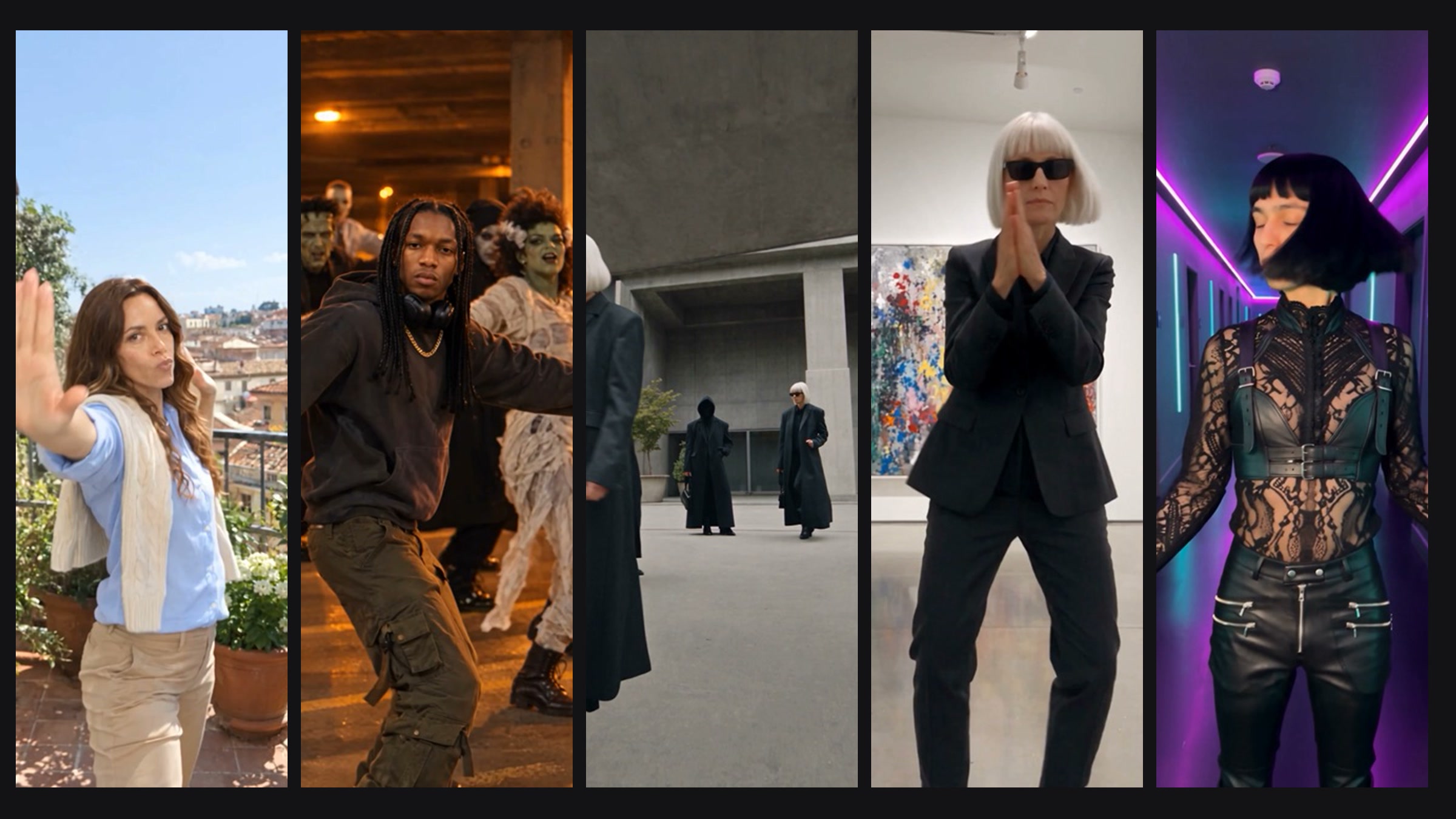
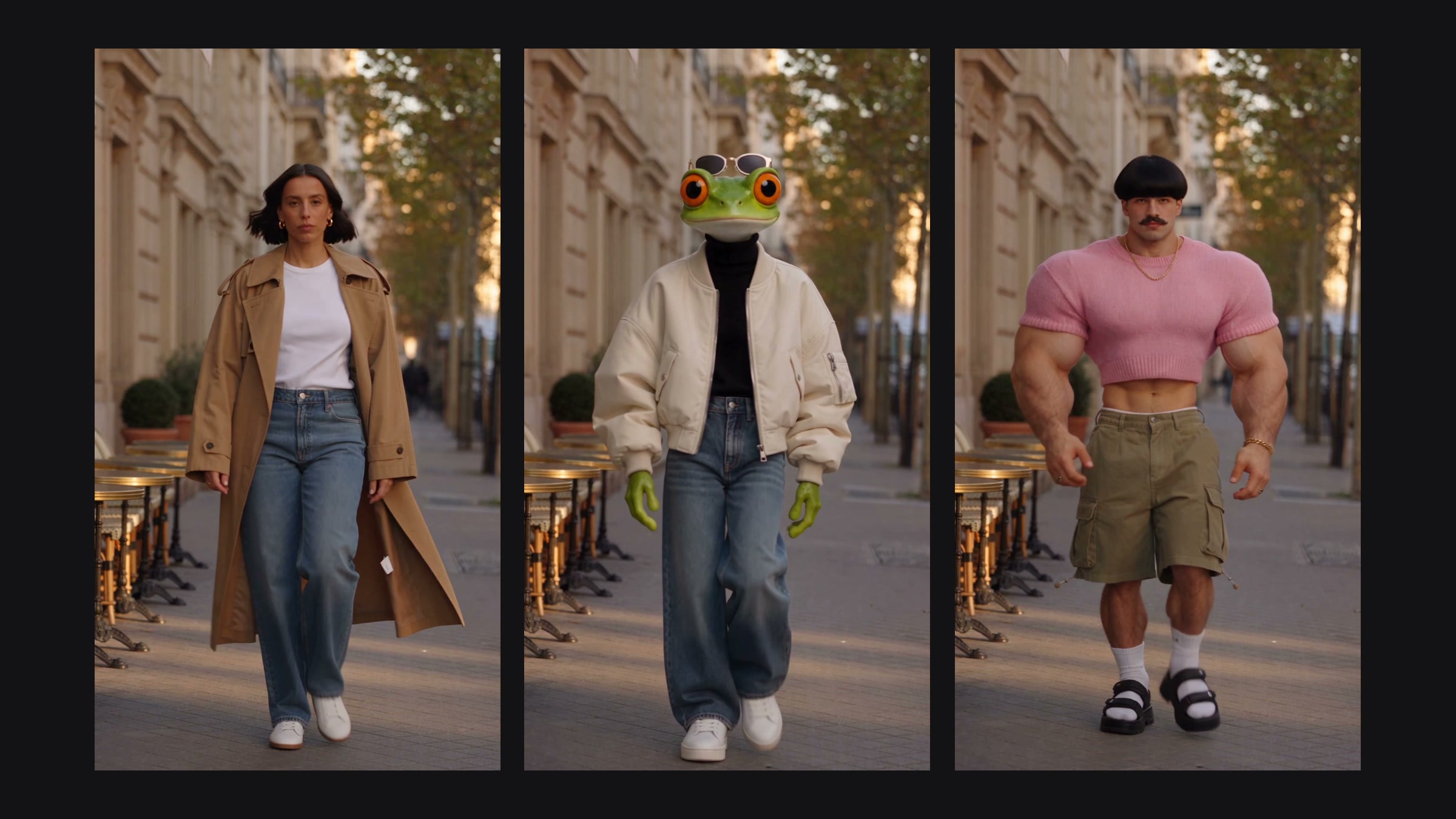
Trends is where you find scenes worth recreating: templates picked by the Aristotto team and recreations published by the community. Every one has a Recreate button that opens it in Altermorph, ready for your cast.
This guide covers the three ways to browse, how ranking works, what Recreate loads and how to publish your own recreation.
What is on the Trends page?
| Tab | What it shows |
|---|---|
| Templates | Scenes picked by the Aristotto team, with filters such as Dance, Fashion, Duo, Group, Cinematic, Lifestyle and Party. Each card shows its length, how many people are in it and its mode. |
| Community trending | Published recreations ranked by recreations and likes. |
| Community new | Published recreations, newest first. |
Anyone can browse, signed in or not.
How does a post start trending?
Each time someone recreates a post it earns 3 points, and each like earns 1. Posts with 5 points or more lead Community trending, highest first. The rest follow, newest first.
What does Recreate load?
From a template: Altermorph opens with the clip and the template's mode.
From a community post: the clip it started from, its mode, quality, sound setting and prompt, and its cast images with who played who. Images you already added stay, so you can swap in your own cast.
Open any post first to watch the recreation next to the original and see its details: who published it, length, people, mode, quality, recreations, prompt and pictures.
How do you publish your recreation?
Open a finished recreation in Your recreations.
Choose Publish to Trends.
The first time, read and accept the publishing terms.
A final safety check runs. Most recreations go live right away; some are held for a safety review first.
Your post shows the video and what it was made from: the original clip, the pictures, the prompt and who played who. Anyone can watch it and recreate it.
Publishing to Trends needs the Virtuoso plan or higher.
What can't you publish?
Never publish sexual content, anything sexualizing a minor, deepfakes of a real person without their consent, gore, hate or harassment, or content you don't have the rights to. Read the full Community Guidelines before you publish.
Can you take a post down?
Yes. Take it down from Trends at any time and publish it again later. Deleting the recreation removes the post for good.
See a post that breaks the rules? Open More, then Report. The Aristotto team reviews every report, and posts taken down by the team are removed permanently.
Got any questions left?
Do I need an account to browse Trends?
No. You need one to like, recreate or publish.
Which plan can publish?
Virtuoso or higher.
Will people see my original clip?
Yes. A published post shows the clip, the pictures and the prompt it was made from.
How do I get my post trending?
Recreations count three times as much as likes.
Can I unpublish?
Yes, at any time, and publish again later.