Sign-In and Account Problems: Verification, Held Sign-Ups and Appeals
 by Aristotto4 min
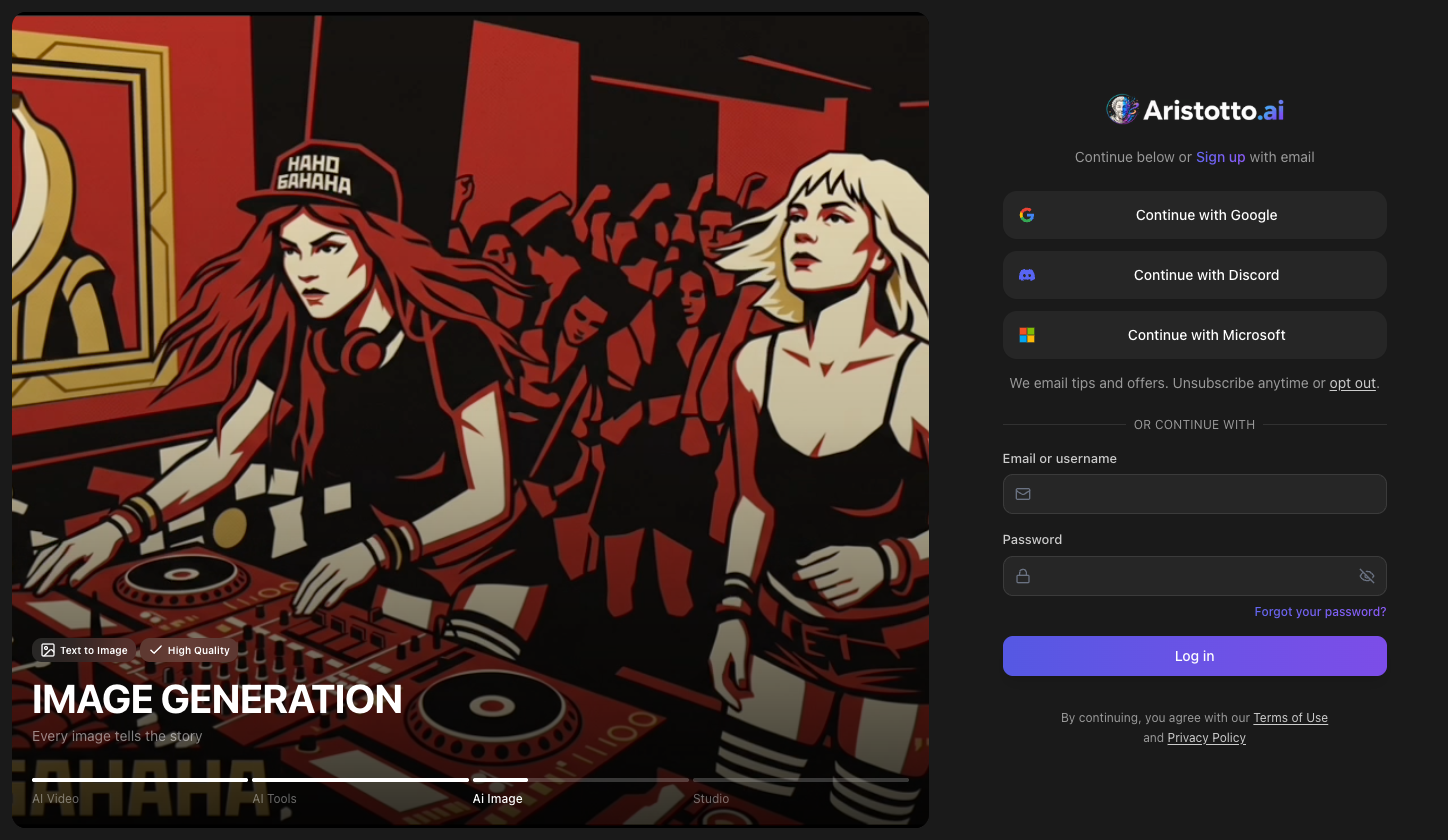
Most sign-in problems have a fix on the screen in front of you: Resend for a missing verification email, Forgot your password? for a lost password, and Use your company login when your company requires SSO. A suspended or banned account can send an appeal.
This article covers each case: verification, sign-in methods, held sign-ups, company login, team invites and appeals. Sign up at aristotto.ai/signup, or press Start for Free on aristotto.ai.
How can you sign in?
Your email or username, plus your password.
Continue with Google, Continue with Discord or Continue with Microsoft. These three also create a new account if you have none.
Your company login, if your company has connected SAML SSO.
What if the verification email does not arrive?
Look at the Check your email screen. It names the address the email went to.
Make sure that address is right.
Press Resend.
Open the link in the new email to verify.
If the address shown is wrong, email support@aristotto.ai.
What if you forgot your password?
Press Forgot your password? on the log-in screen to reset it. Once you are signed in, Settings, Privacy lists your Sign-in Methods and has Set Password or Change Password.
Why is your sign-up held for review?
A fraud check can hold a new sign-up for review. The message on screen points you to support. Email support@aristotto.ai and give the address you signed up with.
Why does it say Use your company login?
Your company requires SSO for everyone with your email domain, so a password or social sign-in is refused.
Enter your work email where Use your company login appears.
Sign in through your company's identity provider. You can also start from your identity provider's app list.
A first company sign-in opens your existing account with the same email. It does not create a second account.
Why is a team invite refused?
You must sign in with the email the invite was sent to; a different email is refused. Invites expire in 7 days. If yours has expired, ask a team owner or admin to Resend it or Send again from the Invitations tab.
Example: How do you send an appeal?
A suspended or banned account sees a blocking screen. To appeal:
Go to aristotto.ai/appeal.
Fill in Why are you appealing? in your own words.
Add a contact email if you want to (it is optional).
Press Submit appeal.
You see Appeal received.
You can send one appeal per enforcement action, so put everything relevant into that one.
What should you check when you still cannot sign in?
The method you used. If a social button lands you in a new, empty account, check which email it used: Continue with Google, Continue with Discord and Continue with Microsoft create an account when none exists.
Username or email. Both work with your password.
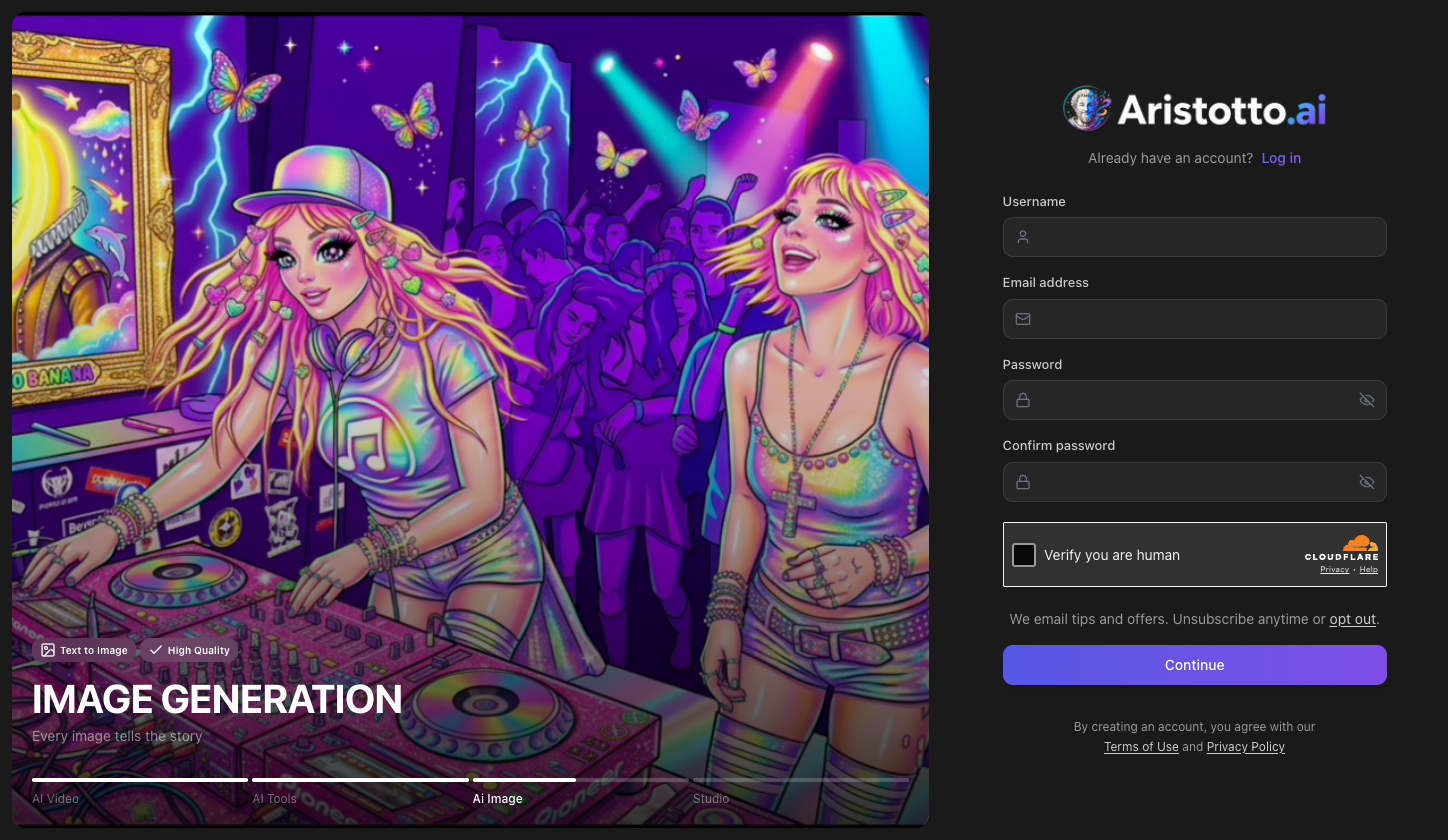
The security check. Sign-up needs Verify you are human before Continue.
The right app. The Creator app at creator.aristotto.ai has its own sign-in, so sign in there separately with your Aristotto account.
Someone else in your account. Once signed in, use Sign Out Everywhere in Settings, Privacy.
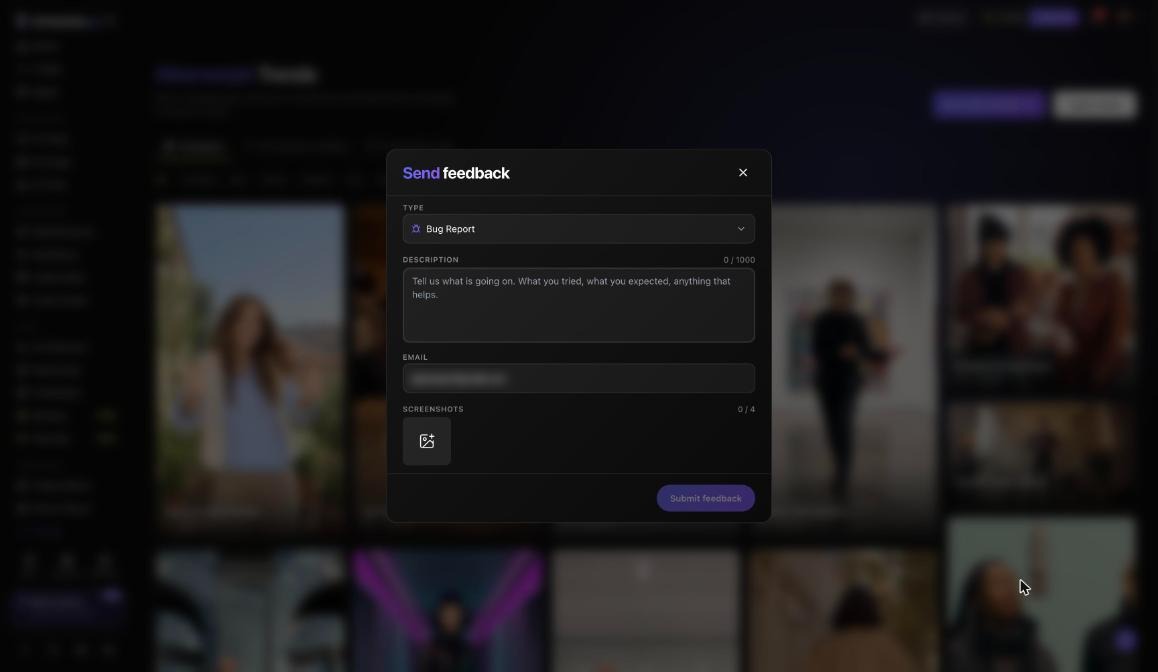
Still stuck. Email support@aristotto.ai, or use Send feedback with the Account and Privacy type.
Questions
Can I log in with my username?
Yes. You can log in with your email or your username, plus your password.
How many times can I appeal?
Once per enforcement action, at aristotto.ai/appeal.
Do I need a separate account for the Creator app?
No. You use your Aristotto account, but the Creator app has its own sign-in, so a web sign-in does not carry over.
What happens to my account if my company removes SSO?
Sessions opened through the company login end. Accounts that the company login created become regular accounts that sign in by email.
Does a company sign-in create a second account?
No. A first company sign-in opens the existing account with the same email and adds you to the team with the default role.