How to Get Help: Feedback Form, Discord and Support Email
 by Aristotto4 min
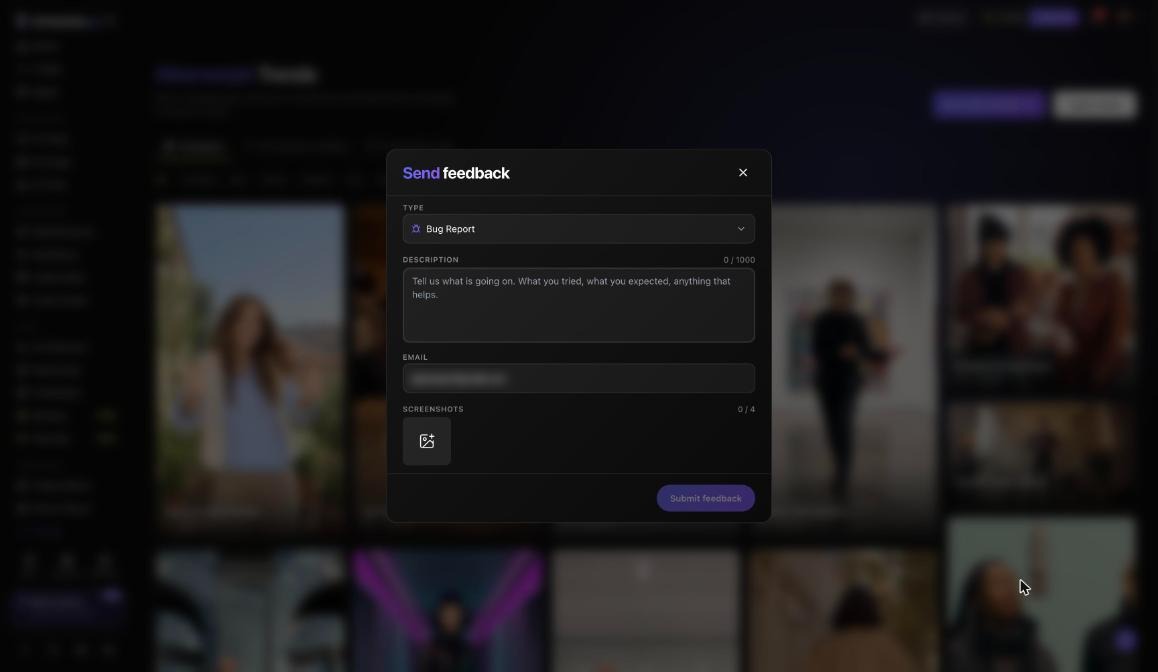
For a bug, a billing question or anything else, use Send feedback in the chat bubble at the bottom right on desktop. You get a ticket number. You can also email support@aristotto.ai or ask the community on Discord.
This guide covers the self-help pages, each feedback type, what to include, and the right route for appeals and sales. The Help Center is at aristotto.ai/creative-hub/help-center.
Where can you find an answer yourself?
Help Center: How can we help? search and Popular topics, such as How to Use Altermorph and How to Write a Tuko Skill. The Blog and Official News sit next to it.
FAQ at aristotto.ai/faq: for example, What is Aristotto? and Which AI models are available on Aristotto?
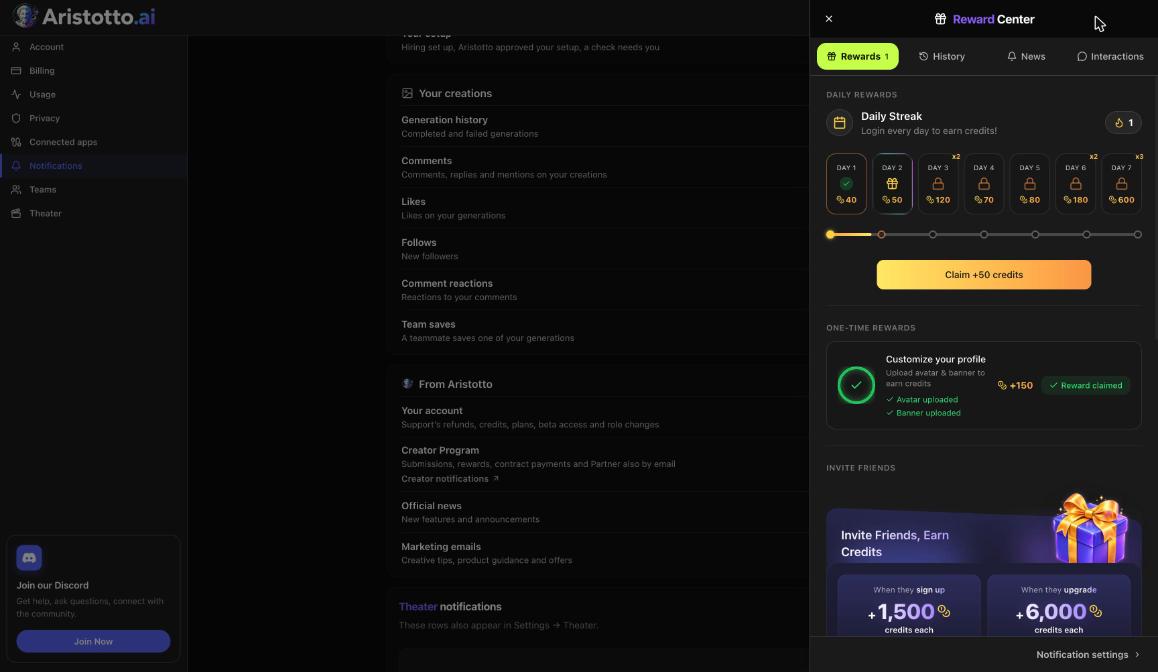
The bell: the News tab has announcements.
Your own records: Settings, Usage lists every spend and refund.
How do you send feedback?
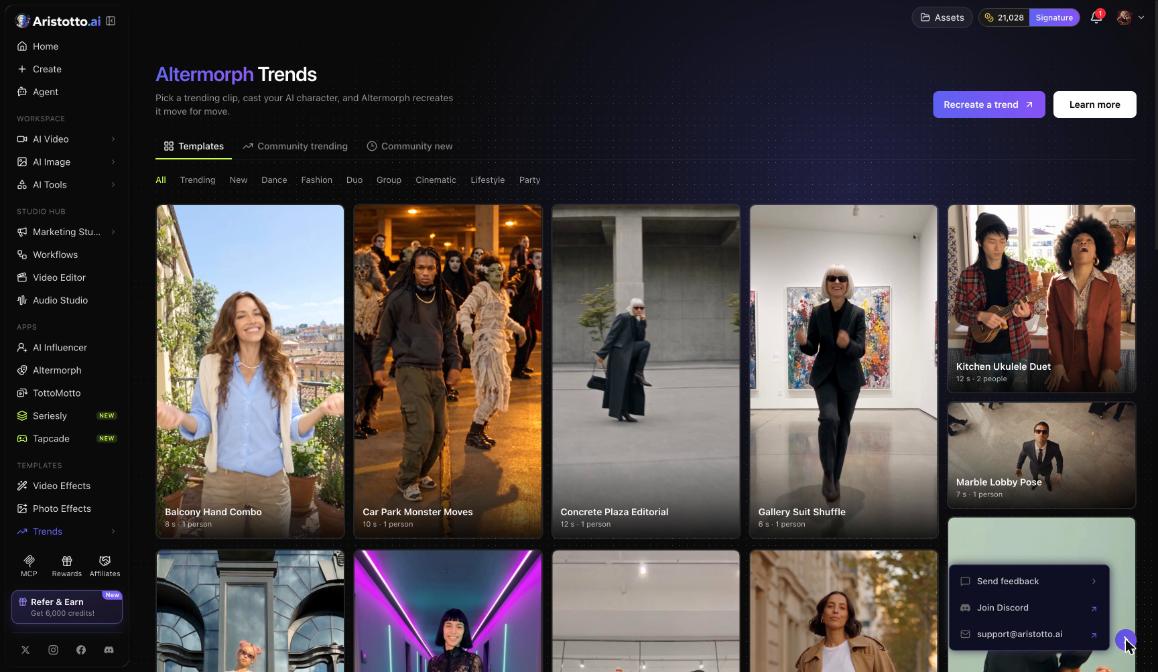
On desktop, open the chat bubble at the bottom right.
Choose Send feedback.
Pick a Type.
Write the Description, up to 1,000 characters.
Check the Email field.
Add up to 4 Screenshots.
Press Submit feedback and keep the ticket number.
Which feedback type should you pick?
| Type | Use it for |
|---|---|
| Bug Report | Something broken or not working the way the screen says |
| Feature Request | Something you would like added |
| Content or Moderation | Content you saw on Aristotto, or a moderation decision |
| Credits and Billing | Charges, credits, refunds and plans |
| Account and Privacy | Sign-in, account and privacy settings |
| Generation Quality | A result that came out wrong |
| Other | Anything else |
What should you put in the description?
What you did, and what you expected to happen.
Where it happened: the page, tool or app name.
For a run: the model and settings. A creation's preview lists them under Details.
For credits: the matching row from the History ledger in Settings, Usage, as a screenshot.
Keep it under 1,000 characters and let the screenshots carry the rest.
How do you reach the community or email support?
Discord: discord.gg/aristotto, Join Our Community in the account menu, or Join Discord in the chat bubble.
Email: support@aristotto.ai, also shown in the chat bubble.
Where do appeals, sales and other reports go?
A suspended or banned account: aristotto.ai/appeal, with one appeal per enforcement action.
Enterprise: Talk to our sales team on aristotto.ai/enterprise, or email sales@aristotto.com. A person from sales replies within one business day.
Team Signature includes priority support. Enterprise adds dedicated Slack support and a success manager.
Someone else's content: use report on the creation's preview or share page, or Report in the profile menu.
Example: How do you report an export that will not finish?
Take a screenshot of the Video Editor where the export stops.
Open the chat bubble at the bottom right and choose Send feedback.
Set Type to Bug Report.
In Description, write what you did (opened the project, pressed Export), what you saw, and which browser you used, since Export renders the video in your browser.
Check Email and attach the screenshot.
Press Submit feedback and keep the ticket number for any follow-up.
What should you check when you cannot send feedback?
The chat bubble shows on desktop. If you cannot see it, email support@aristotto.ai.
The Description must be 1,000 characters or fewer.
You can attach no more than 4 screenshots.
Fill in Email so the reply reaches you.
If your account is blocked, use aristotto.ai/appeal.
Questions
How do I know my feedback arrived?
You get a ticket number after you press Submit feedback.
Can I attach screenshots?
Yes, up to 4 in the Screenshots field.
Where do I report a problem with credits?
Use Send feedback with the Credits and Billing type, and include a screenshot of the History ledger in Settings, Usage.
Is there a community I can ask?
Yes. Join the Discord at discord.gg/aristotto, or press Join Our Community in the account menu.
How fast does the sales team reply?
A person from sales replies within one business day.