Add Sound Effects
Give a silent clip the sound it should have, made from what happens in the picture.
How it works
- 01
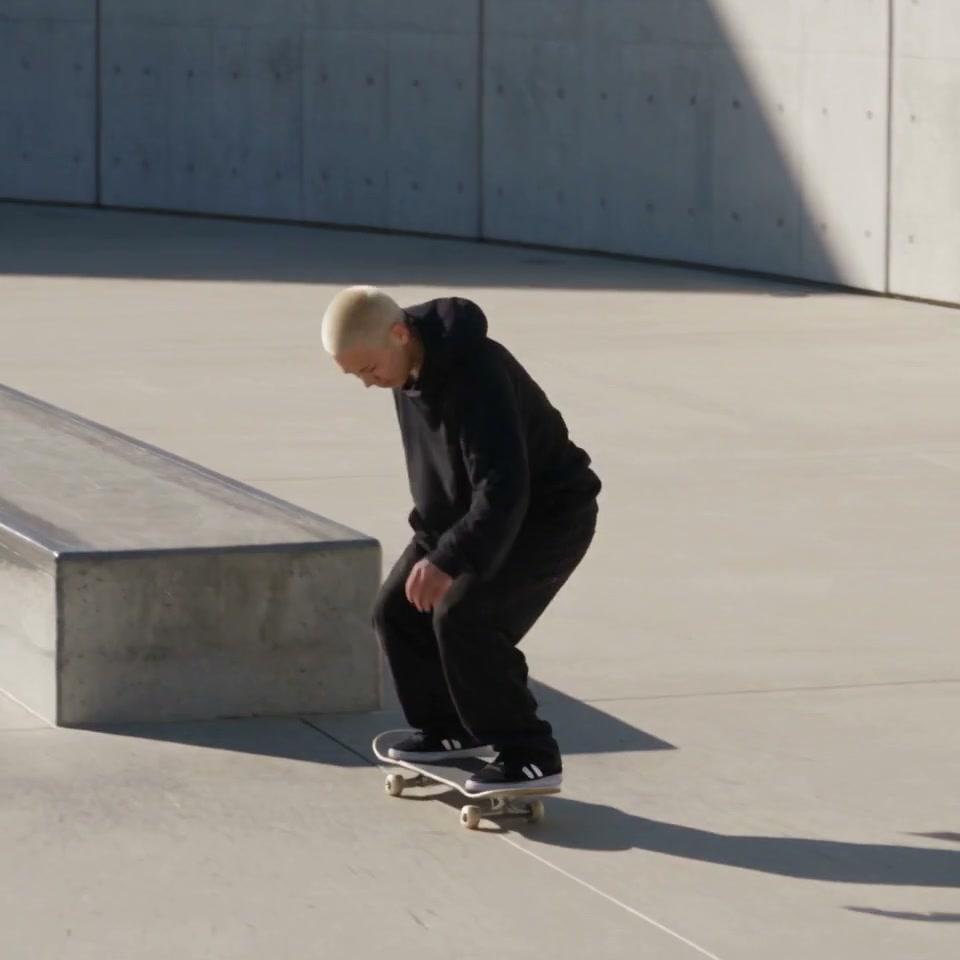
Add the video
A clip with clear action, up to 30 seconds.
- 02
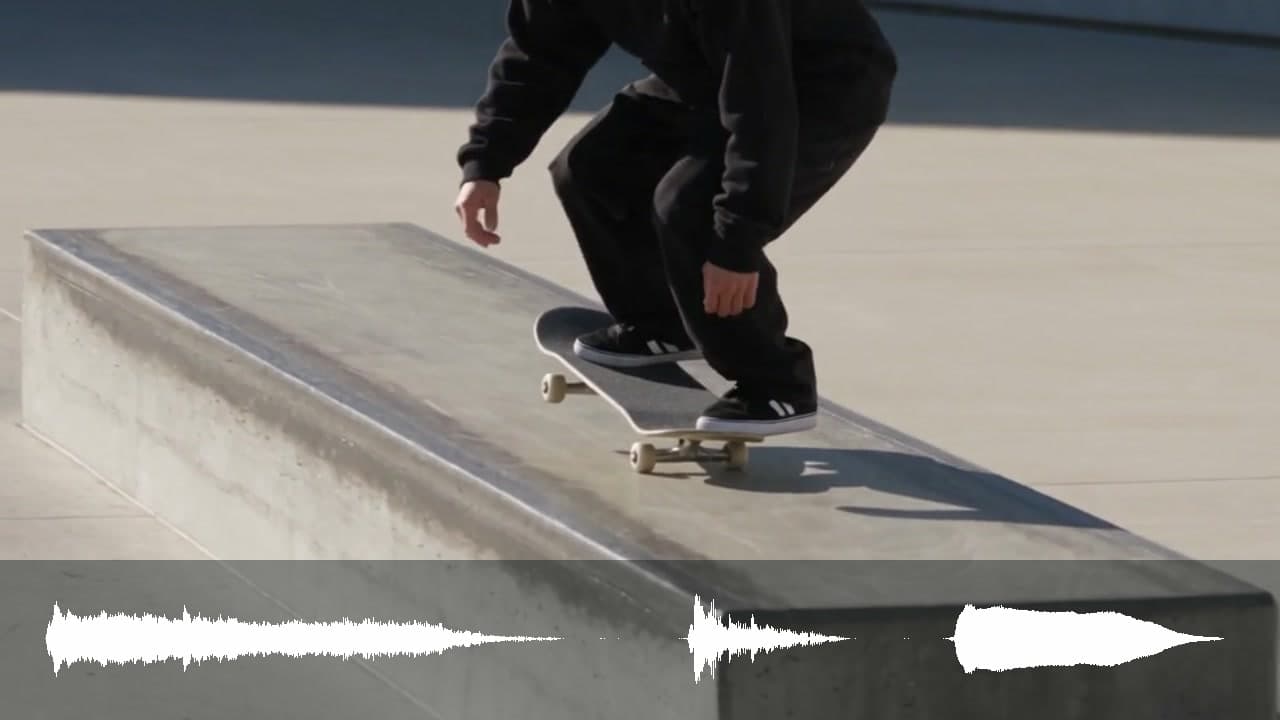
Say what it should sound like
Optional: leave it empty and the sound follows the picture.
- 03
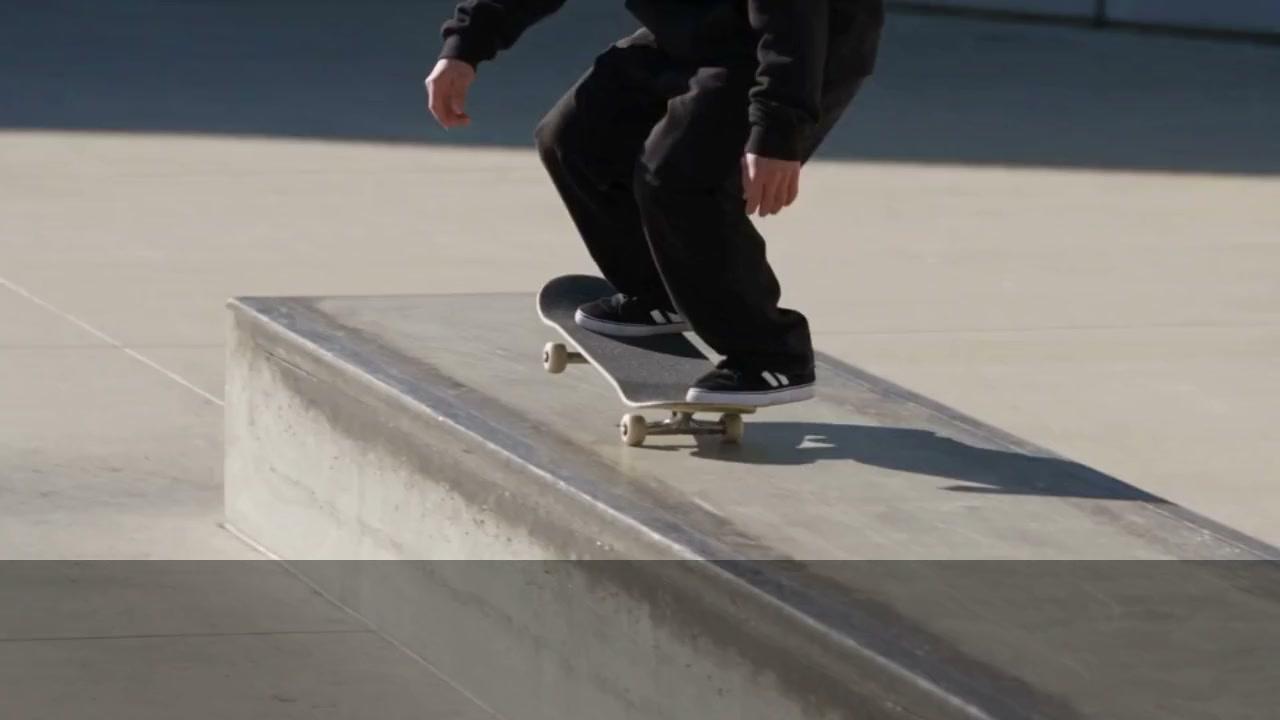
Use it anywhere
Download it, or send it to another tool. It is also in your Assets.
Examples
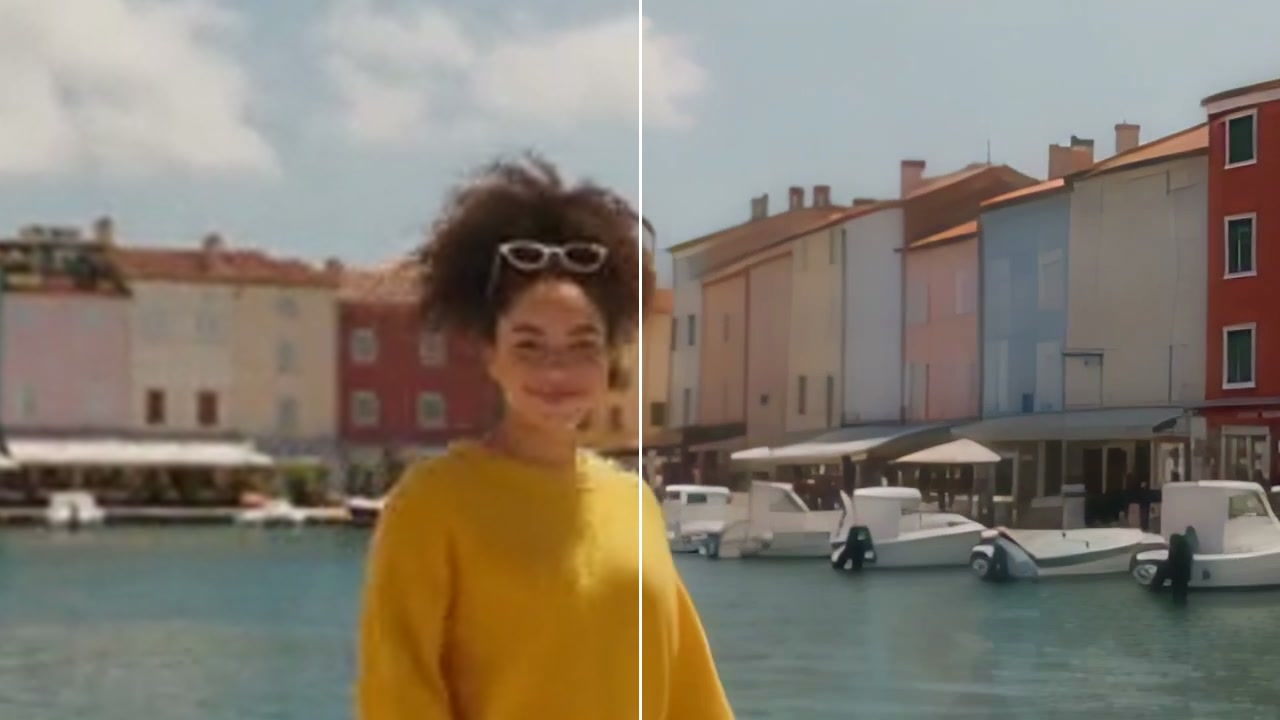
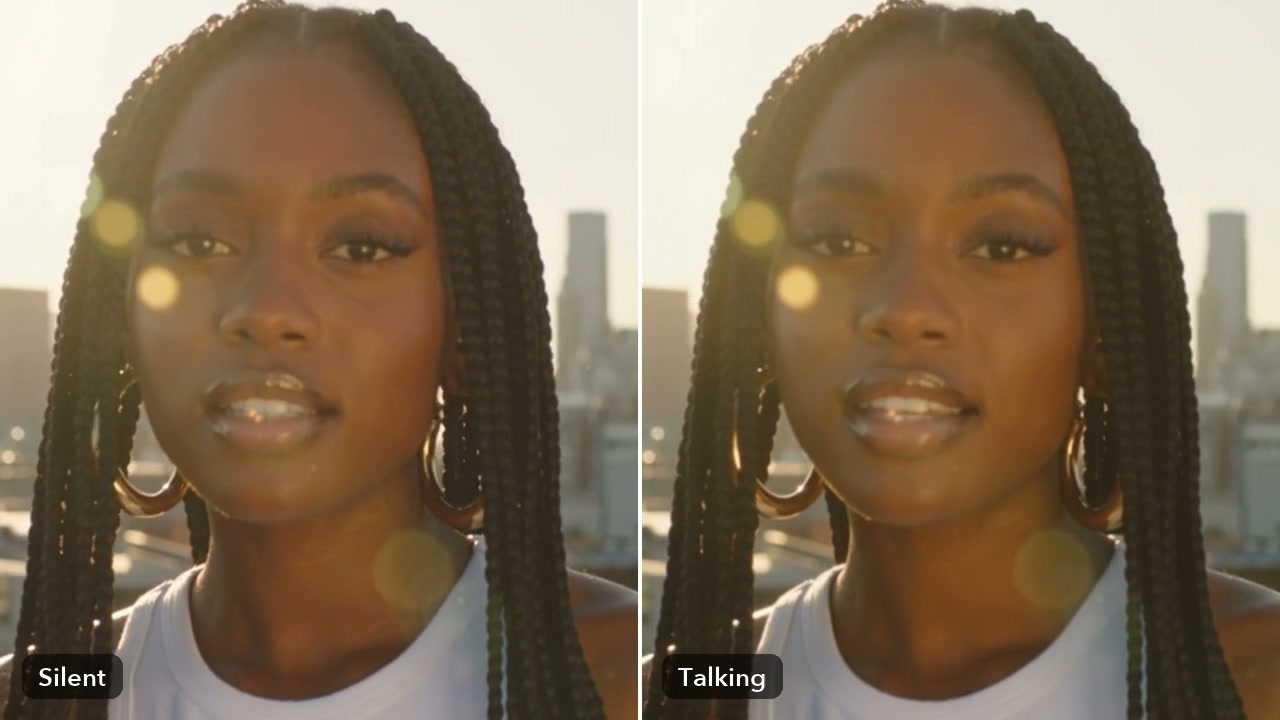
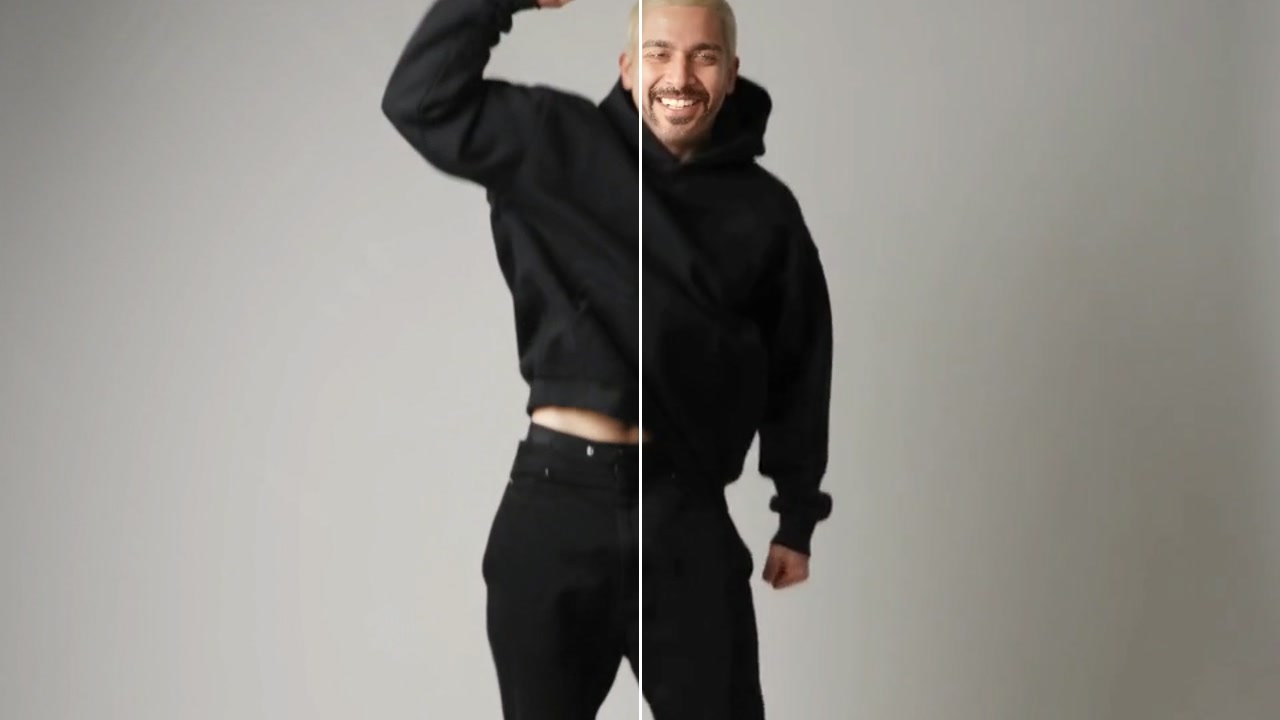
- BeforeAfter
A ledge grind, heard
Good to know
- Name the sounds you want: rain, footsteps, a crowd.
- Kling makes closer, richer sound; switch on ASMR for very close sound.
- Clips with clear, visible action get the best matching sound.
MP4, MOV or WebM, up to 30 seconds and 500 MB. You pay for each second.
No: leave it empty and the sound follows what happens in the picture.
20 credits for 10 seconds of video with MMAudio V2. A failed run gives them back; a result the safety filter stops doesn't.