Dub Video
Translate a video into another language, with new voices and lips that follow.
How it works
- 01

Add the video
People talking to the camera work best.
- 02
Pick the language
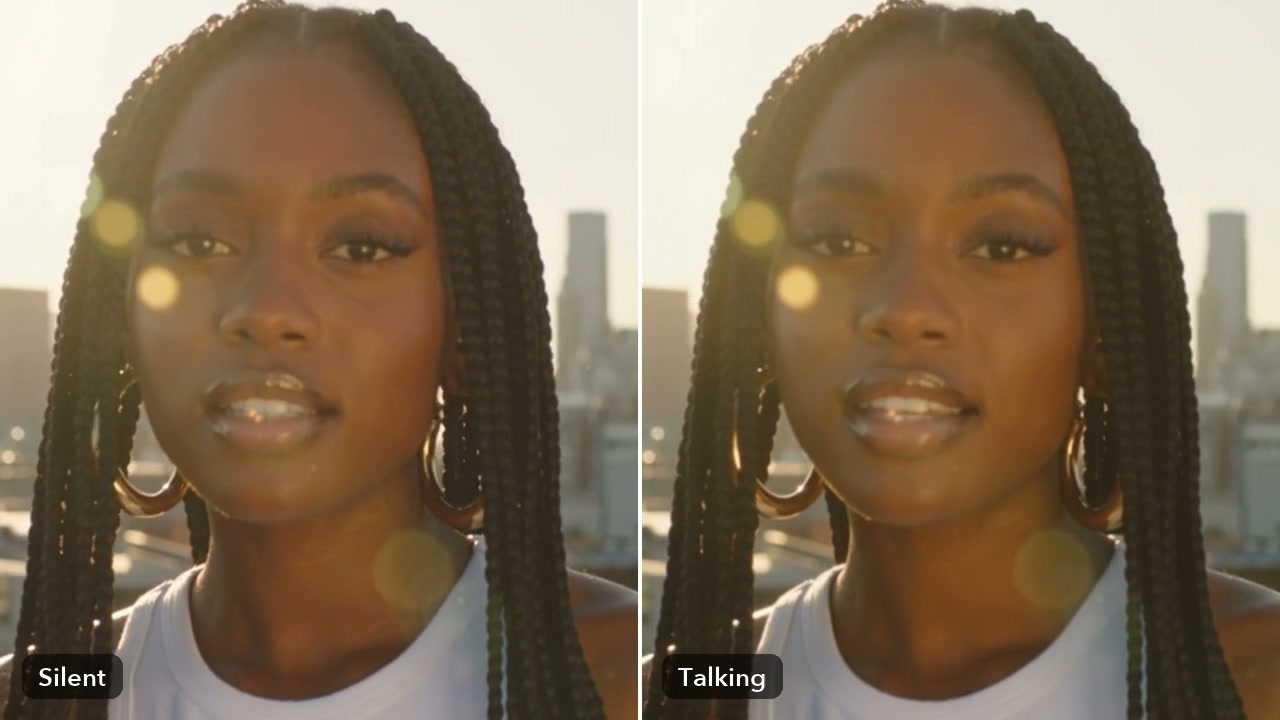
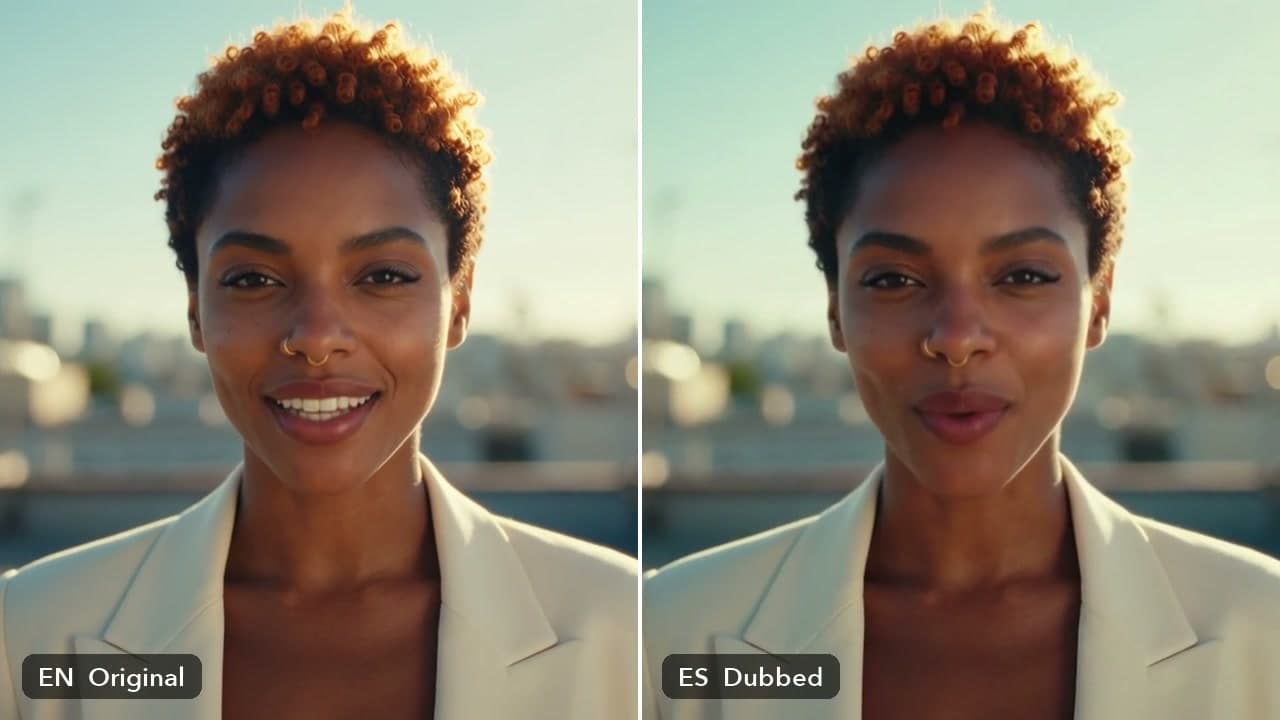
The words are translated and spoken in the new voices. With HeyGen Translate, the lips follow them.
- 03

Use it anywhere
Download it, or send it to another tool. It is also in your Assets.
Examples
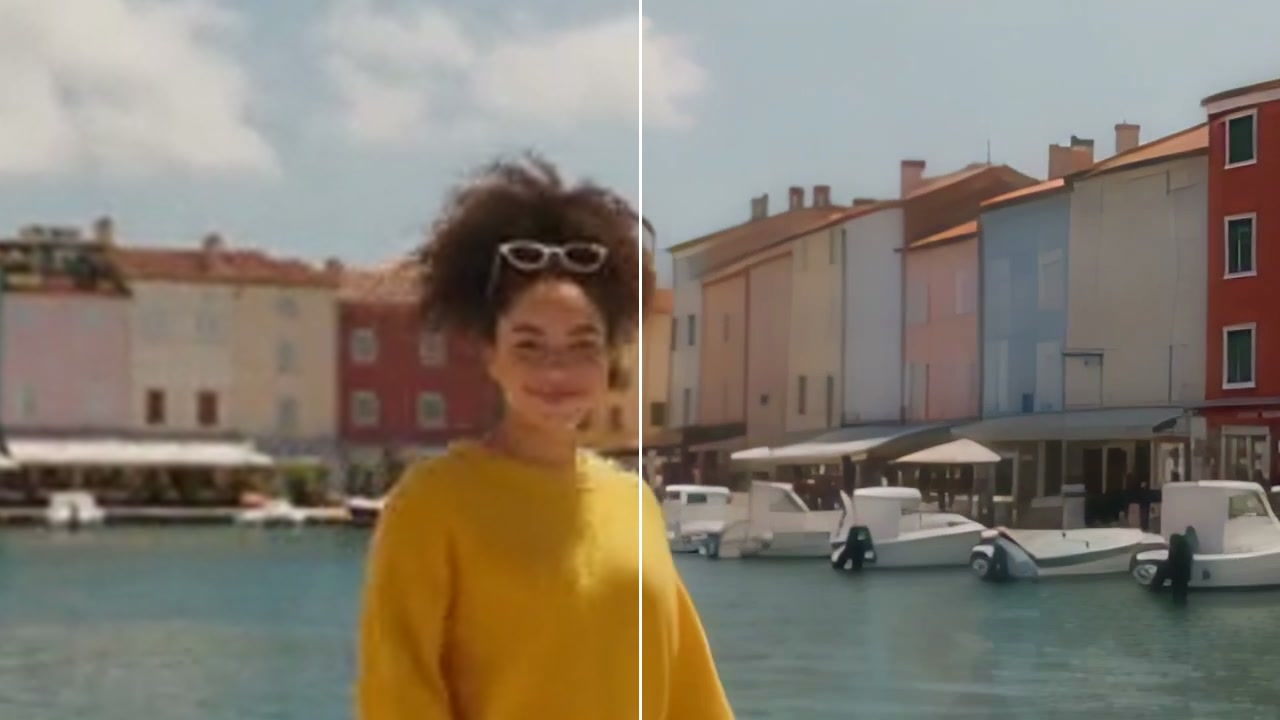
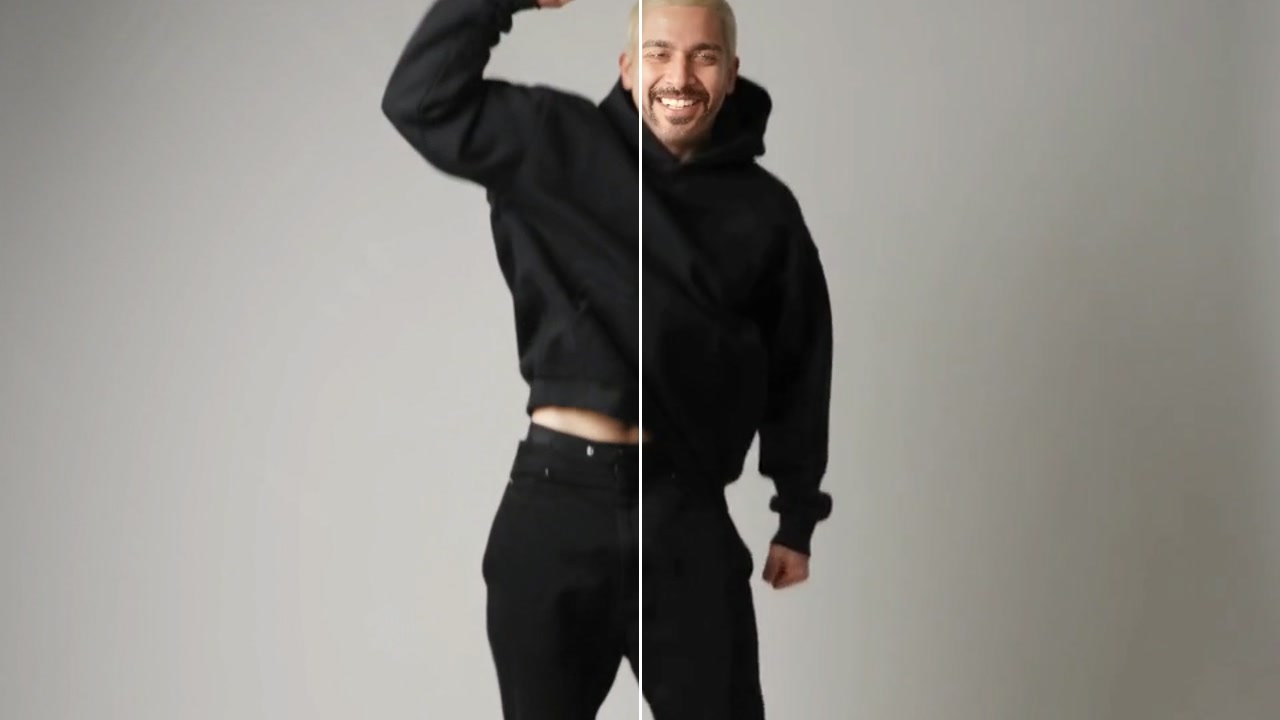
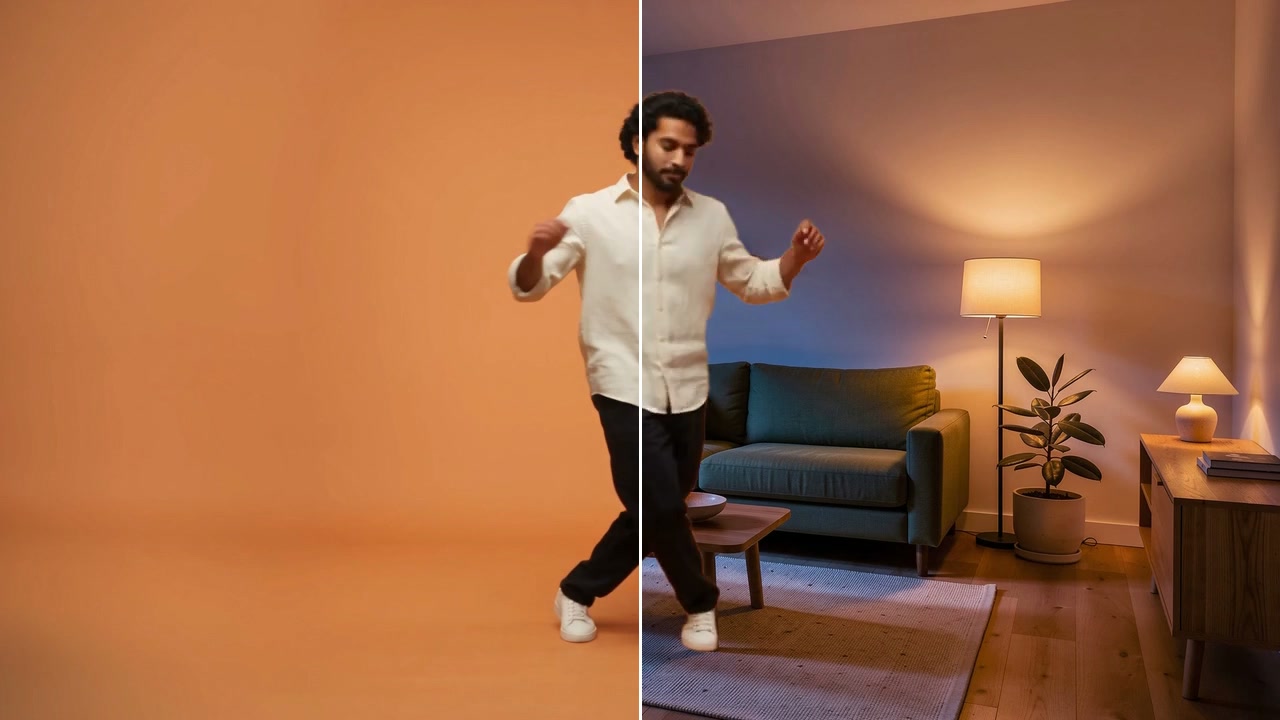
- BeforeAfter
English to Spanish, lips matched · Spanish
Good to know
- Pick the number of speakers if Auto misses one.
- You pay for each second of the video. The model decides the lips: HeyGen Translate moves them, a voice-only model leaves them.
Up to 5 minutes. You pay for each second.
Each speaker gets a new voice in the language you pick.
810 credits for 10 seconds of video with HeyGen Translate. A failed run gives them back; a result the safety filter stops doesn't.