Video Upscaler
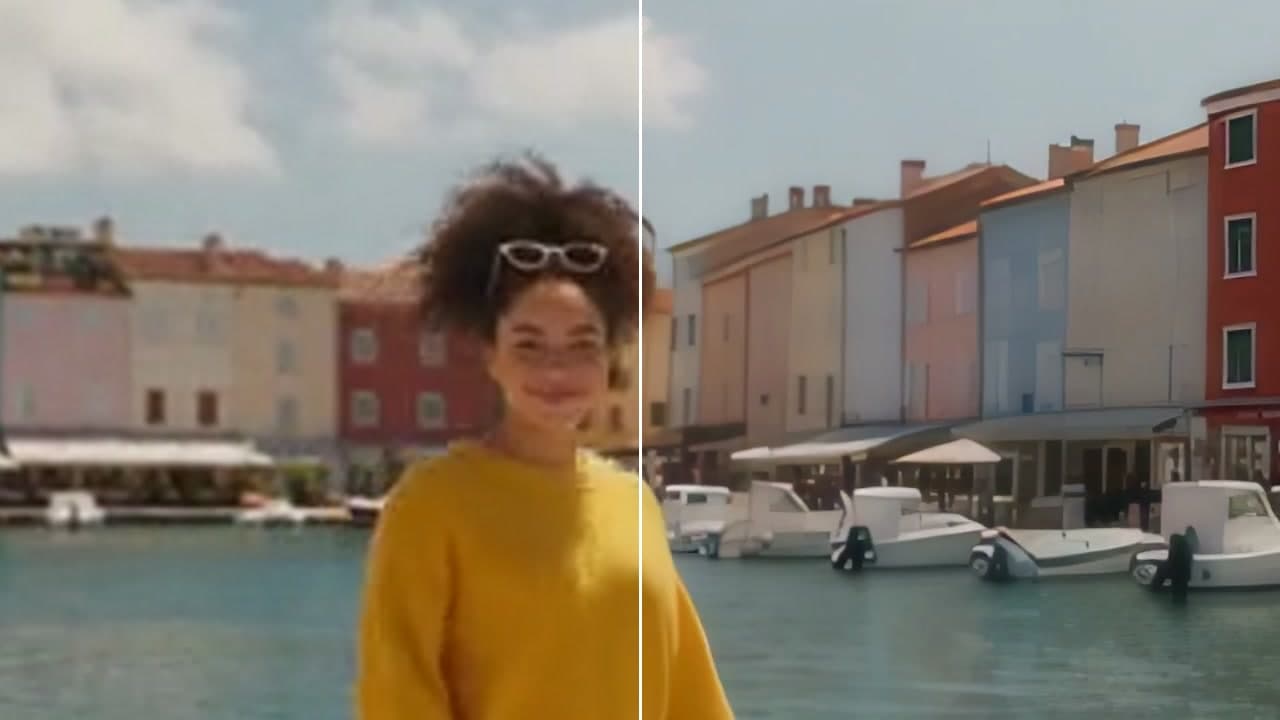
Make a clip sharper, up to 4K. Compare before and after, then download it or send it on.
How it works
- 01

Add your video
From your device or your Assets.
- 02
Choose the size
Up to 4K, and the model that suits the clip.
- 03
Use it anywhere
Download it, or send it to another tool. It is also in your Assets.
Examples
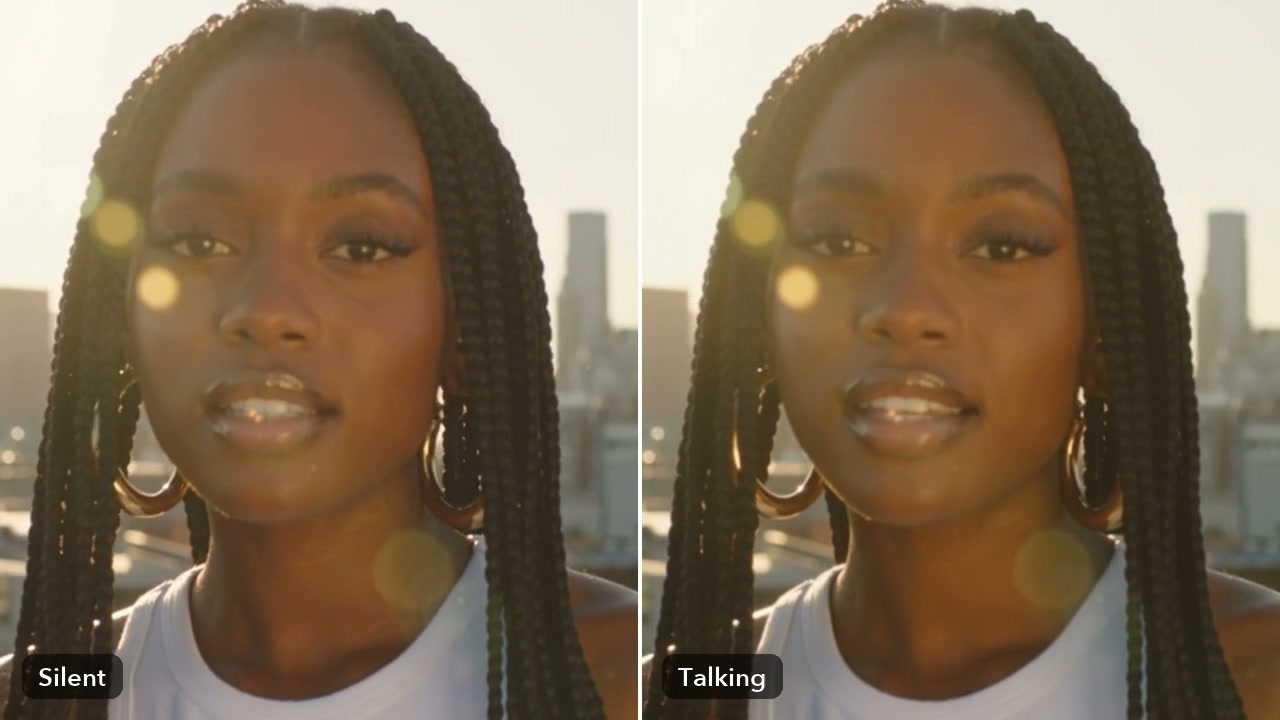
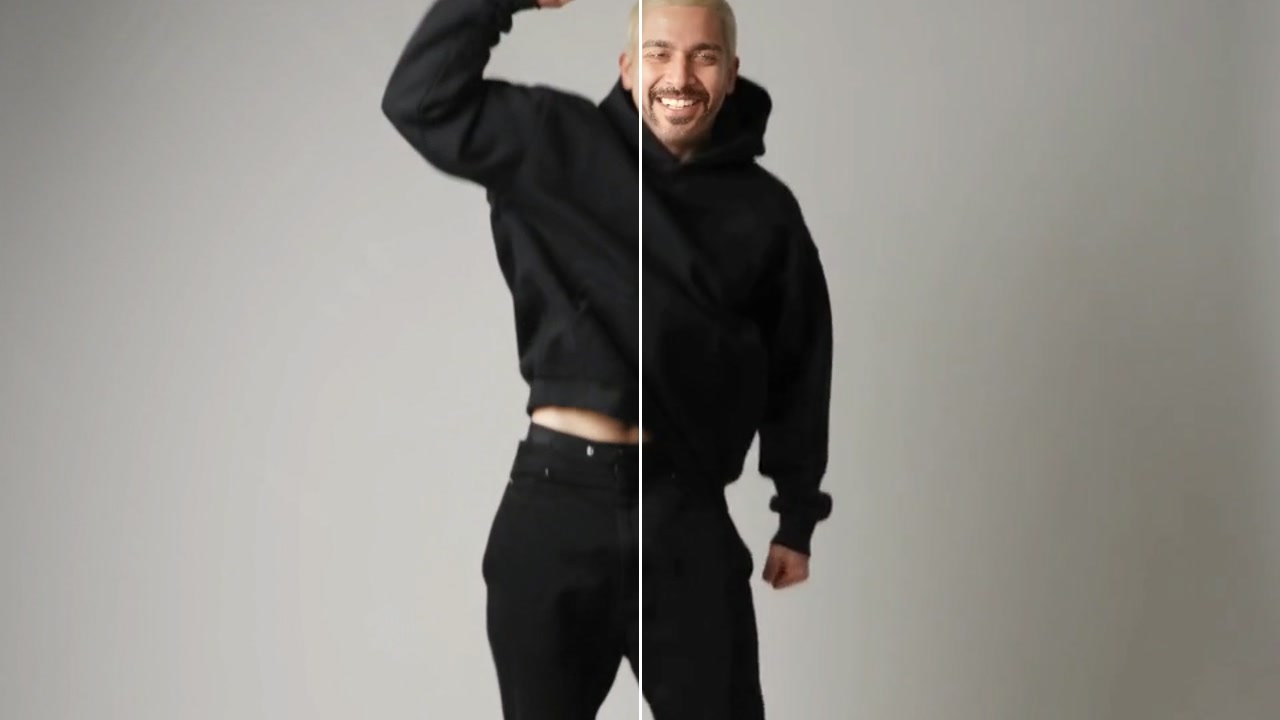
- BeforeAfter
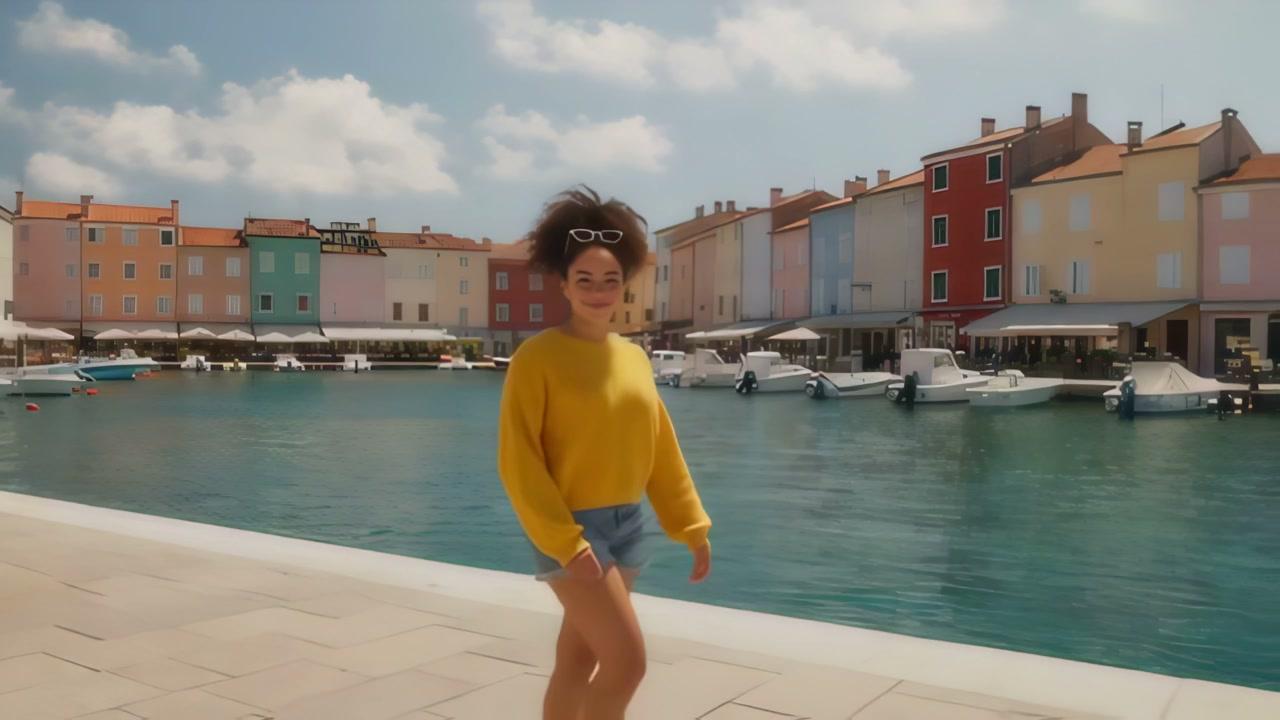
640 x 360 to 2560 x 1440 · 4x
Good to know
- In Workflows, the Upscale Video node does the same job.
Usually a few minutes. The panel shows the usual time before you start, and the result arrives in your Assets.
No. It adds sharpness and detail; the scene and the movement stay as they are.
From 80 credits a video with SeedVR 2. A failed run gives them back; a result the safety filter stops doesn't.