Lip Sync
Give a video a new voice and the lips follow. Add your clip and a voice-over, check them together, then run it.
How it works
- 01
Add your video
A clip with one face, looking at the camera.
- 02
Add the voice
Upload audio, or write a script for a voice to read.
- 03
Use it anywhere
Download it, or send it to another tool. It is also in your Assets.
Examples
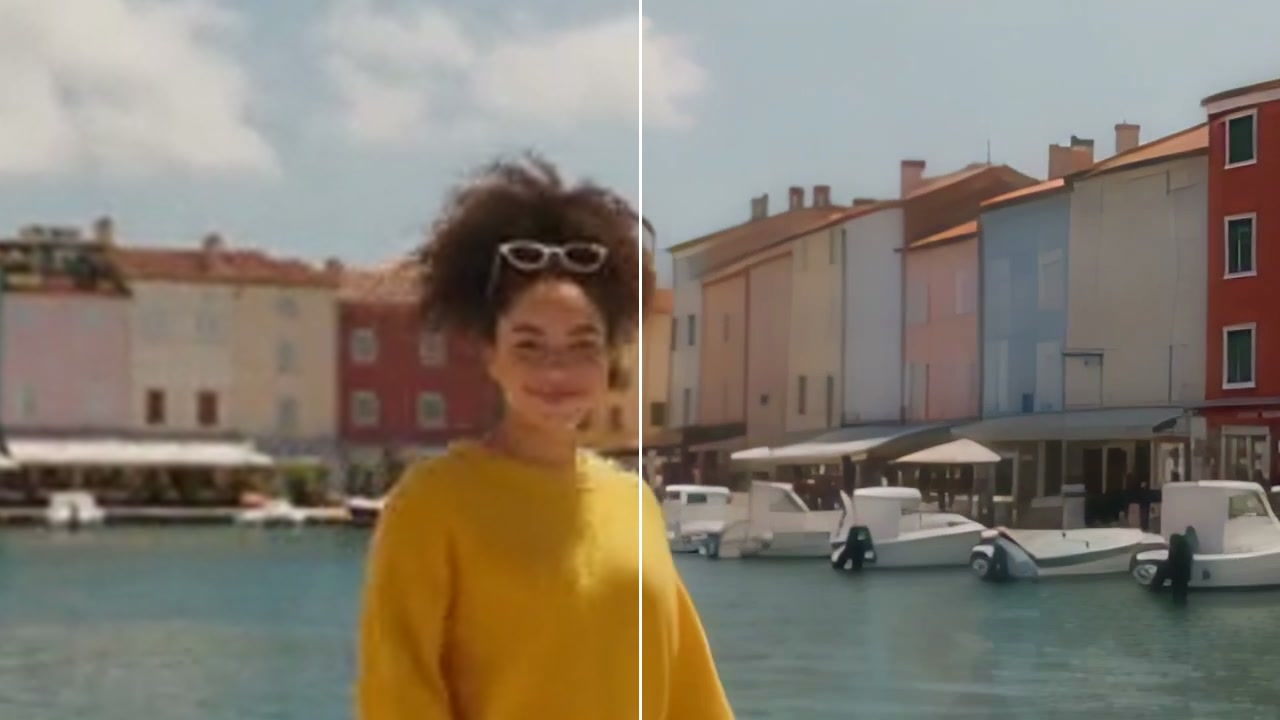
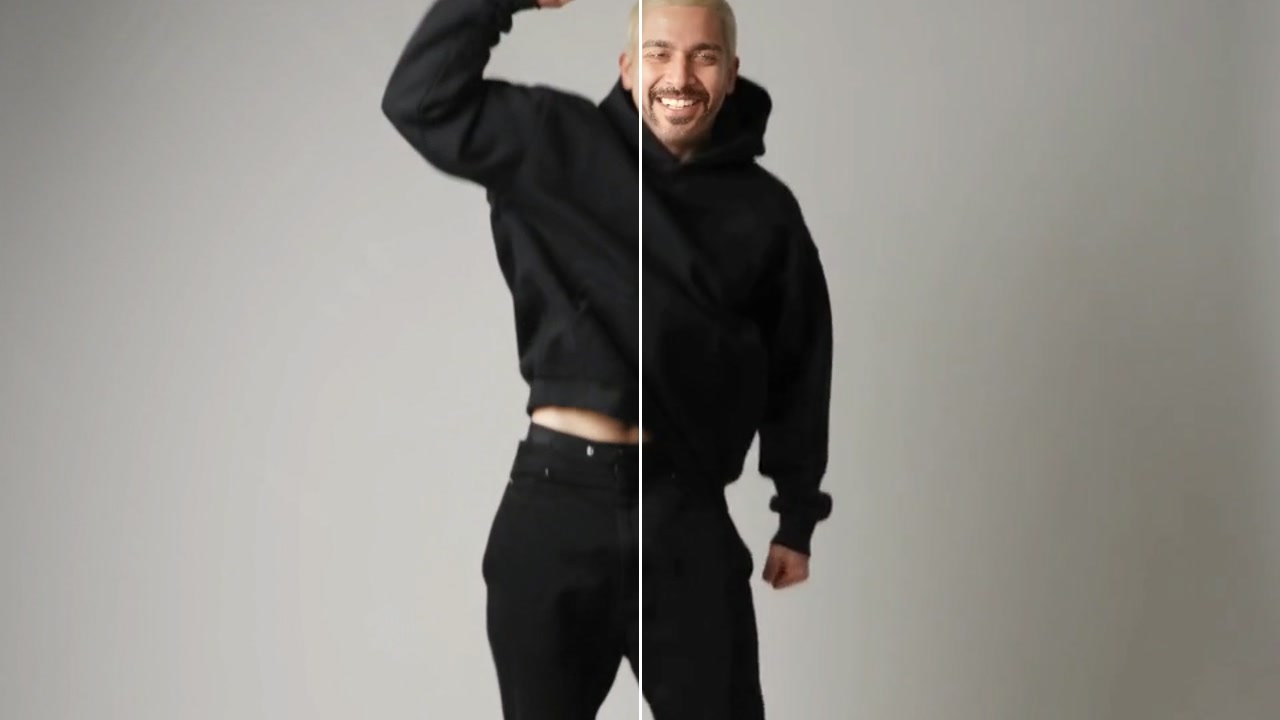
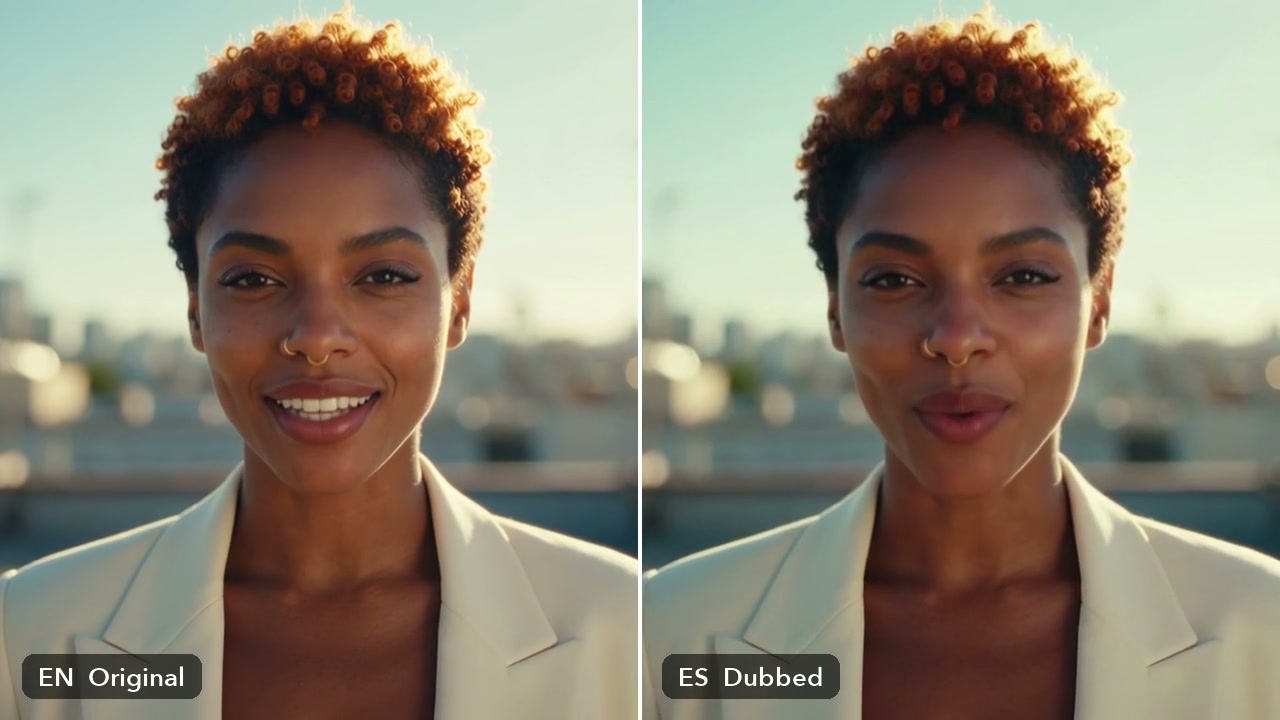
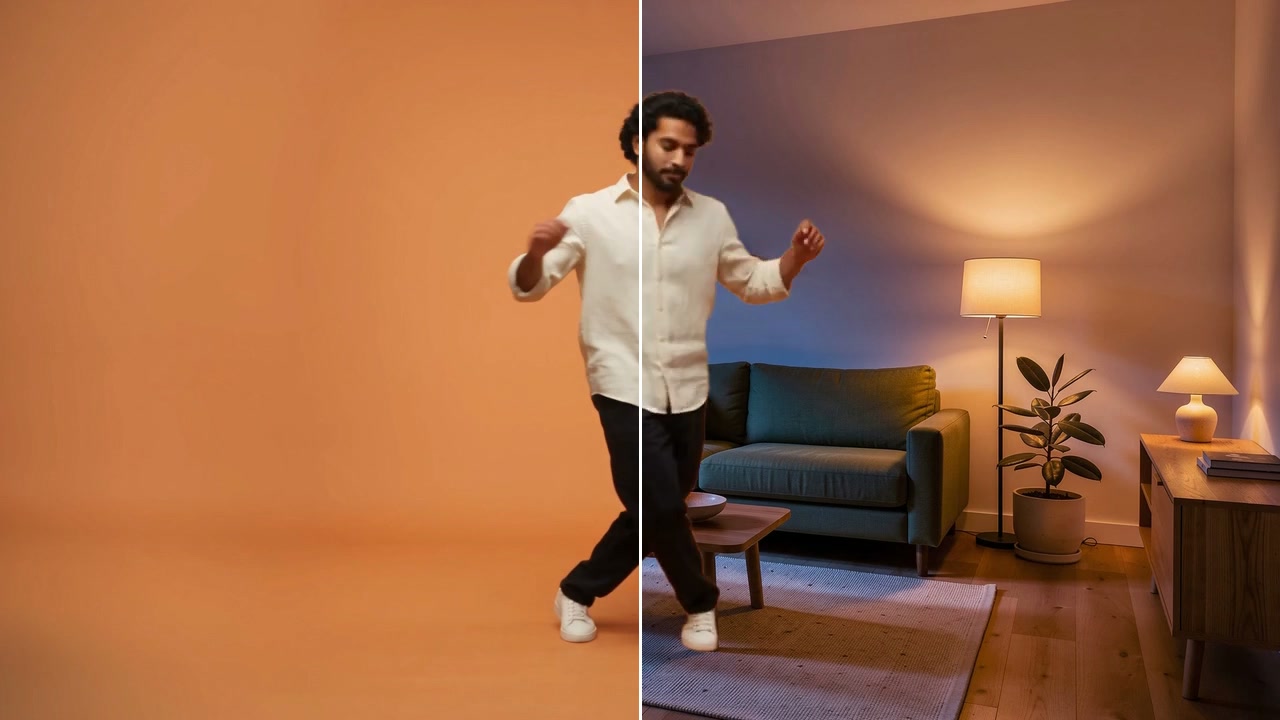
- BeforeAfter
A silent clip, now speaking · Cut Off
Good to know
- In Workflows, the Lipsync node does the same job.
It follows the voice, up to the length of the video.
Clips where one face is clearly in view, looking at the camera, with little movement.
2,150 credits for 10 seconds of video with Sync-3. A failed run gives them back; a result the safety filter stops doesn't.