Face Swap Video
Put a face into a video and keep everything else, or swap the whole person, hair and clothes too.
How it works
- 01
Add the face
One clear face, looking at the camera, in even light.
- 02
Add the video
Pick the face to change; it is followed through the clip.
- 03
Use it anywhere
Download it, or send it to another tool. It is also in your Assets.
Examples
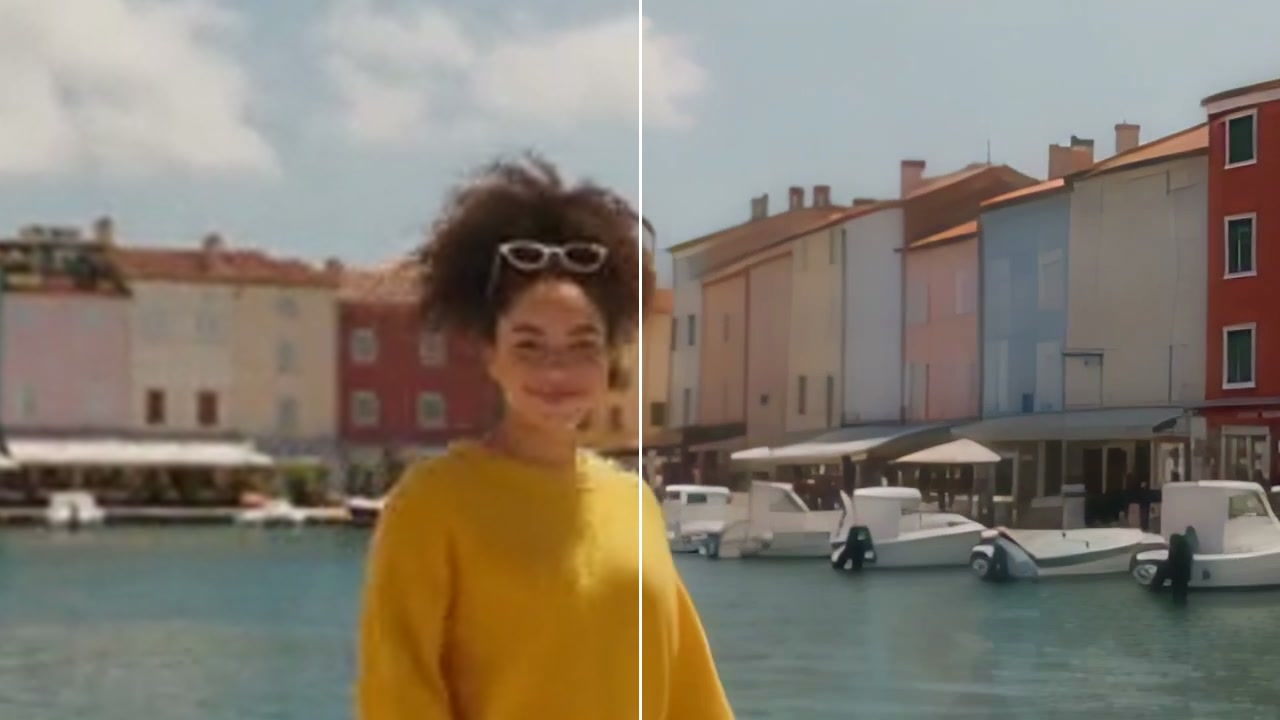
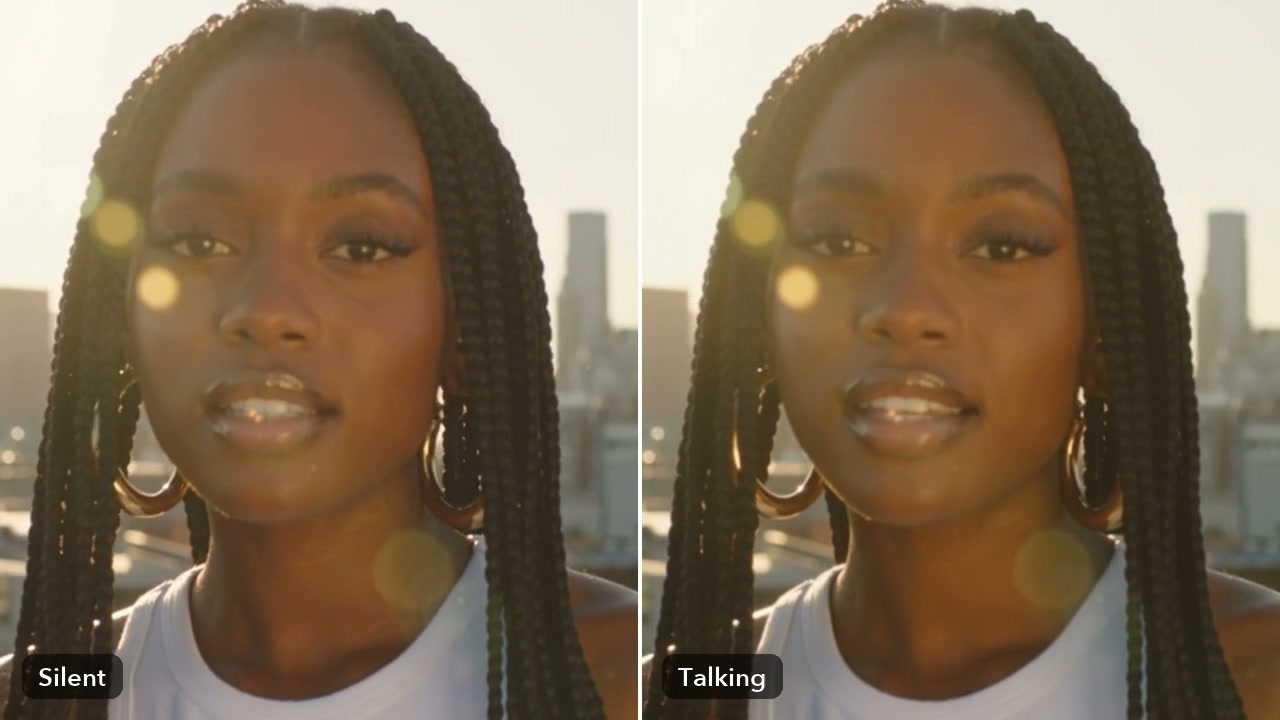
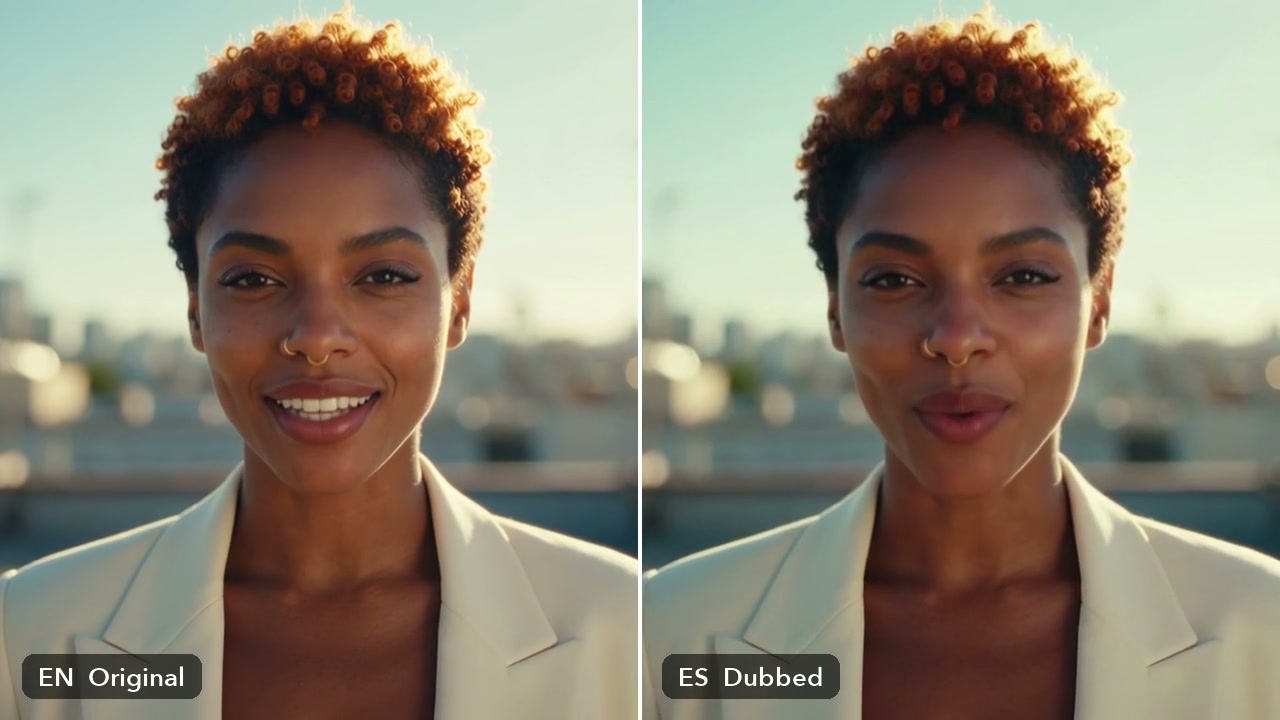
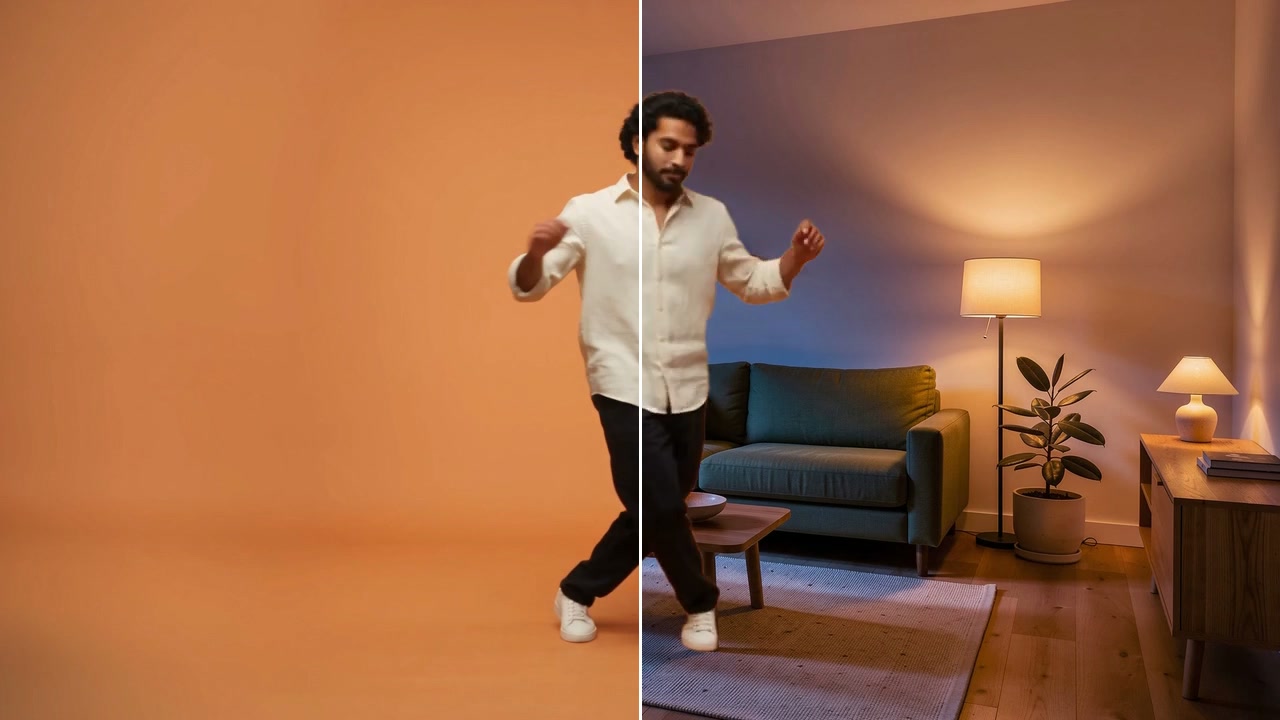
- BeforeAfter
A new face, the same moves · Largest face
Good to know
- Face only keeps hair and clothes; Whole person changes them too.
- Only swap faces you have the right to use. Swaps of real people need their permission.
- You pay for each second of the target video. A video where someone may be under 18 is refused before any charge.
Up to 10 minutes with Face only, 30 seconds with Whole person.
Adults only. A video where someone may be under 18 is refused, and nothing is charged.
170 credits for 10 seconds of video with Video Face Swap. A failed run gives them back; a result the safety filter stops doesn't.