Video Background
Cut the person out of a video for a see-through background, or put your own picture behind them.
How it works
- 01
Add the video
One person, standing apart from the background.
- 02
Pick the background
Leave it see-through, or add a picture to put behind them.
- 03
Use it anywhere
Download it, or send it to another tool. It is also in your Assets.
Examples
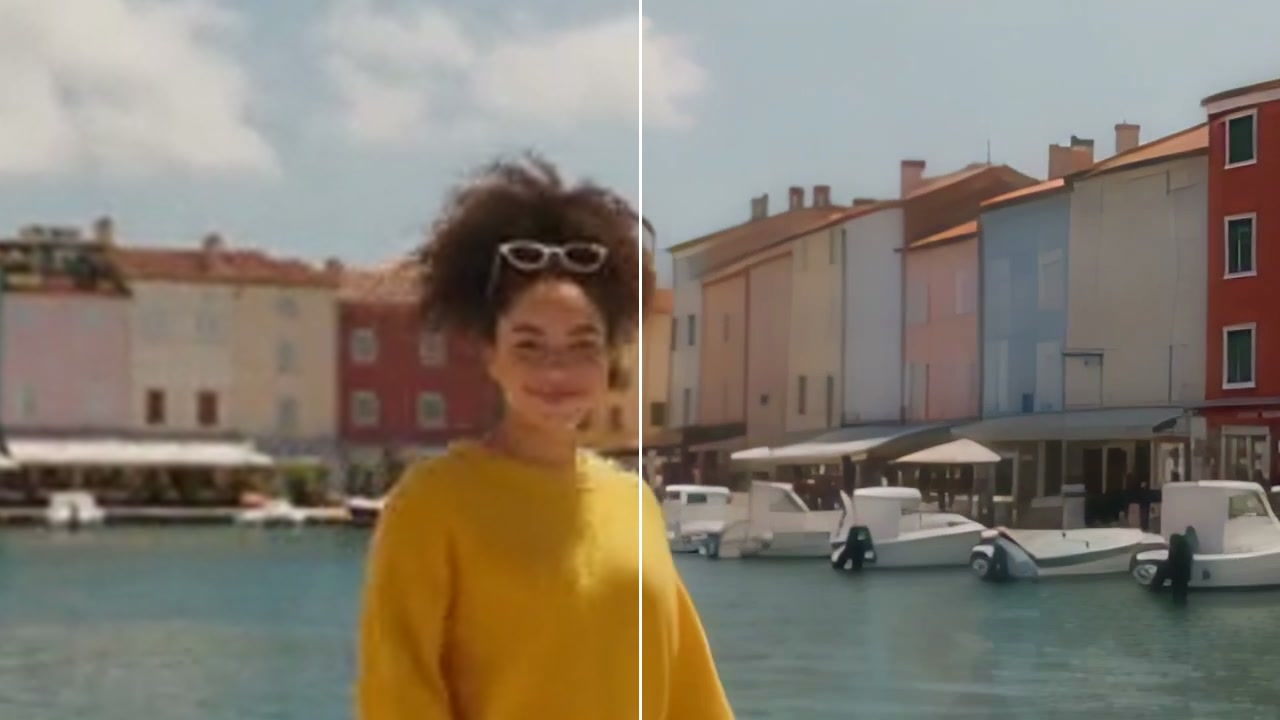
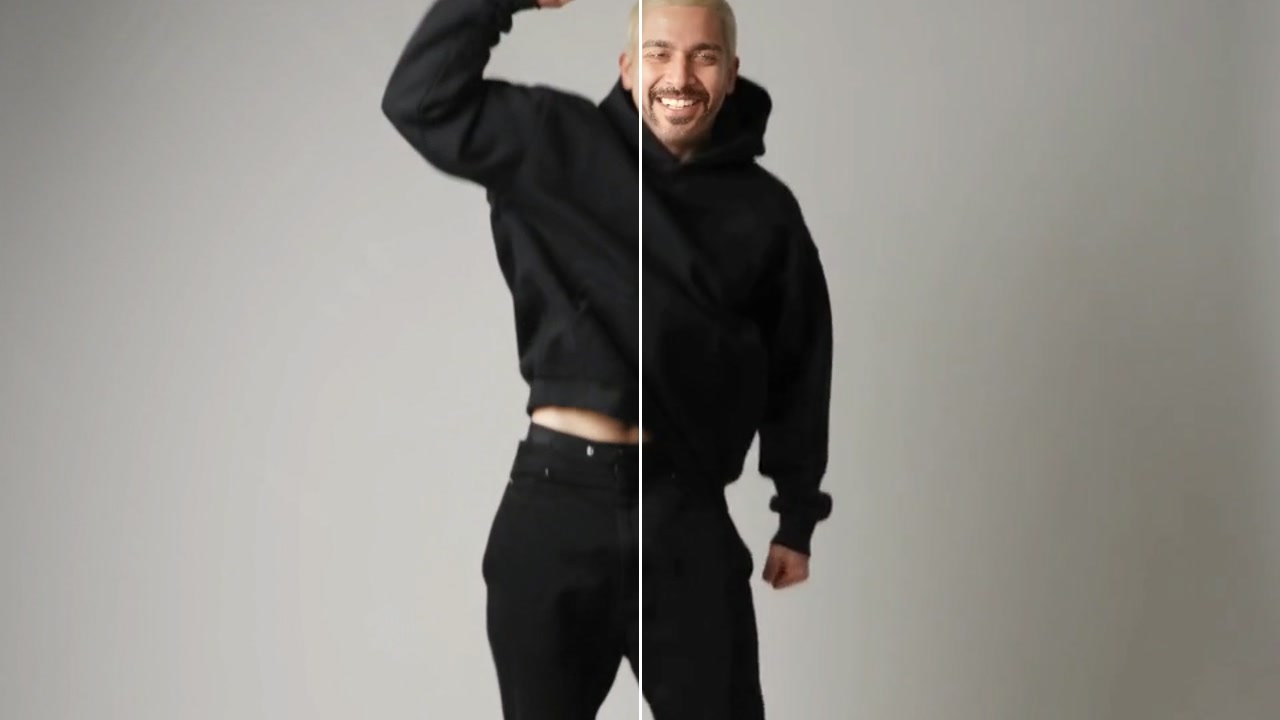
- BeforeAfter
From a studio wall to a living room · New picture
Good to know
- Clips where the person stands clear of the background cut out cleanest.
- A new background looks most natural when its light matches the video's.
- Only change people you have the right to use. Real people need to agree to it.
MP4, MOV or WebM, up to 2 minutes and 500 MB. You pay for each second.
Adults only. A video where someone may be under 18 is refused, and nothing is charged.
260 credits for 10 seconds of video with VEED Background Removal. A failed run gives them back; a result the safety filter stops doesn't.