Mask & Regenerate Video
Paint over part of a video and say what goes there: the rest of the clip stays as it is.
How it works
- 01
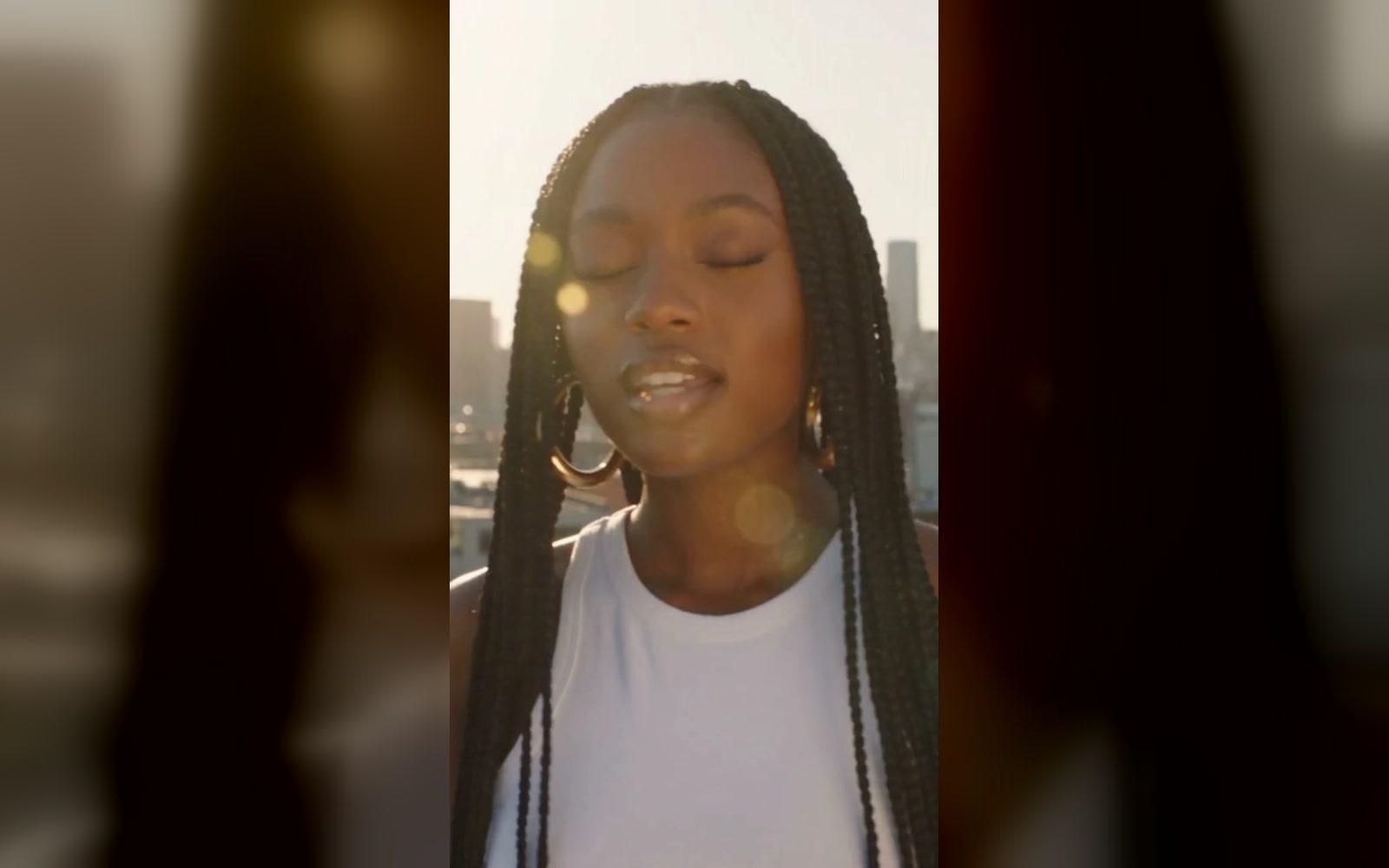
Add the video
Its first 5 seconds are redone.
- 02
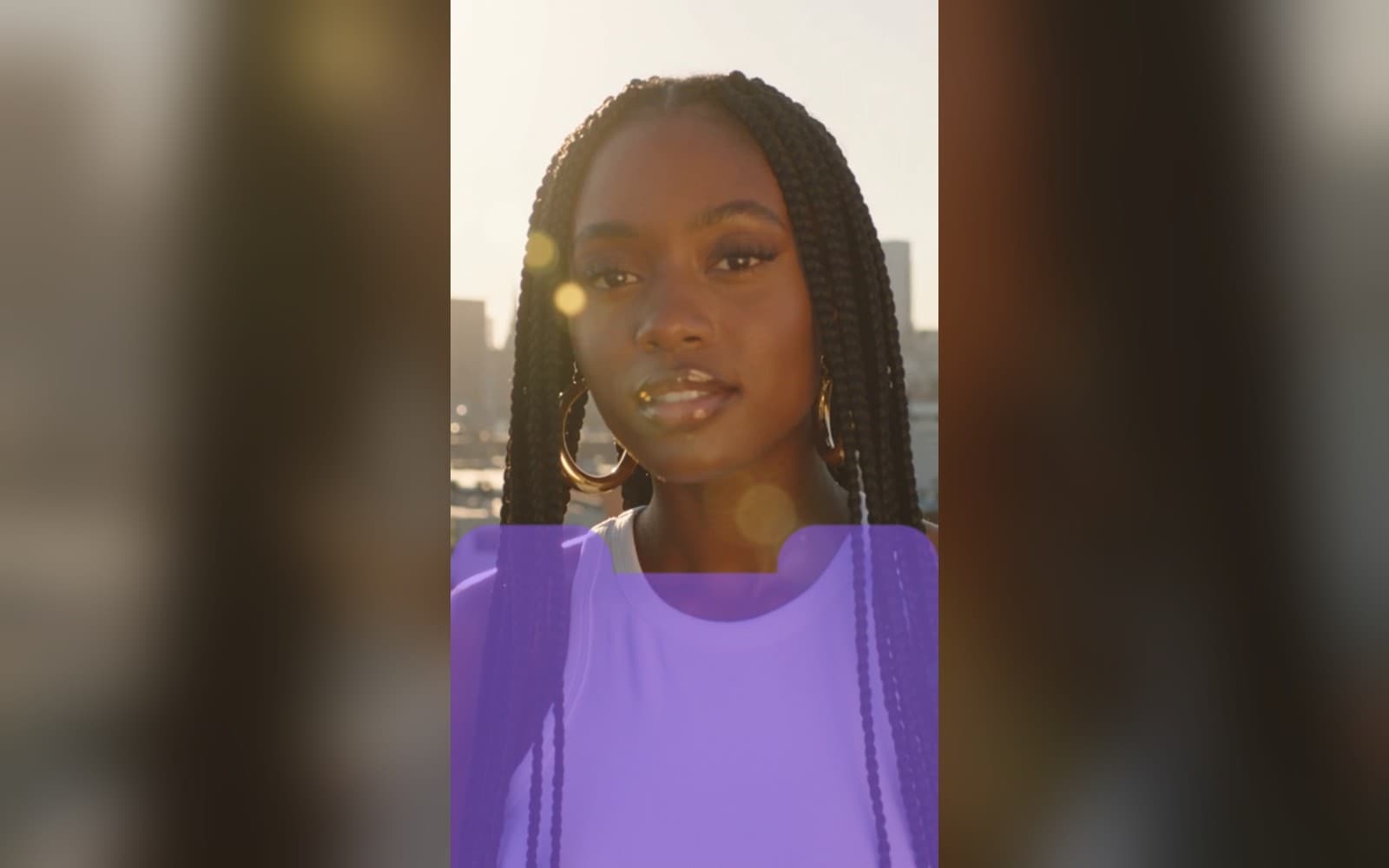
Paint and describe
Paint over what should change, then say what goes there.
- 03
Use it anywhere
Download it, or send it to another tool. It is also in your Assets.
Examples
- BeforeAfter
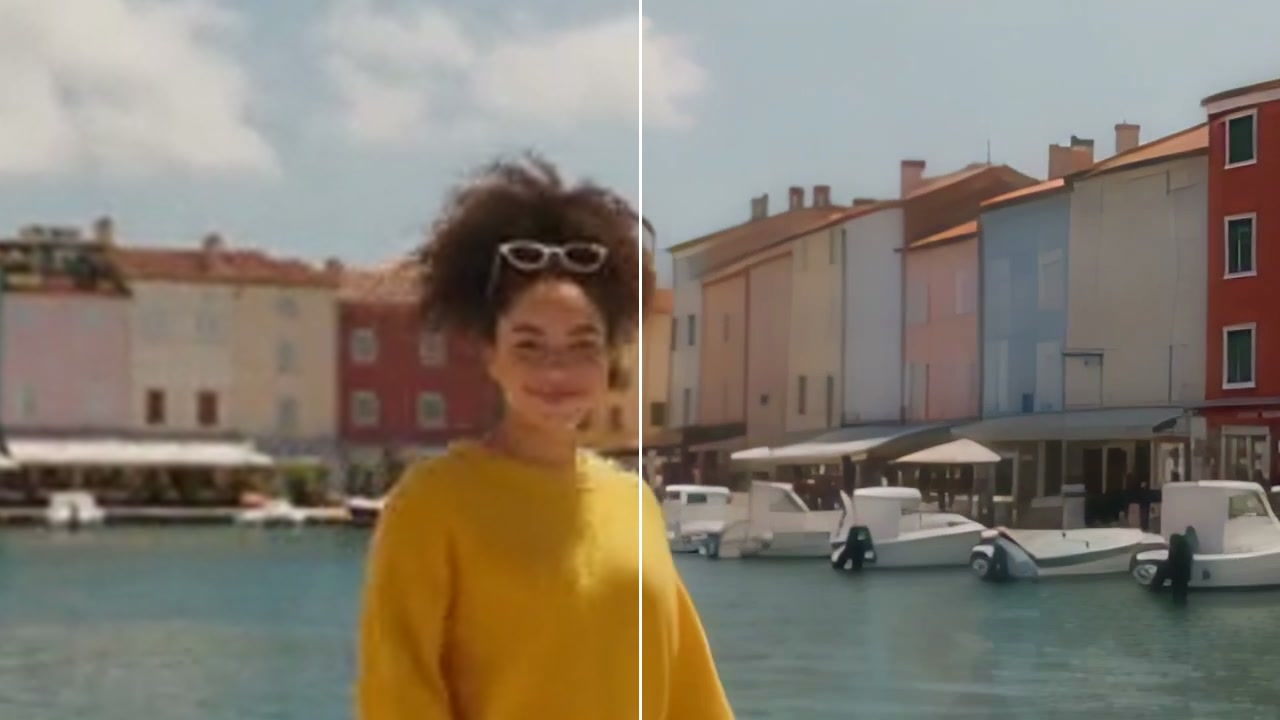
Her top, redone as a plaid flannel shirt · 480p
Good to know
- Paint a little wider than the thing you want to change.
- Say what goes there in a few plain words: a red vintage car.
- Clips with a steady camera keep the change in place best.
MP4, MOV or WebM, up to 1 minute and 500 MB. You pay for each second.
Only the part you paint, in the first 5 seconds.
330 credits a video with Wan VACE 14B. A failed run gives them back; a result the safety filter stops doesn't.