Morph Cut
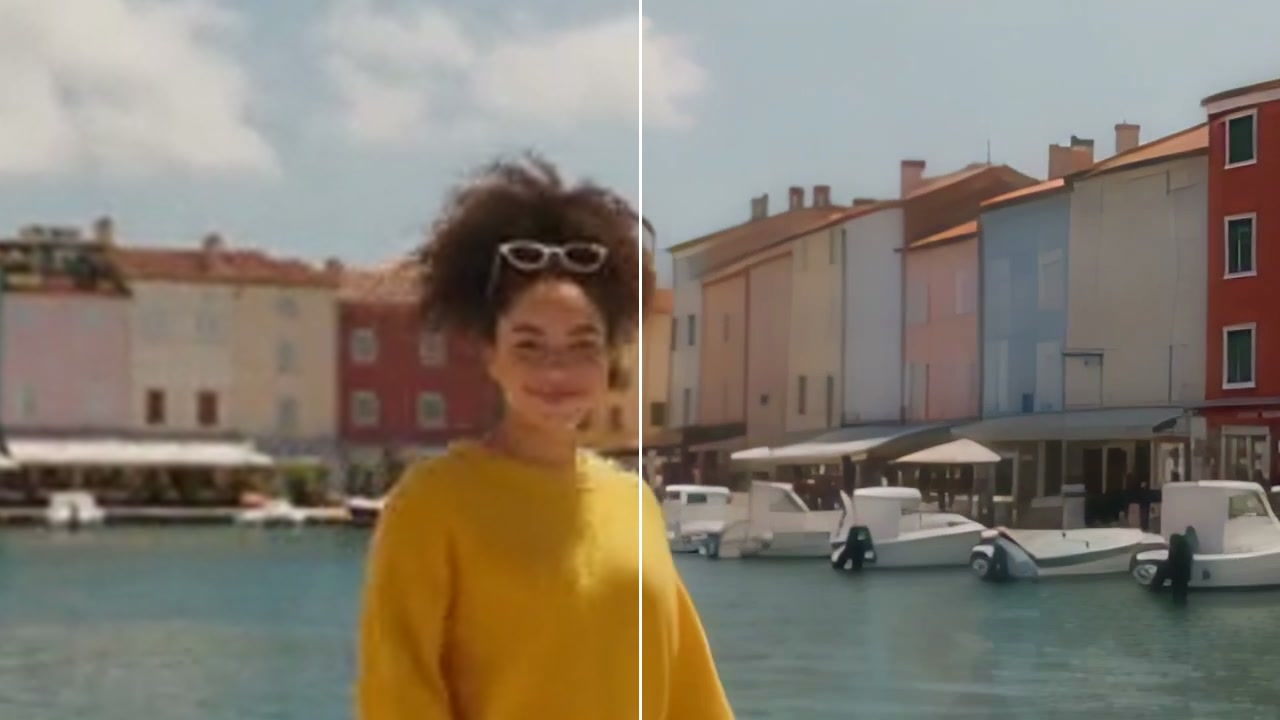
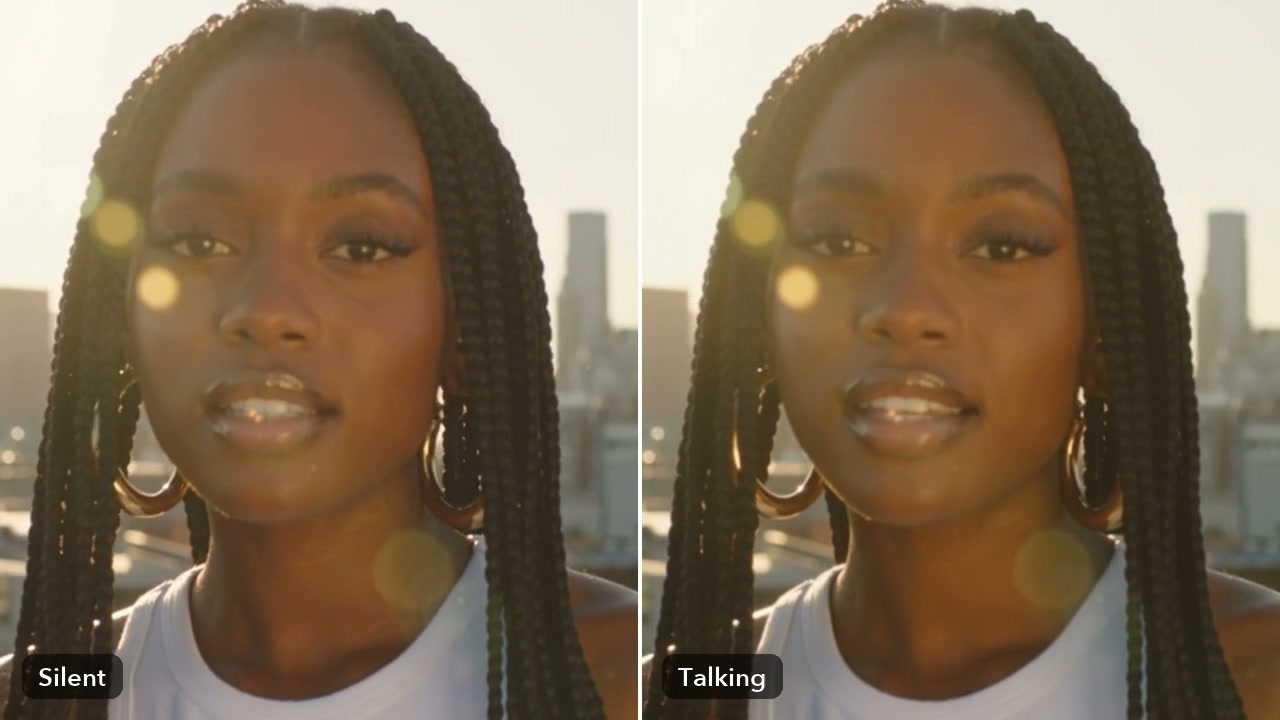
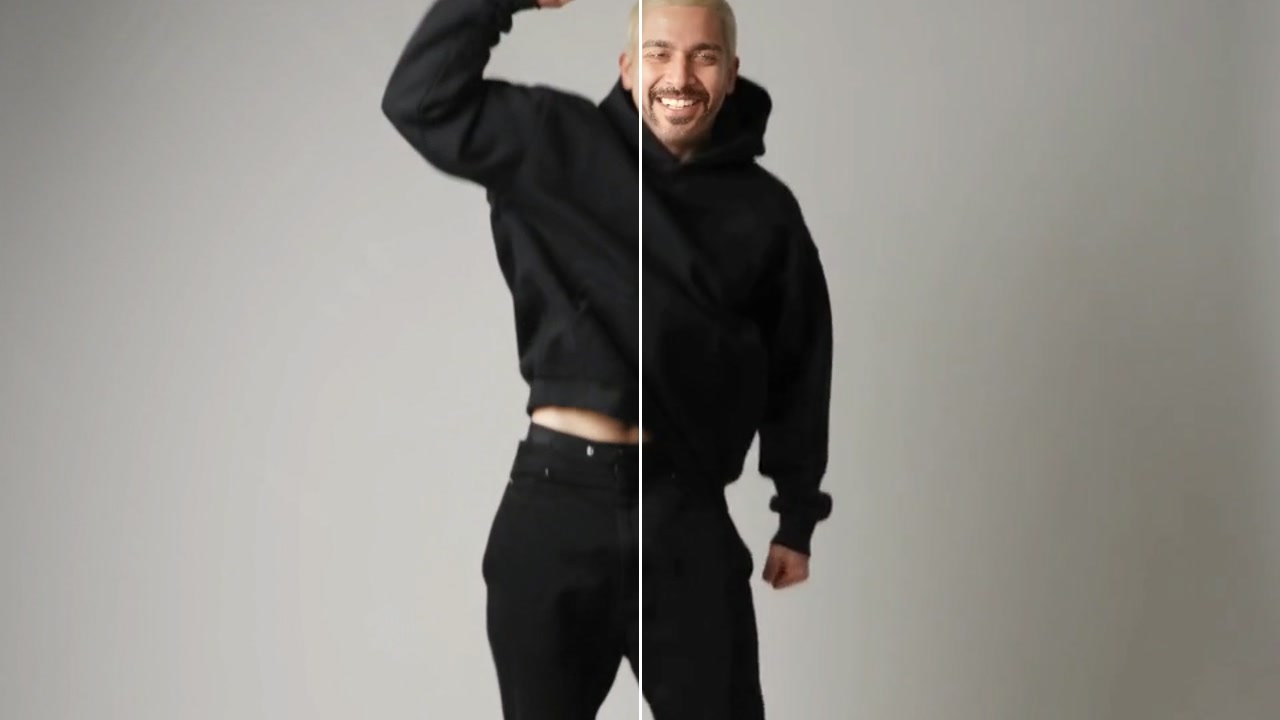
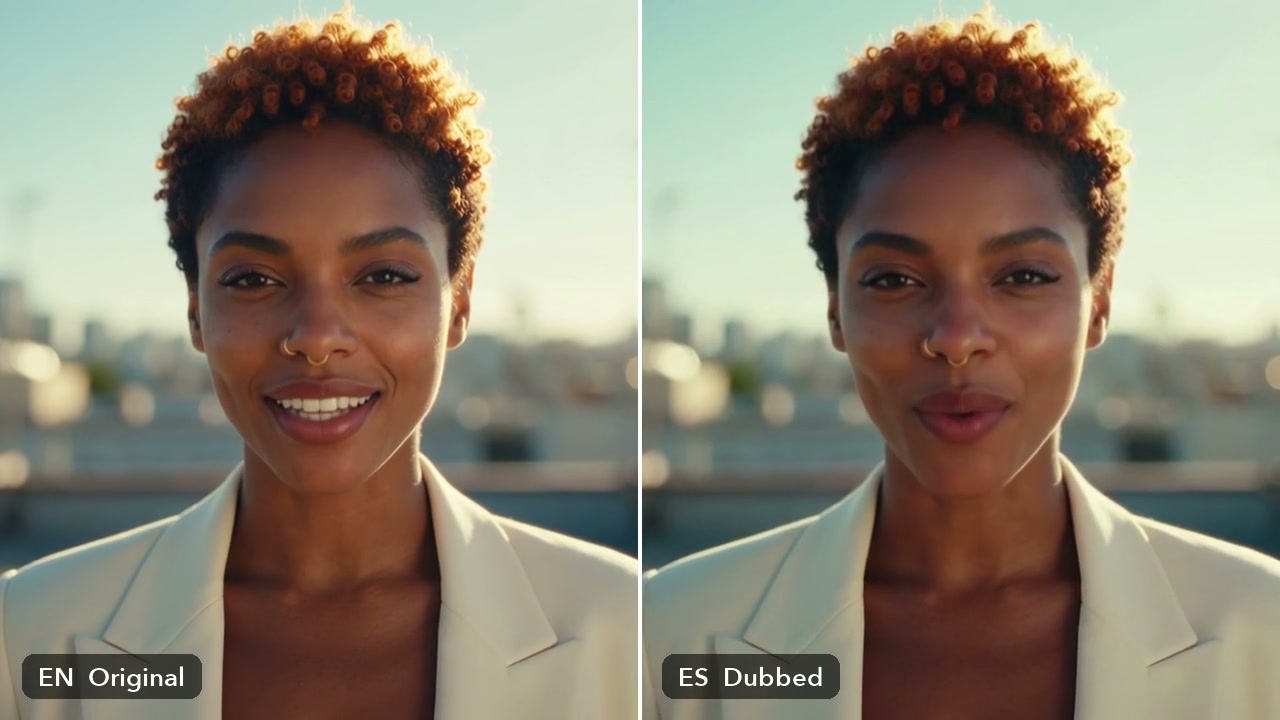
Morph from one picture into another: the frames between them, from Google's FILM.
How it works
- 01
Add two pictures
Where the morph starts, then where it ends. The same size works best.
- 02
Pick how long
15 frames is half a second at 30 fps; up to 64 frames.
- 03
Use it anywhere
Download it, or send it to another tool. It is also in your Assets.
Good to know
- In the video editor, Transitions -> Smart -> Morph cut makes it from the two clips at a cut in one click.
- Two shots of the same person from the same camera morph cleanest: an interview with a sentence taken out.
- Keep it short: half a second hides a jump cut without anyone noticing.
Two JPG, PNG or WebP pictures, up to 20 MB each. Bigger pictures cost a little more.
A short video of the frames between your two pictures, without the two pictures themselves.
From 10 credits a video with FILM. A failed run gives them back; a result the safety filter stops doesn't.