Sketch to Video
Bring a drawing to life as a short video, from 5 to 15 seconds.
How it works
- 01
Draw or add the sketch
Draw it right on the stage, or add a drawing on paper or a screen.
- 02
Pick how long
From 5 to 15 seconds.
- 03
Use it anywhere
Download it, or send it to another tool. It is also in your Assets.
Examples
 BeforeAfter
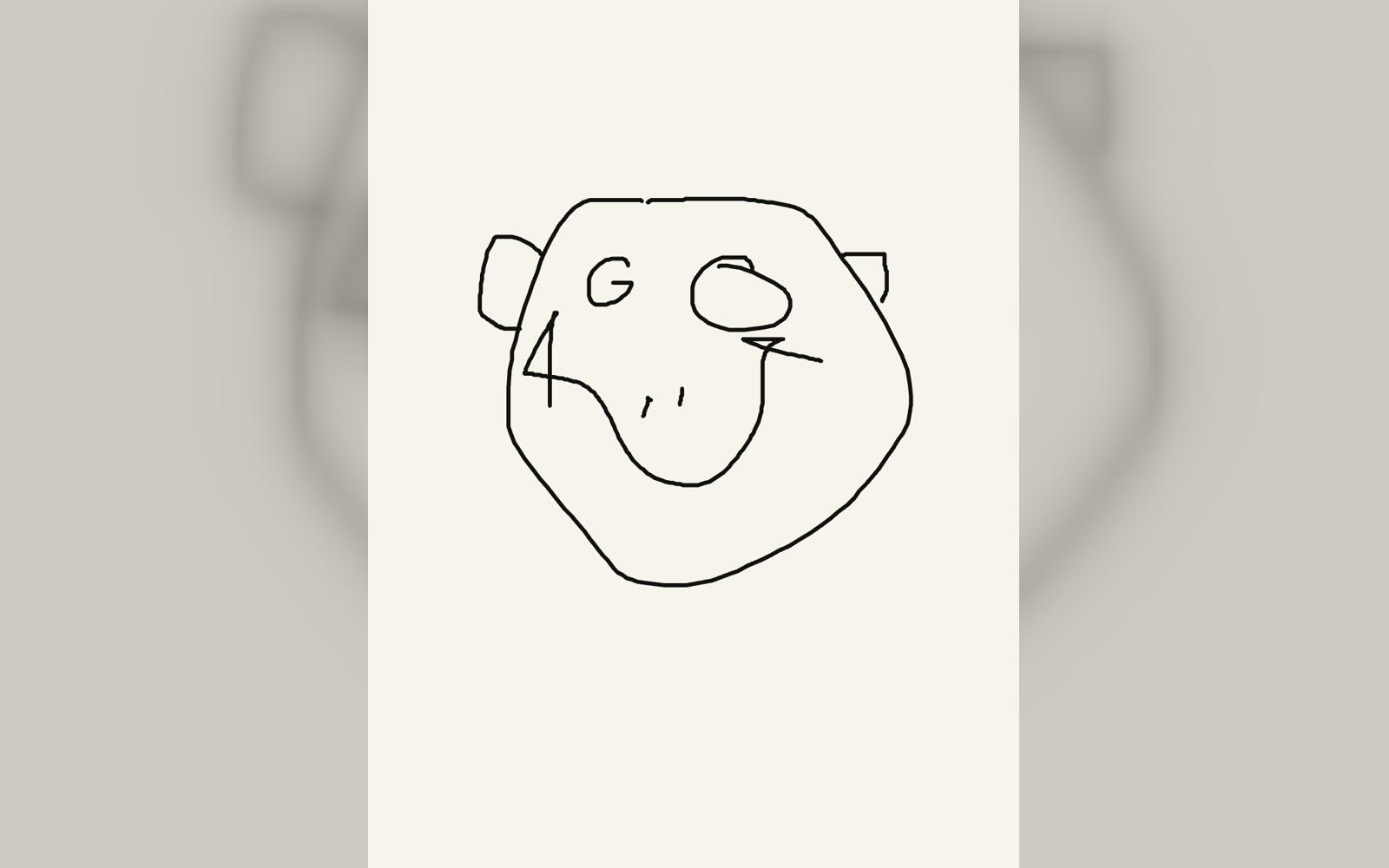
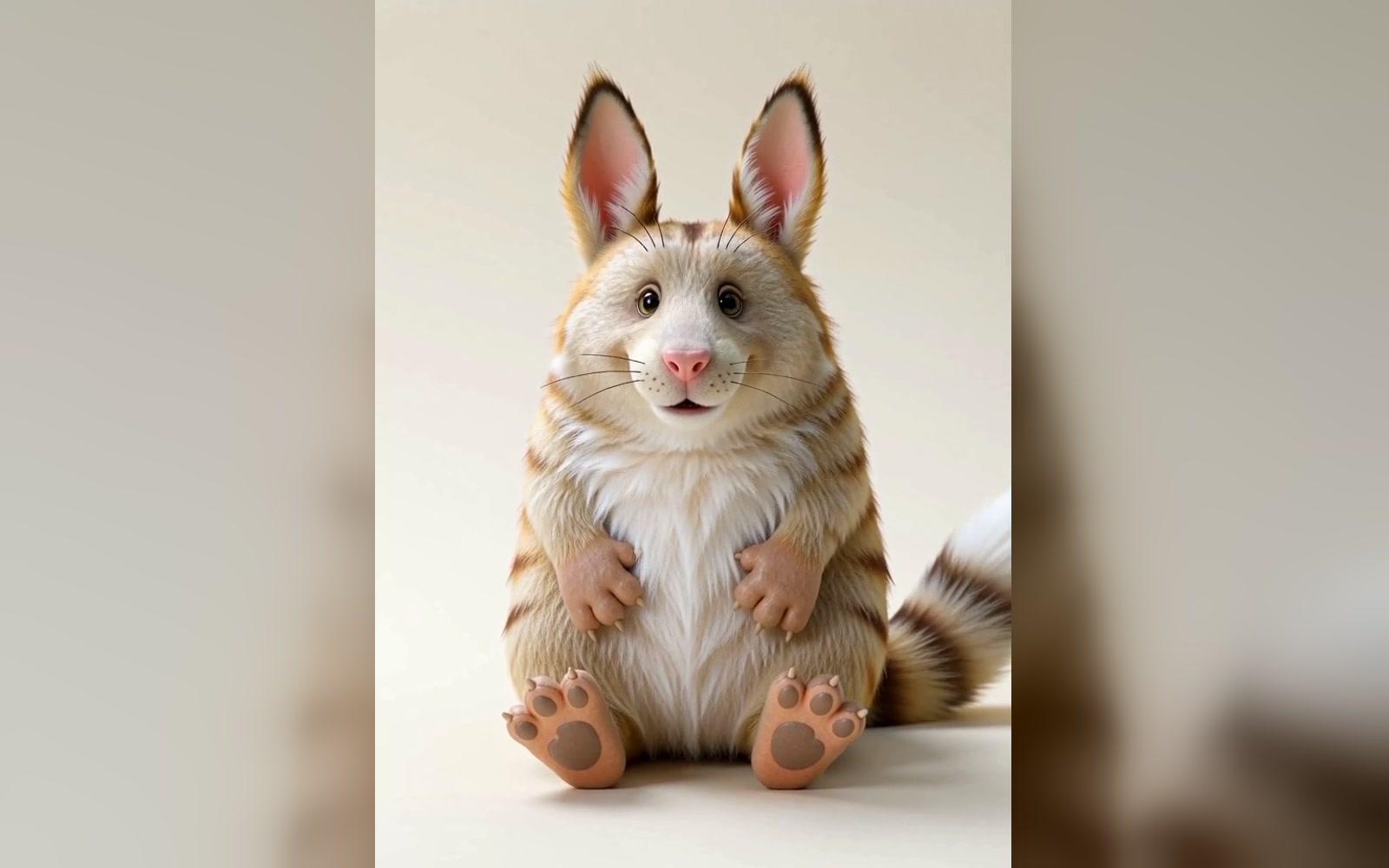
A face drawn on the stage turns into a creature
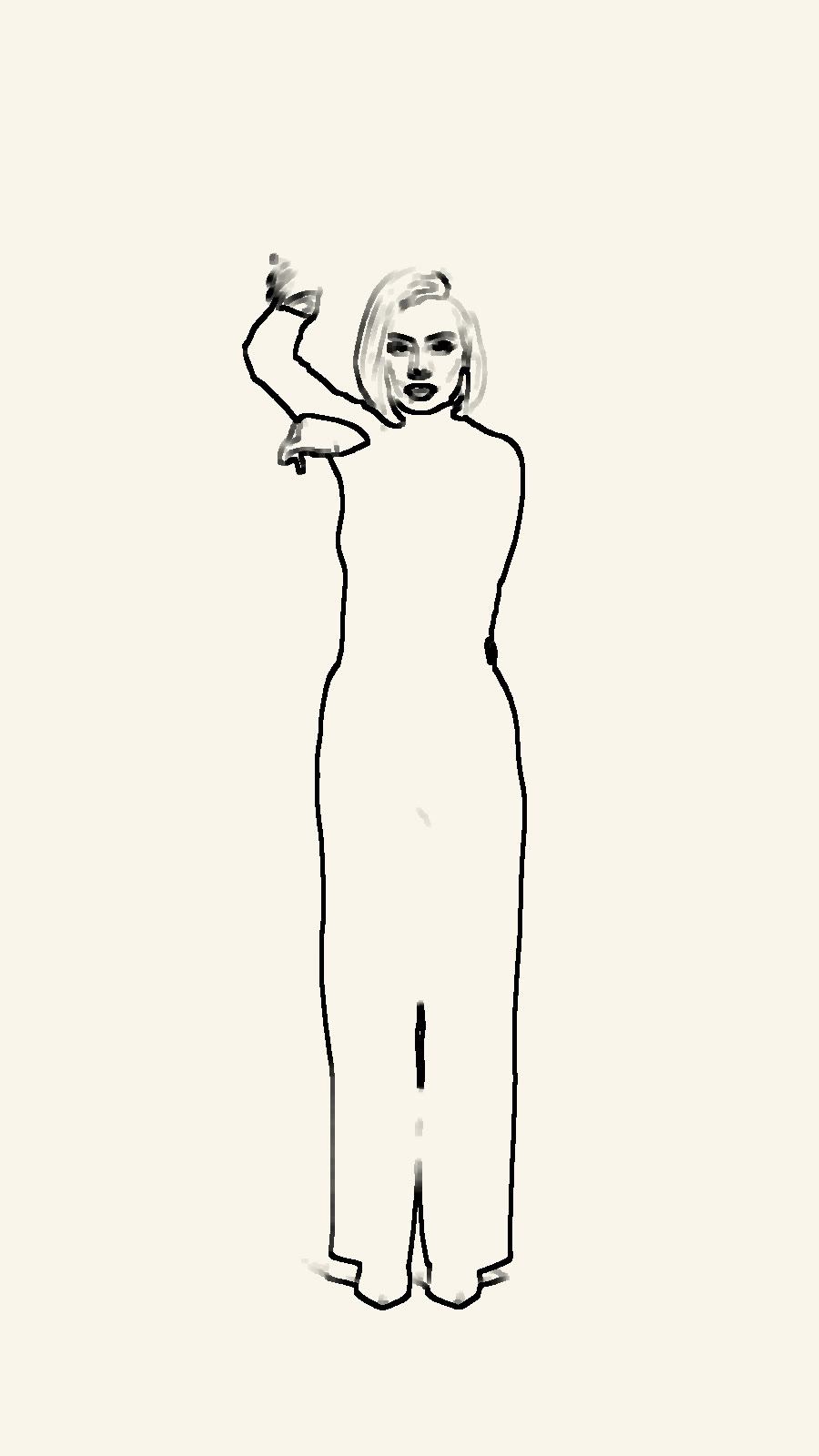 BeforeAfter
A fashion sketch comes to life · 5 s
Good to know
- Clear outlines on a plain background work best.
- Simple shapes move more naturally than busy detail.
- A longer video gives the drawing more time to move.
PNG, JPG, WebP or HEIC, up to 10 MB. Phone photos in HEIC are turned into JPG on the way in.
Not yet: the video follows the drawing alone.
490 credits a video with Sketch to Video. A failed run gives them back; a result the safety filter stops doesn't.