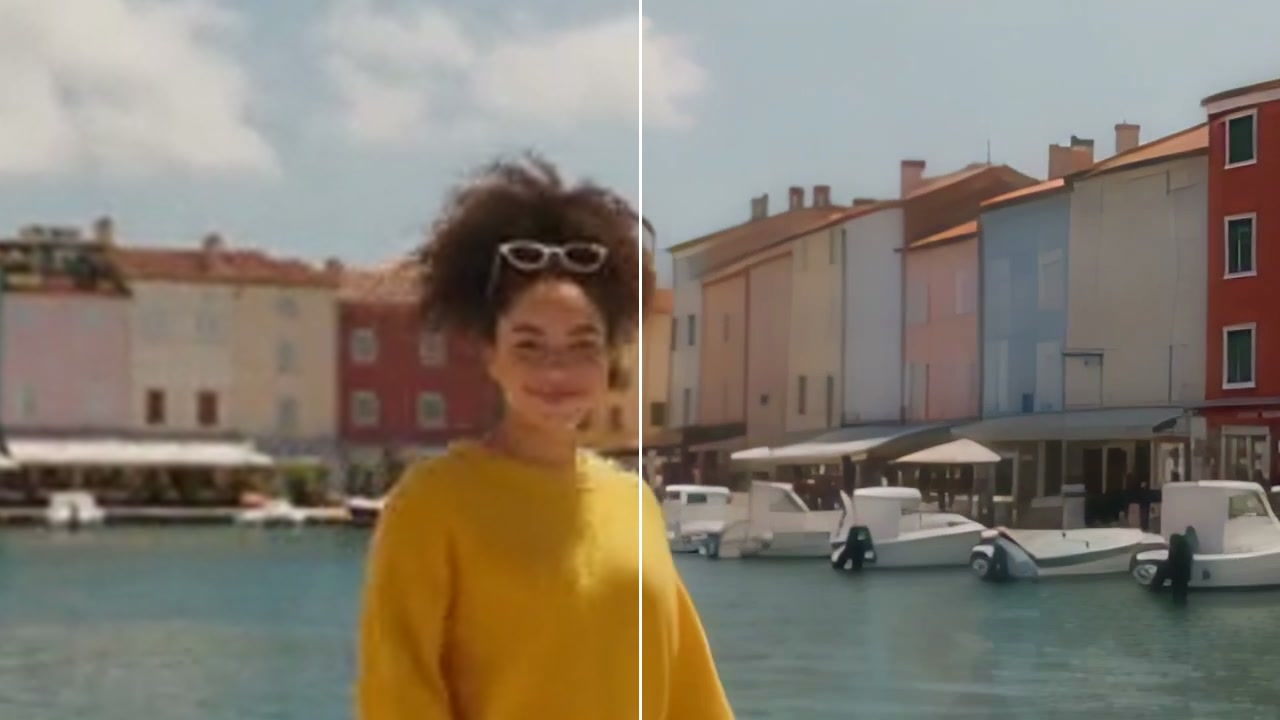
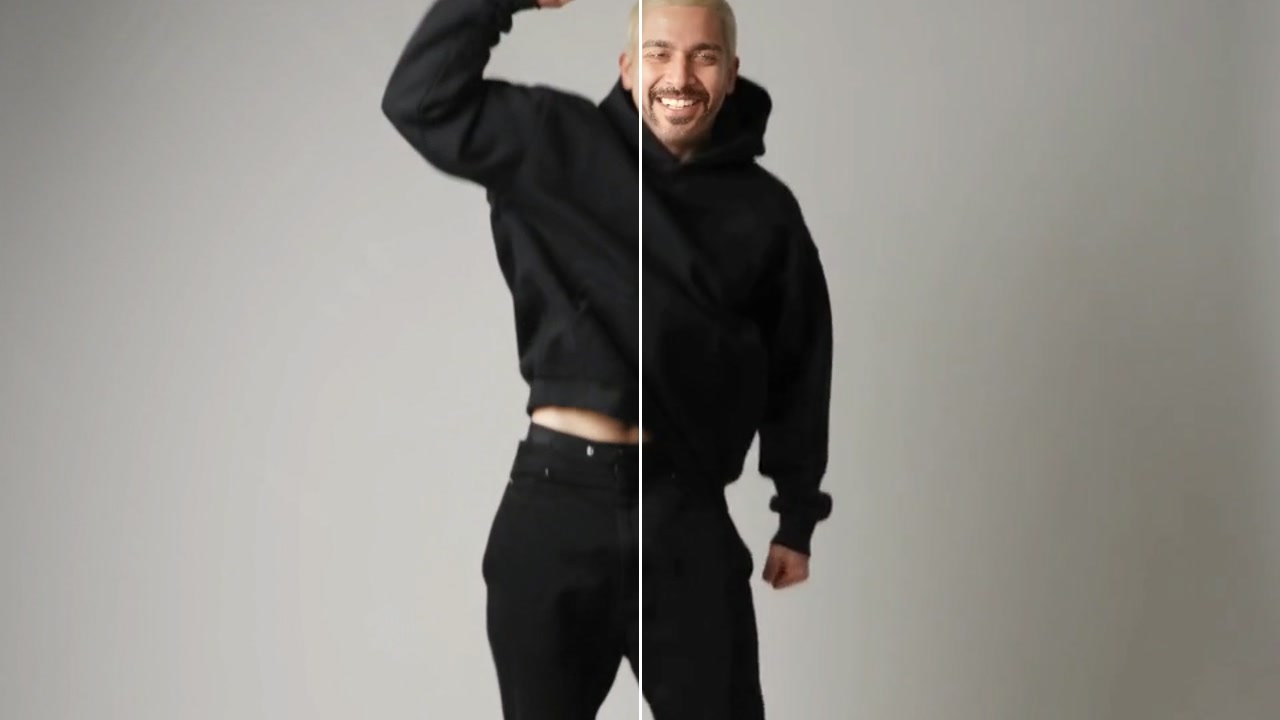
Smooth Slow Motion
Make a video smooth in slow motion: new frames between the real ones, from RIFE or FILM.
How it works
- 01

Add the video
Up to 60 seconds.
- 02
Pick how smooth
2x the frames for half speed, 4x for slower. RIFE is fast; FILM is the best quality.
- 03
Use it anywhere
Download it, or send it to another tool. It is also in your Assets.
Good to know
- In the video editor, the Speed tab makes the new frames for a slowed clip in one click.
- Clips with steady motion give the cleanest new frames.
- The video keeps its length: slow it down in the editor to see the new frames.
MP4, MOV or WebM, up to 60 seconds and 500 MB. You pay for each second.
Nothing you can see at normal speed: it gets 2 or 4 times the frames, so it stays smooth when slowed down.
From 10 credits a video with RIFE. A failed run gives them back; a result the safety filter stops doesn't.