Video Reframe
Turn a wide clip vertical, or a vertical one wide, keeping the whole picture and filling the new edges.
How it works
- 01
Add the video
Up to 10 seconds on H3 Max, 30 on Luma.
- 02
Pick the new shape
Vertical for stories, square for feeds, wide for screens.
- 03
Use it anywhere
Download it, or send it to another tool. It is also in your Assets.
Examples
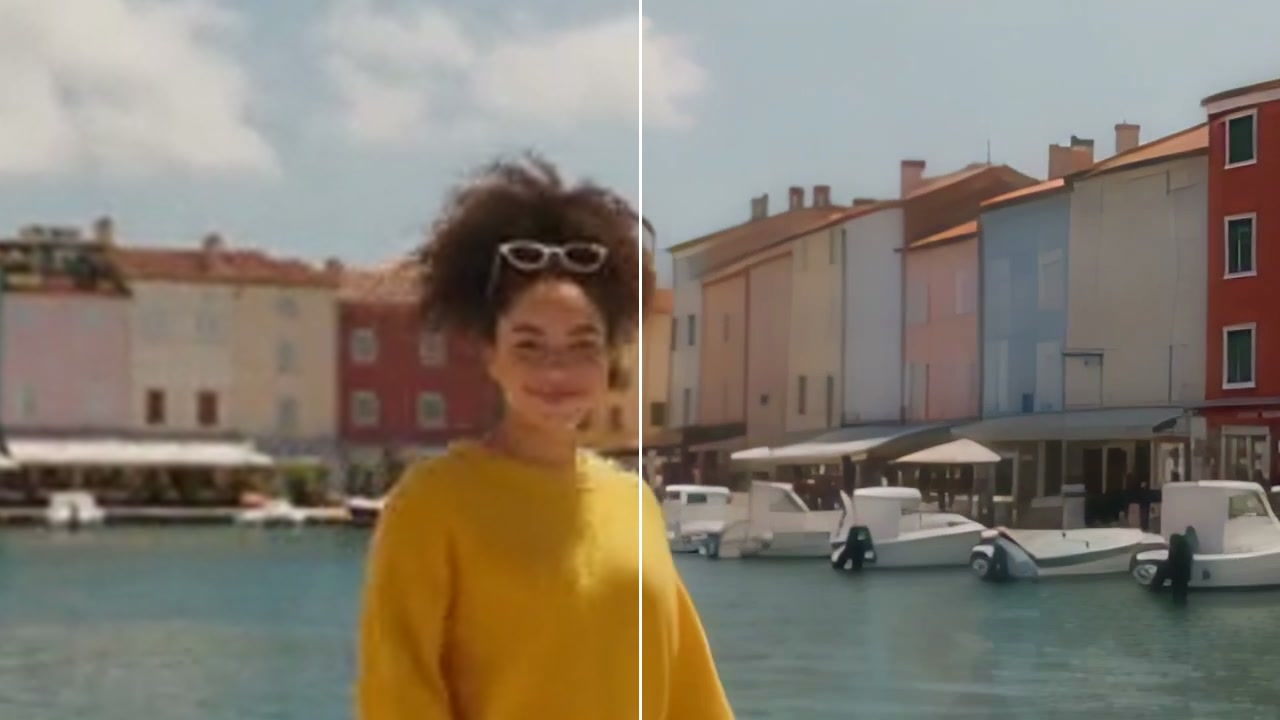
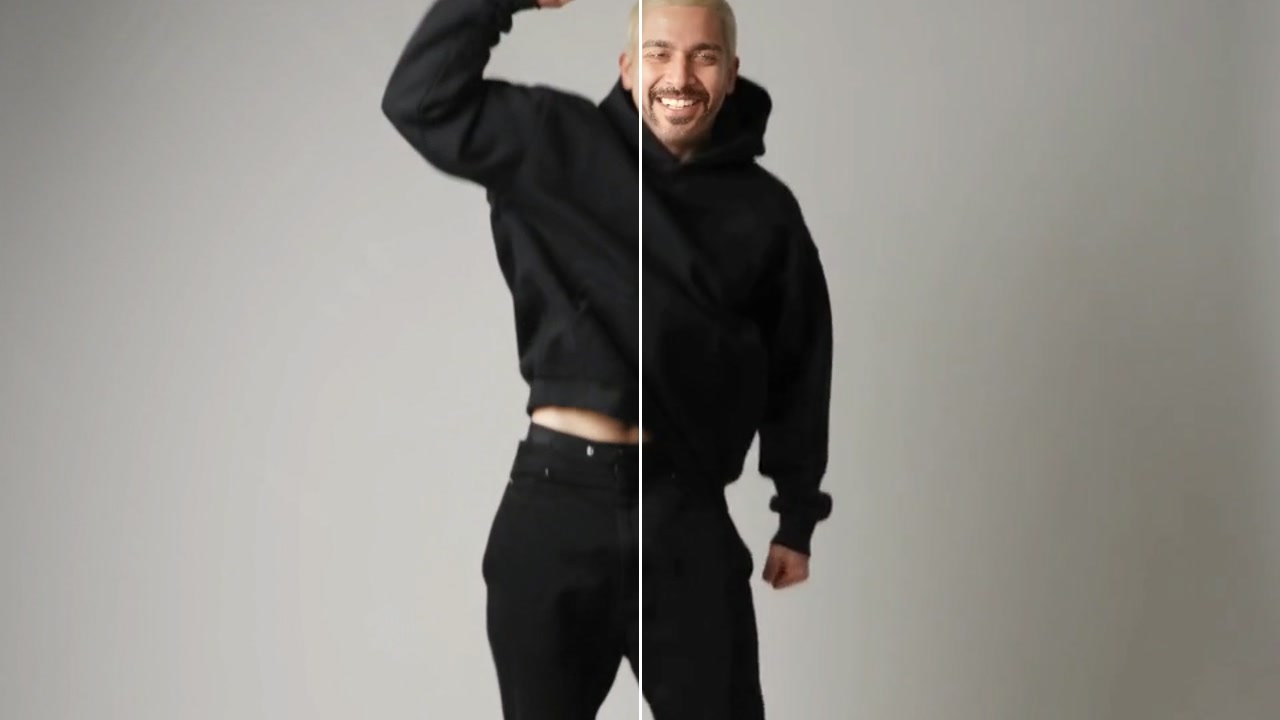
- BeforeAfter
Vertical to wide, the studio filled in · 16:9
Good to know
- Clips with a steady camera fill most smoothly.
- Vertical 9:16 suits stories and reels; 1:1 suits feeds.
MP4, MOV or WebM, up to 30 seconds and 500 MB. You pay for each second.
No: it keeps the whole picture and fills the new edges around it.
1,290 credits for 10 seconds of video with MiniMax H3 Max. A failed run gives them back; a result the safety filter stops doesn't.