Audio Library: Royalty-Free Music and Sound Effects for Your Videos
 by Aristotto3 min
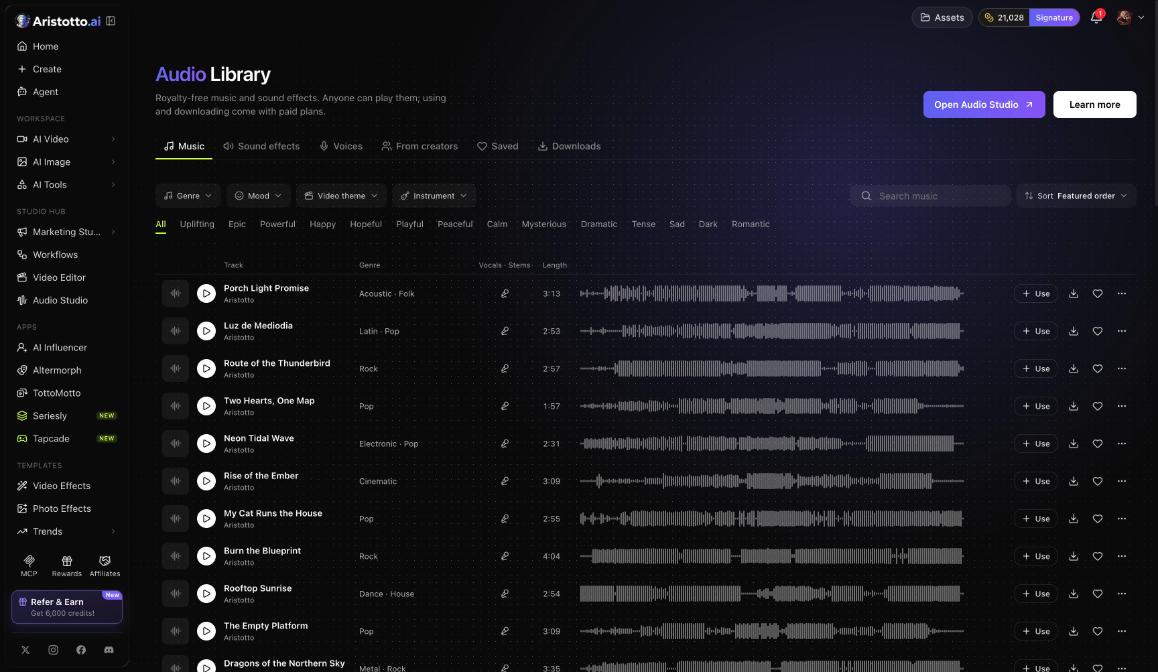
The Audio Library is Aristotto's collection of royalty-free music and sound effects. Open it under Templates in the left rail, or go to /audio-library. Anyone can play the tracks. Using and downloading them come with paid plans, and downloads cost no credits.
What is in the library
The library has six tabs:
Music
Sound effects
Voices
From creators
Saved, for the tracks you save
Downloads, for the tracks you download
How to find a track
Open Audio Library under Templates.
Pick a tab, for example Music.
Narrow the list with the filters: Genre, Mood, Video theme and Instrument.
Or tap a mood chip such as Uplifting, Epic, Powerful or Happy.
Search, or sort the list.
Press play on a row to listen.
What each row does
Every track sits on one row with four actions:
| Action | What it does |
|---|---|
| Play | Plays the track |
| Use | Opens the track in Audio Studio |
| Download | Downloads the track |
| Save | Adds the track to Saved |
What your plan lets you do
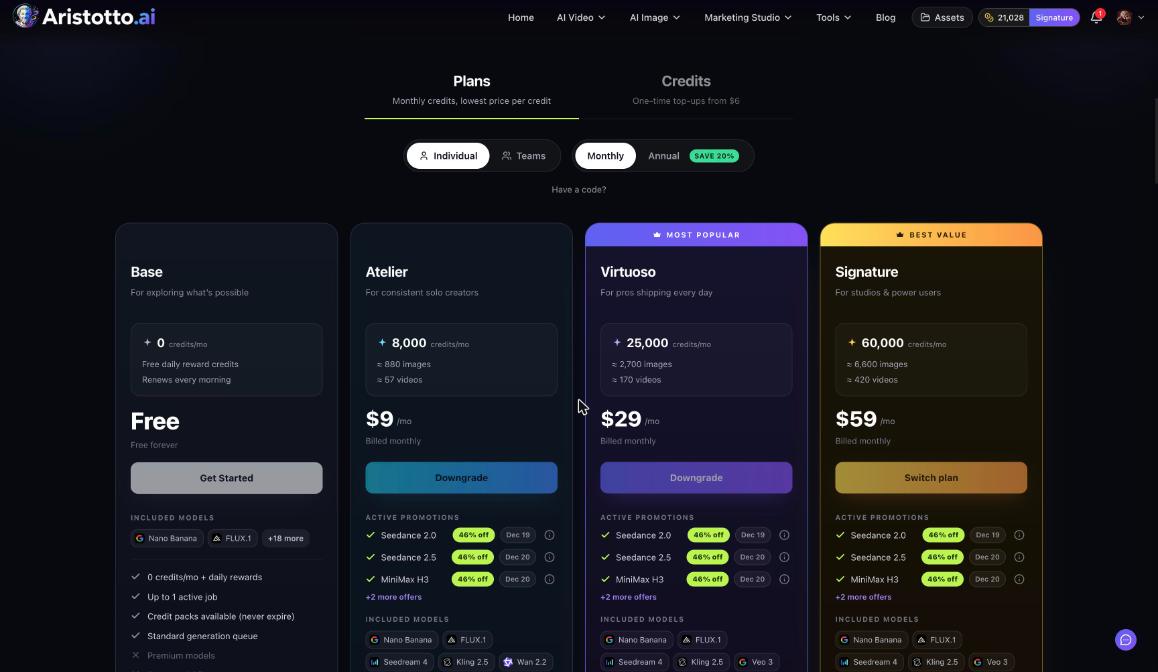
| Plan (price a month today) | Play | Use | Download and use commercially |
|---|---|---|---|
| Base (free) | Yes | No | No |
| Atelier ($9) | Yes | Yes | No |
| Virtuoso ($29) | Yes | Yes | Yes, up to 40 a day |
| Signature ($59) | Yes | Yes | Yes, up to 40 a day |
Downloads cost no credits. Annual billing saves 20%.
How to get access
Open Pricing in the account menu, or go to aristotto.ai/pricing.
Choose Monthly or Annual.
Pick Atelier to use tracks, or Virtuoso or Signature to download them and use them commercially.
New plans go to Stripe Checkout. If you already have a plan, an upgrade applies now after a confirm dialog.
If you have a promo code, enter it in Have a code? on Pricing.
Using a track in Audio Studio
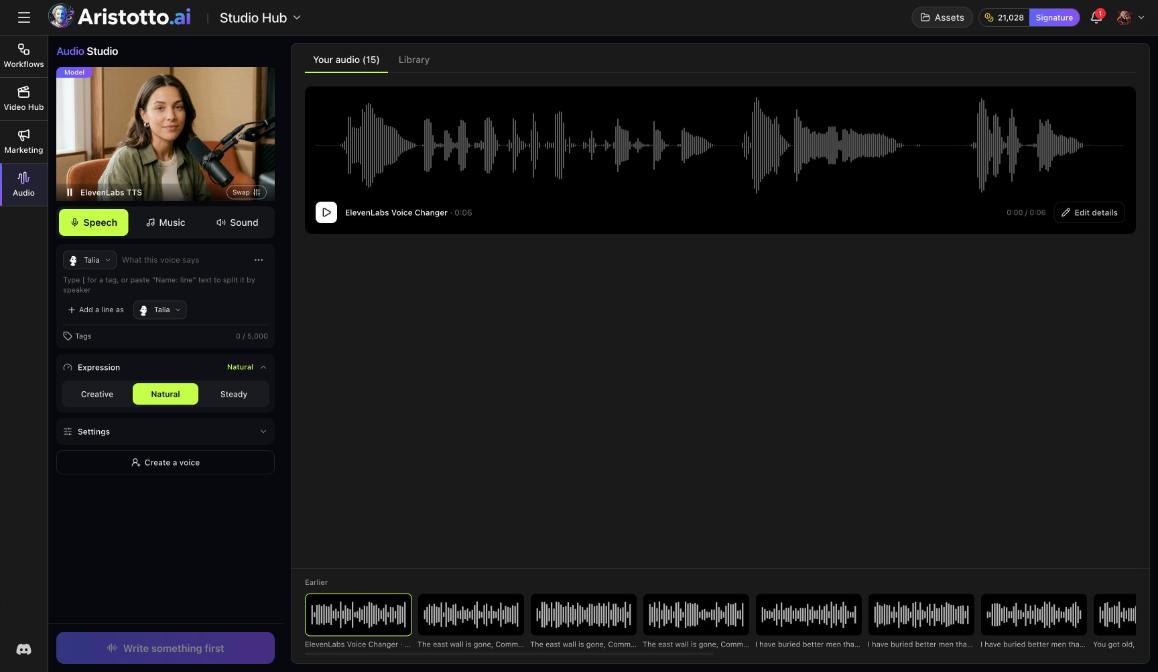
Use opens a track in Audio Studio. Audio Studio has three modes, Speech, Music and Sound, and its right side shows Your audio and Library. The price of anything you make there shows on the button before you start.
When the library does not have the right track
Audio Studio's Music mode makes a new song from your description, including any lyrics. Turn on Instrumental only for music with no vocals, and set Length or choose Let the model pick the length. For a single sound, Sound makes sound effects. These runs cost credits, and the price shows on the button before you start.
Questions
Can I listen without a paid plan?
Yes. Anyone can play tracks in the Audio Library. Using and downloading them come with paid plans.
Do downloads cost credits?
No. Downloads from the Audio Library cost no credits.
How many tracks can I download?
Up to 40 a day, on Virtuoso and up.
Can I use the music in commercial videos?
Virtuoso and up can download tracks and use them commercially. Atelier can use tracks but not download them.
What does Use do?
Use opens the track in Audio Studio.