Marketing Studio: How to Make an Ad From Any Product
 by Aristotto3 min
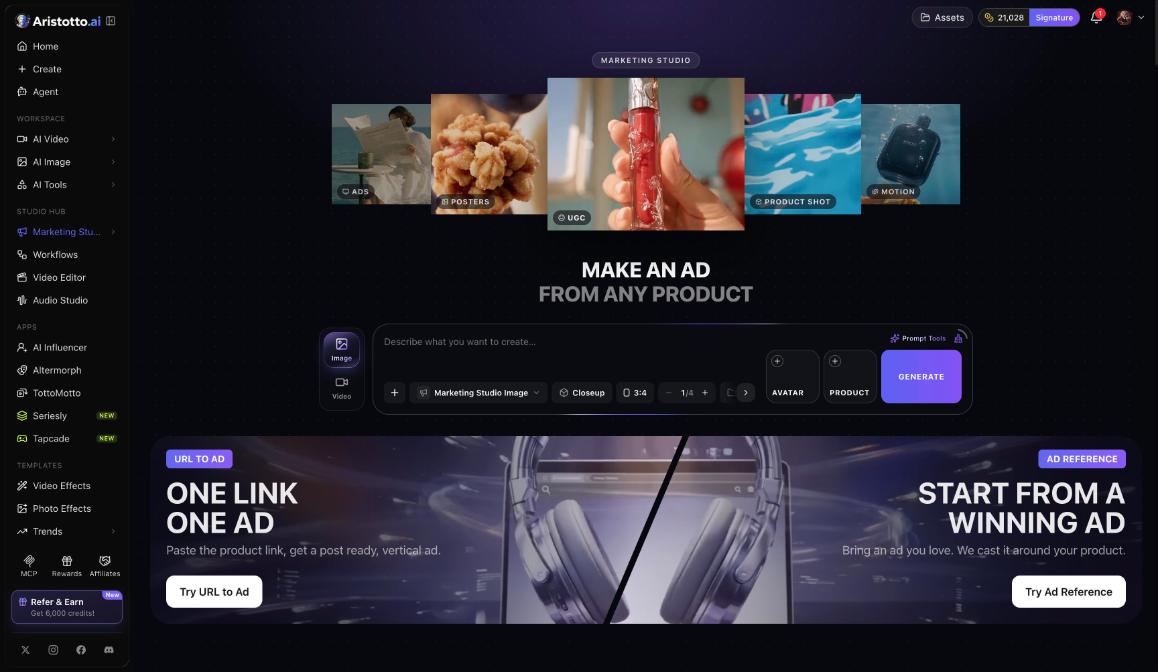
Marketing Studio makes ads from your products, as images or videos. You add your product, choose a style and format, and press Generate, or you start from a product link or an ad you like. Open it under Studio Hub in the left rail. Each run shows its price in credits on the Generate button before you press it.
Three ways to start
| Start from | What you do | What you get |
|---|---|---|
| Your product | Fill the Avatar and Product slots and pick a style | An image or video ad |
| URL to Ad | Paste the product link | A post-ready vertical ad |
| Ad Reference | Bring an ad you love | That ad, recast around your product |
How to make an image ad
Open Marketing Studio and choose Image.
The composer uses the Marketing Studio Image model.
Pick a style, for example Closeup.
Choose a ratio.
Choose how many, from 1 to 4.
Fill the Avatar and Product slots.
Check the price on Generate, then press Generate.
How to make an ad from a product link
Open Marketing Studio and choose URL to Ad.
Paste the product link.
Check the price, then generate. You get a post-ready vertical ad.
How to recast an ad you like
Choose Ad Reference.
Bring the ad you love.
Add your product. The ad is recast around it.
Ad formats and the gallery
Marketing Studio offers seven formats:
UGC Creator
Unboxing
Try-on
Tutorial
ASMR
Motion Product
TV Commercial
The gallery groups examples into categories that include Ads, Posters, UGC, Product shot and Motion. Browse it for ideas before you spend credits.
How to find your ads
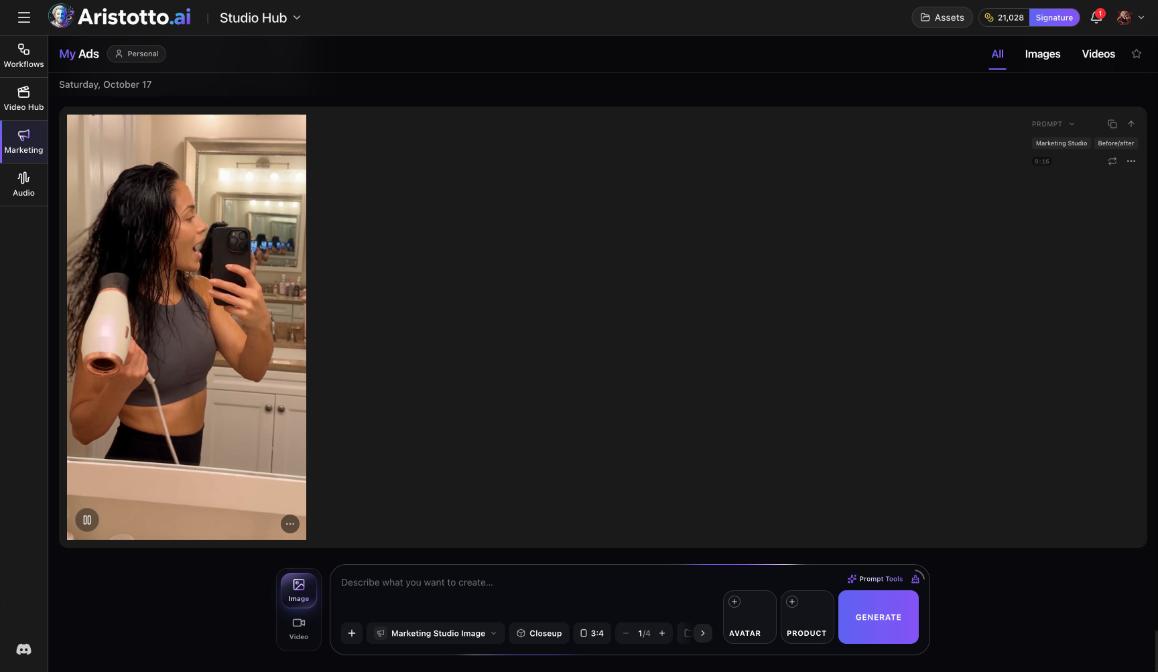
Every result goes to My Ads, sorted by date.
Filter by All, Images or Videos.
Copy the prompt of any ad to reuse it.
Run an ad again.
What it costs
The price is on the Generate button before you press it.
The price depends on the model, length, resolution, quality and how many results you ask for.
Failed, timed-out and partly failed runs are refunded automatically.
You can cancel a run only while it is still queued.
The Atelier plan, $9 a month today, lists a full commercial license.
More help with ads
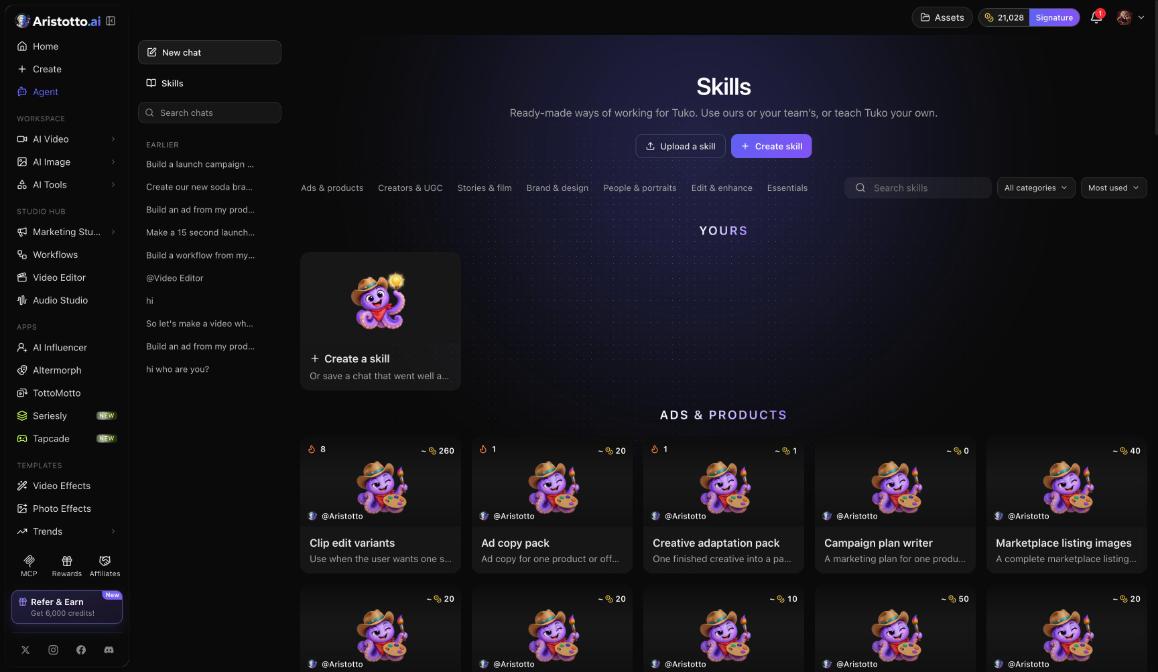
Tuko, the Agent, has skills such as Ad copy pack, Campaign plan writer and Creative adaptation pack.
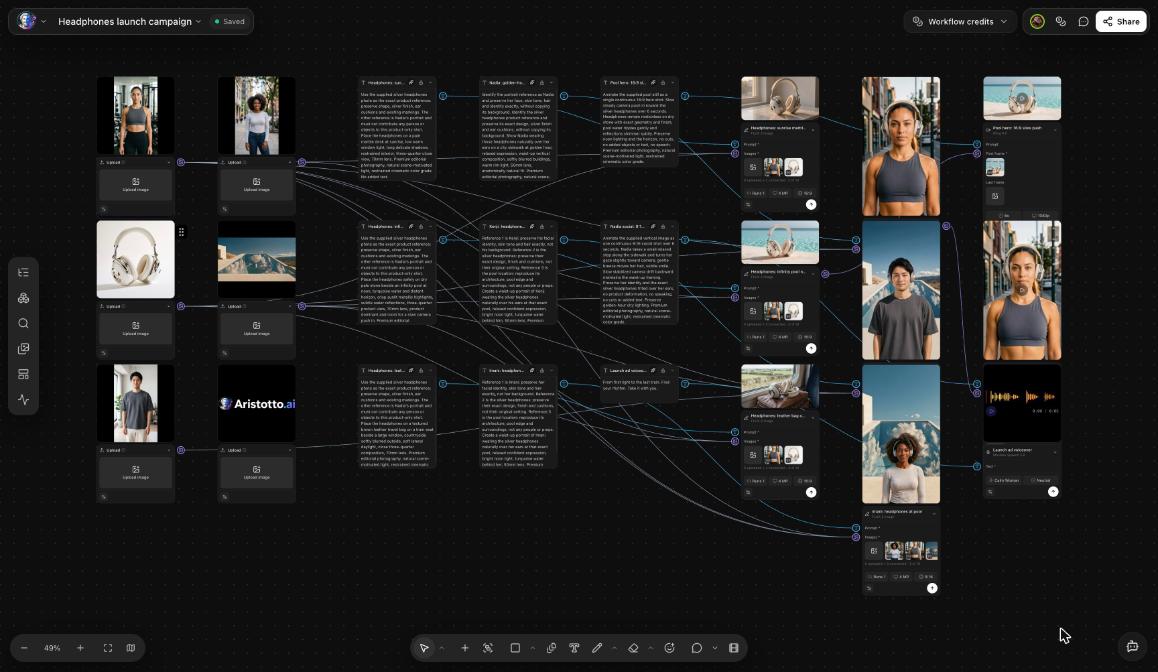
Workflows has an ad maker node, so you can put ad making into a pipeline you run again.
Questions
Can I make an ad from a product link?
Yes. Choose URL to Ad and paste the product link. You get a post-ready vertical ad.
Can I copy the style of an ad I like?
Use Ad Reference. Bring the ad you love, and it is recast around your product.
How many images can I make in one run?
From 1 to 4. Set how many in the Image composer before you press Generate.
Where do I find my ads later?
In My Ads, sorted by date. Filter by All, Images or Videos, copy a prompt, or run an ad again.
What happens if a run fails?
Failed, timed-out and partly failed runs are refunded automatically.