Audio Studio: How to Make Voices, Dialogue, Songs and Sound Effects
 by Aristotto3 min
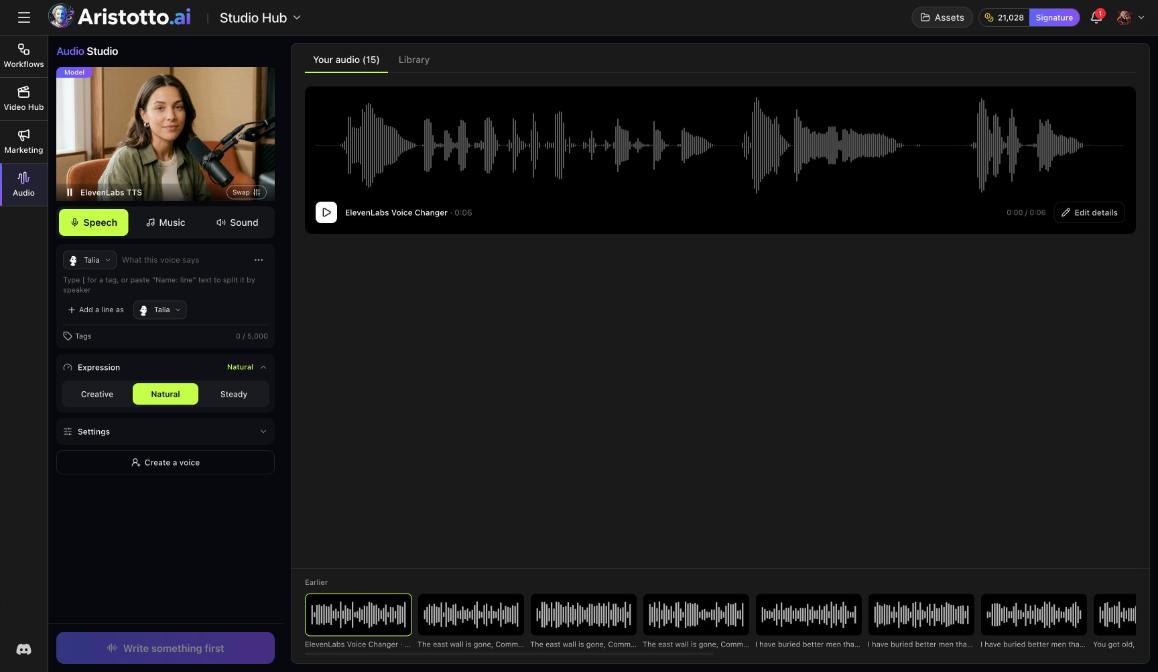
Audio Studio makes voices, dialogue, songs and sound effects on Aristotto. It has three modes: Speech, Music and Sound. Open it under Studio Hub in the left rail, or go to /app/workspace/hub/audio-studio. Each run is priced in credits, and the price shows on the button before you start.
How to make a voiceover
Open Audio Studio and choose Speech.
Pick a voice, for example Talia.
Type what the voice says.
Set Expression to Creative, Natural or Steady.
Open Settings for more options.
Check the price on the button, then start.
If no voice in the list fits, create a voice by describing it.
How to make a dialogue
In Speech, write the first line with the first voice.
Add a line as another voice.
Keep adding lines. A dialogue can use up to 10 voices.
Check the price on the button, then start.
How to make a song
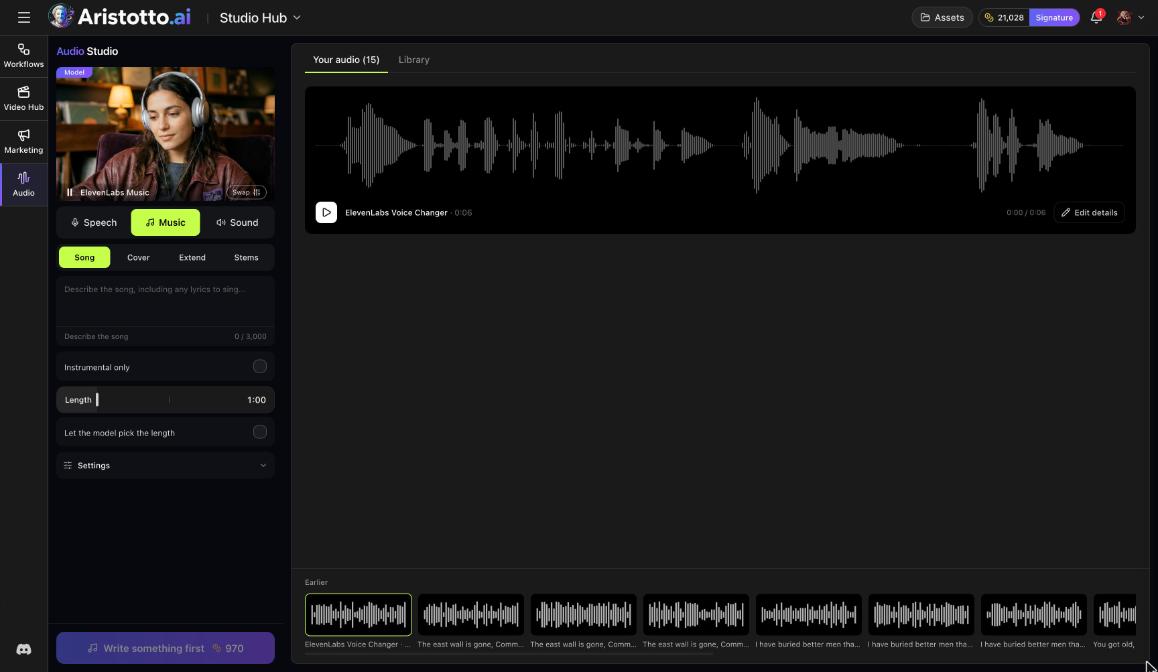
Music has four options: Song, Cover, Extend and Stems. Stems splits audio into stems.
Choose Music, then Song.
Describe the song. Include any lyrics in the description.
Turn on Instrumental only if you want no vocals.
Set Length, or choose Let the model pick the length.
Open Settings for more options.
Check the price on the button, then start.
How to make a sound effect
Choose Sound to make sound effects. As in the other modes, the price shows on the button before you start.
Where your audio goes
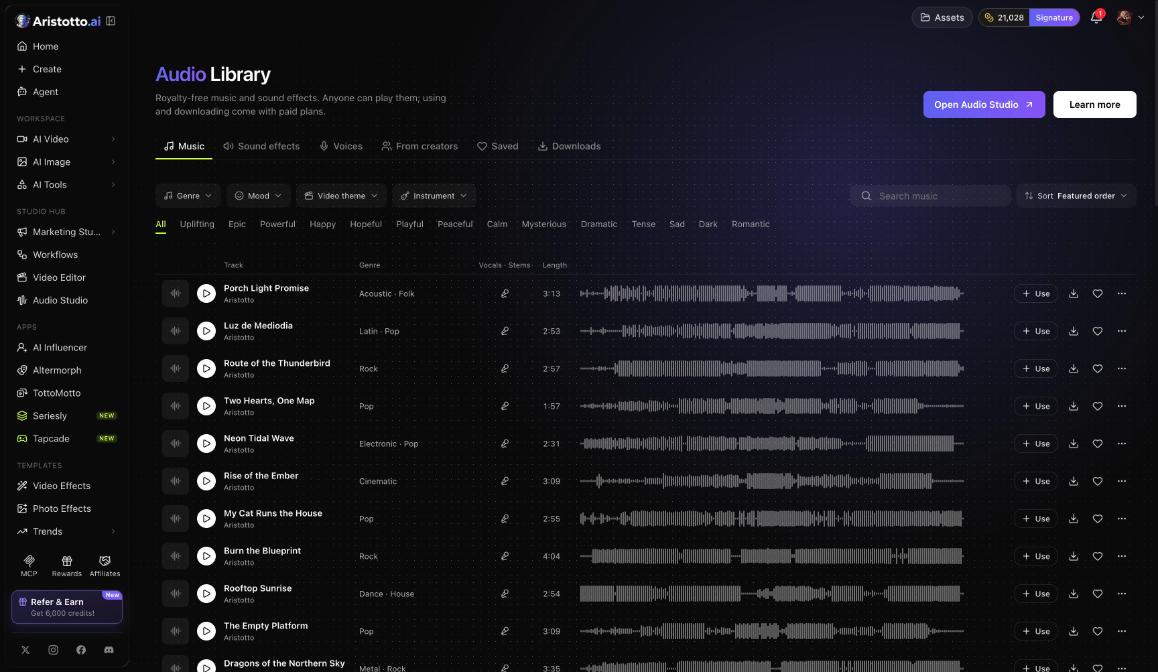
The right side of Audio Studio has Your audio and Library. Tracks from the Audio Library can also come to you here: in the Audio Library, Use opens a track in Audio Studio.
Audio in the workspace
You can also make audio in Create. Its Audio tab has Music, Speech, SFX, LipSync and AI Tools, across 11 audio models. Music there uses ElevenLabs Music with these settings:
Length: 1, 2 or 3 min
Instrumental Only
Private Mode
Prompt or Composition
Output format, for example MP3 44.1 kHz 128 kbps
Other places to work with audio
AI Tools has Voice Changer for audio.
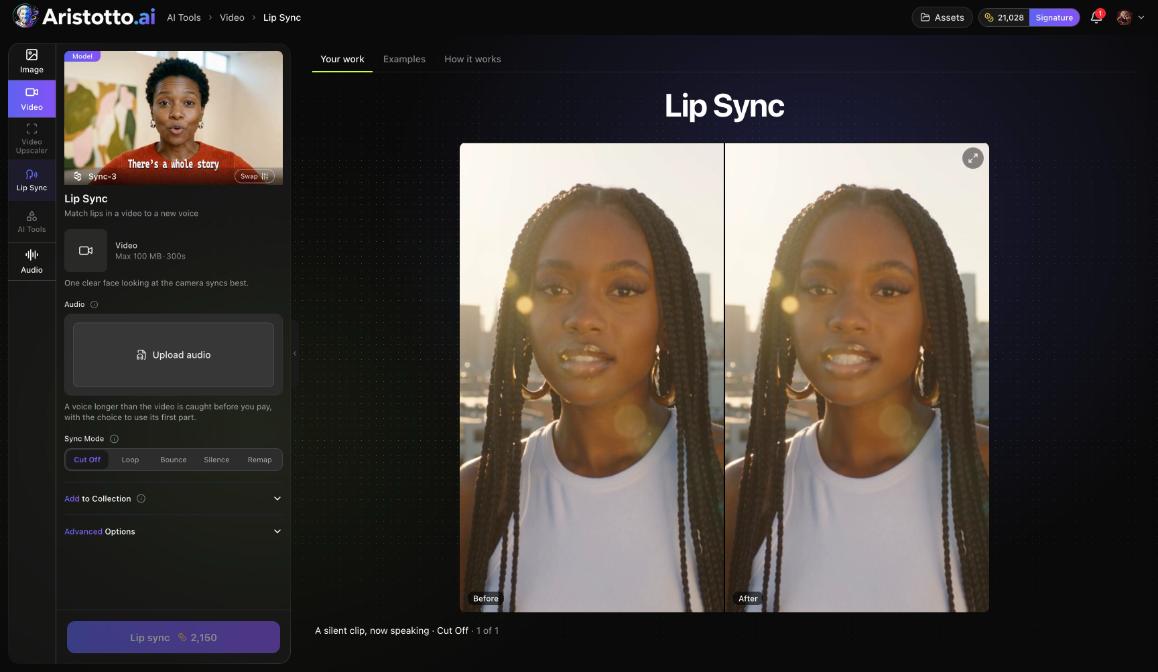
The Lip Sync tool in AI Tools takes a video up to 100 MB and 300 s, plus audio you upload. A voice longer than the video is caught before you pay.
The Video Editor has an Audio panel and at least 3 audio lanes on its timeline.
What it costs
The price depends on the model, length, quality and how many results you make.
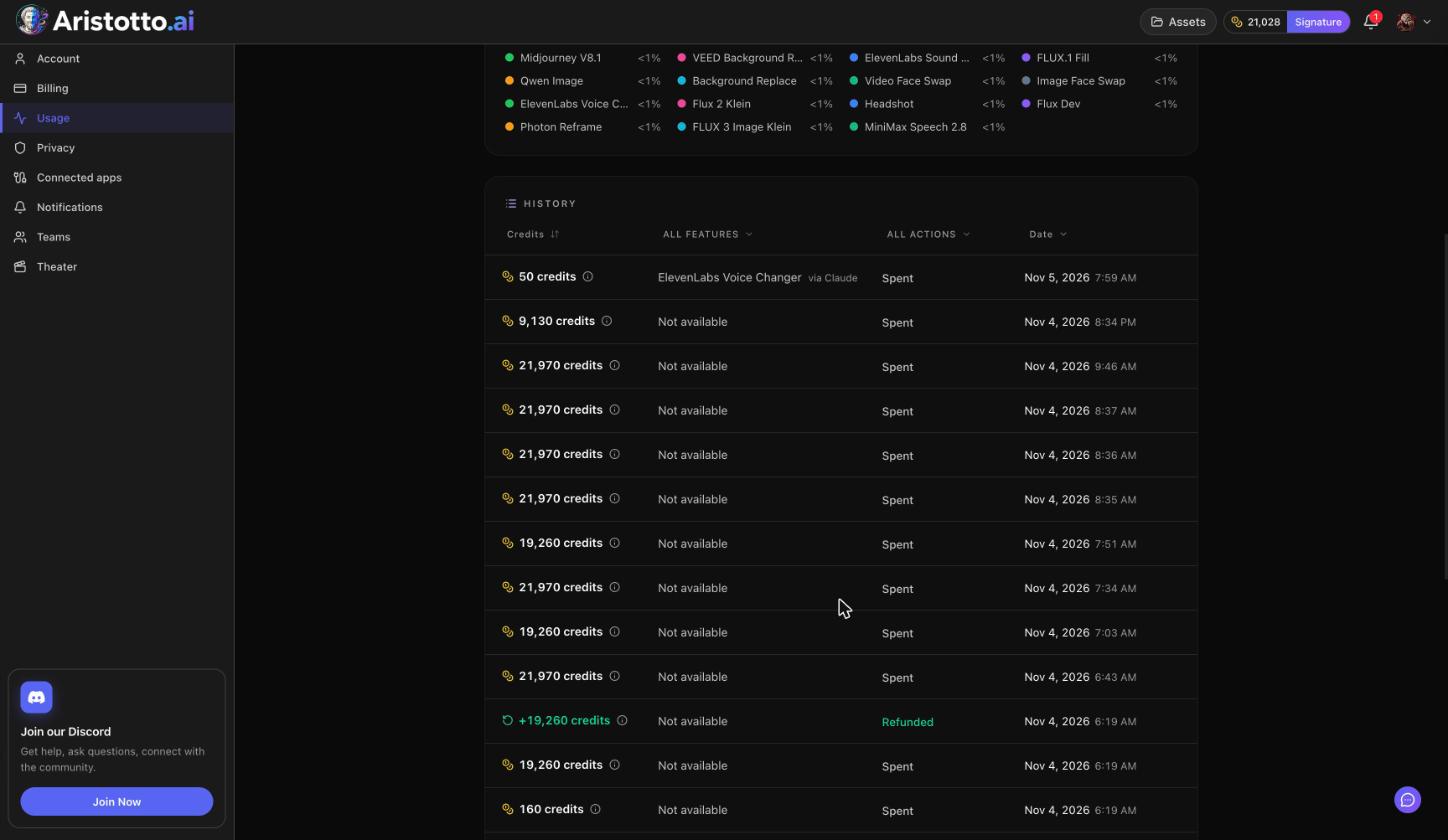
Plan credits are used first, then purchased credits, oldest first.
Failed, timed-out and partly failed runs are refunded automatically.
You can cancel a run only while it is still queued. Once it starts, it runs to the end.
Questions
How many voices can one dialogue have?
Up to 10. Add a line as another voice for each new speaker.
Can I make a song with my own lyrics?
Yes. In Music, choose Song and describe the song, including the lyrics.
Can I make music without vocals?
Yes. Turn on Instrumental only before you start.
What if none of the voices fits?
Create a voice by describing it in Speech.
What happens if a run fails?
Failed, timed-out and partly failed runs are refunded automatically.