Aristotto Settings: Account, Billing, Usage and Privacy
 by Aristotto3 min
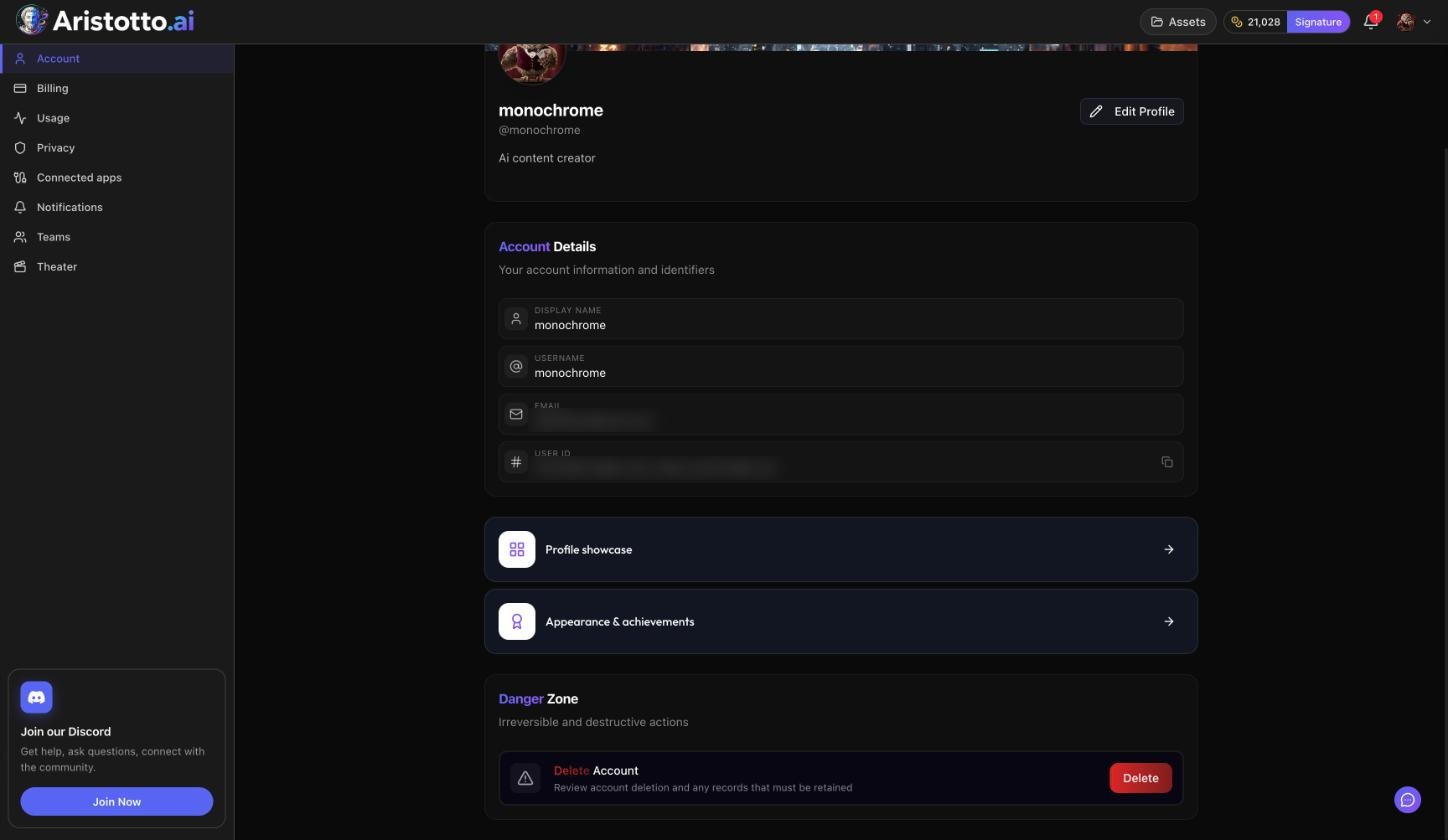
Settings is where you change your profile, plan, payment details, sign-in methods and privacy choices on Aristotto. Open the account menu and press Manage Account. The Settings menu lists Account, Billing, Usage, Privacy, Connected apps, Notifications, Teams, and Theater if your account is invited (Theater is open by invite only today).
Account
Edit Profile: display name, username, bio, avatar and banner.
Account Details: display name, username, email and user ID.
Profile showcase.
Appearance and achievements: pick a frame you earned.
Danger Zone: Delete Account.
To delete your account, type your username to confirm. Delete Account is blocked while you have an active paid plan, a team you own that still has members, or runs, exports and credit holds in progress. Once you delete, your data is removed right away.
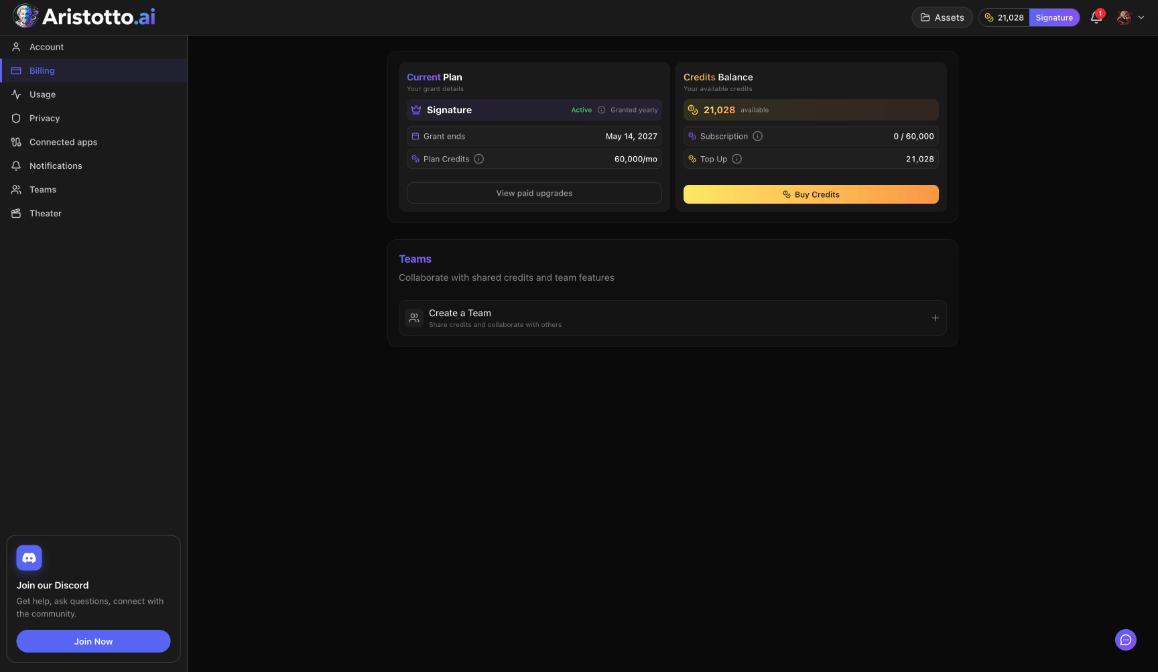
Billing
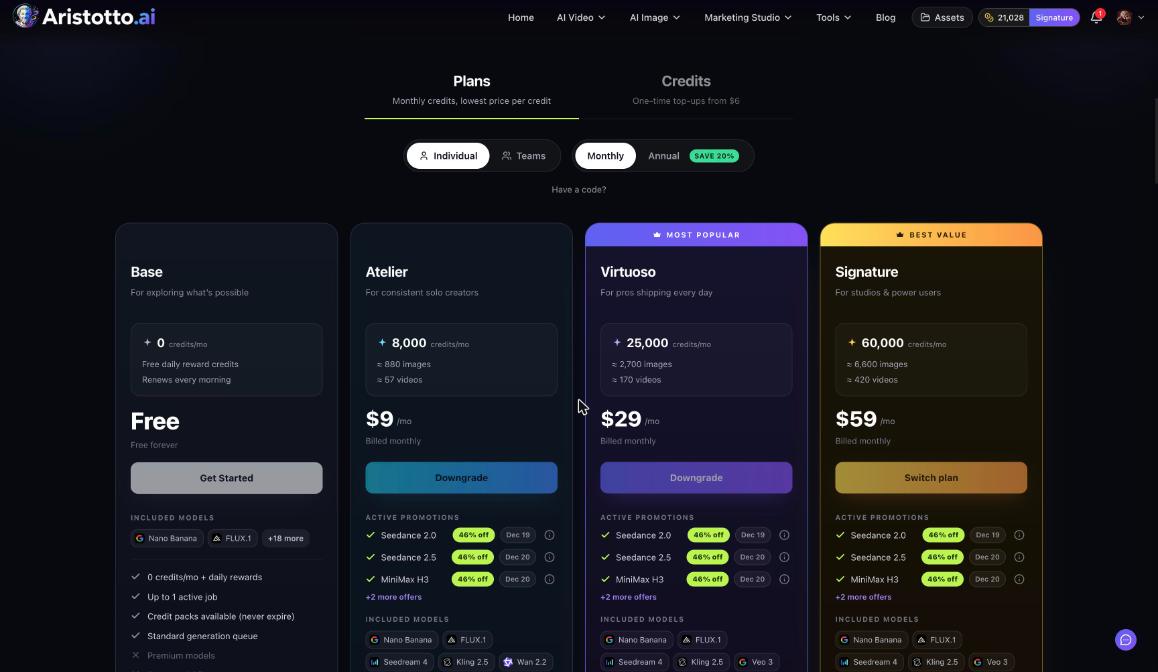
Current Plan: your plan, its status, the grant or renewal date and your plan credits a month.
Credits Balance: credits available, subscription credits used of the total, and top up.
Buy Credits.
Teams: Create a Team.
Paid plans also show Change Plan and Manage Billing. Manage Billing opens the Stripe portal, where you can View Invoices, Update Payment, Manage Plan and Cancel Subscription.
A few rules that apply here:
Upgrades apply now, after a confirm dialog.
Downgrades are scheduled for the end of the period.
Plan credits reset every billing month and do not roll over.
Purchased credits never expire, including after you cancel a plan.
Plans bought in the App Store or Google Play are managed there.
Usage
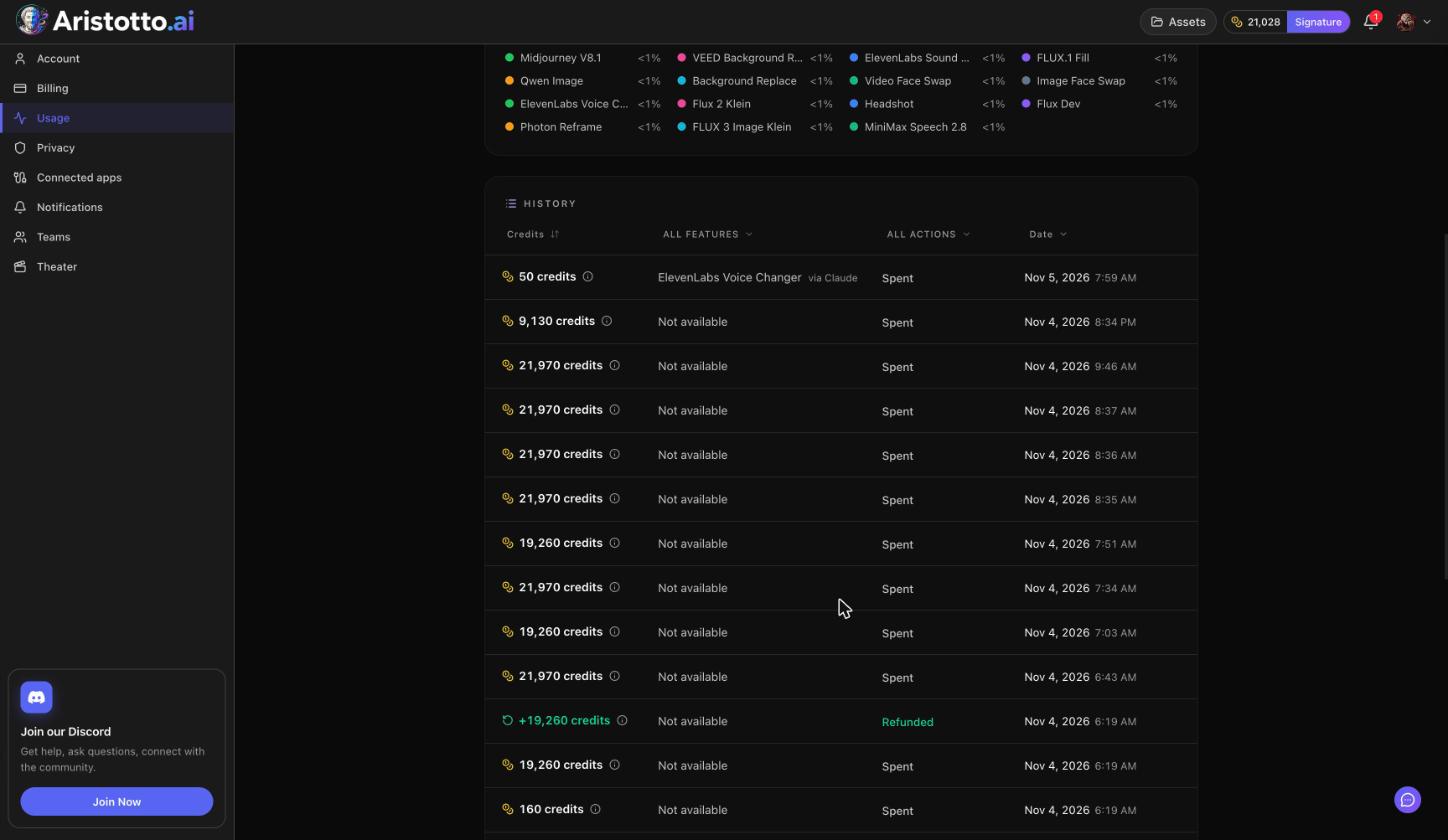
Usage shows your Usage history:
A spend overview.
A feature breakdown.
A History ledger you can filter by feature, action (Spent or Refunded) and date.
Failed, timed-out and partly failed runs are refunded automatically. Filter the ledger by Refunded to see those refunds. Teams also get a Team Usage button here.
Privacy
Sign-in Methods: the ways you sign in, for example Google.
Password: Set Password or Change Password.
Profile Visibility: the Public Profile switch. A private profile needs a paid plan.
Model Training Preferences: three switches (see the table).
Blocked users.
Sign Out Everywhere.
| Model Training Preferences | Default |
|---|---|
| Allow training on my public content | On |
| Allow training on my private content | Off |
| Allow training on my uploads | Off |
The other Settings pages
Connected apps: every app connected through MCP, with its permissions, a spending allowance and Disconnect.
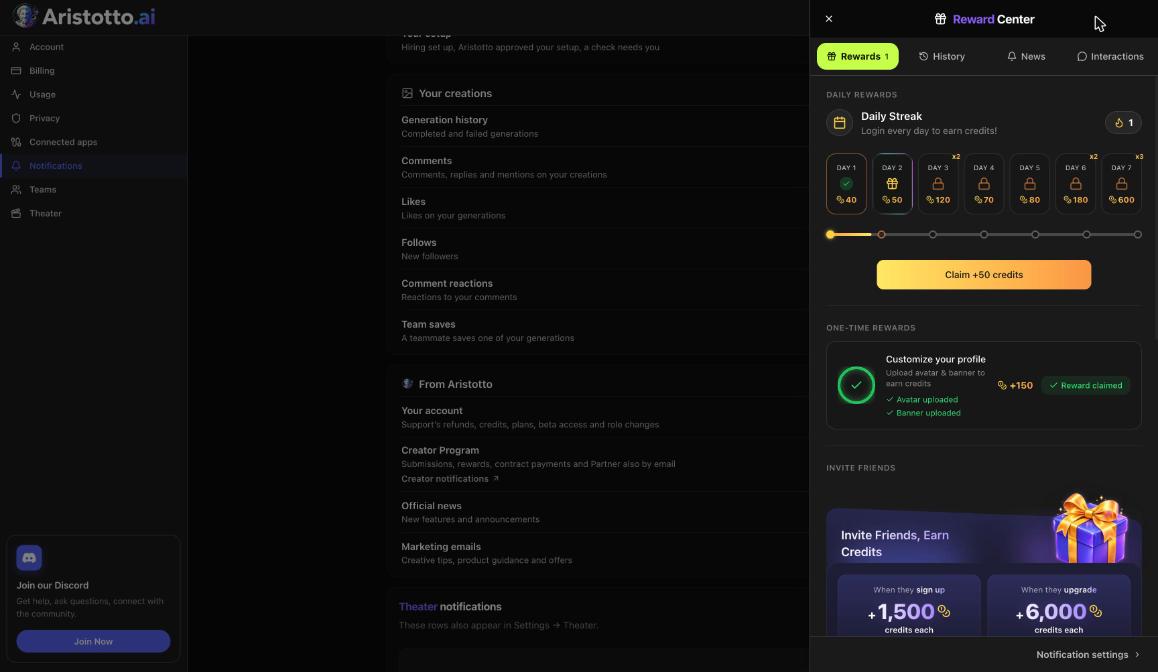
Notifications: each row has Bell and Email, and changes save instantly.
Teams: your teams, and Create team.
Theater (if invited): playback, auto-unlock spending, notifications and privacy.
Questions
How do I cancel my subscription?
Open Settings, Billing, Manage Billing, then Cancel Subscription in the Stripe portal. If you bought your plan in the App Store or Google Play, cancel it there.
Do I lose my purchased credits if I cancel?
No. Purchased credits never expire, including after you cancel a plan. Plan credits reset every billing month.
Why can't I delete my account?
Delete Account is blocked by an active paid plan, a team you own that still has members, or runs, exports and credit holds in progress. Clear those first.
Is my private work used to train AI?
Not by default. Allow training on my private content and Allow training on my uploads are both off by default. You change them in Settings, Privacy.
How do I sign out on all my devices?
Open Settings, Privacy and press Sign Out Everywhere.