Team Activity Log, Notifications and Usage: What Owners and Admins See
 by Aristotto3 min
Owners and admins get three views on a team: the Activity log, Team usage and the team notification settings. The Activity log records invites, joins, role and limit changes, seats, credit purchases and more, Team usage shows where the credits went and exports to CSV, and team notifications go to everyone on the team. Members see their own limit and receive the team notifications that owners and admins set.
Who sees what
| View | Owner | Admin | Member |
|---|---|---|---|
| Activity log | Yes | Yes | No |
| Team usage | Yes | Yes | No |
| Edit team notifications | Yes | Yes | No |
| Receive team notifications | Yes | Yes | Yes |
The Activity log
Open the Activity tab on the team page. It records:
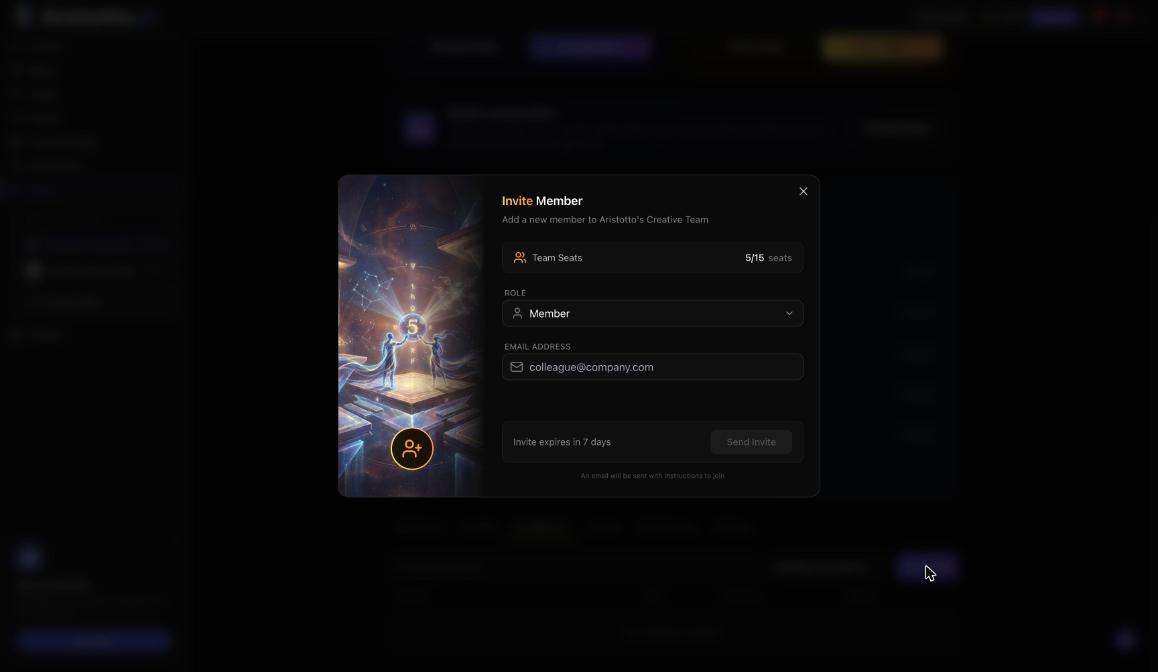
invites and joins, including joins through SSO
role, status and limit changes
removals and leaves
ownership changes
seat changes
credit purchases and renewals
agreement and SSO changes
Each entry has the columns Change, By, Credits and When. Use Search changes to find a single entry.
Team usage
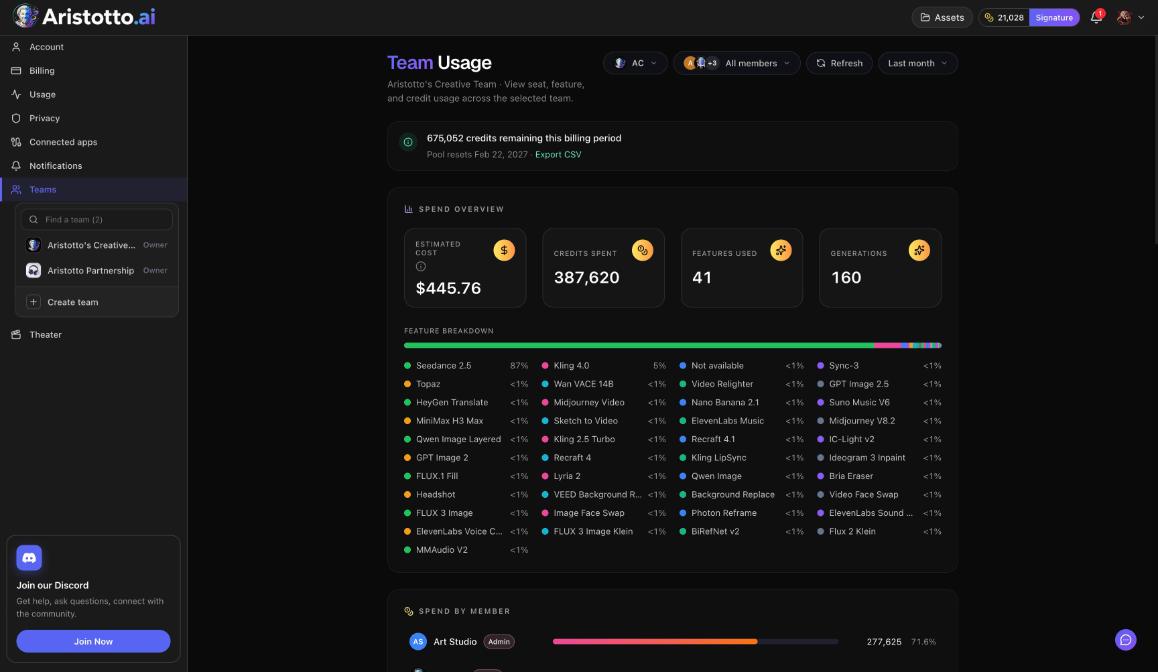
Open it from Team usage on the Team credits card, or from the Team Usage button in Settings, Usage. It shows:
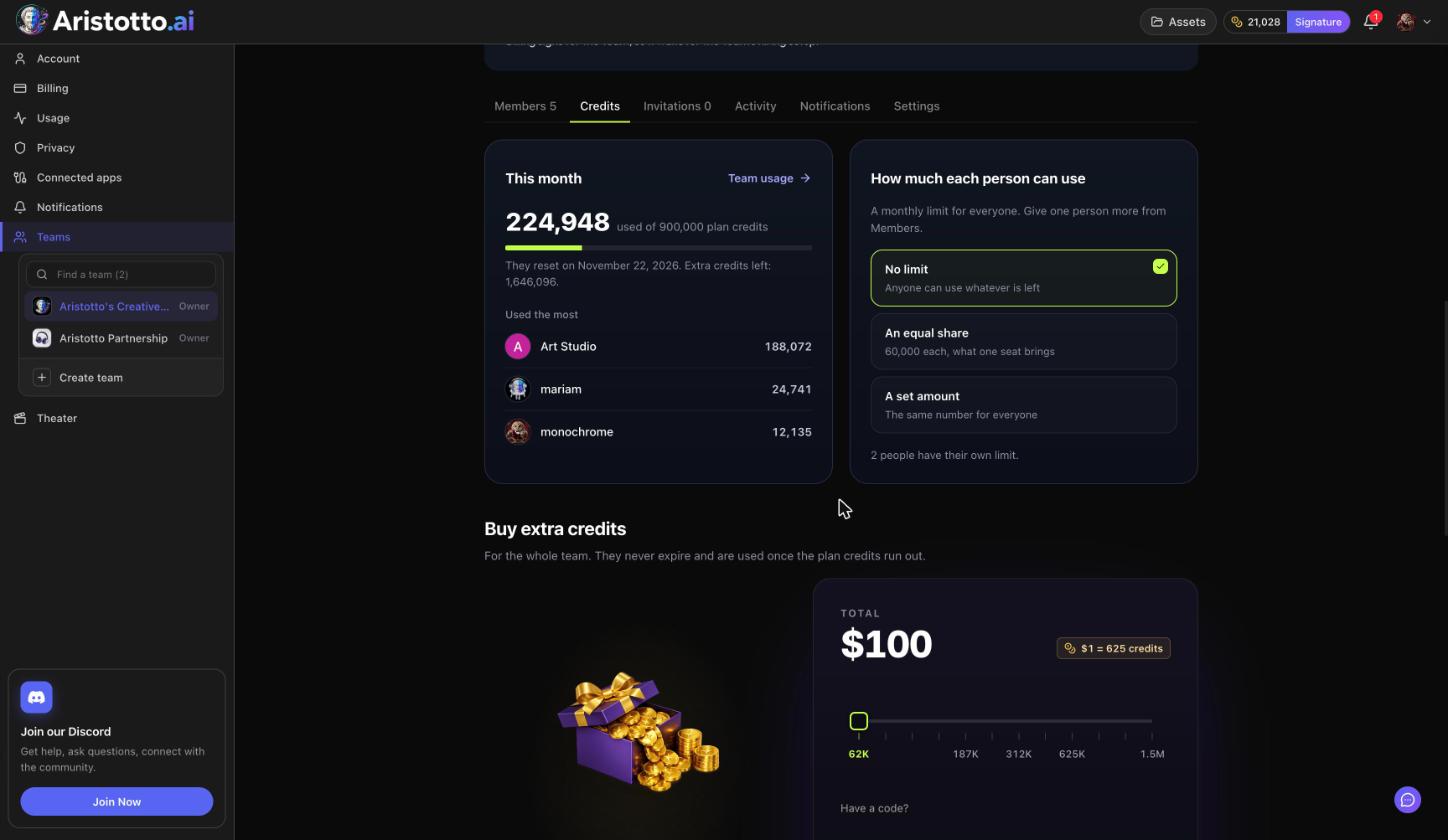
credits remaining this billing period and the pool reset date
a spend overview: estimated cost, credits spent, features used and generations
a feature breakdown
Spend by member
Filter by member and by period, then press Export CSV to download the data.
Team notifications
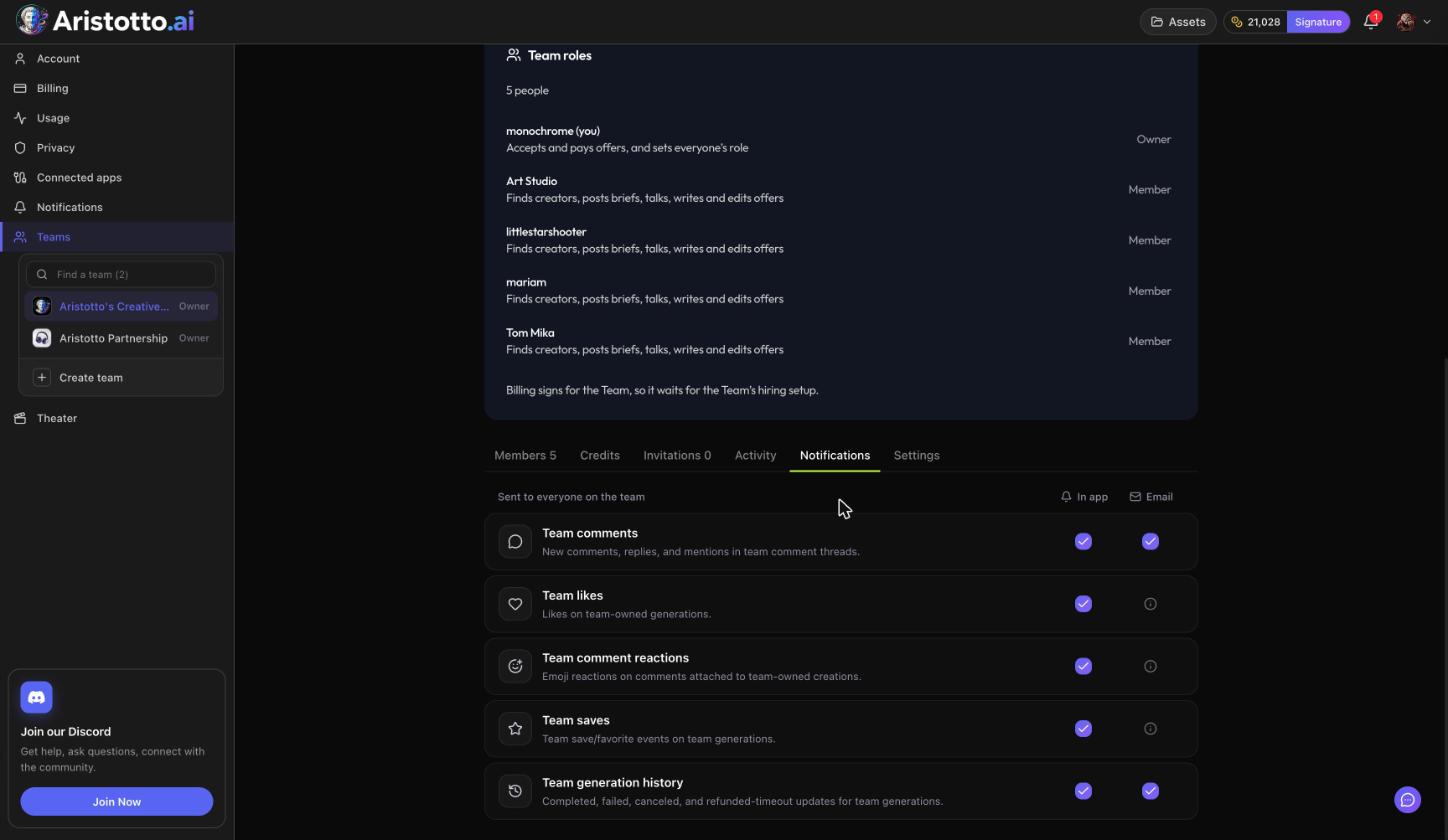
The Notifications tab on the team page lists what goes to everyone on the team. Owners and admins edit it.
Team comments (in app and email)
Team likes
Team comment reactions
Team saves
Team generation history (in app and email)
Team comments come from the comments on a generation's preview. Those are open to the generation's owner and team members, with reactions, mentions and GIFs.
Your own notification settings
Your personal choices live in Settings, Notifications. Each row has Bell and Email, and changes save instantly. Under Your creations you will find:
Generation history (completed and failed generations)
Comments (comments, replies and mentions)
Likes, Follows and Comment reactions (on the bell)
Team saves (on the bell)
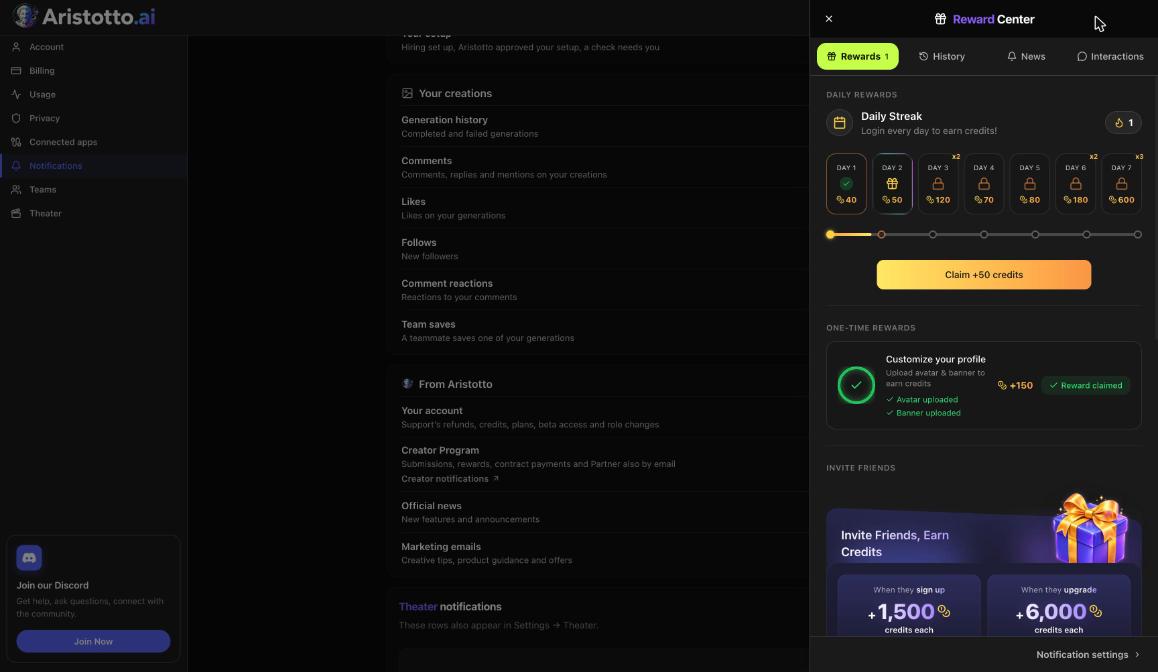
The bell in the header opens a drawer with the tabs Rewards, History, News and Interactions, and Notification settings at the bottom. History lists your runs as they finish or fail.
Questions
Can members see the Activity log?
No. The Activity log is for owners and admins.
Can I export team usage?
Yes. Team usage has Export CSV, and you can filter by member and period first.
Who receives team notifications?
Everyone on the team. Owners and admins edit which ones go out.
Does the Activity log show credit purchases?
Yes, along with renewals, seat changes and limit changes.
Where do I turn off email for my own notifications?
In Settings, Notifications. Each row has Bell and Email, and changes save instantly.