Team Seats, Ownership Transfer, Leaving and Closing a Team
 by Aristotto3 min
On an Aristotto team plan, the Owner controls seats, ownership and closing the team. Added seats are paid for today at a prorated amount, and removed seats come off at renewal. Ownership moves to another member from the team's Settings tab, anyone who is not the Owner can leave, and a team closes only once the other members are removed.
How seats work
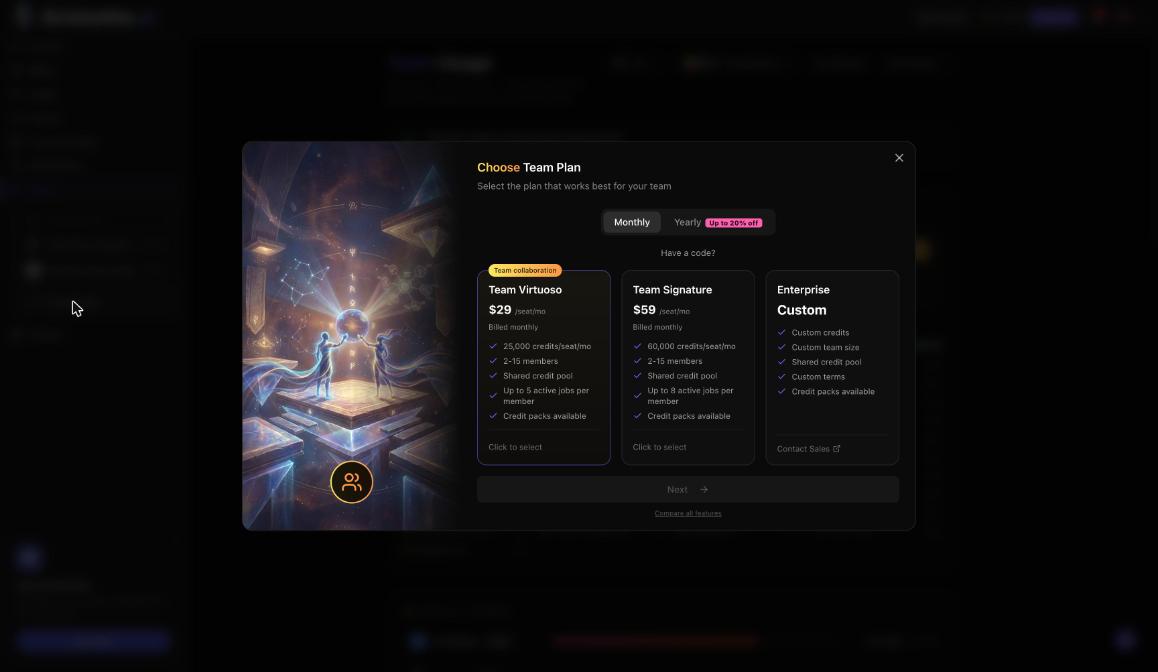
A team plan holds 2 to 15 members.
Each seat costs $29 a month on Team Virtuoso and $59 a month on Team Signature.
Each seat adds credits to the pool: 25,000 a month on Team Virtuoso, 60,000 on Team Signature.
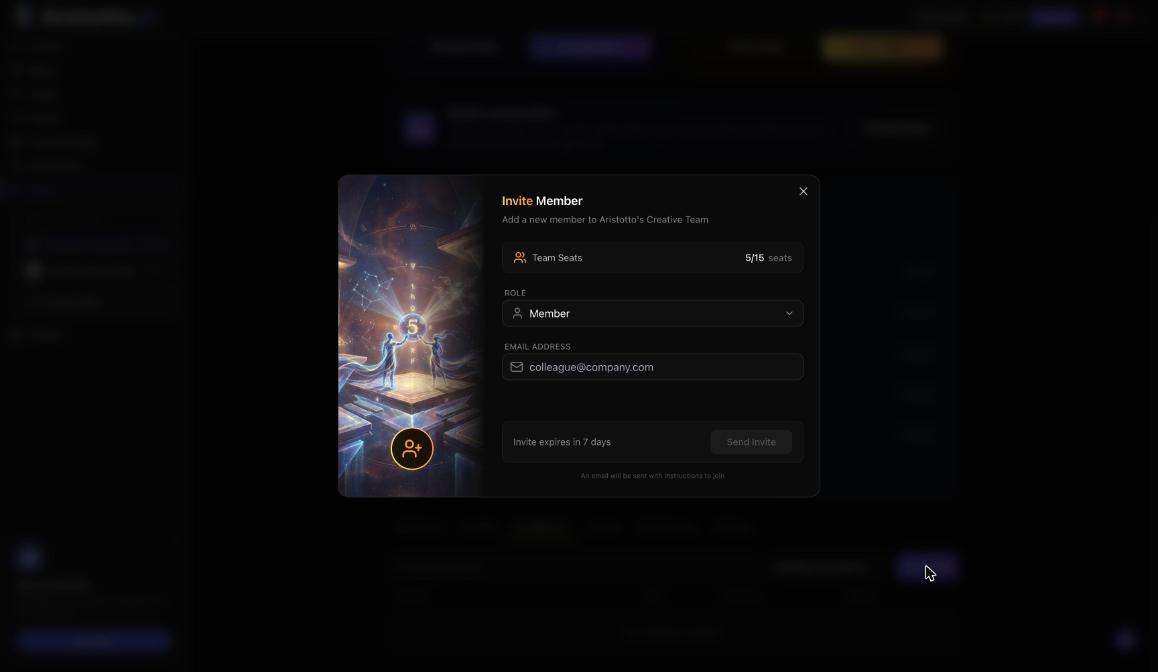
Every invite needs a free seat.
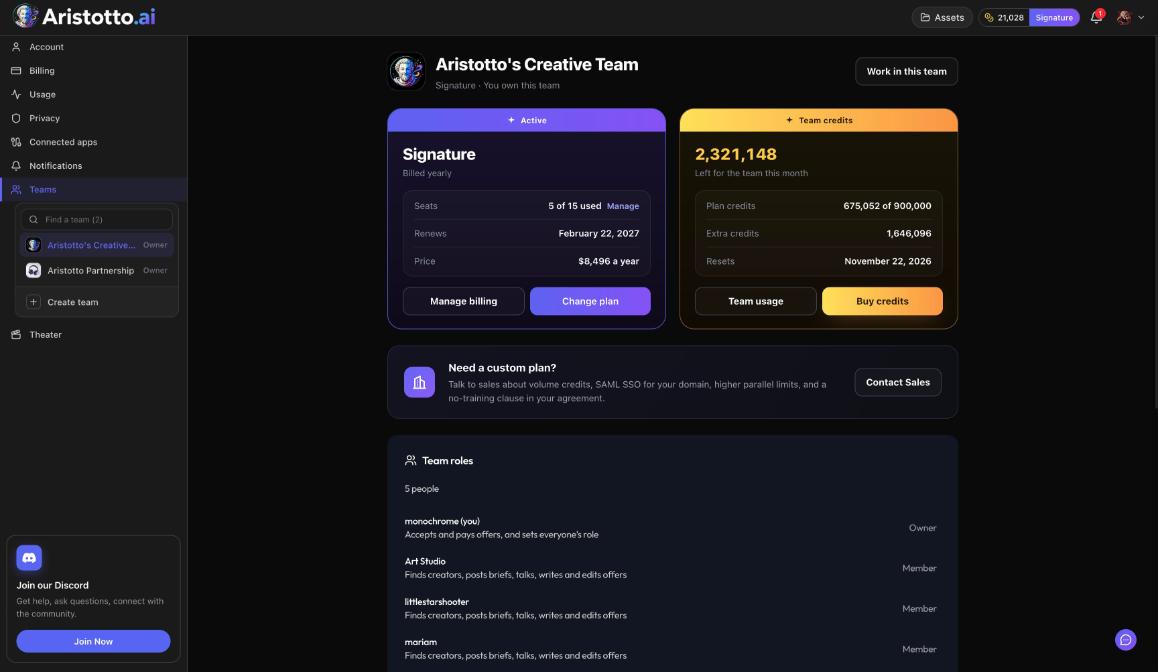
The plan card on the team page shows Seats used with Manage, plus Renews, Price, Manage billing and Change plan.
Add or remove seats
Open the team page.
On the plan card, press Manage next to Seats used.
To add seats, pay the prorated amount today.
To remove seats, take them off; they come off at renewal.
Only the Owner changes seats. Each seat change shows in the team's Activity log.
Transfer ownership
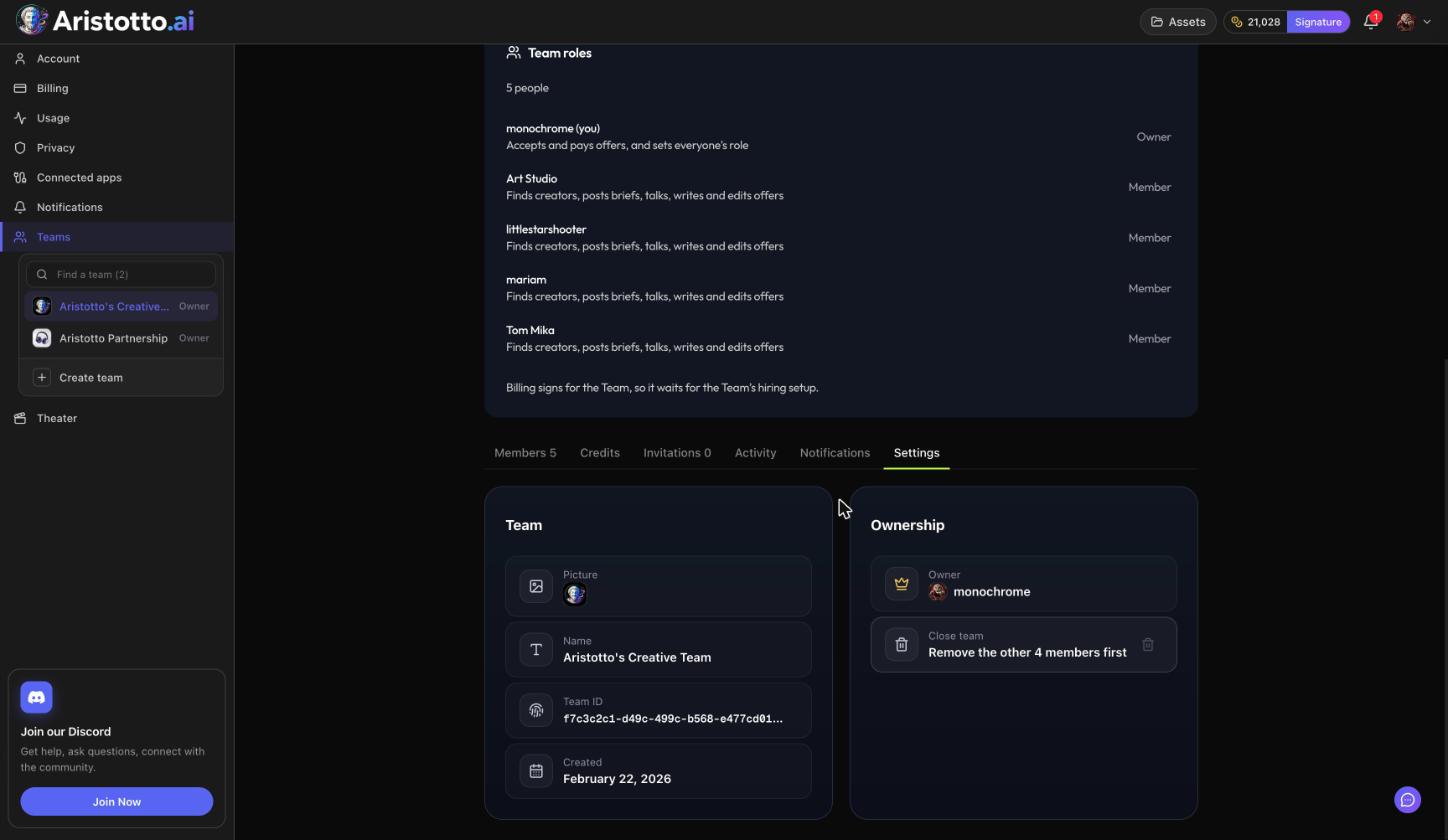
Open the team's Settings tab.
Under Ownership, choose to transfer ownership.
Pick the member who takes over.
Type the team name to confirm.
The new Owner takes over billing, seats, the plan, roles and closing the team. You become an Admin. The Activity log records the ownership change.
Leave a team
Leave team is on the Settings tab for everyone who is not the Owner. If you are the Owner and want to go, transfer ownership first. You become an Admin, and as a non-owner you can then leave.
Remove members
Owners and admins remove people from the Members tab with Remove, one at a time or with bulk actions. Pause and Resume sit next to Remove. The Activity log records every removal and every leave.
Close a team
Remove every other member from the Members tab.
Open the Settings tab and close the team.
Closing the team is owner only, and it works only once the other members are removed.
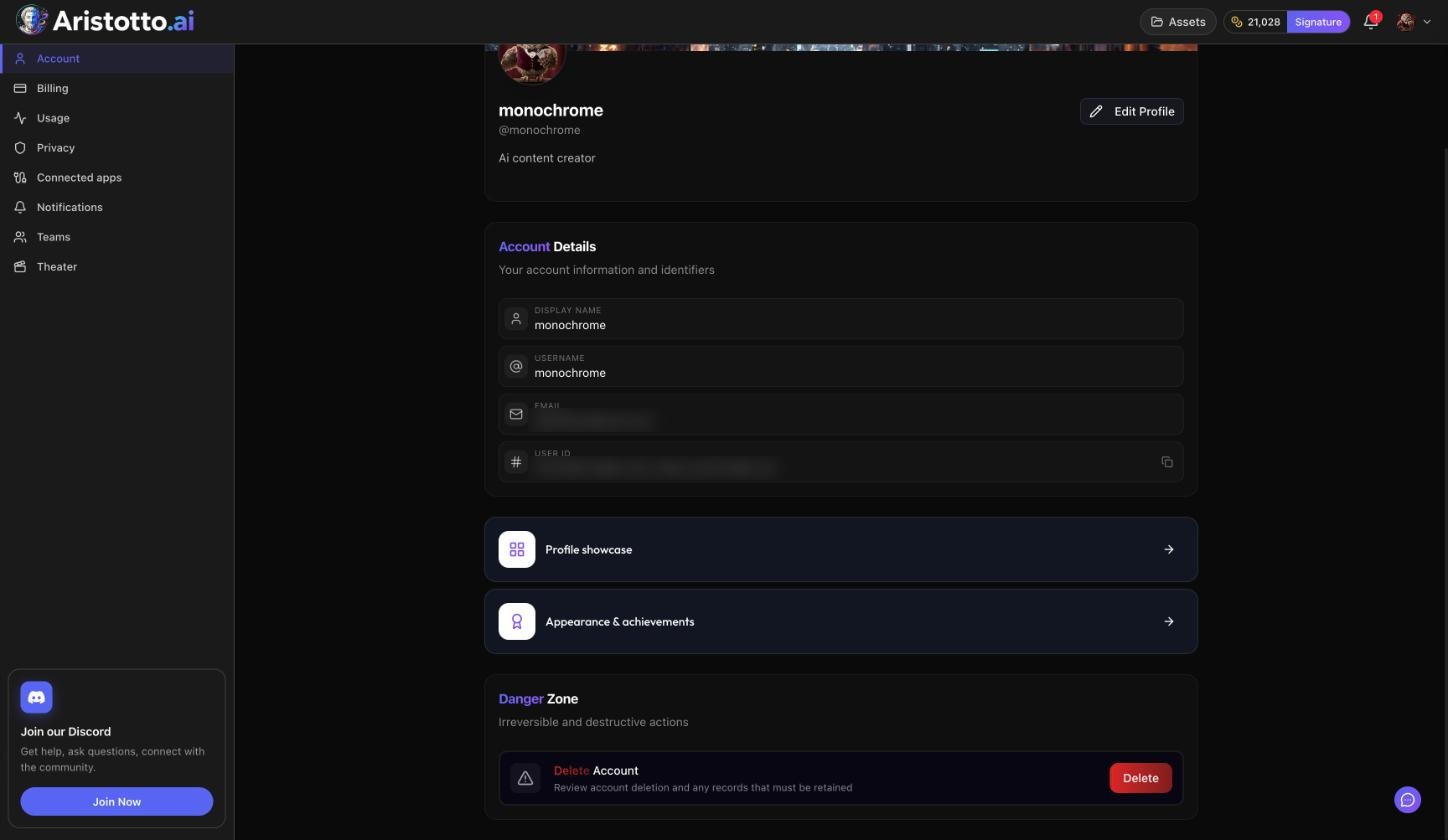
Delete Account in Settings, Account is blocked while you own a team that still has members. It is also blocked by an active paid plan, or by runs, exports and credit holds in progress.
The Settings tab at a glance
Team: picture, name, team ID and created date.
Ownership: transfer ownership by picking a member and typing the team name.
Close team for the Owner, once the other members are removed.
Leave team for everyone who is not the Owner.
Questions
Do I pay for a seat I add before renewal?
Yes. Adding a seat charges a prorated amount today.
When does a removed seat stop costing me?
At renewal. Removed seats come off then.
What happens to me after I transfer ownership?
You become an Admin on the same team.
Can I close a team that still has members?
No. Remove the other members first, then close the team.
Why can't I delete my account?
Delete Account is blocked by an active paid plan, a team you own that still has members, or runs, exports and credit holds in progress.