How to Get Help on Aristotto: Help Center, Feedback, Discord and Email
 by Aristotto3 min
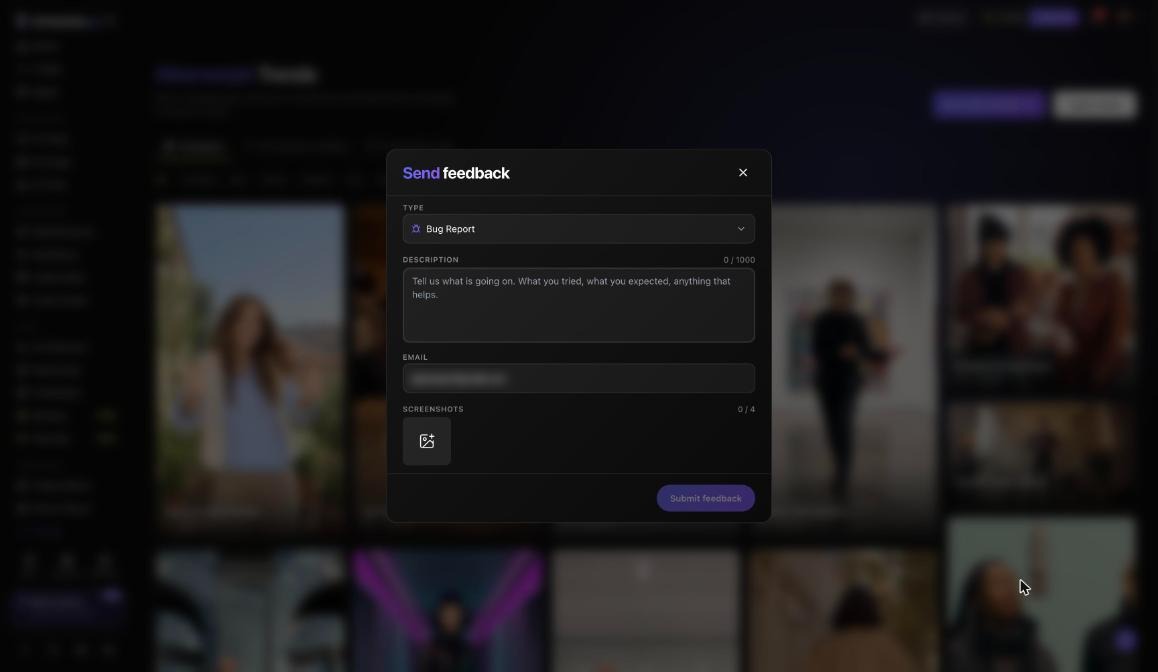
Aristotto has five places to get help: the Help Center, the FAQ, Send feedback, Discord and the support email, support@aristotto.ai. Start with a search in the Help Center. For a bug, a billing question or an account problem, press the chat bubble at the bottom right of the page on desktop, choose Send feedback, and you get a ticket number.
Help Center and FAQ
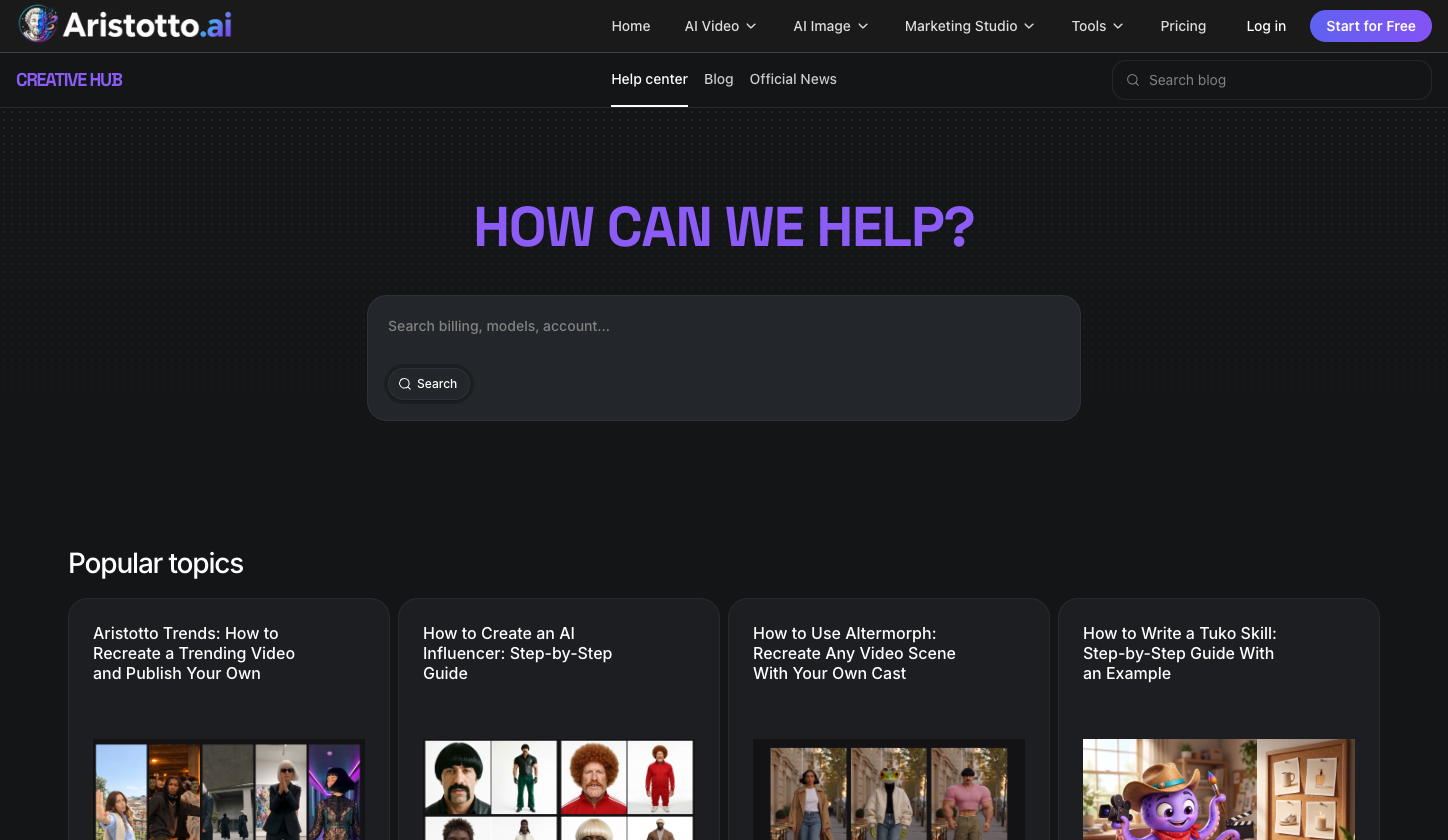
The Help Center lives at aristotto.ai/creative-hub/help-center.
Search: type your question into How can we help?.
Popular topics: for example Aristotto Trends: How to Recreate a Trending Video and Publish Your Own; How to Create an AI Influencer: Step-by-Step Guide; How to Use Altermorph; and How to Write a Tuko Skill.
Blog and Official News sit next to it.
The FAQ at aristotto.ai/faq answers questions such as What is Aristotto? and Which AI models are available on Aristotto?.
How to send feedback
Press the chat bubble at the bottom right (desktop).
Press Send feedback.
Pick a Type: Bug Report, Feature Request, Content or Moderation, Credits and Billing, Account and Privacy, Generation Quality, or Other.
Write a Description of up to 1,000 characters.
Add your Email.
Add up to 4 Screenshots.
Press Submit feedback.
You get a ticket number. Keep it if you follow up.
Check these before you write in
Some answers are already in your account:
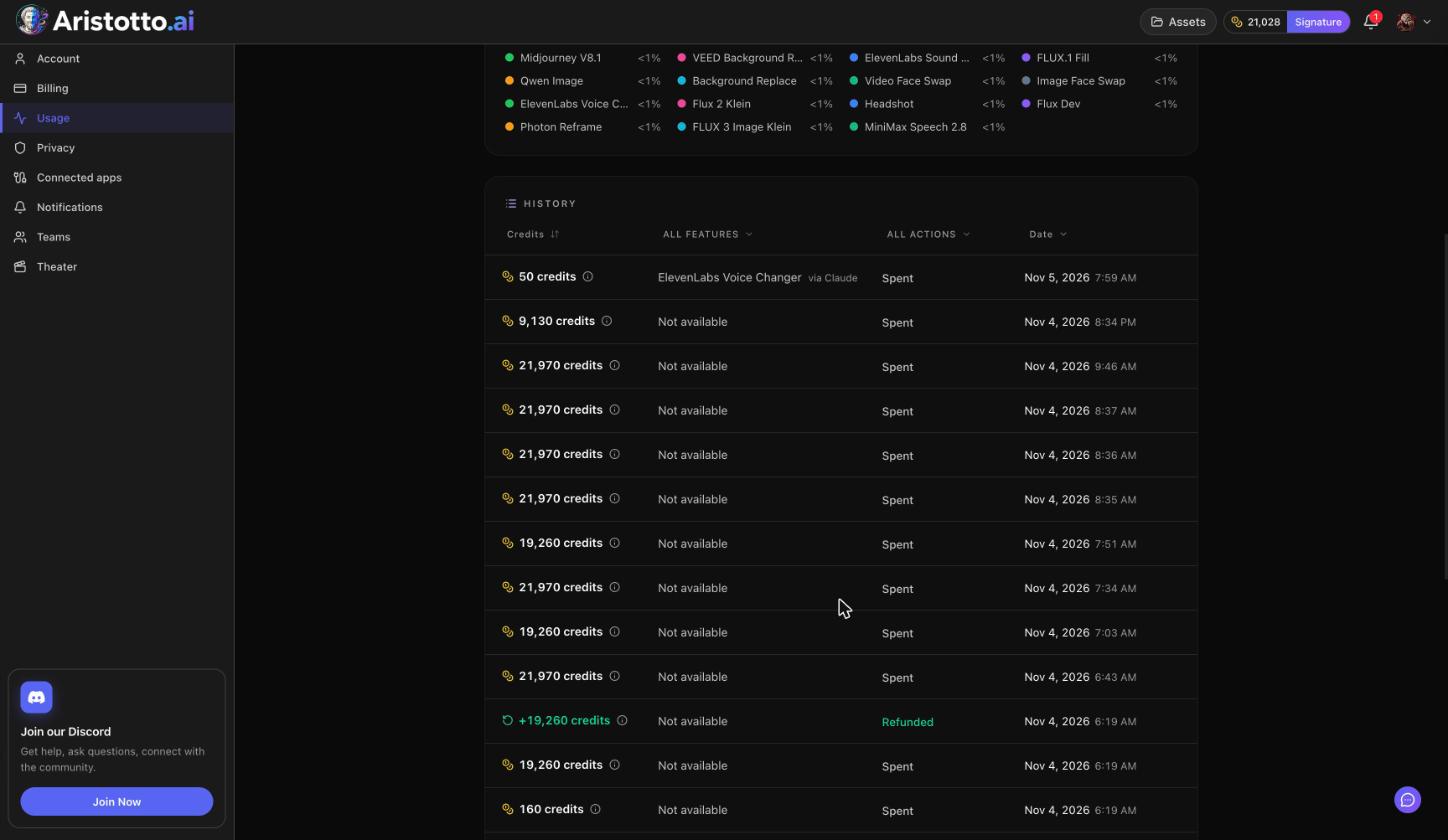
A run failed or timed out. Failed, timed-out and partly failed runs are refunded automatically. Open Settings, Usage and filter the History ledger by Refunded to see the refund.
You want to cancel a run. You can cancel a run only while it is still queued. Once it has started, it runs to the end.
You cancelled your plan. Purchased credits never expire, including after you cancel.
Your plan came from the App Store or Google Play. Manage it there.
Discord and email
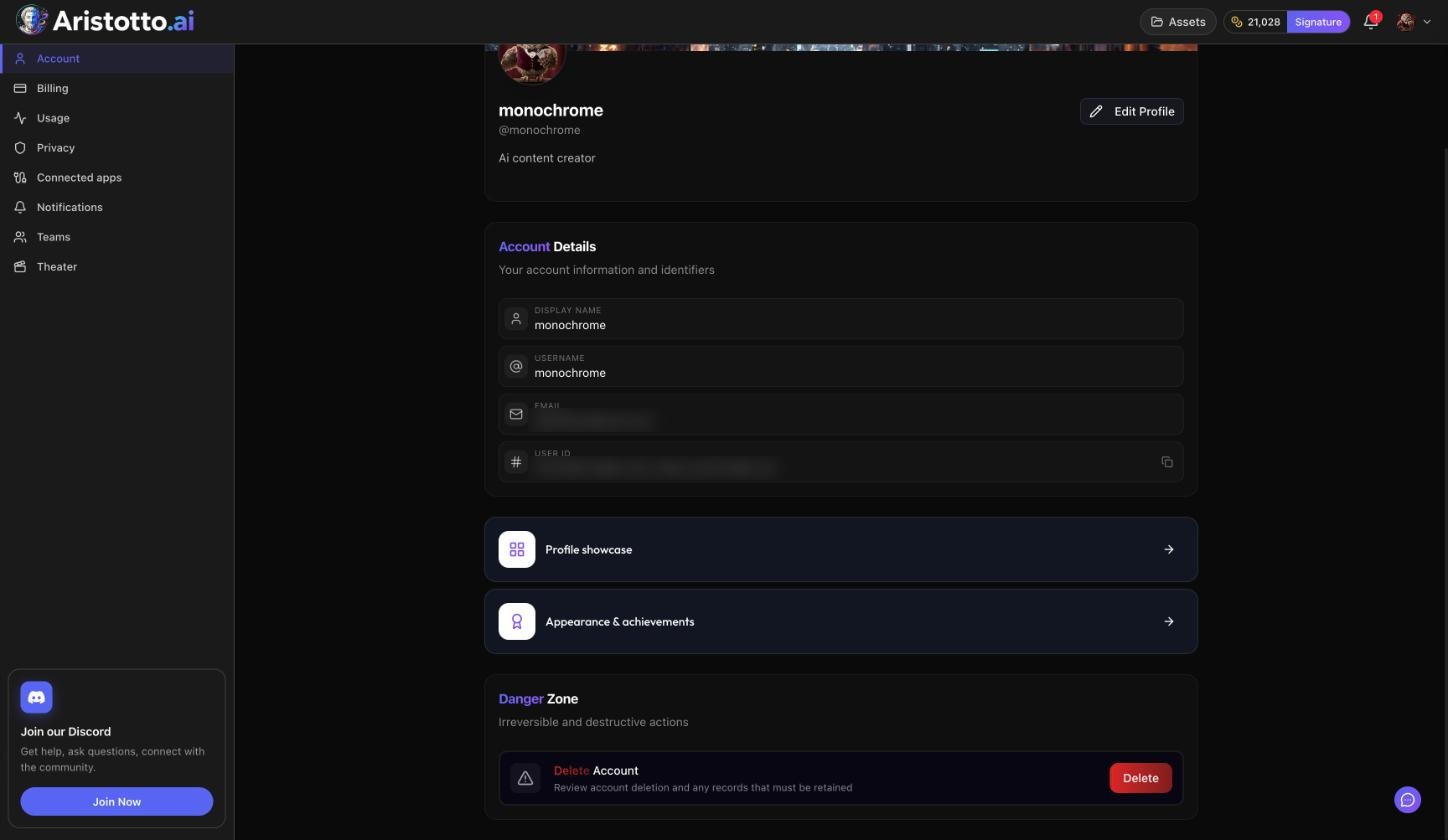
Discord: press Join Discord in the chat bubble, or Join Our Community in the account menu. The server is at discord.gg/aristotto.
Email: support@aristotto.ai, also listed in the chat bubble.
Enterprise sales: for a company plan, email sales@aristotto.com.
If your account is held, suspended or banned
Held sign-up. A fraud check can hold a new sign-up for review. The message points you to support.
Suspended or banned account. You see a blocking screen. You can appeal at aristotto.ai/appeal:
Answer Why are you appealing?.
Add a contact email if you want (optional).
Press Submit appeal.
You see Appeal received.
You get one appeal per enforcement action.
Questions
Do I need to ask for a refund when a run fails?
No. Failed, timed-out and partly failed runs are refunded automatically. You see them as Refunded in Settings, Usage.
Where do I report a bug?
Press the chat bubble, choose Send feedback and pick Bug Report as the Type. You get a ticket number.
How many screenshots can I attach?
Up to 4, with a description of up to 1,000 characters.
Can I appeal more than once?
You get one appeal per enforcement action, at aristotto.ai/appeal.
Is there a support email?
Yes, support@aristotto.ai. It is also listed in the chat bubble.