Your First Hour on Aristotto: Sign Up, Find Your Way and Make Something
 by Aristotto5 min
In one sitting you can create an account and make your first image. Sign up, verify your email, claim your free daily credits, open Create, write a prompt and press Generate. The Base plan costs nothing, and every run shows its price before you start.
This guide walks through sign-up at aristotto.ai/signup, the left rail and header, free credits in the Reward Center, a first image in the workspace, where results are saved, and what to check when something goes wrong.
How do you create an account?
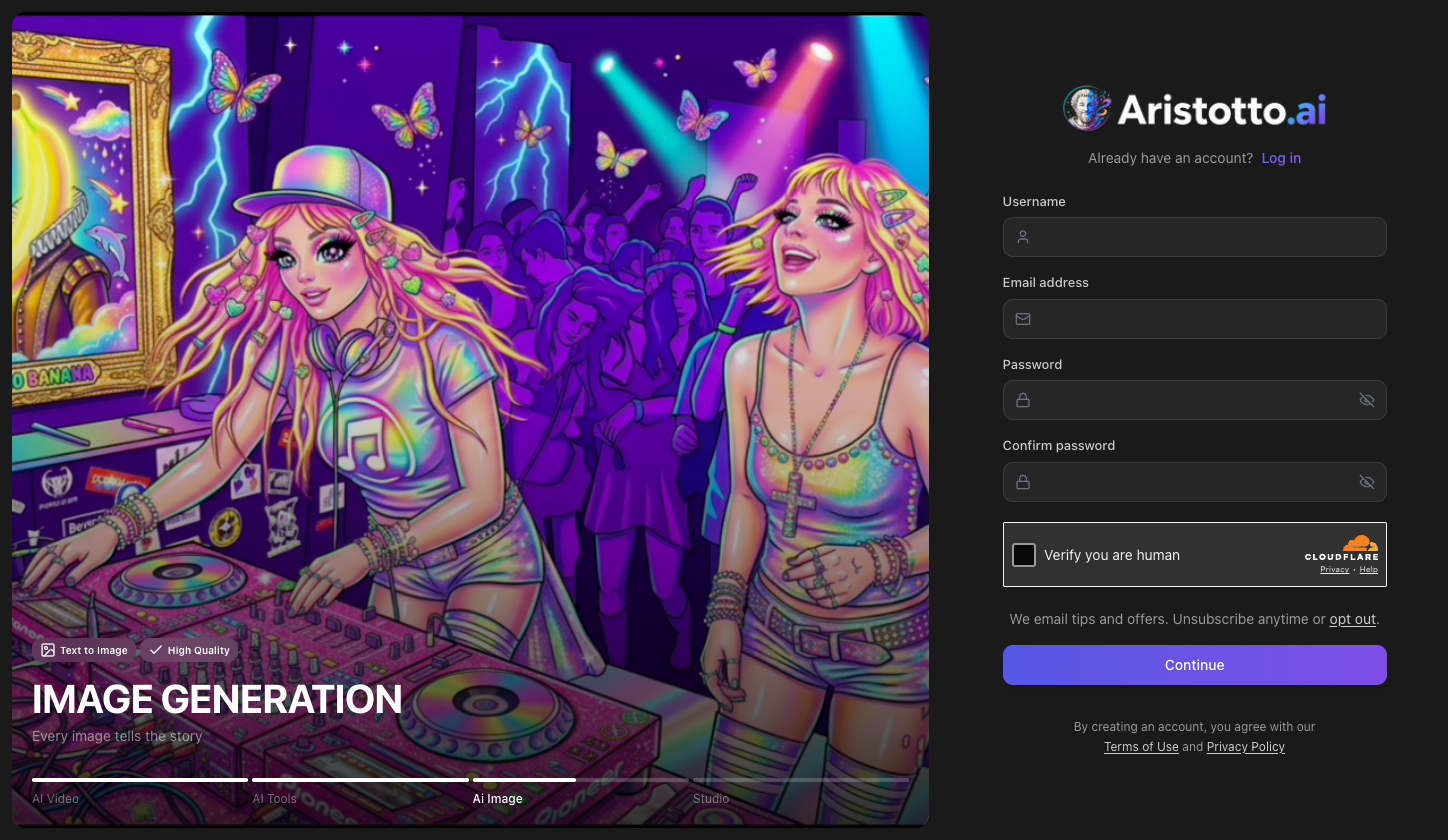
Go to aristotto.ai/signup, or press Start for Free on aristotto.ai.
Enter a username, your email address, a password and the same password again in confirm password.
Choose whether we email you tips and offers. In most countries this is an opt-out line; in some it is an unticked box.
Complete the security check (Verify you are human), then press Continue.
A Check your email screen names the address we wrote to. Verify the account by opening the link in that email.
Would you rather not make a password? On the login page, Continue with Google, Continue with Discord and Continue with Microsoft sign you in, and each one creates a new account if you do not have one yet.
Where do you find things once you are in?
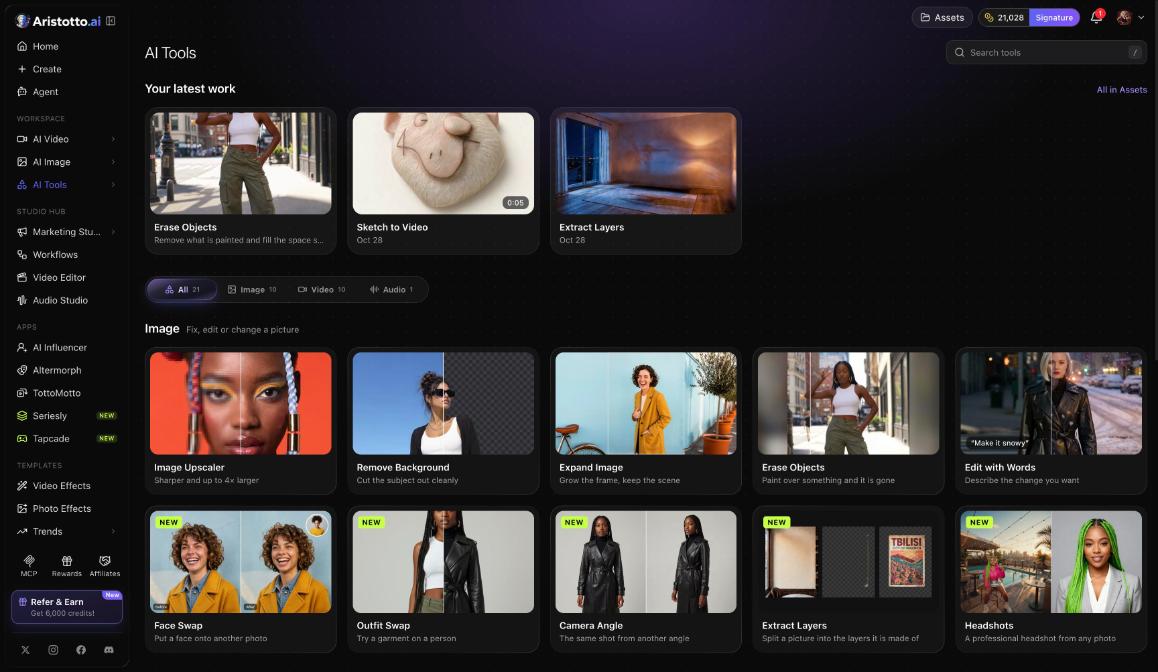
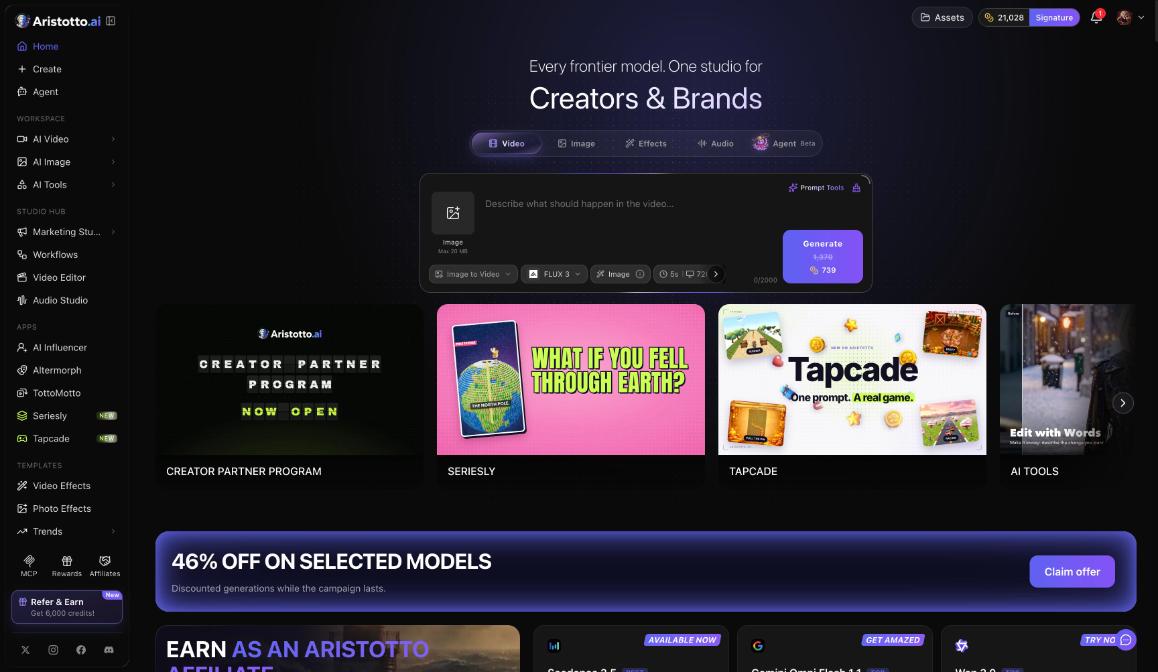
The left rail holds the tools and apps. The header across the top shows Assets, your plan and balance, the bell and your account menu.
| Rail area | What it holds |
|---|---|
| Top | Home, Create, Agent |
| Workspace | AI Video, AI Image, AI Tools |
| Studio Hub | Marketing Studio, Workflows, Video Editor, Audio Studio |
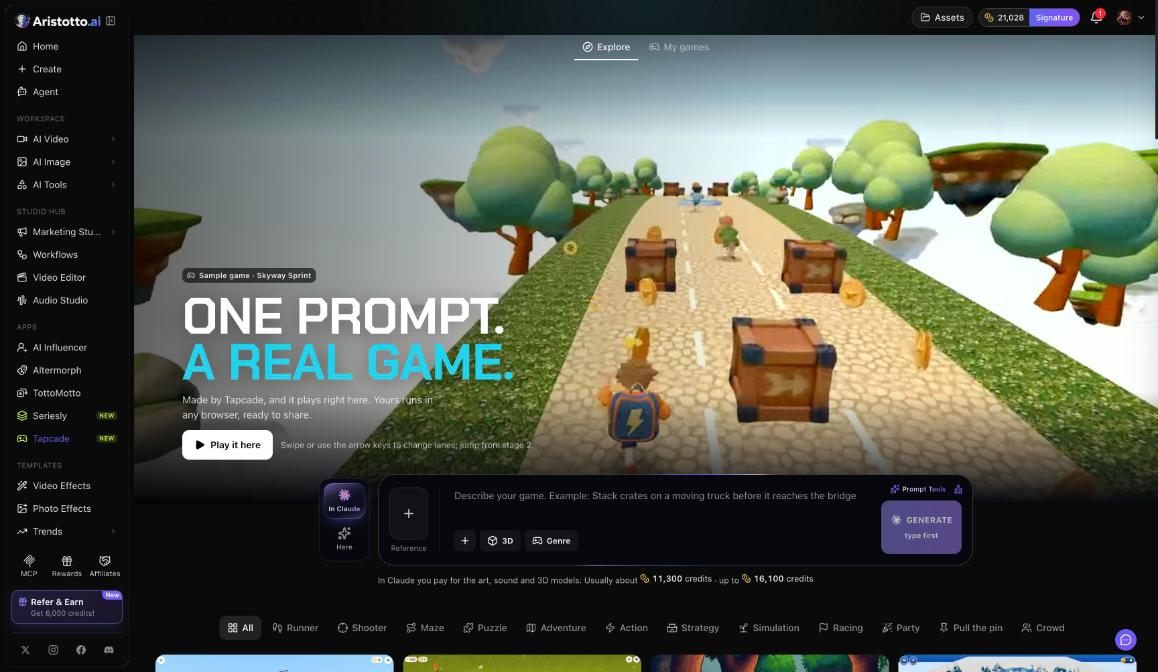
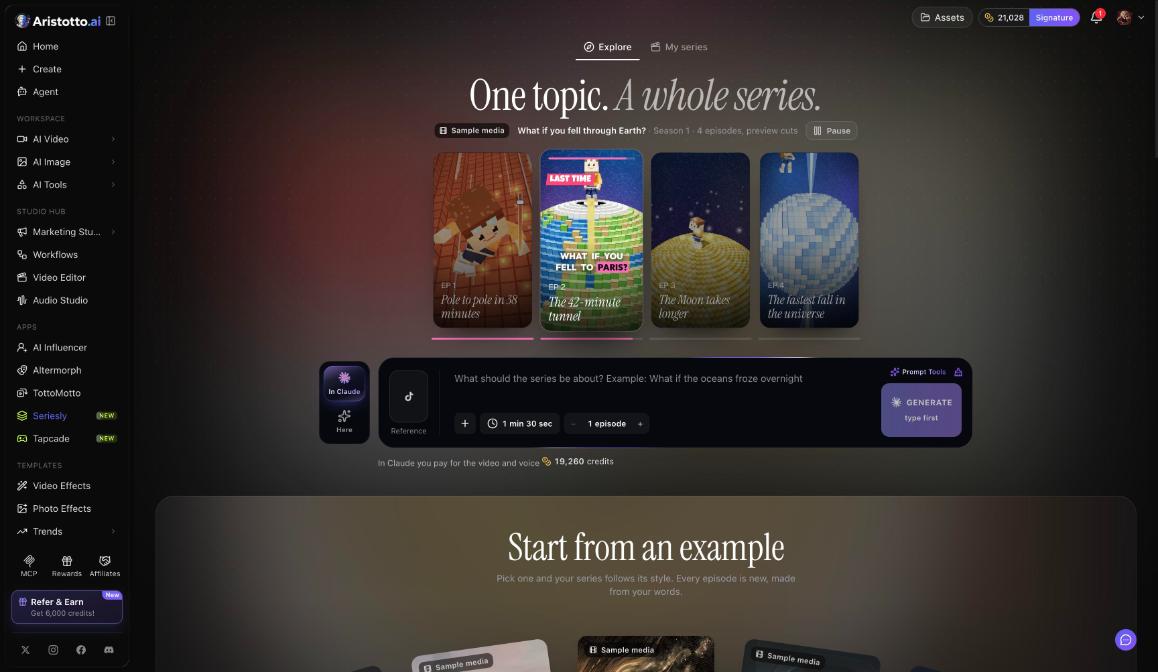
| Apps | AI Influencer, Altermorph, TottoMotto, Seriesly, Tapcade |
| Templates | Video Effects, Photo Effects, Trends, Audio Library |
| Community | Community, Contests |
| Footer tiles | MCP, Rewards, Affiliates |
The header shows Upgrade (when a higher plan is available), Assets, your credits balance with your plan name, the bell and your avatar. Your avatar opens the account menu, which has View Profile, Manage Account, Pricing, Reward Center, Refer a Friend and Logout.
How do you get credits without paying?
The Base plan includes 0 credits a month, so your first credits come from the Reward Center. Open it with Rewards in the rail, from the bell, or at aristotto.ai/reward-center.
Daily Streak: log in every day and claim. Day 1 gives 40 credits, day 2 gives 50, day 3 gives 120, day 4 gives 70, day 5 gives 80, day 6 gives 180 and day 7 gives 600.
Customize your profile: upload an avatar and a banner for a one-time 150 credits.
Invite Friends: 1,500 credits for each friend who signs up, and 6,000 credits for each one who upgrades.
Base accounts can also buy credit packs when they need more right away.
Example: how do you make your first image?
Claim today's Daily Streak reward in the Reward Center.
Open the workspace with Create in the left rail.
Pick the Image tab on the far left.
Read the top card to see which model is set. Press Swap if you want a different one.
Write your prompt in the bar at the bottom, for example: a red bicycle leaning on a blue wall at sunset. Prompt Tools can help you shape it.
Read the price on the Generate button and compare it with the balance in the header.
Press Generate.
Open My Generations and pick the Images tab to see the result. It is also saved in Assets.
Where are your results, and who can see them?
Everything you make is saved in My Generations (tabs All, Images, Videos, Audios) and in Assets, which you open from the header. Outputs are private by default. To make one public, use the preview, the result row, Assets (several at once) or your profile. The same places switch it back to private.
What should you check when something does not work?
No verification email: the Check your email screen has Resend. Make sure the address it names is the one you meant.
Your sign-up is held for review: a fraud check can hold a new sign-up. The on-screen message points you to support.
You forgot your password: press Forgot your password? on the login page.
The price is higher than your balance: claim your Daily Streak, buy a credit pack, or pick a plan from Pricing in the account menu.
A run failed: failed, timed-out and partly failed runs are refunded automatically. The History tab in the bell lists your runs as they finish or fail.
You see a blocking screen: this means the account is suspended or banned. Send one appeal per enforcement action at aristotto.ai/appeal.
Still stuck? The chat bubble at the bottom right on desktop has Send feedback, Join Discord and support@aristotto.ai.
Questions
Is Aristotto free to use?
Yes. The Base plan is free and gives you daily reward credits that renew every morning. At the time of writing, paid plans start with Atelier at $9 a month for 8,000 credits.
Can I use Google instead of making a password?
Yes. Continue with Google, Continue with Discord and Continue with Microsoft log you in, and they create a new account if you have none.
Who can see what I make?
Every output is private by default until you make it public.
Can I cancel a run I started by mistake?
Only while it is still queued. Once a run has started, it runs to the end.